# The Table Widget
The `table` widget displays structured data in rows and columns with support for selection, scrolling, and custom styling. It's ideal for data grids, process monitors, file listings, and any tabular data display.
## Interface
```graphix
type Cell = {
content: Line,
style: [Style, null]
};
val cell: fn(
?#style: [Style, null],
Line
) -> Cell;
type Row = {
bottom_margin: [i64, null],
cells: Array<Cell>,
height: [i64, null],
style: [Style, null],
top_margin: [i64, null]
};
val row: fn(
?#bottom_margin: [i64, null],
?#height: [i64, null],
?#style: [Style, null],
?#top_margin: [i64, null],
Array<Cell>
) -> Row;
val table: fn(
?#cell_highlight_style: &[Style, null],
?#column_highlight_style: &[Style, null],
?#column_spacing: &[i64, null],
?#flex: &[Flex, null],
?#footer: &[Row, null],
?#header: &[Row, null],
?#highlight_spacing: &[HighlightSpacing, null],
?#highlight_symbol: &[string, null],
?#row_highlight_style: &[Style, null],
?#selected: &[i64, null],
?#selected_cell: &[{x: i64, y: i64}, null],
?#selected_column: &[i64, null],
?#style: &[Style, null],
?#widths: &[Array<Constraint>, null],
&Array<&Row>
) -> Tui;
```
## Parameters
- **header** - Row object for the table header
- **selected** - Index of the currently selected row
- **row_highlight_style** - Style for the selected row
- **highlight_symbol** - String before selected row
- **highlight_spacing** - When to show highlight symbol: `Always`, `WhenSelected`, `Never`
- **widths** - Array of column width constraints
- **column_spacing** - Number of spaces between columns
- **style** - Base style for the table
## Examples
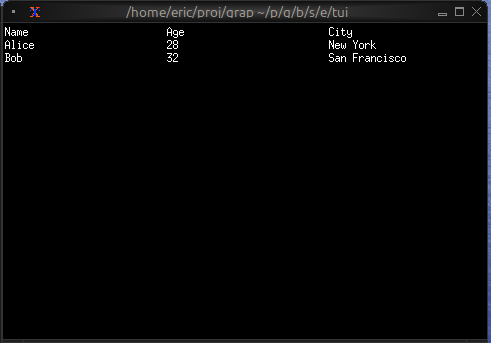
### Basic Usage
```graphix
{{#include ../../examples/tui/table_basic.gx}}
```
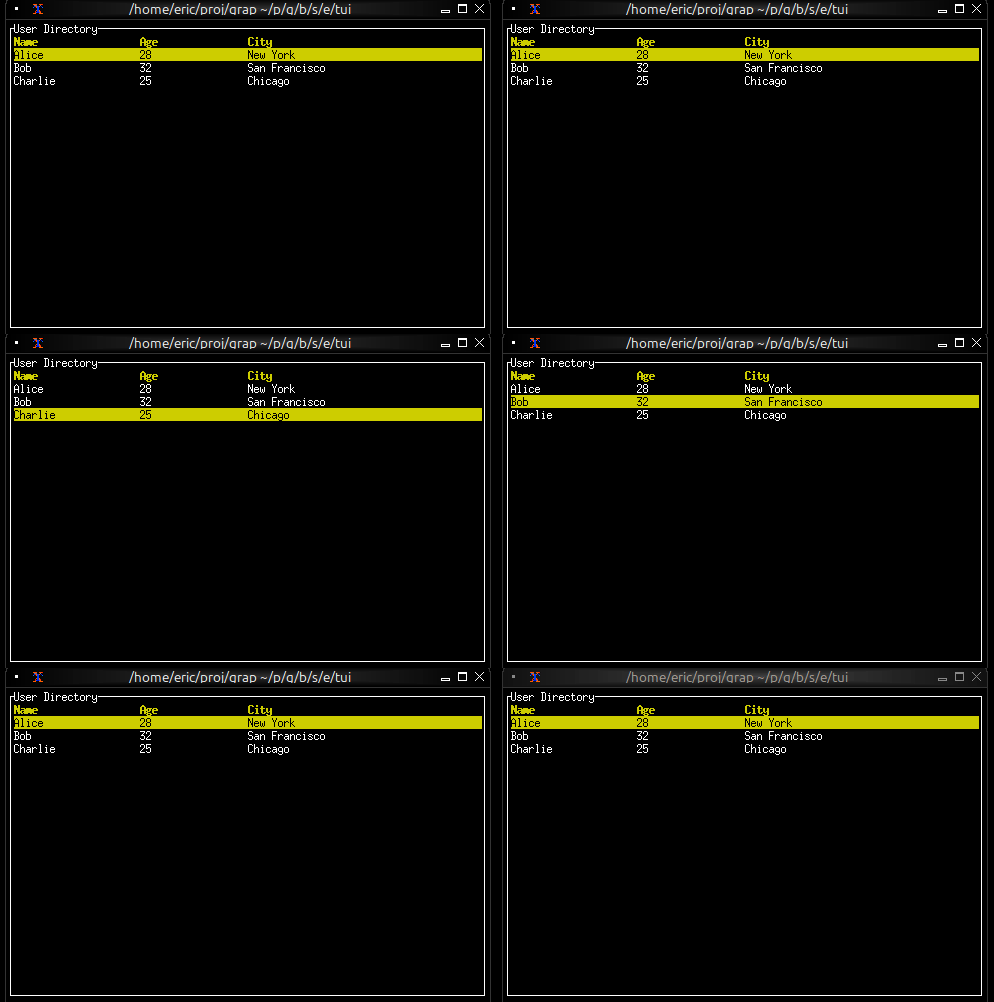
### Interactive Table
```graphix
{{#include ../../examples/tui/table_interactive.gx}}
```
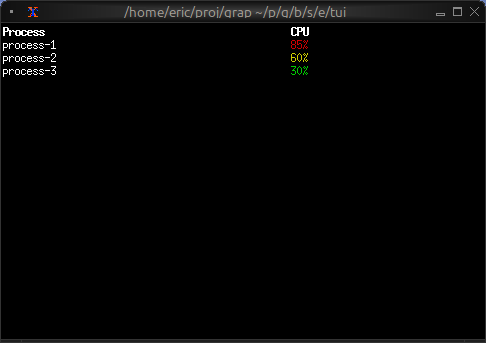
### Conditional Cell Styling
```graphix
{{#include ../../examples/tui/table_styled_cells.gx}}
```
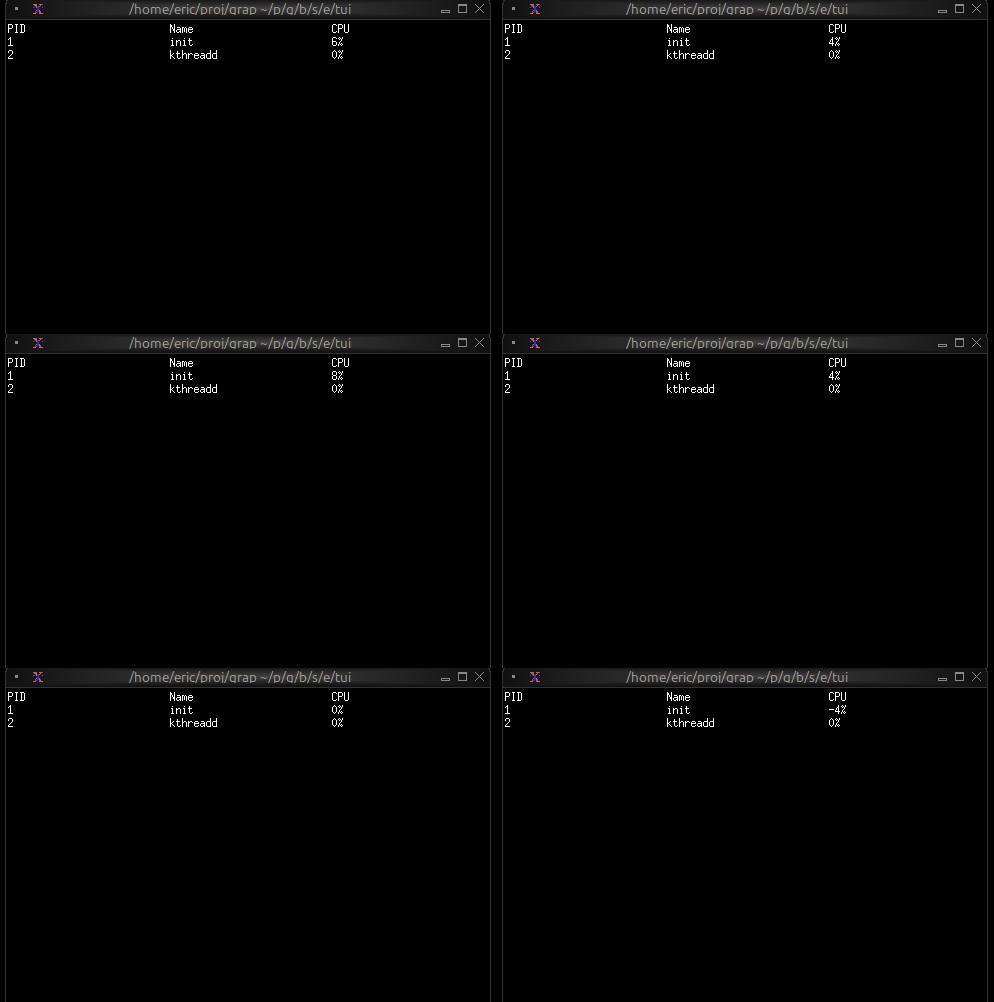
### Real-time Updates
```graphix
{{#include ../../examples/tui/table_realtime.gx}}
```
## See Also
- [list](list.md) - For simpler single-column selection
- [scrollbar](scroll.md) - For adding scrollbars
- [block](block.md) - For containing tables with borders