# The Scrollbar Widget
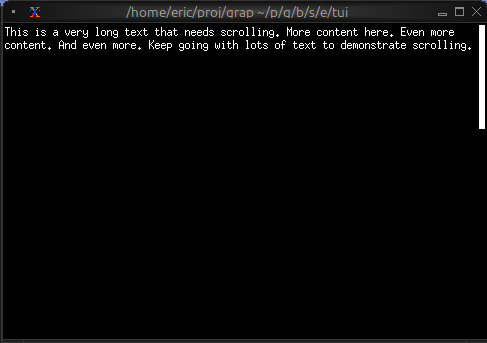
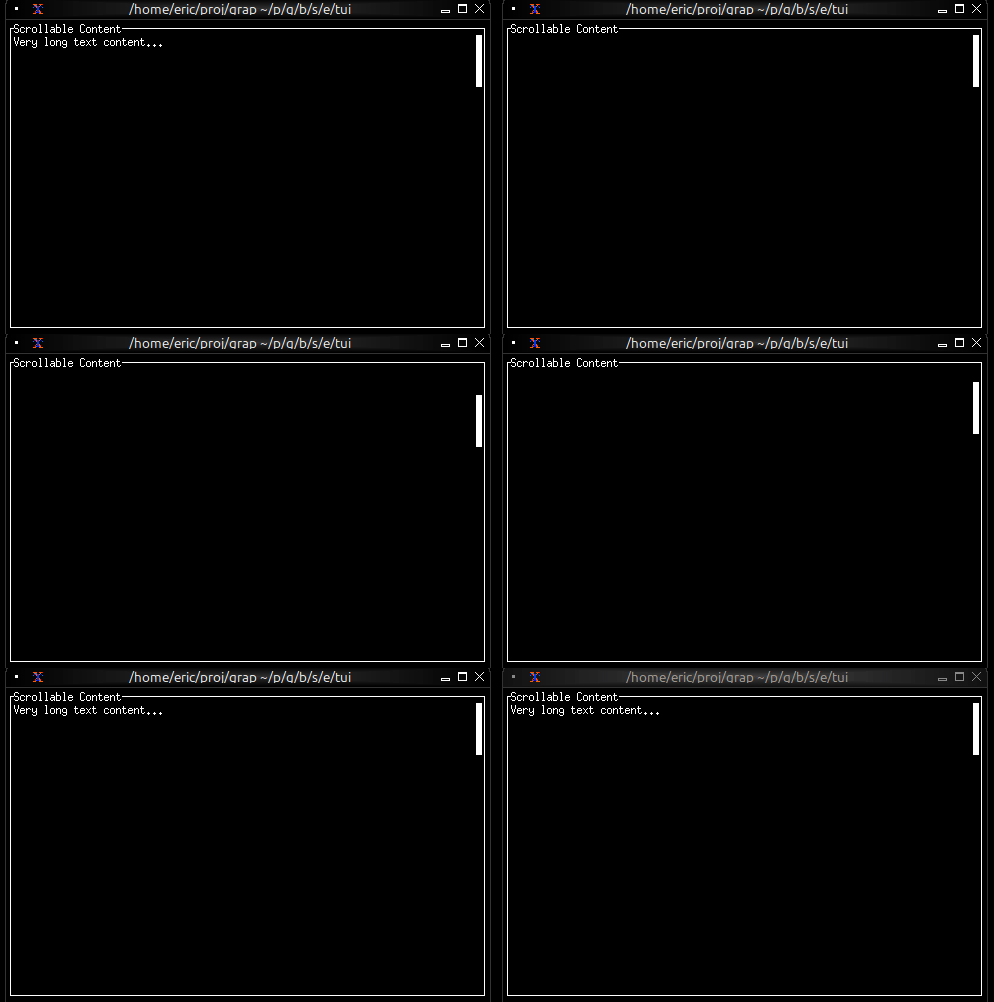
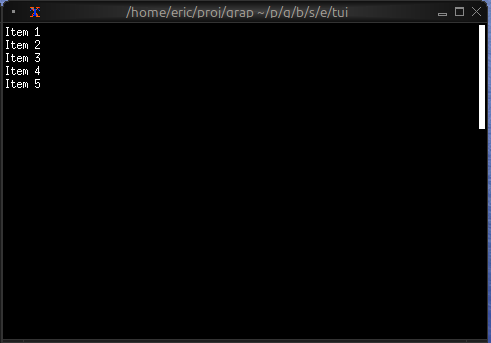
The `scrollbar` widget adds a visual scrollbar indicator to scrollable content, making it clear when content extends beyond the visible area and showing the current scroll position.
## Interface
```graphix
type ScrollbarOrientation = [
`VerticalRight,
`VerticalLeft,
`HorizontalBottom,
`HorizontalTop
];
val scrollbar: fn(
?#begin_style: &[Style, null],
?#begin_symbol: &[string, null],
?#content_length: &[i64, null],
?#end_style: &[Style, null],
?#end_symbol: &[string, null],
?#orientation: &[ScrollbarOrientation, null],
?#position: &[i64, null],
?#size: &[Size, null],
?#style: &[Style, null],
?#thumb_style: &[Style, null],
?#thumb_symbol: &[string, null],
?#track_style: &[Style, null],
?#track_symbol: &[string, null],
?#viewport_length: &[i64, null],
&Tui
) -> Tui;
```
## Parameters
- **position** (required) - Current scroll position (typically the Y offset)
- **content_length** - Total length of the content (auto-detected if not specified)
- **size** (output) - Rendered size of the scrollbar area
## Examples
### Basic Usage
```graphix
{{#include ../../examples/tui/scroll_basic.gx}}
```
### Scrollable Paragraph
```graphix
{{#include ../../examples/tui/scroll_paragraph.gx}}
```
### Scrollable List
```graphix
{{#include ../../examples/tui/scroll_list.gx}}
```
## See Also
- [paragraph](paragraph.md) - For scrollable text content
- [list](list.md) - For scrollable lists
- [table](table.md) - For scrollable tables
- [block](block.md) - For containing scrollable content