# Camera

## 2D

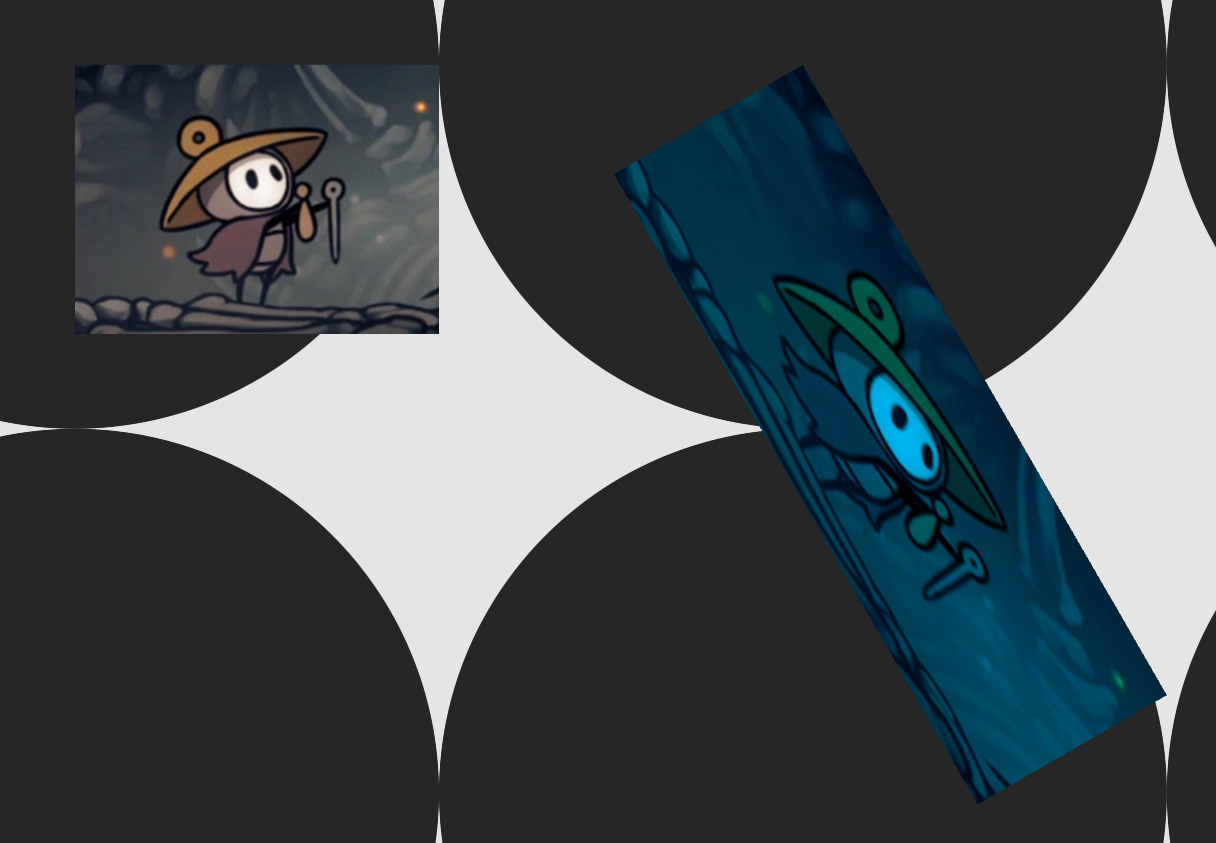
The 2D camera controls how objects are drawn in world space. You can get access
to the camera with `get_camera_2d` and `get_camera_2d_mut`, and use the methods
on the Camera2D object to move around, zoom in and out, rotate, and more.

The provided functions `world_to_screen`, and `screen_to_world` can be helpful,
for example to find the position of the cursor in world space, instead of screen space.

See: [`Camera2D` documentation](https://docs.rs/sge_camera/latest/sge_camera/d2/struct.Camera2D.html)


## 3D

You can get access to the camera with `get_camera_2d` and `get_camera_2d_mut`,
and use the methods on it to move around, change the FOV, and change between a
perspective and isometric projection.

See: [`Camera3D` documentation](https://docs.rs/sge_camera/latest/sge_camera/d3/struct.Camera3D.html)

## Controllers

Camera controllers can be used to easily let the user controller the camera,
without having to implement it from scratch. Camera controllers are used by
creating a mutable instance of the struct once, and calling `.update()` on it
every frame.

```rust
#[main("Game")]
fn main() {
    let mut controller = PanningCameraController::new();

    loop {
        controller.update();

        // rest of game logic
    }
}
```

### 2D

The 2D camera supports the following camera controllers:

- [`PanningCameraController`](https://docs.rs/sge/latest/sge/prelude/camera/struct.PanningCameraController.html):
  Allows the user to (optionally) pan and zoom the camera using the scroll wheel, and a
  customizable button (defaults to left click).
- [`CameraShakeController`](https://docs.rs/sge/latest/sge/prelude/camera/struct.CameraShakeController.html):
  allows for easy shaking of the camera, by using `.add_trauma(amount: f32)`.

### 3D

The 3D camera supports the following camera controllers:
- [`OrbitCameraController`](https://docs.rs/sge/latest/sge/prelude/camera/struct.OrbitCameraController.html):
  Allows the user to orbit the camera around a point and zoom in and out, with
  many configuration options.
- [`FirstPersonCameraController`](https://docs.rs/sge/latest/sge/prelude/camera/struct.FirstPersonCameraController.html):
  Allows the user to look around in the first person, using the mouse.

---

See: [camera module documentation](https://docs.rs/sge/latest/sge/prelude/camera/index.html)