# The Paragraph Widget
The `paragraph` widget displays multi-line text with automatic word wrapping and scrolling support. It's ideal for displaying long text content, logs, or any content that needs to flow across multiple lines.
## Interface
```graphix
val paragraph: fn(
?#style: &Style,
?#alignment: &[Alignment, null],
?#scroll: &{x: i64, y: i64},
?#trim: &bool,
&[Array<Line>, string]
) -> Tui;
```
## Parameters
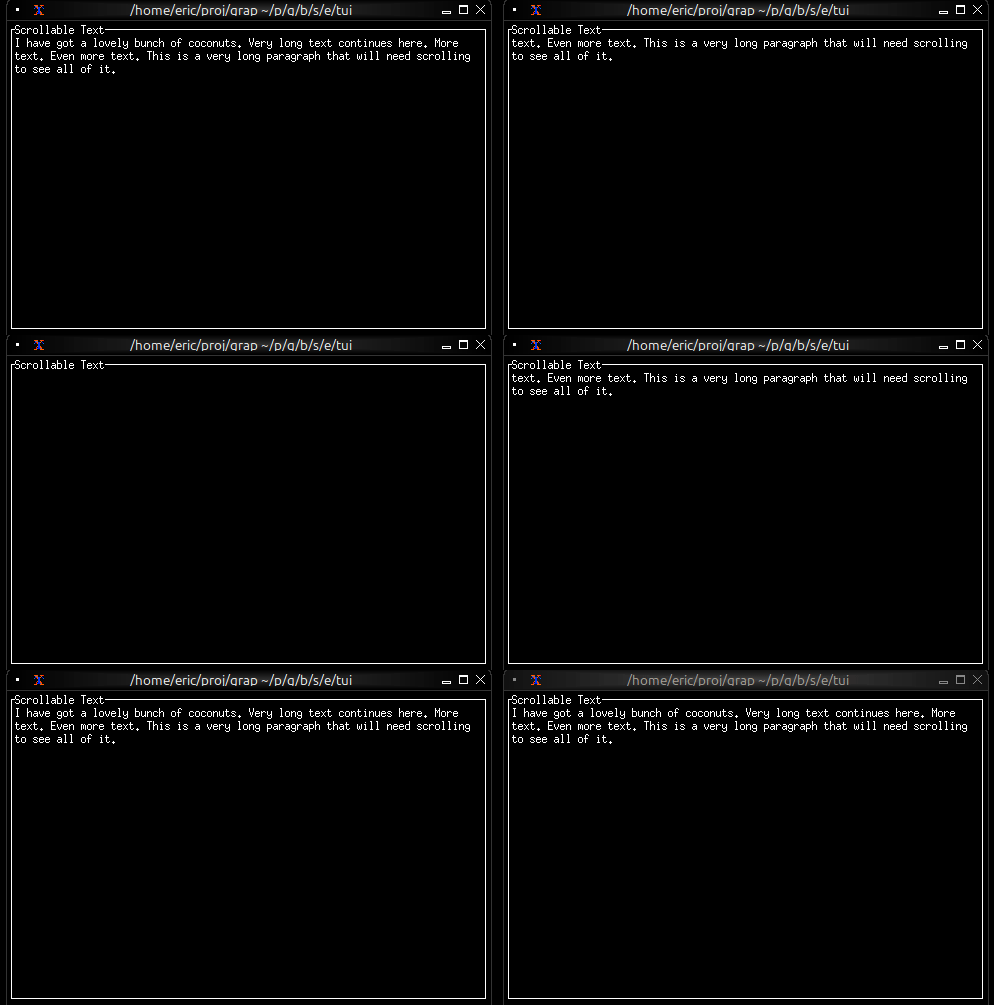
- **scroll** - Record with `x` and `y` fields for scroll position
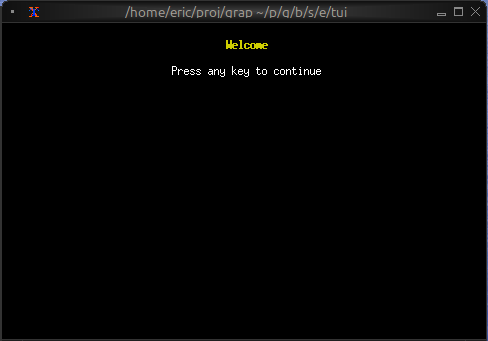
- **alignment** - `Left`, `Center`, or `Right`
- **wrap** - Enable/disable word wrapping (default: true)
## Examples
### Basic Usage
```graphix
{{#include ../../examples/tui/paragraph_basic.gx}}
```
### Scrollable Content
```graphix
{{#include ../../examples/tui/paragraph_scrollable.gx}}
```
### Live Log Viewer
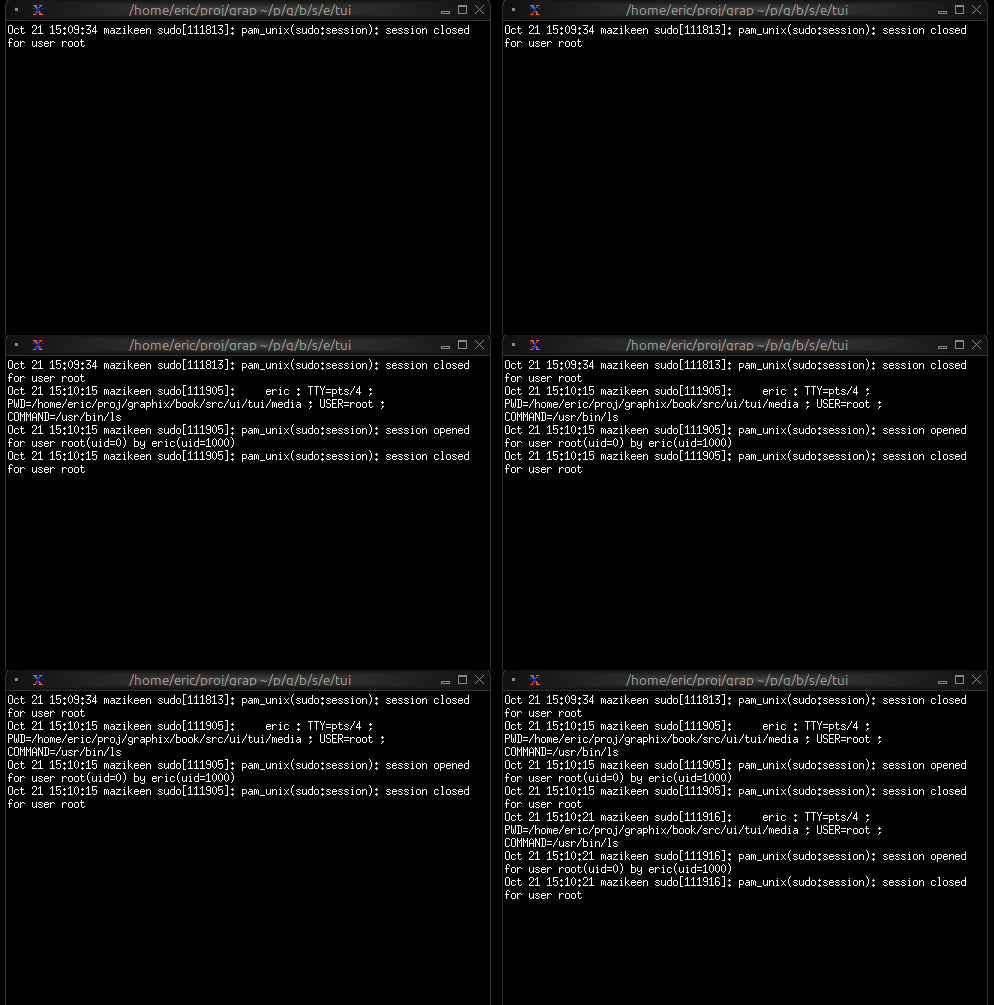
Display real-time updating content:
```graphix
{{#include ../../examples/tui/paragraph_log_viewer.gx}}
```
### Centered Message
```graphix
{{#include ../../examples/tui/paragraph_centered.gx}}
```
## Word Wrapping
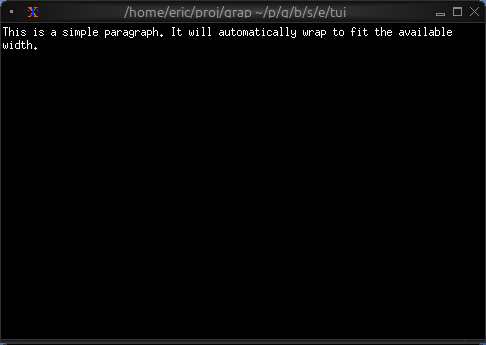
The paragraph widget automatically wraps long lines to fit the available width. Word boundaries are respected, so words won't be split in the middle unless they're longer than the available width.
## See Also
- [text](text.md) - For creating styled text content
- [scrollbar](scroll.md) - For adding scrollbars
- [block](block.md) - For containing paragraphs with borders
- [list](list.md) - For line-by-line selectable content