# Trivet Cookbook

> **TL;DR:** See the `trivet::Tools` struct or the TL;DR for the particular thing you want to do, below.

**Trivet** offsers a number of pre-built parsers and generators. Sometimes you just need to parse something simple, and **Trivet** tries to cover a lot of that ground.

- [Trivet Cookbook](#trivet-cookbook)
  - [Printing and Parsing Strings](#printing-and-parsing-strings)
  - [Parsing Numbers](#parsing-numbers)
  - [Printing and Parsing Dates](#printing-and-parsing-dates)
  - [Printing and Parsing JSON](#printing-and-parsing-json)

## Printing and Parsing Strings

> **TL;DR:** For simple things see the `trivet::Tools` struct. For more control, see the `trivet::strings::StringEncoder` (printing) and `trivet::strings::StringParser` (parsing) structs. For full details, there is a chapter specifically on parsing strings: [Parsing Strings](./string.md).

**Trivet** can parse strings and can also generate encoded strings. In practical terms, it can interpret sequences like `\n` as a newline (parse), and can turn a newline into `\n` (encode). Different languages implement these "escape" codes differently. You can specify exactly how to process escape codes, or you can choose a pre-built string standard (discussed below).

The following example shows how to parse a string in a given standard (here, Python) and the encode a string in a given standard (here, JSON). It also shows how to force characters that are out of the ASCII range to be encoded.

```rust,ignore
{{#include ../../examples/book_cookbook_string.rs}}
```

```bash
$ cargo run --example book_cookbook_string
Original: "This is a \"string\" with a \N{black heart suit}."
Raw:      This is a "string" with a ♥.
JSON:     "This is a \"string\" with a \u2665."
Python:   "This is a \"string\" with a \N{BLACK HEART SUIT}."
```

**Trivet** provides a parser and an encoder for strings that can interpret escapes and that handle most common cases. There are many different standards for string encoding and decoding. **Trivet** provides several common standards, and also allows you to create your own.

The following string standards are provided by the library.

- `C`, based on [ISO/IEC 9899:2018 (C18)](https://blog.ansi.org/2018/11/c-language-standard-iso-iec-9899-2018-c18/)
- `JSON`, based on [ECMA-404 JSON Data Interchange Syntax](https://www.ecma-international.org/publications-and-standards/standards/ecma-404/)
- `TOML`, based on the [TOML Standard](https://toml.io)
- `Python`, based on [the Python standard](https://docs.python.org/3/reference/lexical_analysis.html)
- `Rust`, based on [the Rust reference](https://doc.rust-lang.org/reference/tokens.html#string-literals)
- `Trivet`, providing a permissive mix of all the above

Play around with string encoding and decoding using the `stringy.rs` example that is included in the distribution.  Run it with `cargo run --example stringy`.

## Parsing Numbers

> **TL;DR:** See the `trivet::Tools` struct. For more control, see the `trivet::numbers::NumberParser` struct. For full details, there is a chapter specifically on parsing numbers: [Parsing Numbers](./numbers.md).

By default **Trivet** understands how to parse integers and floating point numbers in decimal, hexadecimal, octal, and binary. Underscores in the number are ignored, as is a leading plus sign (`+`). These choices are all optional, and can be configured via `trivet::Tools::get_number_parser`. While the library provides methods to parse 64- and 128-bit integers, the `trivet::Tools` struct only provides for parsing 128-bit integers at present.

The following example show how this works.

```rust,ignore
{{#include ../../examples/book_cookbook_number.rs}}
```

You can play around with parsing numbers in different radices using the `numbers.md` example that is included in the distribution.  Run it with `cargo run --example numbers`.

## Printing and Parsing Dates

> **TL;DR:** See the `trivet::Tools` struct. For more detail, see the `trivet::parsers::datetime::parse_date_time` struct. For full details, there is a chapter specifically on parsing dates and times: [Parsing Dates and Times](./datetime.md).

**Trivet** supports parsing and writing of time and date strings in [RFC 3339](https://datatracker.ietf.org/doc/html/rfc3339) format. For example: `1969-07-20T20:17:00Z` represents 20 July 1969, 8:17 PM UTC, the date and time of the first Moon landing. Parsing creates a `trivet::parsers::datetime::DateTime` struct that implements both `Display` and `Debug`.

The following will parse and then write out several dates and times.

```rust,ignore
{{#include ../../examples/book_cookbook_datetime.rs}}
```

You can play around with parsing dates and times using the `book_datetime_tester.rs` example that is included in the distribution.  Run it with `cargo run --example book_datetime_tester`.  This is discussed in the [Parsing Dates and Times](./datetime.md) chapter.

## Printing and Parsing JSON

> **TL;DR:** See the `trivet::Tools` struct.  For more detail, see the `trivet::parsers::json::parse_value_ws` struct.

JSON input can be parsed to create a `trivet::parsers::json::JSON` struct that implements both `Display` and `Debug`.

**NB:** There is no simple (and efficient) way for **Trivet** to know when a JSON entry ends. For this reason, you must first read in the entire JSON document and then parse it.

The following parses some JSON and then writes it back out.

```rust,ignore
{{#include ../../examples/book_cookbook_json.rs}}
```

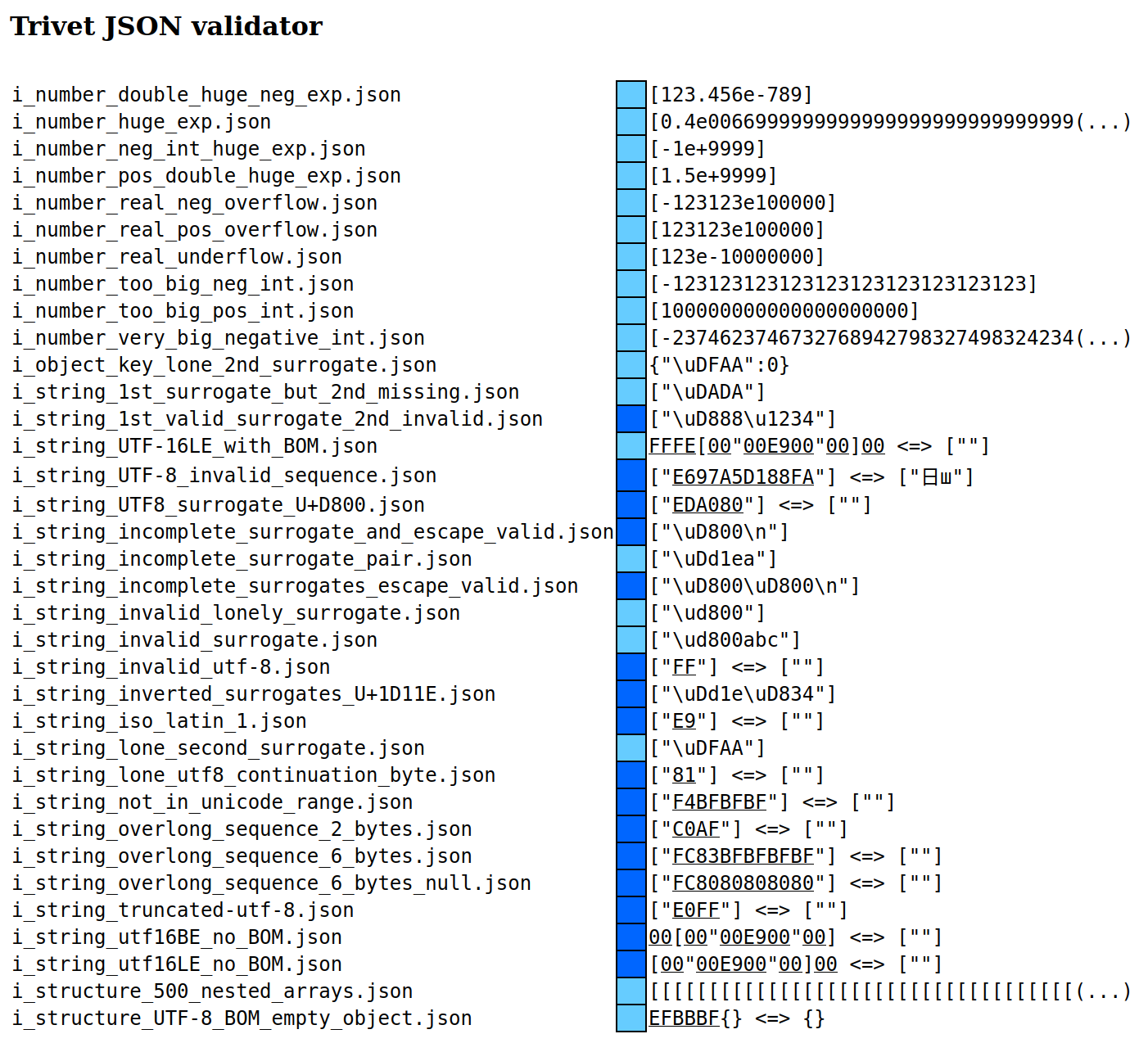
You can play around with parsing JSON using the `json_validator.rs` example that is included in the distribution. Run it with `cargo run --example json_validator`. An example of building a JSON parser is included in the chapter [JSON Example](./example_json.md).