
broadsheet



A 2D animation engine for algorithm & data-structure explainer videos, in Rust on macroquad. Newspaper-styled, deterministic, code-driven.
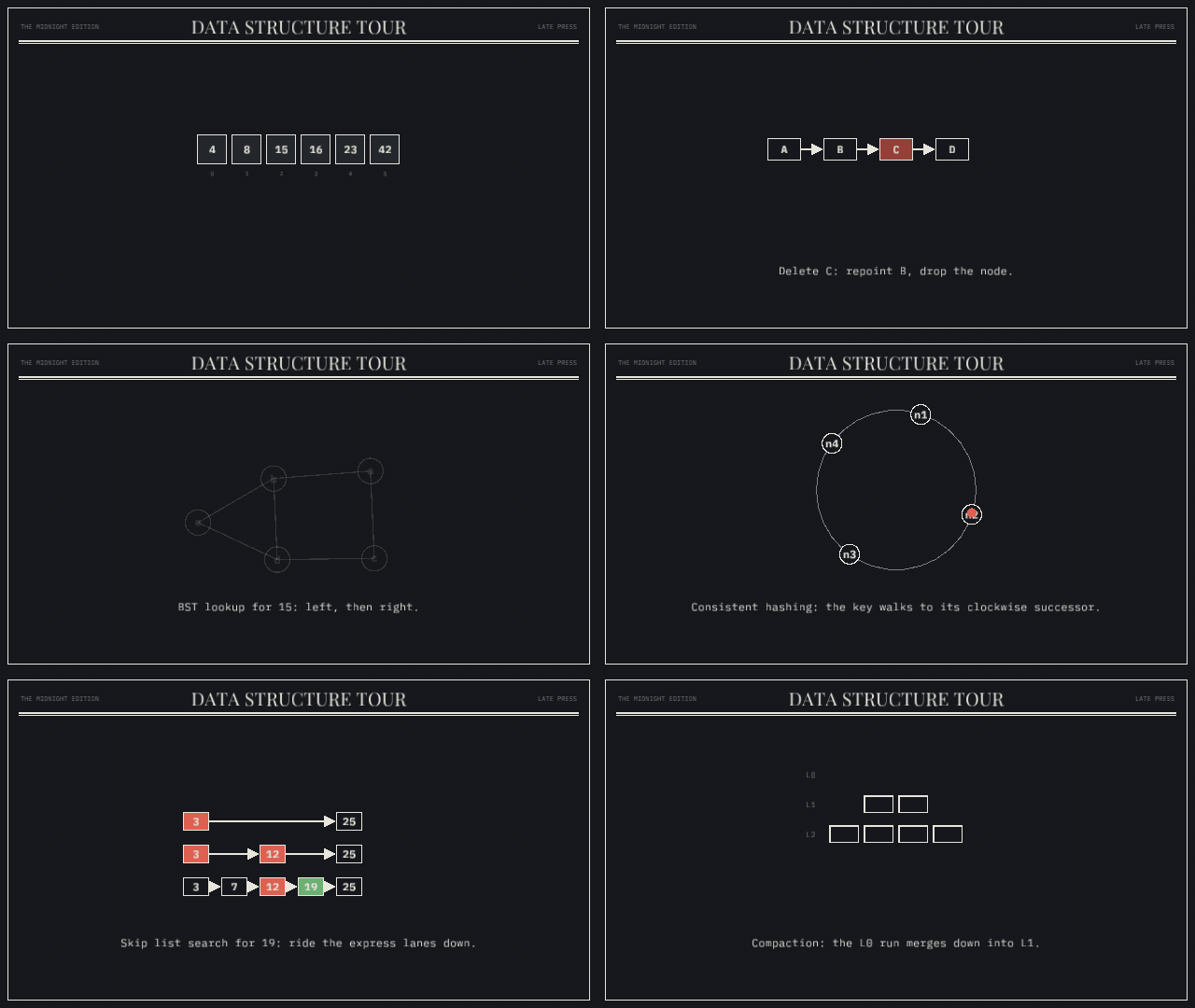
Every render looks like a page from the same broadsheet: off-white paper,
ink strokes, one spot color, serif headlines, mono data. The visual identity
is defined once in src/style.rs — and since 0.3.0 it is swappable: pick
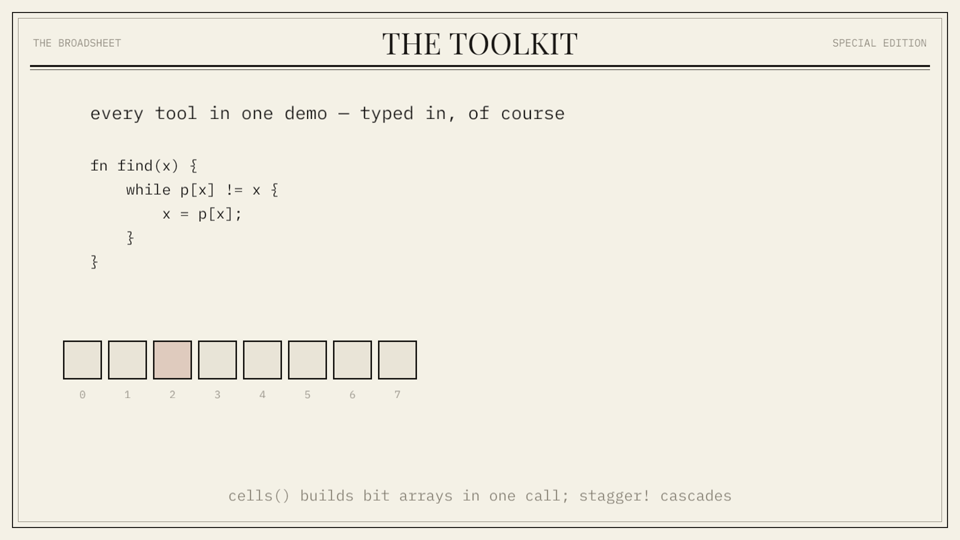
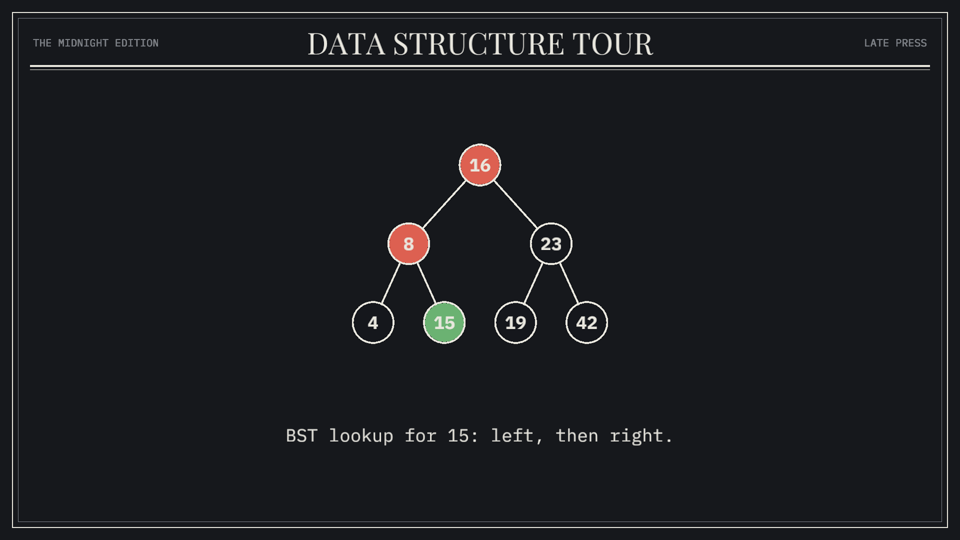
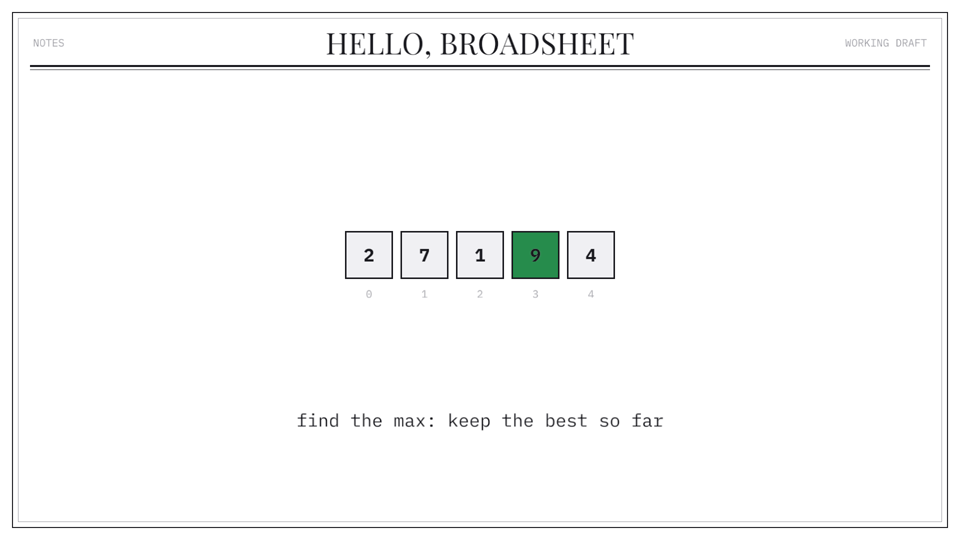
Theme::broadsheet() (default), Theme::midnight(), Theme::plain(), or
build your own with m.set_theme(...).
broadsheet() |
midnight() |
plain() |
|---|---|---|
 |
 |
 |
Getting started
Copy examples/hello.rs into your main.rs — ~30
lines that declare an array widget, animate a max-scan over it, and open a
live preview window. ffmpeg on your PATH is the only non-Rust
dependency, and only for video export.
Run the examples
Live transport controls (for lining narration up with beats):
| key | action |
|---|---|
Space |
pause / play |
← → |
step one frame |
, . |
jump ±1 s |
1–9 |
jump to section markers |
F / Ctrl+Cmd+F |
toggle fullscreen (fit-to-screen, letterboxed) |
R |
restart |
| drag bottom bar | scrub |
The HUD shows exact t and frame number; it is never present in recordings.
Slideshow mode
Drop boundaries in the script with m.slide("name"), then run with
-- --slideshow: playback pauses at every boundary, Space/→ animates
forward to the next slide, ← snaps back one. The states between
boundaries become the deck's transitions — ideal for narrating a video live
or presenting. Slide times are also written to markers.json.
Record a video
Renders at a fixed timestep (t = frame / fps, wall clock ignored → output
is deterministic), then pipes raw RGBA frames straight into ffmpeg when it is
installed:
If ffmpeg is missing, or if you pass --png, it writes
out/showcase/frame_00000.png … and prints the exact stitch command.
Recording supersamples at --scale 1.5 by default, so the 1280×720 logical
canvas comes out as true 1920×1080 with fonts rasterized at full resolution
(pass --scale 2 for 1440p). Everything is drawn with 4× MSAA.
Tip: --fps 2 sparsely samples the whole movie in a few dozen frames —
a fast visual proof-read of a full video. --frames N caps the frame count.
Useful export flags: --still S writes one PNG at timestamp S,
--from S --to S records a range, --alpha writes transparent PNG frames,
--gif pipes a recording to out.gif, and --grain applies the newsprint
grain/vignette pass.
Writing a movie
use *;
Verbs: move_to move_by fade_in fade_out color_to highlight
(auto-reverts) scale_to pulse shake grow_to/retarget (line & arrow
endpoints — draws edges, rewires pointers) set_text (crossfade).
Tune any act with .dur(secs) and .ease(...).
Scene niceties: .label("A") puts a mono label riding on a shape
(addressable as "A.label"); .follow(id, offset) pins any entity to
another; .wrap(px) word-wraps long text (captions) into centred lines;
.hidden() starts invisible for a later fade_in; m.wait(s)
leaves silence; m.at(t, clip) places a clip at an absolute timestamp;
m.now() tells you the cursor time for narration notes; m.mark("name")
exports a beat marker to markers.json during recording; .sticky() keeps
an entity in screen coordinates during camera pan/zoom for HUD-style overlays.
Palette: INK, PAPER, ACCENT (newsprint red), BLUE, FADED,
PAPER_SHADE (the default Theme::broadsheet() values).
Themes & roles
m.set_theme(Theme::midnight()) swaps the whole token set — page color,
ink, spot colors, masthead strings — before entities are declared. Semantic
Roles (Active, Visited, Skipped, Found, Stale, Deleted,
Maybe, Absent) name algorithm states; each theme maps them to colors:
m.scene.circle.role;
m.play;
Widgets
One call declares a whole data structure and returns a handle with its
entity ids (broadsheet::widgets): array, bit_array, hash_table,
linked_list, tree, graph (deterministic seeded spring layout),
hash_ring, lsm_levels, skip_list.
let arr = array;
m.play;
Layout helpers (broadsheet::layout): row, grid, ring, tree,
levels, blocks, graph, plus rng(seed) for repeatable jitter.
See examples/slideshow_demo.rs for the full tour.
Extending it
See ARCHITECTURE.md — module map, the statelessness invariant, and step-by-step recipes for adding a primitive or a verb (the two extension points most movies eventually need). Contributions welcome: CONTRIBUTING.md. Release history: CHANGELOG.md.