Expand description
§broadsheet



A 2D animation engine for algorithm & data-structure explainer videos, in Rust on macroquad. Newspaper-styled, deterministic, code-driven.
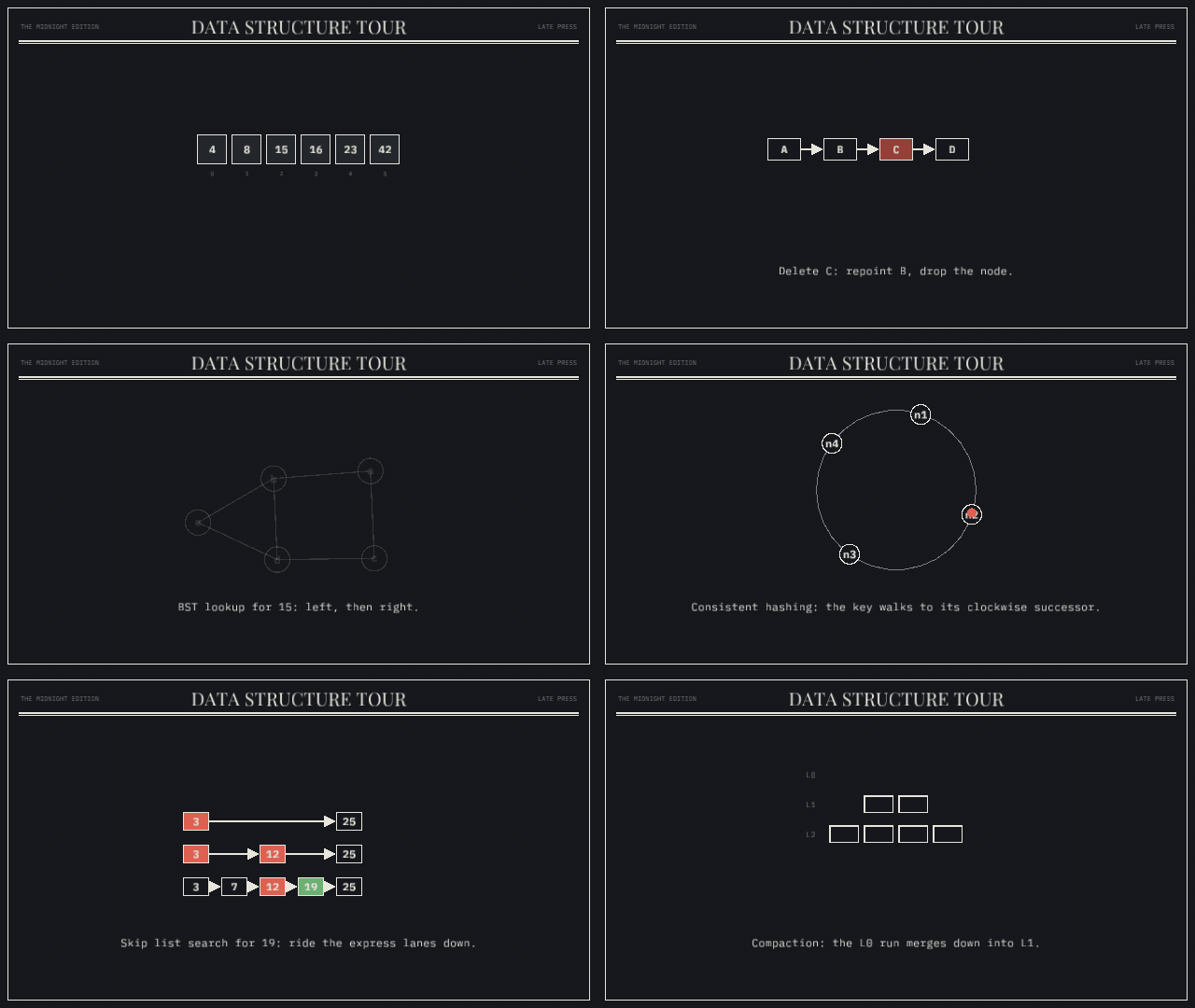
Every render looks like a page from the same broadsheet: off-white paper,
ink strokes, one spot color, serif headlines, mono data. The visual identity
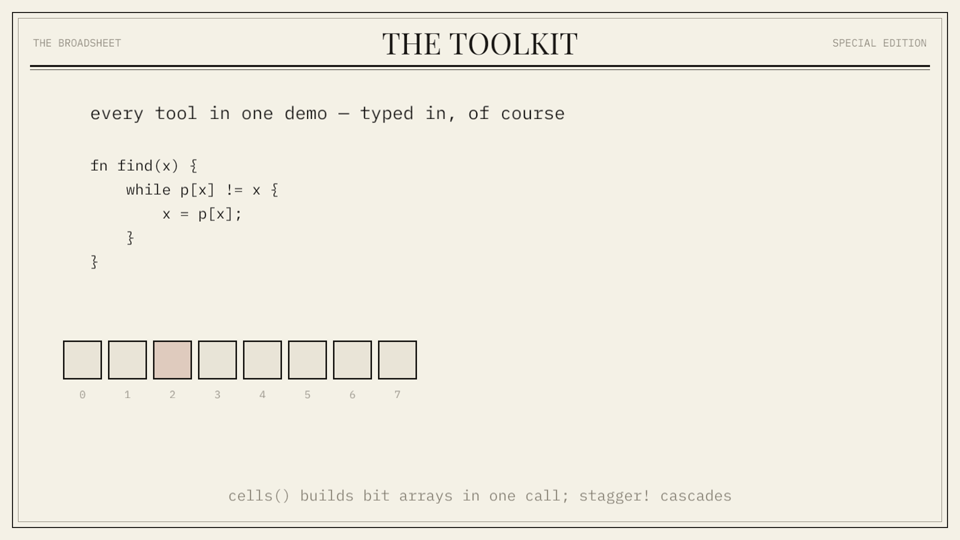
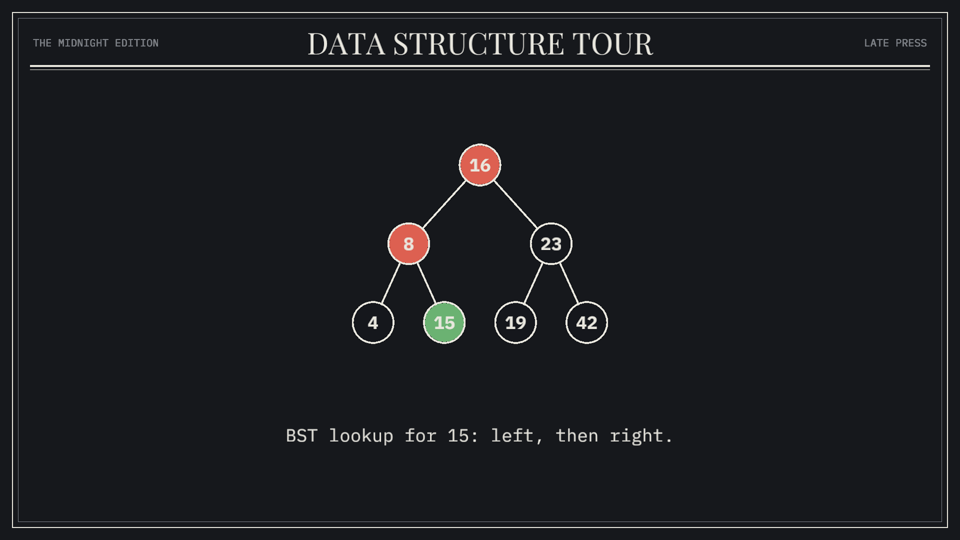
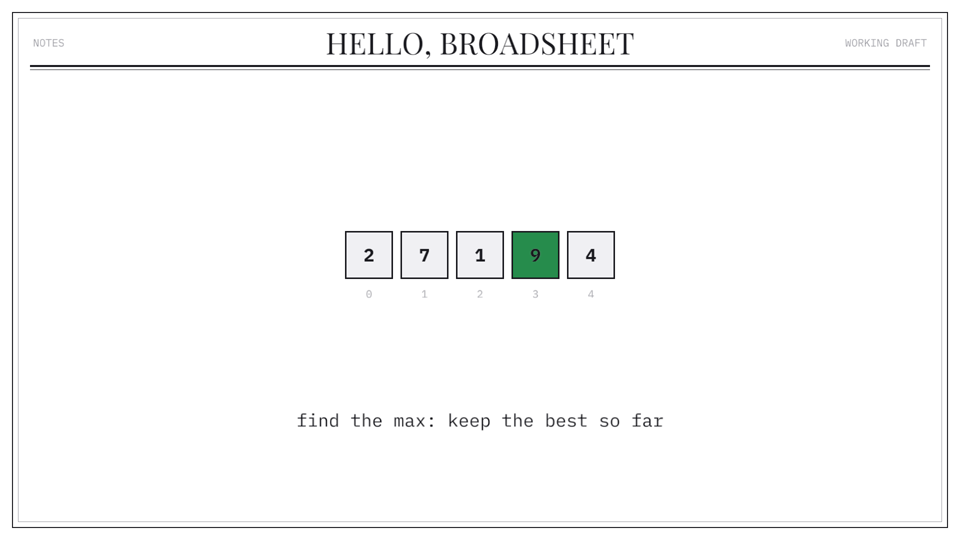
is defined once in src/style.rs — and since 0.3.0 it is swappable: pick
Theme::broadsheet() (default), Theme::midnight(), Theme::plain(), or
build your own with m.set_theme(...).
broadsheet() | midnight() | plain() |
|---|---|---|
 |  |  |
§Getting started
cargo add broadsheetCopy examples/hello.rs into your main.rs — ~30
lines that declare an array widget, animate a max-scan over it, and open a
live preview window. ffmpeg on your PATH is the only non-Rust
dependency, and only for video export.
§Run the examples
cargo run --example features_demo    # live preview window
cargo run --example lsm_tree
cargo run --example slideshow_demo -- --slideshow   # present like a deck
Live transport controls (for lining narration up with beats):
| key | action |
|---|---|
Space | pause / play |
← → | step one frame |
, . | jump ±1 s |
1–9 | jump to section markers |
F / Ctrl+Cmd+F | toggle fullscreen (fit-to-screen, letterboxed) |
R | restart |
| drag bottom bar | scrub |
The HUD shows exact t and frame number; it is never present in recordings.
§Slideshow mode
Drop boundaries in the script with m.slide("name"), then run with
-- --slideshow: playback pauses at every boundary, Space/→ animates
forward to the next slide, ← snaps back one. The states between
boundaries become the deck’s transitions — ideal for narrating a video live
or presenting. Slide times are also written to markers.json.
§Record a video
cargo run --example features_demo -- --record out/showcase --fps 60Renders at a fixed timestep (t = frame / fps, wall clock ignored → output
is deterministic), then pipes raw RGBA frames straight into ffmpeg when it is
installed:
out/showcase/out.mp4If ffmpeg is missing, or if you pass --png, it writes
out/showcase/frame_00000.png … and prints the exact stitch command.
Recording supersamples at --scale 1.5 by default, so the 1280×720 logical
canvas comes out as true 1920×1080 with fonts rasterized at full resolution
(pass --scale 2 for 1440p). Everything is drawn with 4× MSAA.
Tip: --fps 2 sparsely samples the whole movie in a few dozen frames —
a fast visual proof-read of a full video. --frames N caps the frame count.
Useful export flags: --still S writes one PNG at timestamp S,
--from S --to S records a range, --alpha writes transparent PNG frames,
--gif pipes a recording to out.gif, and --grain applies the newsprint
grain/vignette pass.
§Writing a movie
use broadsheet::prelude::*;

fn main() {
    let mut m = Movie::new("Skip Lists", 1280, 720);

    // 1. declare the cast (state at t = 0)
    m.scene()
        .circle("A", v(300., 400.), 40.).label("A")
        .circle("B", v(900., 400.), 40.).label("B").hidden()
        .arrow("e", v(340., 400.), v(340., 400.)).hidden()
        .text("cap", v(640., 620.), "").size(22.).color(FADED).hidden();

    // 2. script the beats (cursor advances with each play)
    m.play(act().set_text("cap", "two nodes, one pointer"));
    m.play(act().fade_in("B").dur(0.4));
    m.play(par![                       // simultaneous
        act().fade_in("e").dur(0.15),
        act().grow_to("e", v(860., 400.)).dur(0.5).ease(InOutCubic),
    ]);
    m.play(seq![                       // sequential
        act().highlight("B", ACCENT),
        act().pulse("B"),
        wait(0.5),                     // narration beat
    ]);
    m.section("Level 2");              // newspaper section card + jump marker
    m.play(act().move_to("A", v(300., 250.)).dur(0.6).ease(OutBack));

    broadsheet::run(m);
}
Verbs: move_to move_by fade_in fade_out color_to highlight
(auto-reverts) scale_to pulse shake grow_to/retarget (line & arrow
endpoints — draws edges, rewires pointers) set_text (crossfade).
Tune any act with .dur(secs) and .ease(...).
Scene niceties: .label("A") puts a mono label riding on a shape
(addressable as "A.label"); .follow(id, offset) pins any entity to
another; .wrap(px) word-wraps long text (captions) into centred lines;
.hidden() starts invisible for a later fade_in; m.wait(s)
leaves silence; m.at(t, clip) places a clip at an absolute timestamp;
m.now() tells you the cursor time for narration notes; m.mark("name")
exports a beat marker to markers.json during recording; .sticky() keeps
an entity in screen coordinates during camera pan/zoom for HUD-style overlays.
Palette: INK, PAPER, ACCENT (newsprint red), BLUE, FADED,
PAPER_SHADE (the default Theme::broadsheet() values).
§Themes & roles
m.set_theme(Theme::midnight()) swaps the whole token set — page color,
ink, spot colors, masthead strings — before entities are declared. Semantic
Roles (Active, Visited, Skipped, Found, Stale, Deleted,
Maybe, Absent) name algorithm states; each theme maps them to colors:
m.scene().circle("n", v(500., 300.), 26.).role(Role::Visited);
m.play(act().color_to("n", m.role(Role::Found)));§Widgets
One call declares a whole data structure and returns a handle with its
entity ids (broadsheet::widgets): array, bit_array, hash_table,
linked_list, tree, graph (deterministic seeded spring layout),
hash_ring, lsm_levels, skip_list.
let arr = widgets::array(&mut m, "arr", &["4", "8", "15"], v(640., 320.));
m.play(act().highlight(&arr.cell(1), m.role(Role::Active)));
Layout helpers (broadsheet::layout): row, grid, ring, tree,
levels, blocks, graph, plus rng(seed) for repeatable jitter.
See examples/slideshow_demo.rs for the full tour.
§Extending it
See ARCHITECTURE.md — module map, the statelessness invariant, and step-by-step recipes for adding a primitive or a verb (the two extension points most movies eventually need). Contributions welcome: CONTRIBUTING.md. Release history: CHANGELOG.md.
§Crate API
broadsheet is organized around a small, scriptable pipeline:
- Build a
movie::Moviewith a base scene. - Declare visual entities with
scene::SceneBuilder. - Add animation clips with
animate::act,seq!,par!, andstagger!. - Hand the movie to
runfor live preview or deterministic recording.
The easiest entry point is prelude, which re-exports the types and
helpers used by movie scripts.
§Minimal Example
use broadsheet::prelude::*;

fn main() {
    let mut m = Movie::new("Hello", 1280, 720);
    m.scene()
        .circle("A", v(300., 400.), 40.).label("A")
        .circle("B", v(900., 400.), 40.).label("B");
    m.play(seq![
        act().move_to("A", v(900., 500.)).dur(0.6).ease(InOutCubic),
        act().highlight("B", ACCENT),
        wait(0.5),
    ]);
    broadsheet::run(m);
}§Core Concepts
movie::Moviestores the base scene, timeline clips, section jumps, and beat marks.sceneowns entity declaration: circles, rectangles, lines, arrows, text, cells, code blocks, labels, tags, and follow relationships.animateprovides the fluent verb DSL: move, fade, highlight, pulse, trace, type, retarget, and camera moves.timelineresolves clips into absolute tracks. Its evaluation is a pure function of time, so pause, scrub, frame stepping, and offline recording are deterministic.renderturns a scene snapshot into macroquad draw calls with the built-in broadsheet style fromstyle.layoutcontains small coordinate helpers for rows, grids, trees, rings, levels, blocks, and seeded graph layouts.widgetsdeclares whole data structures (arrays, linked lists, trees, graphs, hash rings, LSM levels, skip lists) in one call and returns id handles for animating them.style::Themeswaps the palette (broadsheet,midnight,plain, or custom) viamovie::Movie::set_theme;style::Rolenames semantic algorithm states (Active,Found, …) that themes map to colors.Movie::slide(name)drops slide boundaries; run with--slideshowto present them like a deck — playback pauses at each boundary andSpace/→animates to the next.
§Recording
Run live with cargo run --example NAME, or record with:
cargo run --example NAME -- --record out/name --fps 60Useful recording flags include --still S, --from S --to S, --alpha,
--gif, --png, --grain, --scale F, and --frames N.
Modules§
- animate
- The animation DSL: verbs,
seq!/par!, and beats. - easing
- Easing curves. To add one: new variant + match arm in
Easing::apply. - layout
- Position helpers: compute
Vec2s, feed them to the scene builder. Pure functions — no engine state involved. - movie
- The
Movie: top-level container tying a scene to a timeline, with a cursor-based sequencing model. - player
- The runtime: live preview window with transport controls, or offline
recording, both driving the same pure
Timeline::apply(base, t). - prelude
- Everything a movie script needs:
use broadsheet::prelude::*; - primitives
- Drawable primitives. One entity type; its look is data (
Shape). New primitive = newShapevariant + match arm inrender::draw_entity. - record
- Deterministic offline output. Frame
fis rendered att = f / fps, wall clock ignored, so output is bit-identical across runs. - render
- The macroquad draw pass: scene → pixels, plus the newspaper page chrome.
- scene
- The
Scene: an id-addressed store of entities, plus the chainableSceneBuilderused to declare the time-zero state of a movie. - style
- The house visual style: newsprint / editorial — plus the
Themesystem that lets a movie swap the whole palette. - timeline
- Keyframe timeline: tracks, clips, and stateless evaluation.
- widgets
- Reusable data-structure widgets: one call declares a whole structure (nodes, edges, labels, indices) with conventional entity ids, and returns a handle that hands those ids back for animation.
Macros§
- par
- Run clips at the same time (duration = longest member).
- seq
- Run clips one after another. Accepts anything
Into<Clip>(acts,wait(s), nestedseq!/par!). - stagger
- Cascade: each clip starts
delayafter the previous.stagger![0.05; a, b, c].