
Terminal Media Player



View images, videos, webcam, etc directly in the terminal as ASCII art
Table of Contents
Who is it for?
- You really don't like graphical applications or are working on a computer without graphical capabilities.
- You are looking for a quick way to convert any visual media to ASCII art.
- You want to watch a video in the terminal, but you don't want to use
mpvorvlcbecause they're too mainstream. - You like ASCII art so much that you don't need sound to enjoy a good movie.
- You want to show off your terminal skills to your friends and make them think you're a hacker.
Features
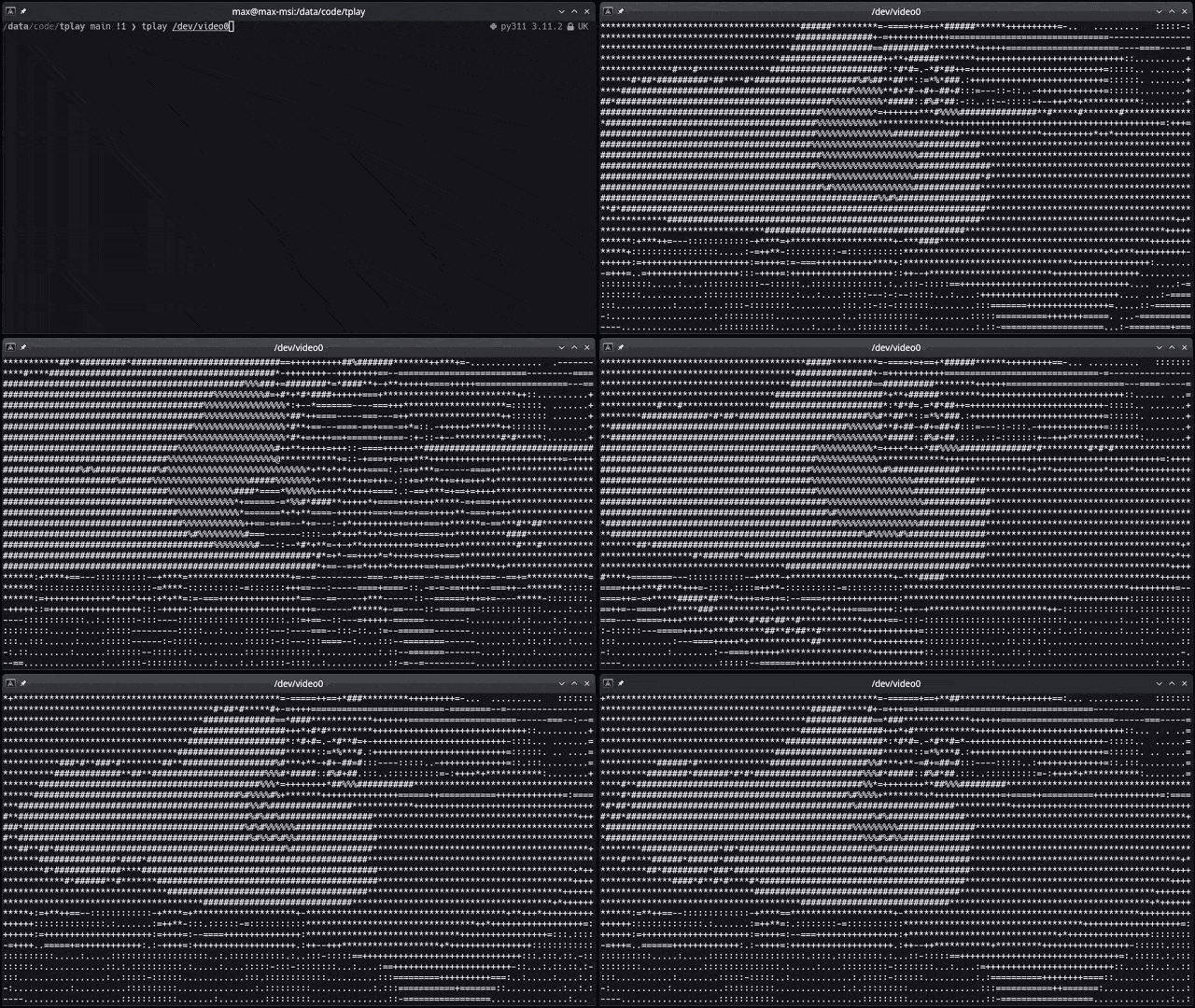
- Converts and shows any media to ASCII art in the terminal
- Supports images/gifs/videos/webcam and YouTube links
- Any resolution, aspect ratio, and framerate
- Use any character set as supported by your terminal
- Handy pause/unpause and char map selection controls
- Colors (not yet!)
- Sound (not yet!)
Live update when updating character size
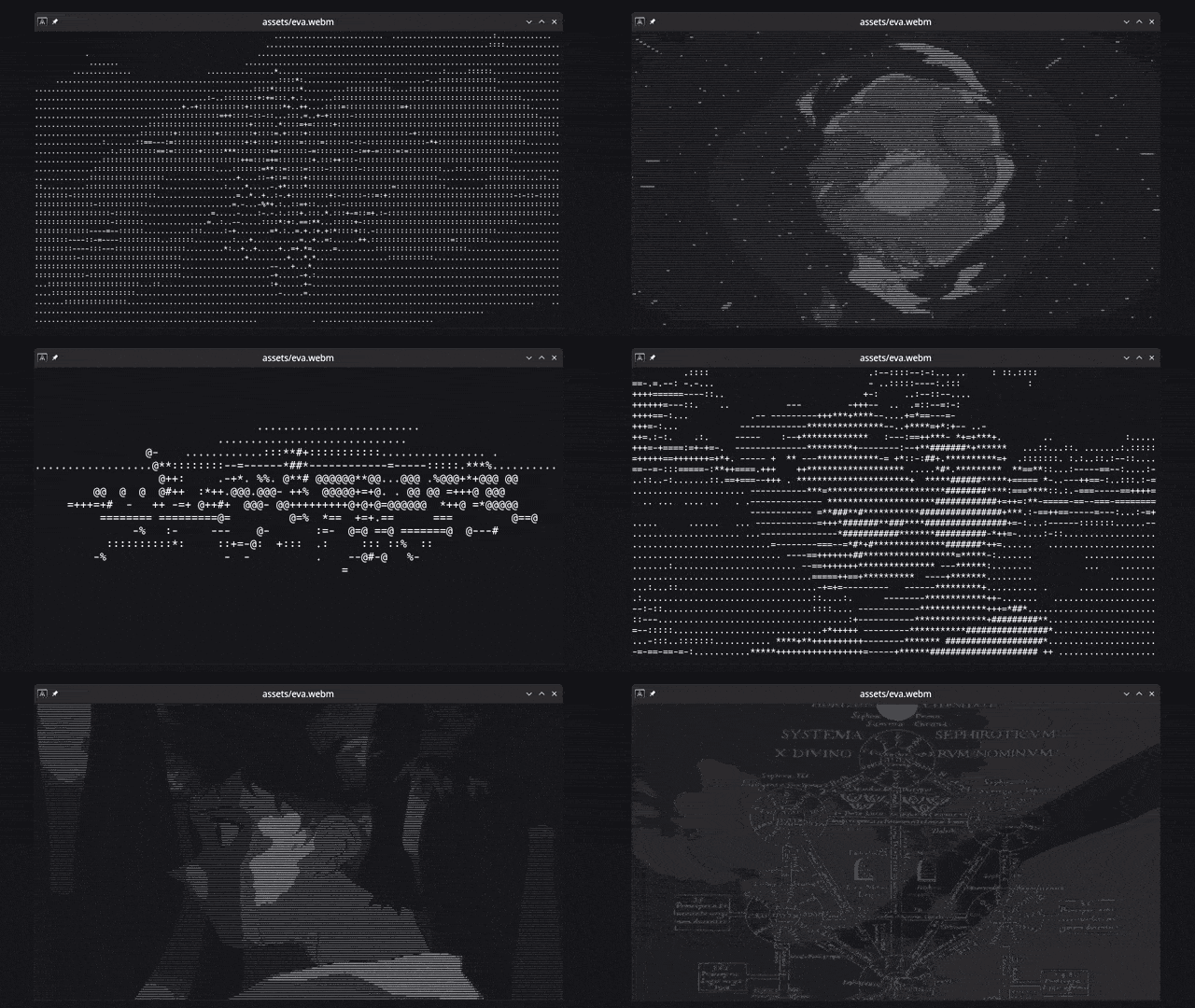
On-the-fly character map selection
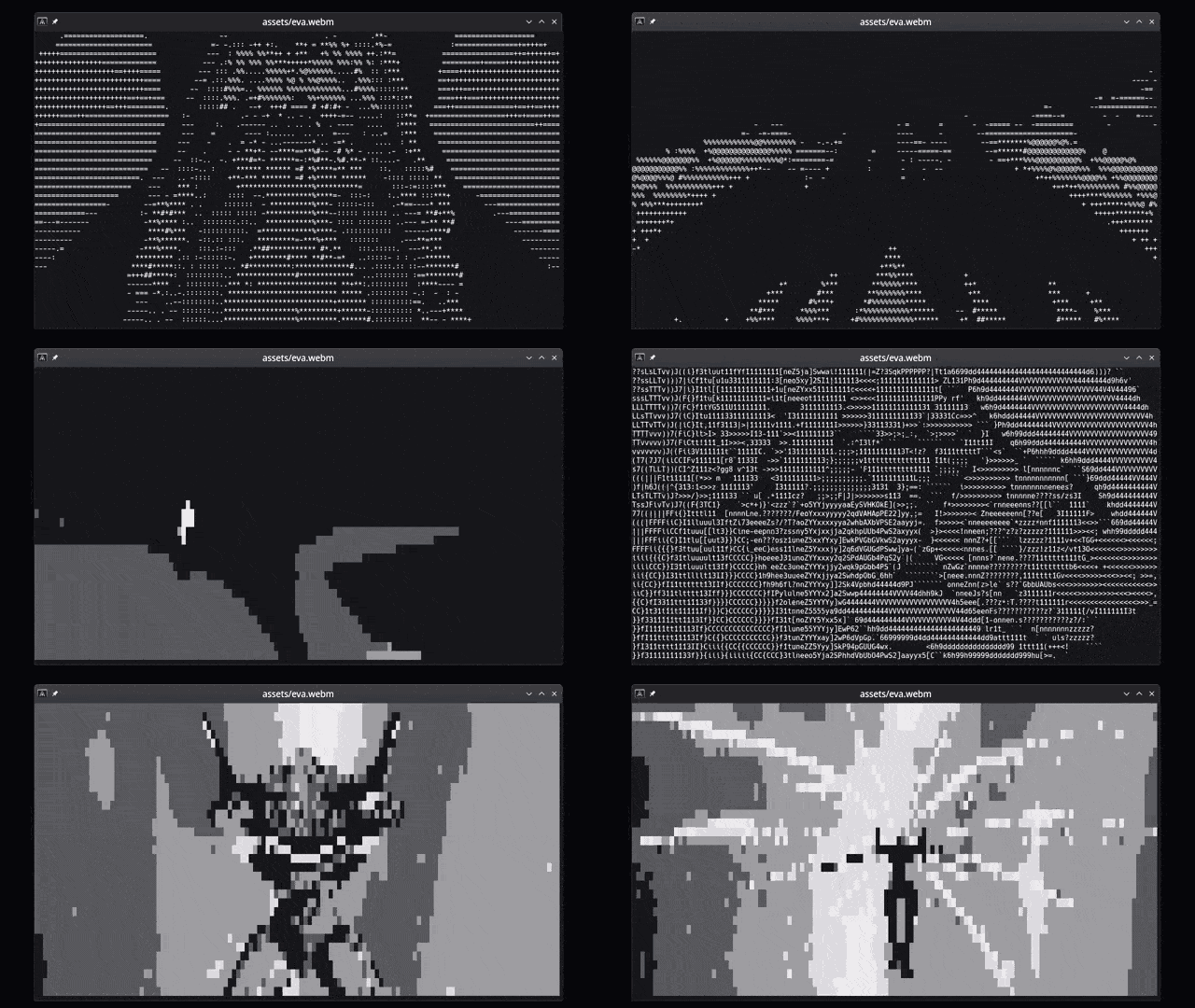
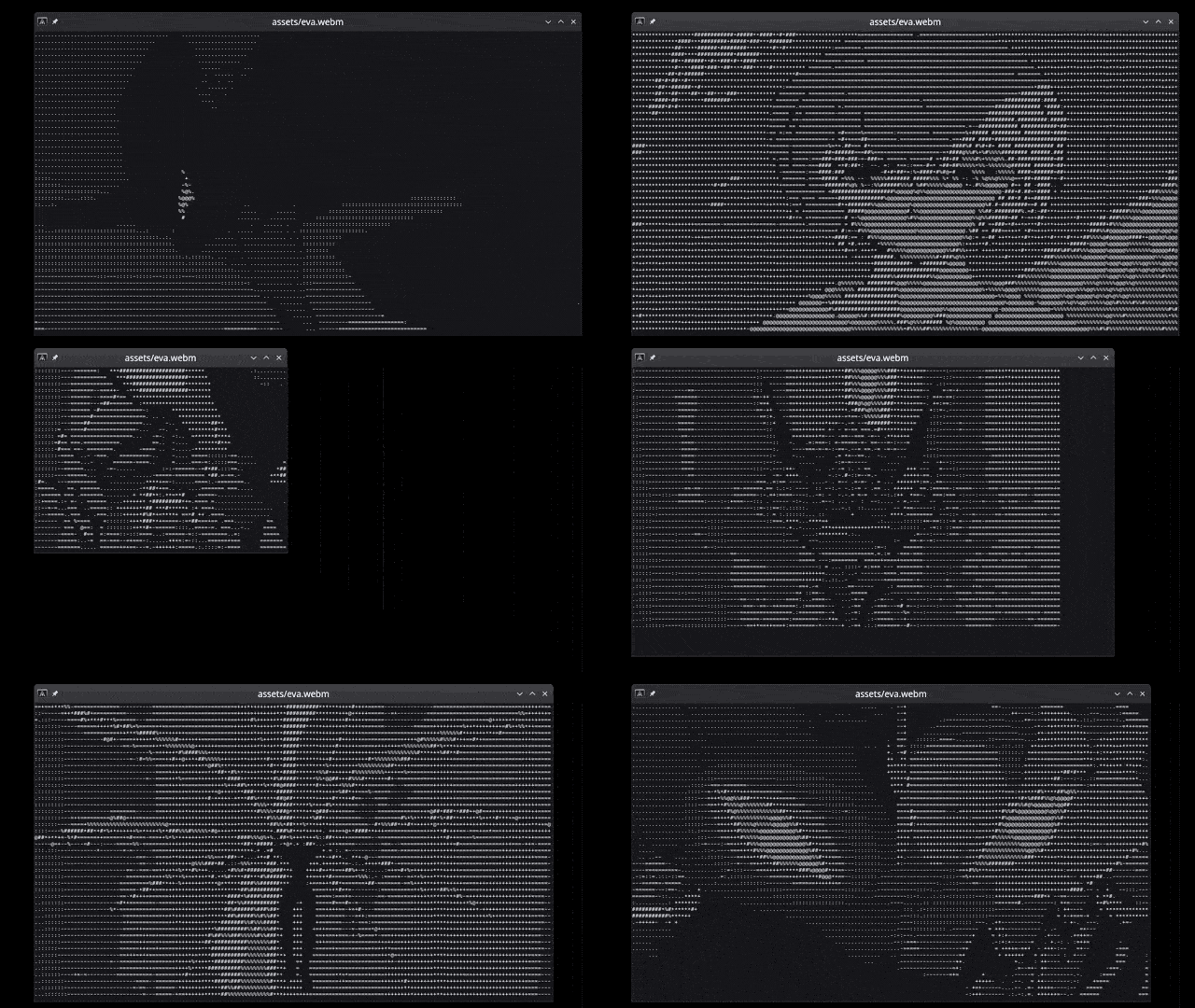
Dynamic resize
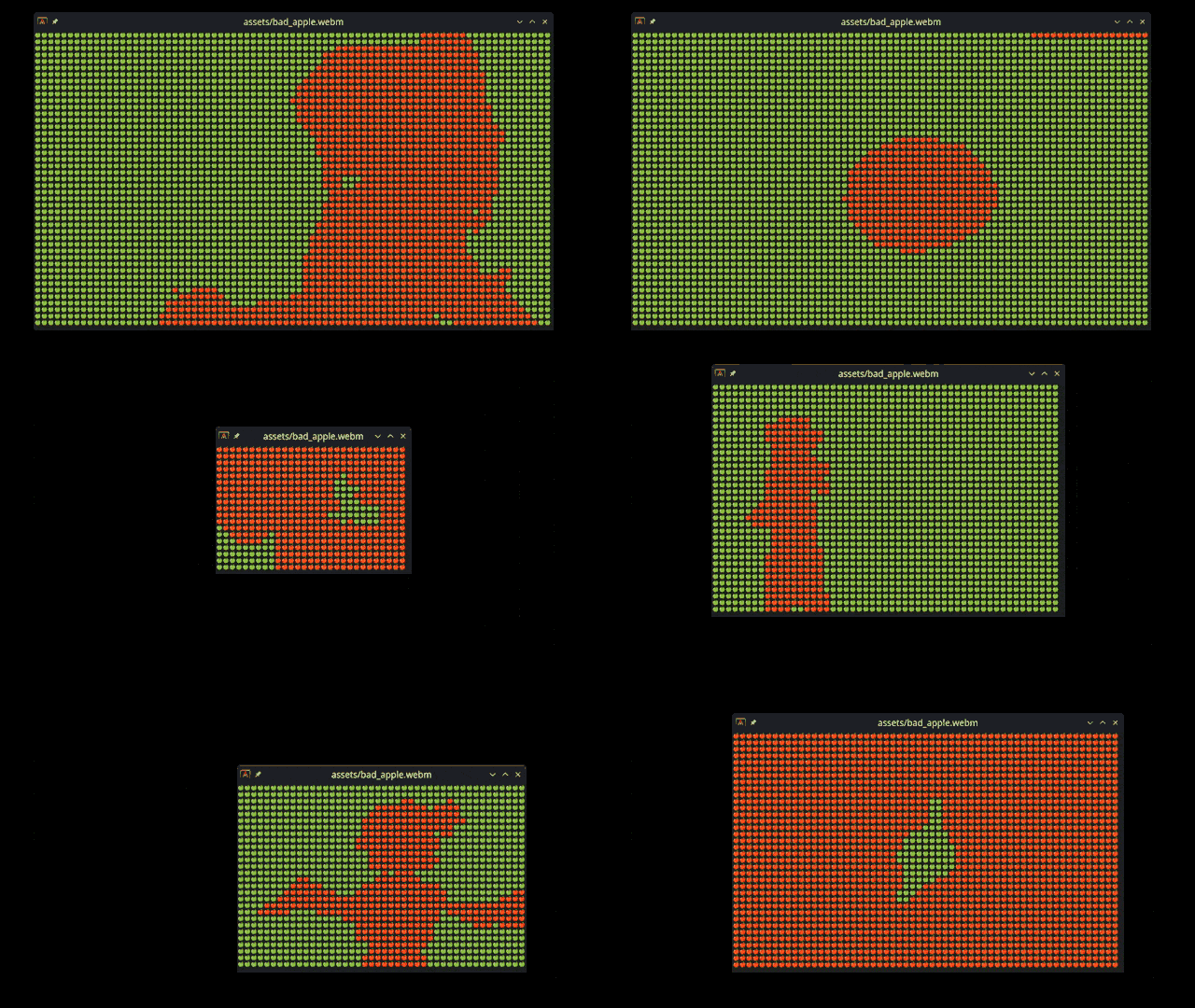
Emojis
Webcam support
Getting Started
These instructions will get you a copy of the project up and running on your local machine for development and testing purposes.
Prerequisites
Being a Rust crate, you will need to have Rust installed on your system. You can find the installation instructions here.
The following dependencies are also required: OpenCV 4 If you have troubles in Windows (I know I have) try this (assuming you have a relatively modern computer with a Windows 64bit installation):
- Using vcpkg:
.\vcpkg install opencv4[contrib,nonfree] --triplet x64-windowsfrom an administrator powershell within the vcpkg directory. - Then, install LLVM from binary, you'll likely want to use the 64-bit version on a modern computer.
- Make sure that the environment variable OPENCV_LINK_LIBS is set to just
opencv_core4.
Optional dependency for YouTube support: yt-dlp
Development:
You may need to install the following packages on some Linux distributions:
libssl-dev (to run tests)
libopencv-dev
libstdc++-12-dev
gstreamer1.0-plugins-good gstreamer1.0-plugins-bad gstreamer1.0-plugins-ugly
clang libclang-dev
Installation
A step-by-step guide on how to set up the project for development or usage.
# Clone the repository
# Change to the project directory
# (optional) Build the project
# (optional) Run the tests
# Run the project (use --release for faster performance)
You can install the tplay command line tool by running the following command:
# Install the tplay command line tool
So that you can run it from anywhere as
# Install the tplay command line tool
Usage
tplay <media> [options]
| Argument | Description |
|---|---|
media |
Name of the file or stream to be processed (required). |
-f, --fps |
Maximum frames per second for the output (default: 60). |
-c, --char_map |
Custom lookup character table to use for the output (default: .:-=+*#%@). |
-w, --w_mod |
Experimental width modifier for certain characters such as emojis (default: 1). Use a value of 2 if your char_map is composed of emojis. |
# Run it (use `cargo run --release --` if you didn't install it as tplay)
# Example: local image
# Example: local gif
# Example: local video
# Example: remote video (YouTube)
# Example: remote video (Other)
# Example: YouTube video - 30fps, with different char maps
# Example: YouTube video - 30fps, with different char maps (use w-mod to adjust width when using emoji-based char maps)
# Example: webcam on Linux (YMMV on other OSes)
Playback commands
space- pause/unpauseq- quit0-9- change char map
Known Issues
- Videos played through the Konsole terminal may have reduced performance. This is due to the way Konsole handles terminal output. If you experience this issue, try using a different terminal emulator.
Alternatives
A lot of people have made their own ASCII video players: https://github.com/search?q=ascii+player&type=repositories
Contributing
Contributions are welcome! Please open an issue or submit a pull request. Ideally I'd like to implement the following features:
- Colors
- Sound playback
- More media controls (forward, backward, loop, etc.)
Let me know if you have any other ideas!
License
This project is licensed under the MIT License - see the LICENSE file for details.
Why?
Your Scientists Were So Preoccupied With Whether Or Not They Could, They Didn’t Stop To Think If They Should
Mostly did it for fun while learning Rust. I also wanted to see if it was possible to make a video player that could run in the terminal. I think it's pretty cool that you can play videos in the terminal now. I hope you enjoy it too!