<p align="center">
<img src="siggy-logo.png" alt="siggy" width="400">
</p>
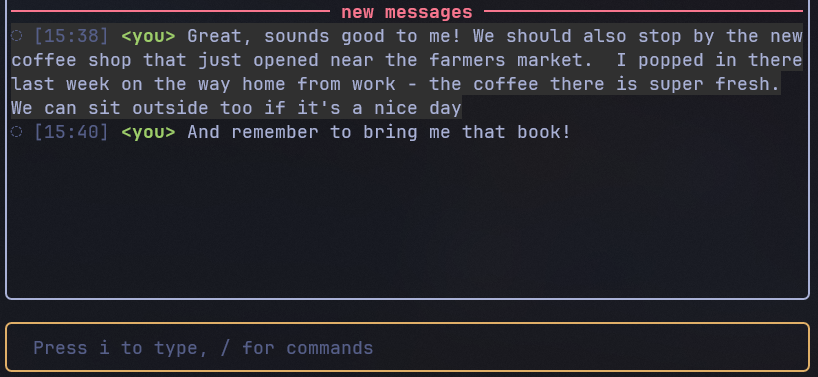
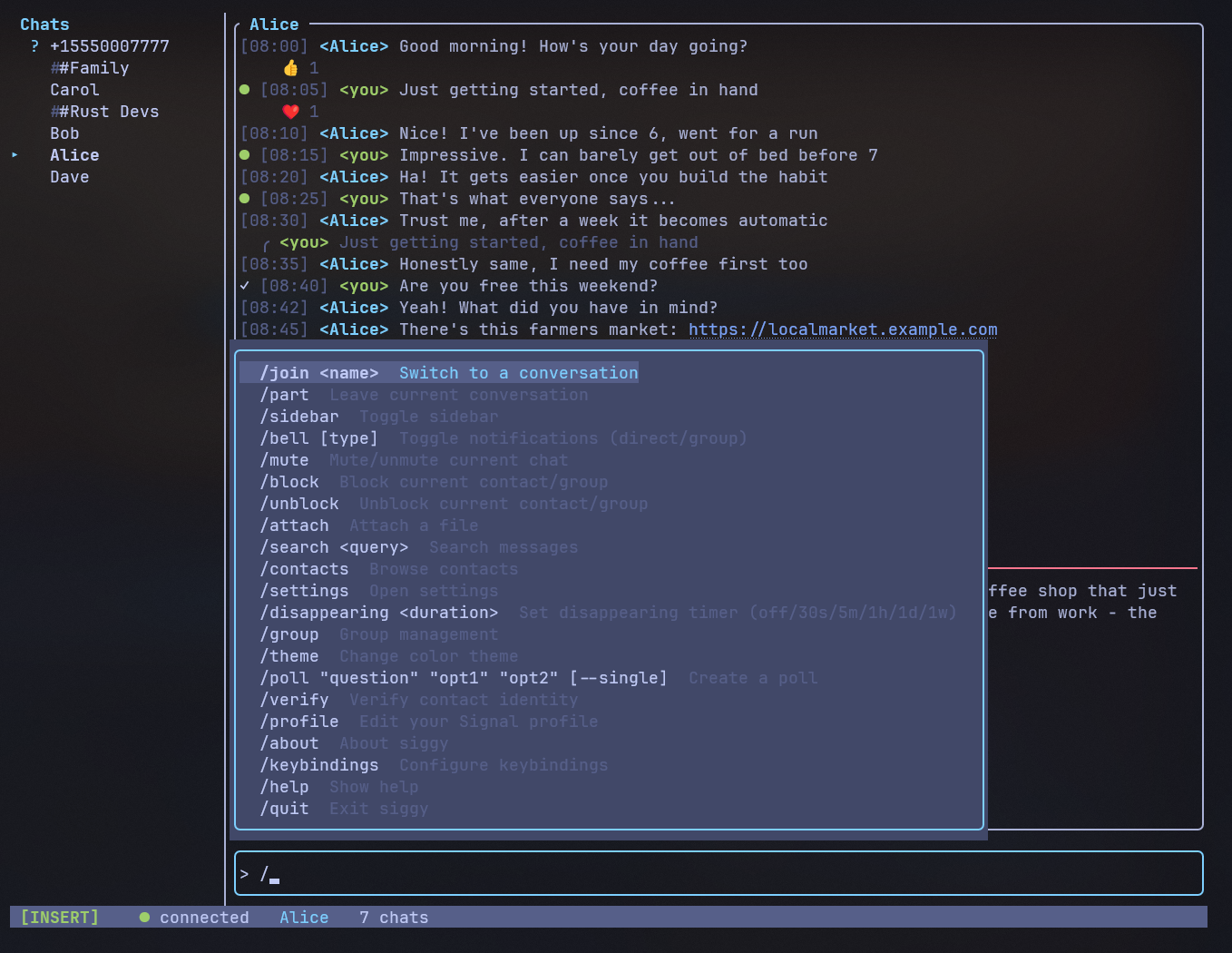
A terminal-based Signal messenger client with an IRC aesthetic.
siggy wraps [signal-cli](https://github.com/AsamK/signal-cli) via JSON-RPC, giving you a
full-featured messaging interface that runs entirely in your terminal. Built with
[Ratatui](https://ratatui.rs/), [Crossterm](https://github.com/crossterm-rs/crossterm), and
[Tokio](https://tokio.rs/).
## Why siggy?
- **Lightweight** -- no Electron, no web browser, just your terminal
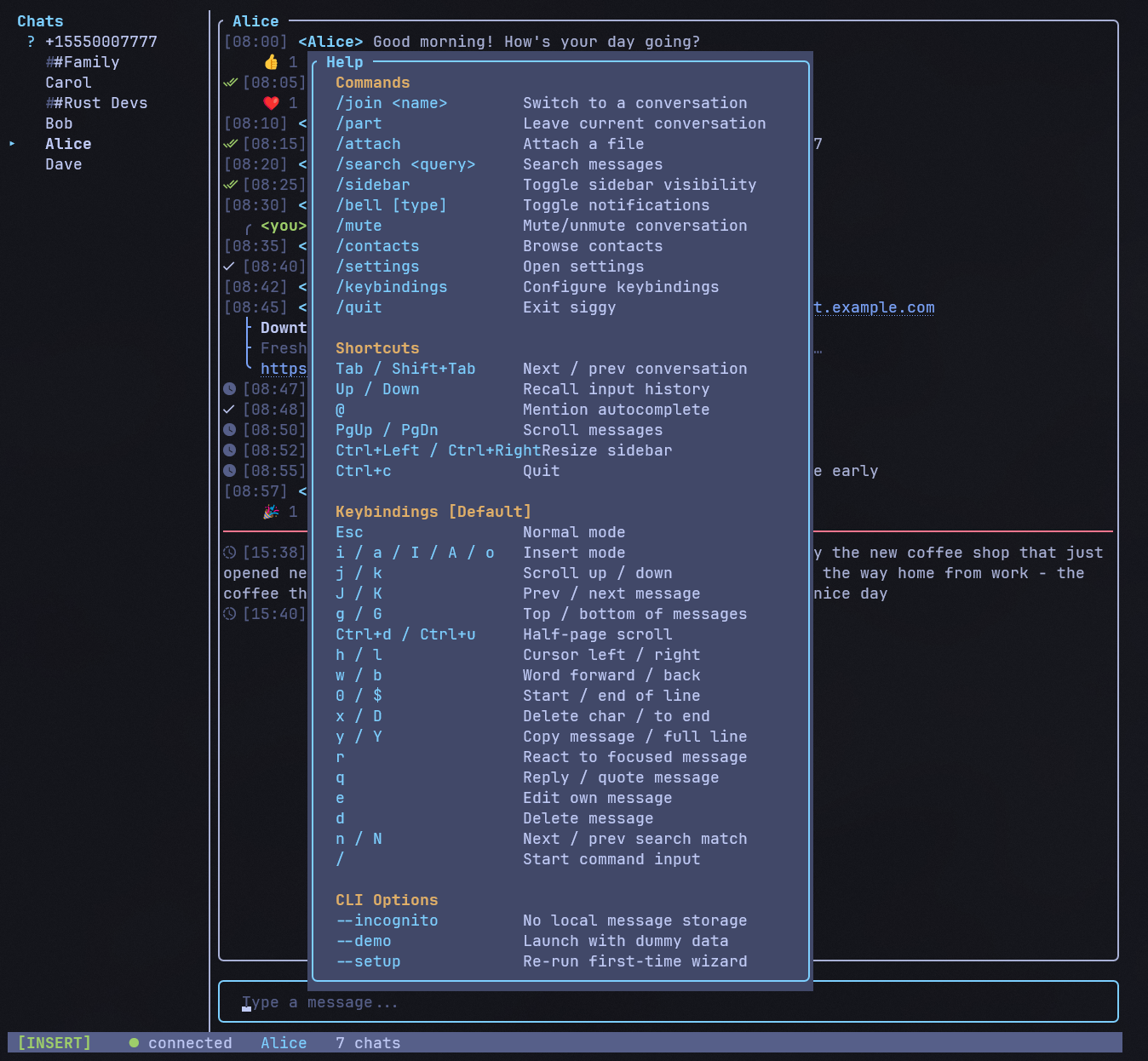
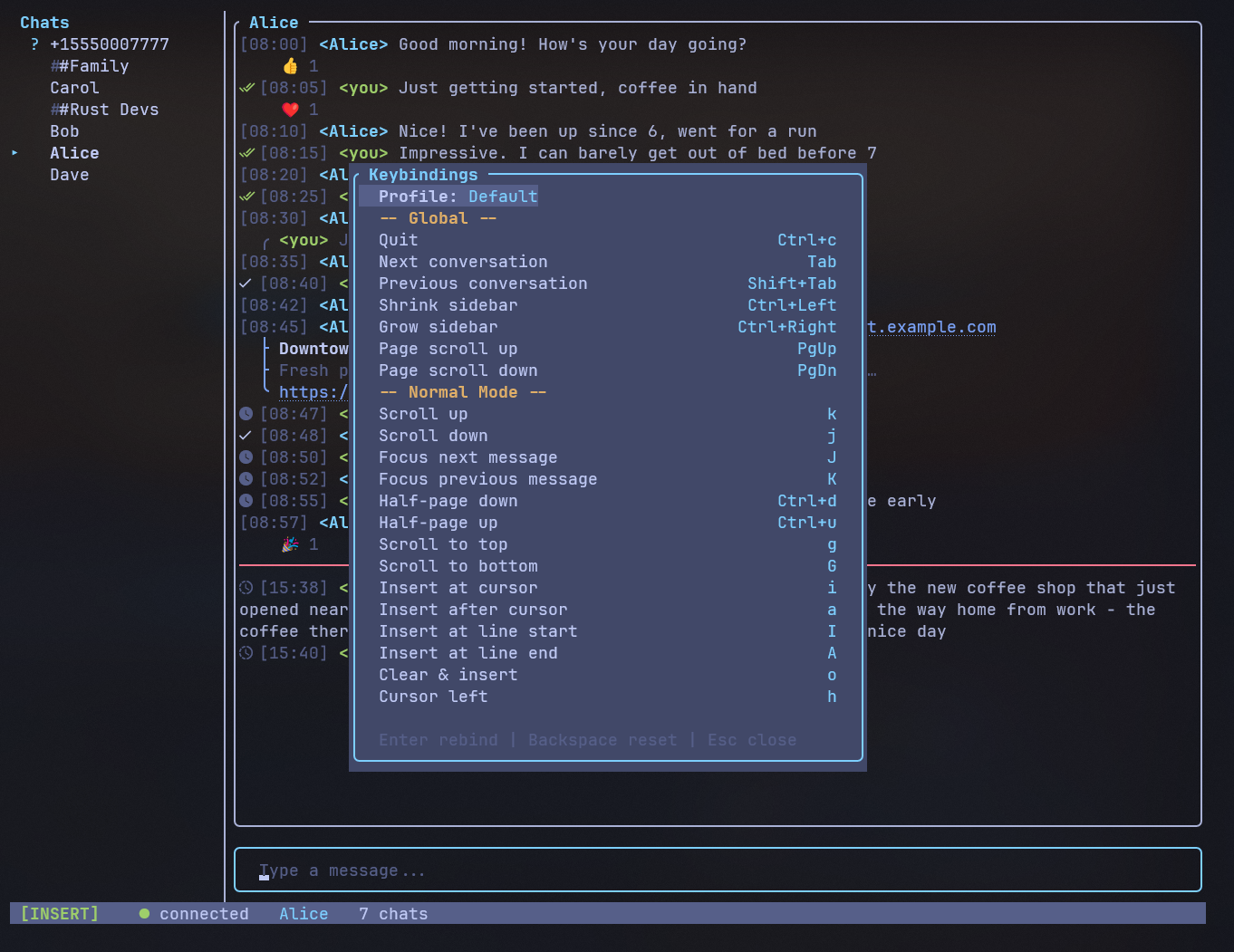
- **Vim keybindings** -- modal editing with Normal and Insert modes
- **Persistent** -- SQLite-backed message history that survives restarts
- **Private** -- incognito mode for ephemeral sessions with zero disk traces
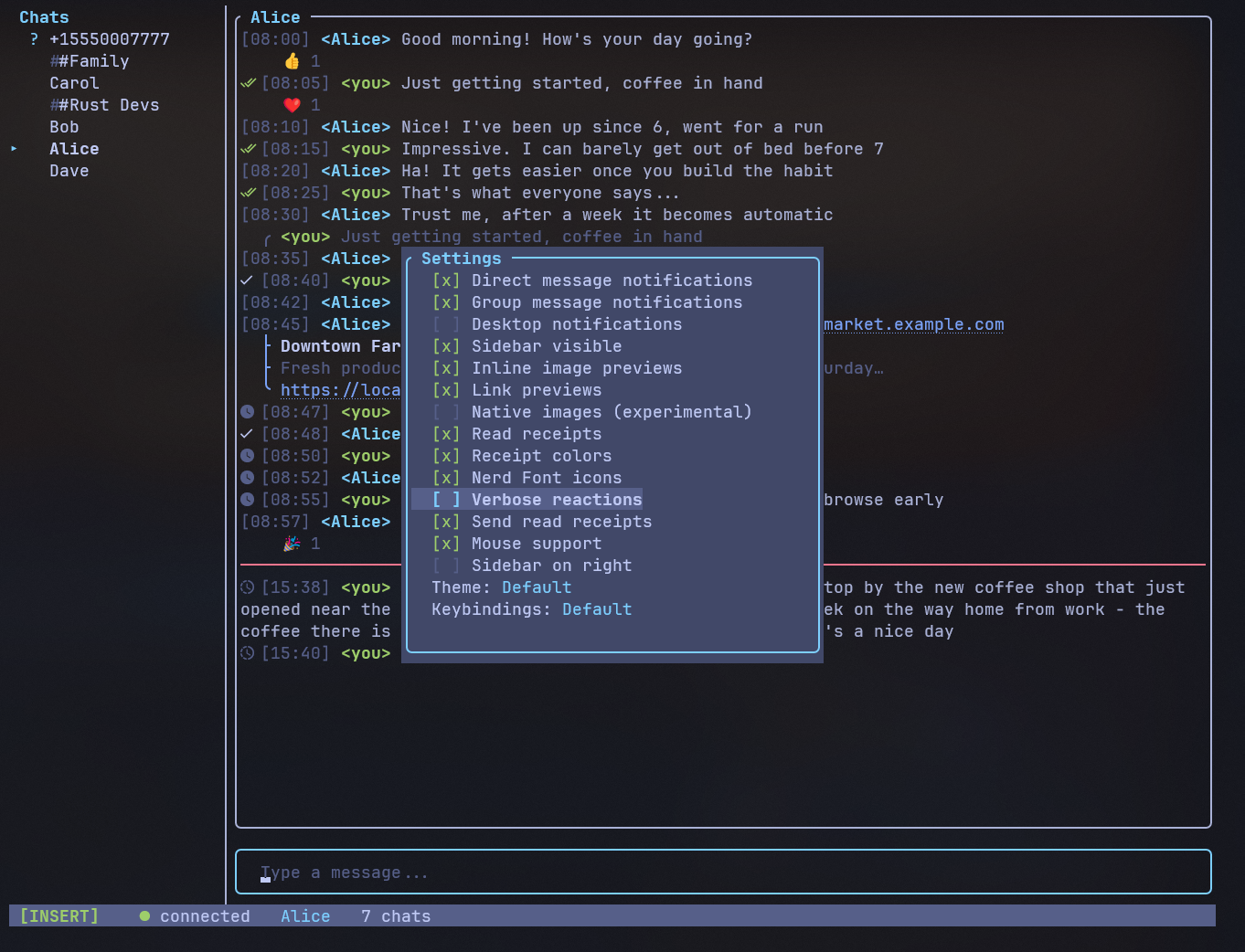
- **Extensible** -- TOML configuration, slash commands, and a clean module architecture
## Quick start
**From crates.io:**
```sh
cargo install siggy
```
**Linux / macOS:**
```sh
**Windows (PowerShell):**
```powershell
**Then launch:**
```sh
siggy
```
The setup wizard will guide you through linking your Signal account on first launch.
## Try it without Signal
```sh
siggy --demo
```
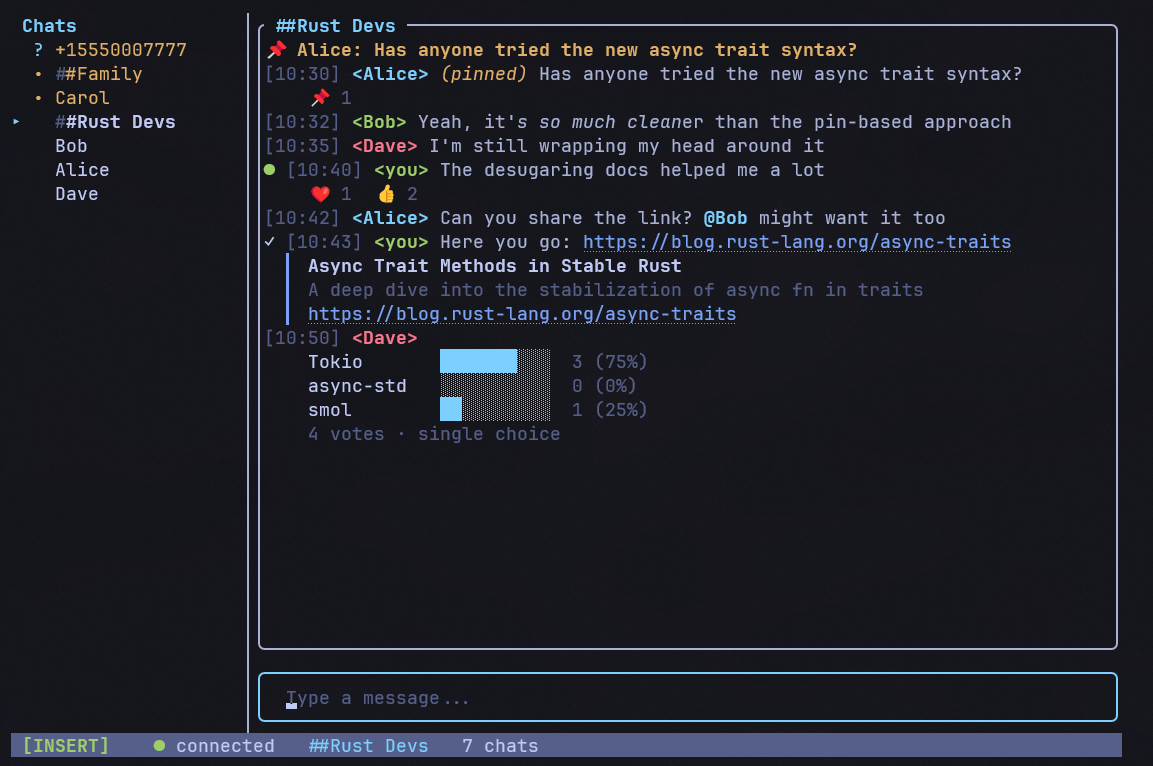
Demo mode populates the UI with dummy conversations and messages so you can explore
the interface without a Signal account or signal-cli installed.
## License
[GPL-3.0](https://github.com/johnsideserf/siggy/blob/master/LICENSE)