
Ratagrid
An independent, typed data grid for Ratatui: sorting, selection, search, column resizing and pagination.
Documentation and demo · crates.io · API reference · Usage guide
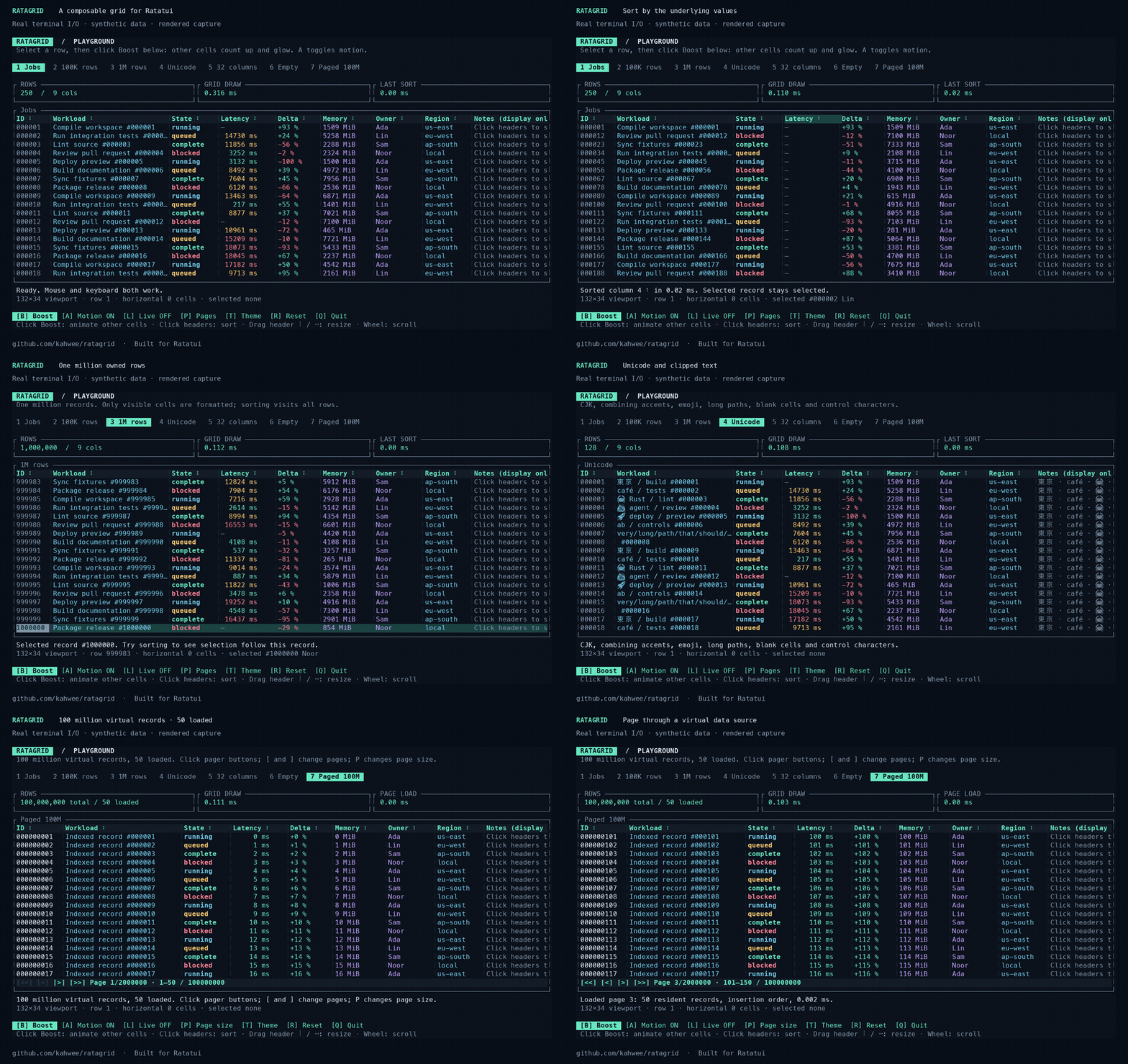
The demo shows real terminal I/O rendered into media, using synthetic records.
Run it
Rust 1.99.0 is required.
In 0.2.0, enable optional full-value panels for truncated cells:
Shrink Workload, then hover a data cell for 500 ms or click it and press Enter. Escape closes the panel; Up/Down, PageUp/PageDown and Home/End scroll a keyboard-opened panel. The mouse wheel over the panel also scrolls it. This option is disabled by default. Library configuration.
Use with Ratatui
= "0.2"
= "0.30"
= "0.29"
A complete keyboard example (cargo run --locked --example quickstart):
use ;
use ;
Use arrows to select, Tab + Enter to sort, / to search, and q to quit. For mouse capture and synthetic financial amounts, see positions.rs. Your application owns the terminal, focus and data source.
For a SQLite adapter with global search, one-based application pages, optional sorting and changing totals, run cargo run --locked --example database; see the adapter guide.
For native database cursor/keyset pagination, use Grid::new_cursor_paged, handle Action::CursorPageRequested, and return rows plus the next token. Try cargo run --locked --example cursor; see the cursor integration guide.
Feature guide · Pagination · Release notes and migration · Contributing · MIT license