
Quvyta framework
quvyta-framework is a Rust framework for building terminal applications. It was started for Quvyta's own applications and is open source under the MIT licence.
It provides the runtime, a set of widgets, and theme, icon and language files. Its visual rule is simple: shape comes from colour, never from bracket or box-drawing characters.
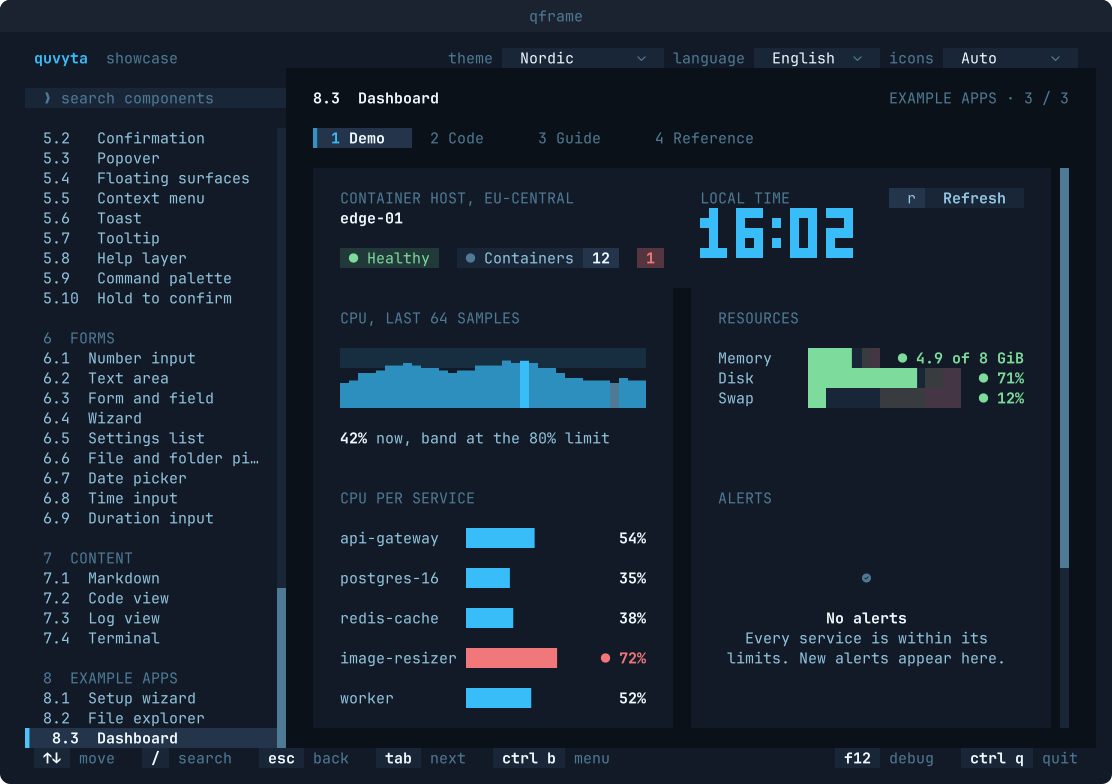
This repository holds three crates:
crates/quvyta-framework: the library.crates/showcase: thequvyta-framework-showcaseapplication, with a page for every component, each with a live demo, its code, a guide and a reference, in English and Turkish.crates/shots:quvyta-framework-shots, which turns a test screen into the SVG and PNG pictures on this page (seedocs/screenshots.md).
Installation
The package is named quvyta-framework and its library is named qframe, so code imports it as
use qframe::prelude::*;. Rust 1.95 or later is required.
A minimal application
An application is data, a view that draws it and an update that changes it. The runtime turns
keys and clicks into messages and redraws only when something has changed.
use *;
// Tests drive the same application without a terminal.
let mut app = new;
app.press.press;
assert!;
// A real program runs it in the terminal:
// fn main() -> std::io::Result<()> {
// Runtime::new(Counter::default()).run()
// }
Text shown to users belongs in language files and is read with t!("key"); the example uses
plain strings to stay short. The Getting started page in the showcase walks through the same
steps.
A look around
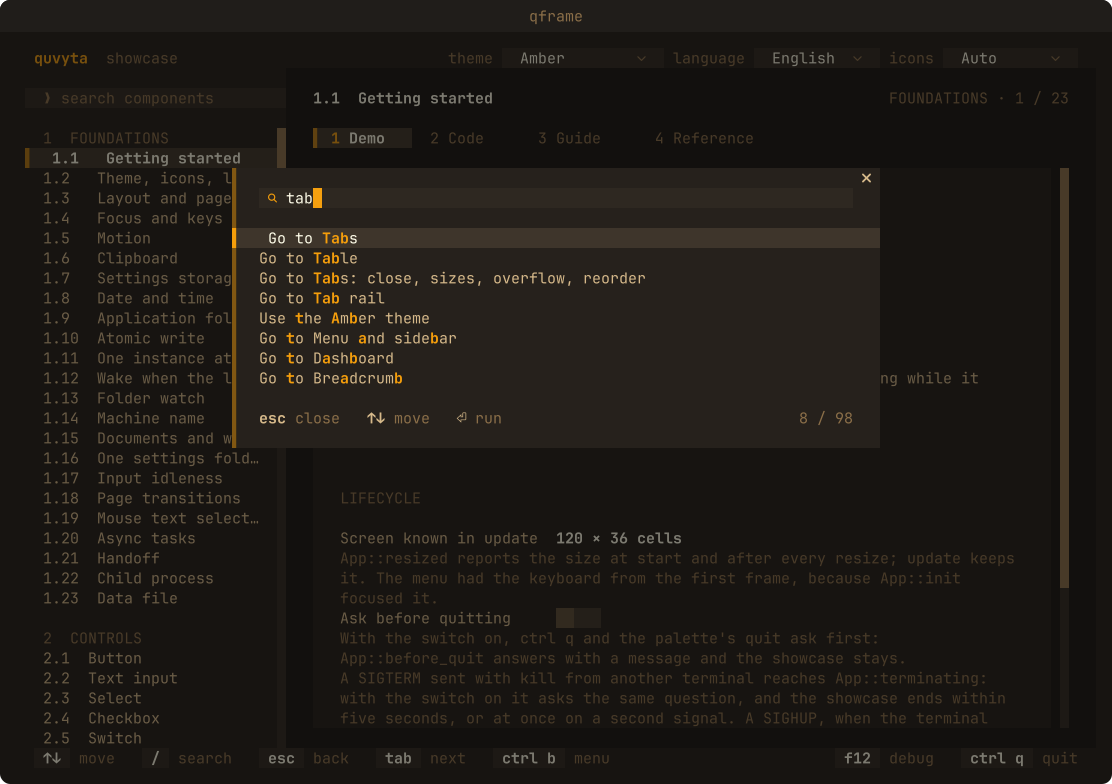
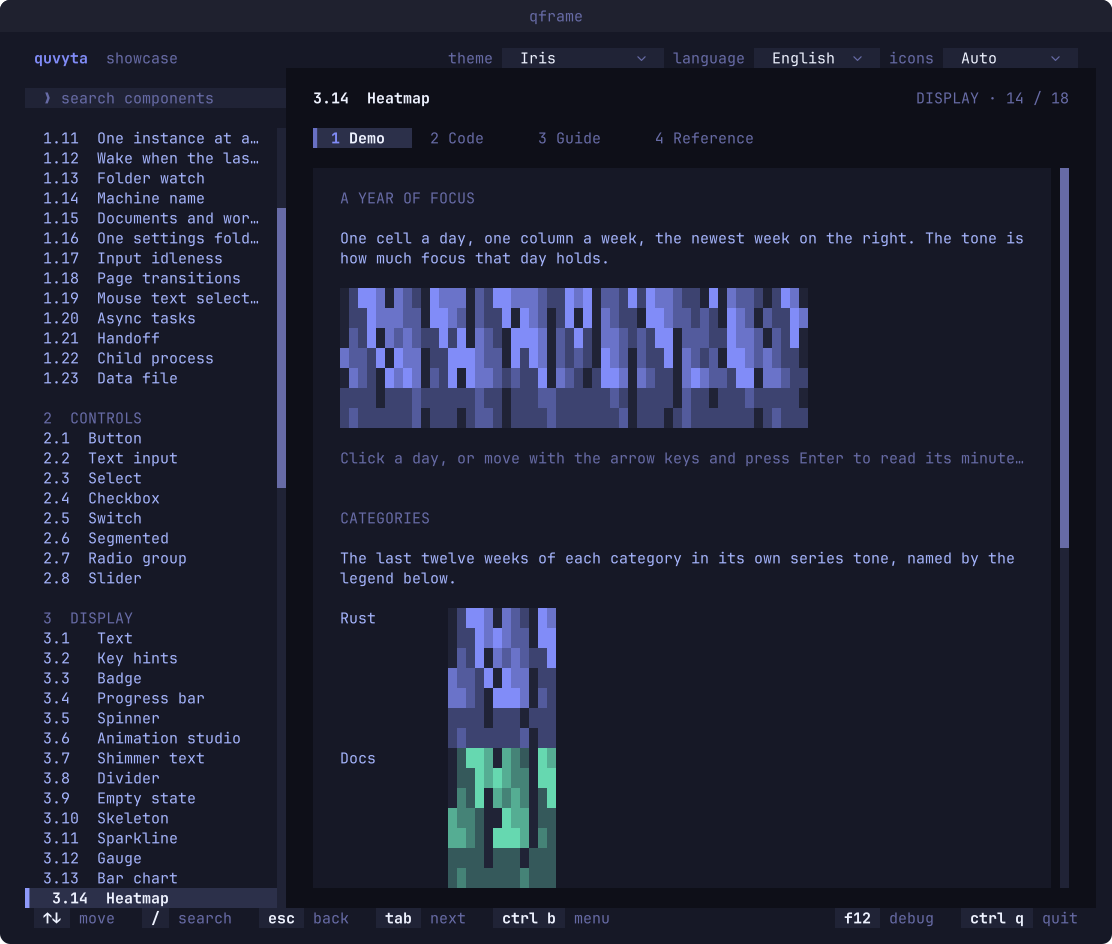
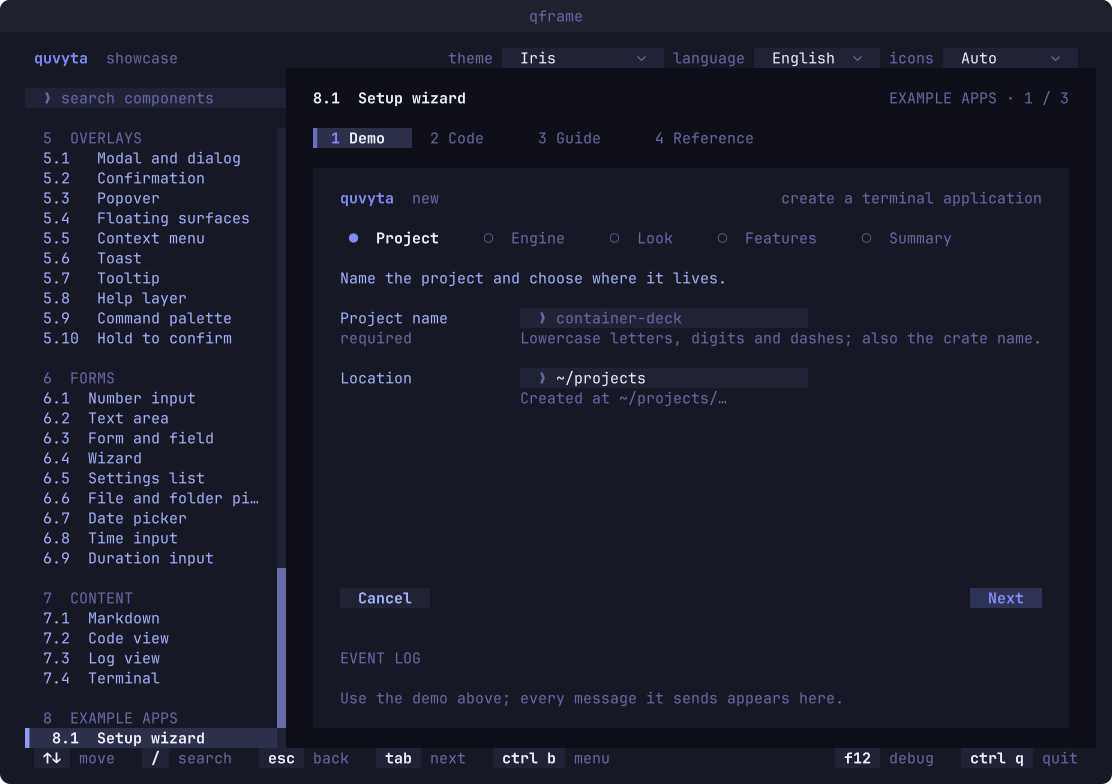
Every picture here is a test screen of the showcase, drawn by quvyta-framework-shots: no
terminal, no screen capture, the same file on every machine.
The command palette (ctrl+p), filtering every page and command as you type, in the Amber theme:
A heatmap of a year of focus, one cell a day, in the Iris theme:
A multi-step setup wizard with a required field and its hint, in the Iris theme:
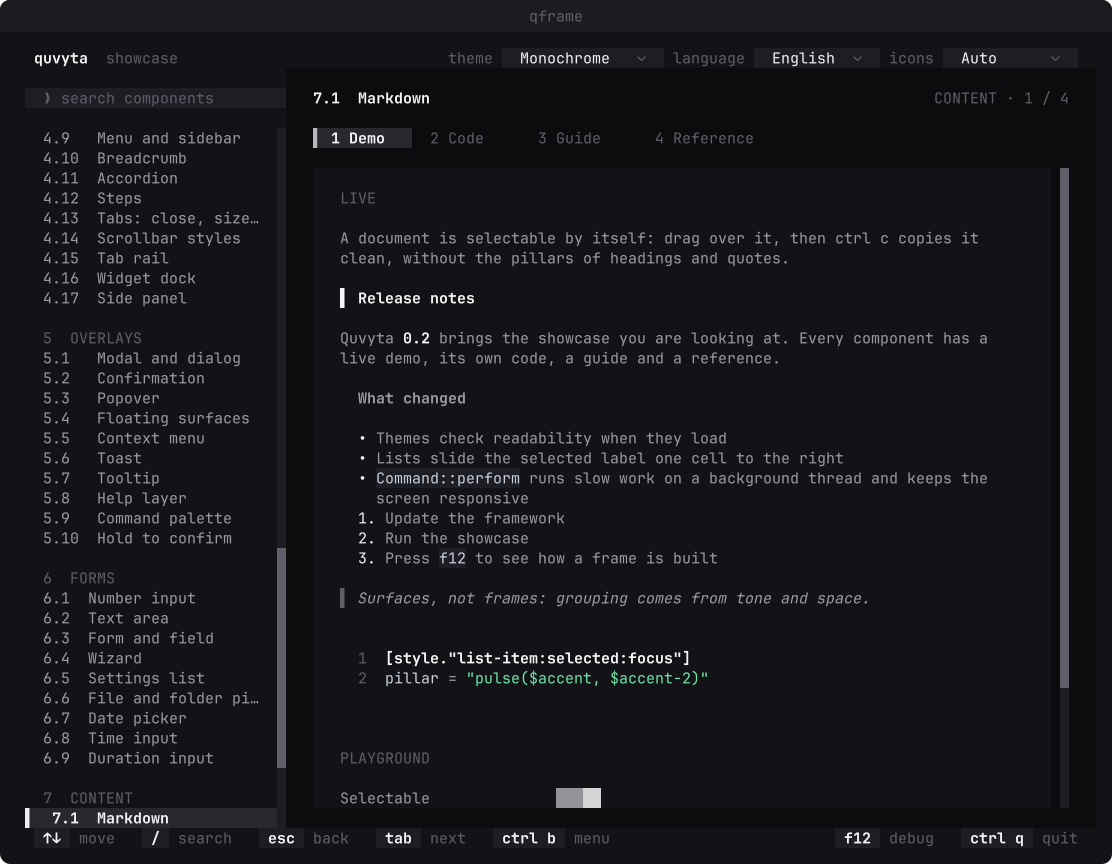
Markdown with headings, lists, inline code and quotes, in the Monochrome theme:
To draw them again after a change:
cargo test -p quvyta-framework-showcase readme_shots -- --ignored.
Running the showcase
Installed, the showcase is the qframe command (also installed as
quvyta-framework-showcase). From a clone, with the toolchain pinned by rust-toolchain.toml:
Contributing
Before your first commit, enable the pre-commit checks (formatting, clippy, tests and docs):
Documentation
- API documentation:
cargo doc -p quvyta-framework --open. - Guides and references: in the showcase, and as Markdown under
crates/showcase/assets/pages/<page>/{guide,reference}.{en,tr}.md. - Component catalogue:
crates/showcase/CATALOG.toml, the single list of every component and system. - Design:
docs/design.md, the principles and architecture of the framework (in Turkish). - Repository: https://github.com/quvyta/framework.
Licence
MIT. See LICENSE.