# Visualizing restraints with PyMOL (`--pml`)

The `tbl`, `ti`, `unambig-ti`, and `restraint` subcommands all accept a `--pml` option that, in
addition to generating the restraints file, writes out a PyMOL script (`.pml`) to visualize the
restraints network.

If you already have a `.tbl` file and don't need to regenerate it, see the standalone
[`tbl2pml`](./tbl2pml.md) subcommand, which builds the same kind of visualization directly from a
`.tbl` and its PDB(s), without a `config.json`.

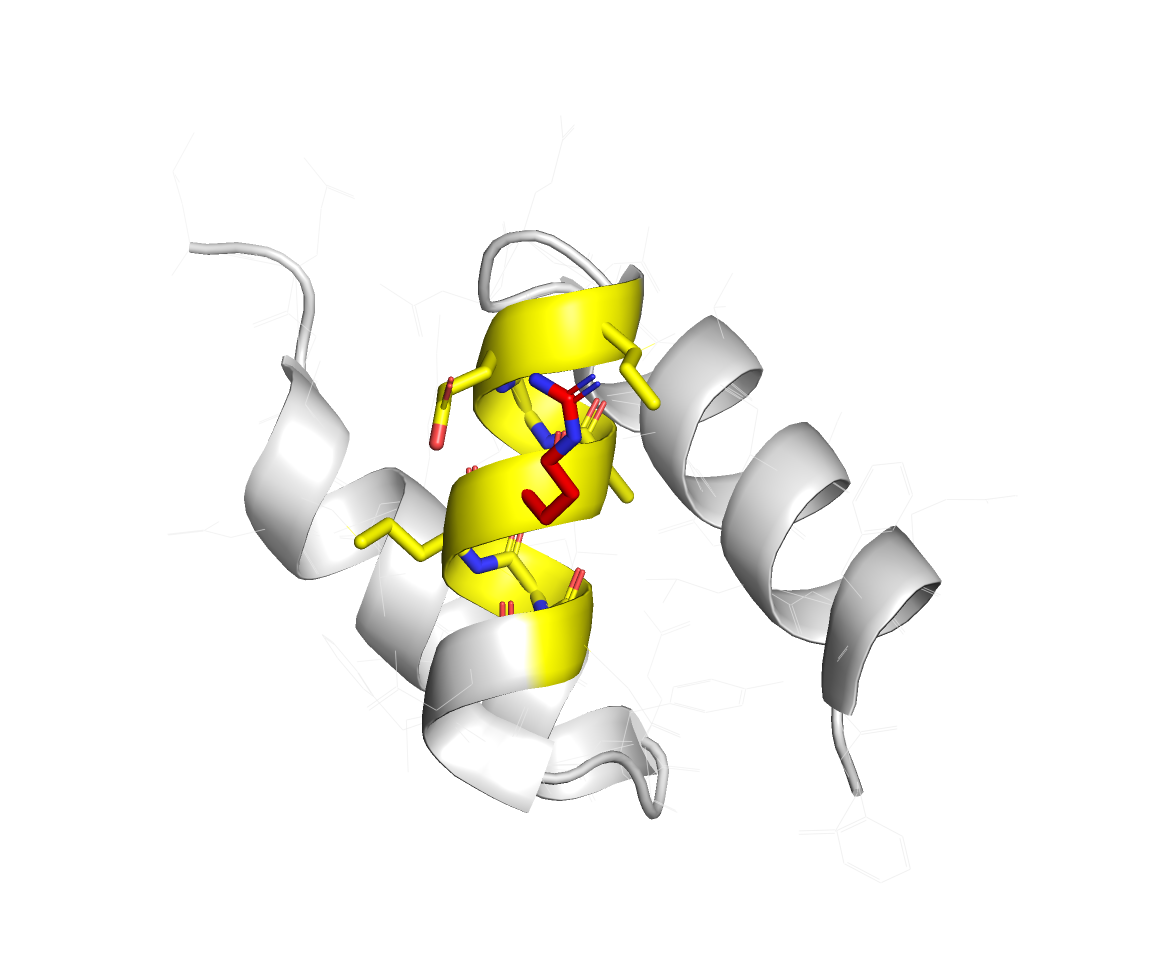
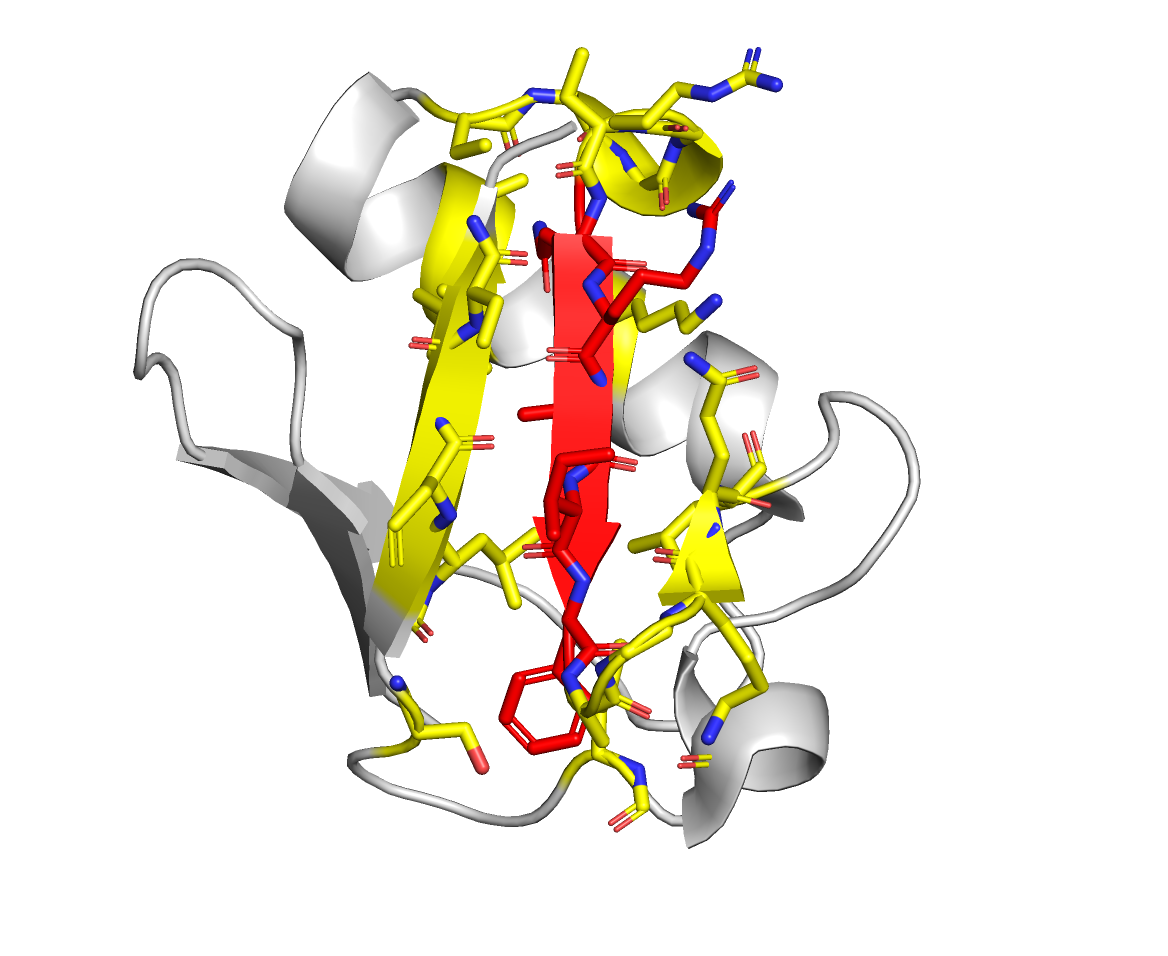
The script colors **active** residues red, **passive** residues green, and draws dashed lines
between the residues involved in each restraint, making it easy to inspect whether the network
makes sense before starting a docking run.

## Usage

Pass `--pml` with an output filename to any of the supported subcommands. For example:

```bash
haddock-restraints tbl path/to/config.json --pml network.pml > restraints.tbl
```

The generated script includes a `load` command for the structure it was built from, so it's
self-contained — just open it directly in PyMOL:

> **Note (`tbl` subcommand only)**: `--pml` needs to know which PDB the restraints refer to. For
> `ti`, `unambig-ti`, and `restraint` this is just the PDB argument you already pass on the
> command line. For `tbl`, it's read from the `structure` field in your
> [configuration file](./configuration_file.md), at least one interactor must set it, and if
> more than one interactor sets it, they must all point to the same file. Otherwise
> `haddock-restraints` exits with an error rather than emitting a `.pml` with no visible network.

```bash
pymol network.pml
```

or, from within an already open PyMOL session:

```
@network.pml
```