# Active/Passive residues
We have a deeper explanation of these at our [Best Practice Guide](https://www.bonvinlab.org/software/bpg/restraints/) - but for brevity , we can say that:
- Active residues **MUST** be in contact with the other molecule.
- Passive residues **COULD** be in contact with the other molecule.
Let's say you have two proteins A and B; for protein A, you have very high confidence, _based on your experiments, in information retrieved from the literature or bioinformatic predictions_ that residue number 950 is very important for the interaction.
However for protein B you do not know the exact residues involved in the interaction, but you know that the interaction happens in a specific region of the protein. Let's say this region is between residues 41 and 45.
In this example, your active residues are:
- Protein A: 950
- Protein B: 41, 42, 43, 44, 45
For your passive residues, you can select a region **around** your active residues to serve as the passive residues. This is a way to tell the docking software that these residues are not as important as the active ones, but they could be in contact with the other molecule.
> You can do the passive selection manually, by visual inspection or `haddock-restraints` can do it automatically for you, using the `passive_from_active` option.
In the end, your configuration file will look like this:
```json
[
{
"id": 1,
"chain": "A",
"active": [950],
"passive": [],
"structure": "proteinA.pdb",
"passive_from_active": true,
"target": [2]
},
{
"id": 2,
"chain": "B",
"active": [41, 42, 43, 44, 45],
"passive": [],
"structure": "proteinB.pdb",
"passive_from_active": true,
"target": [1]
}
]
```
Visually, the restraints generated by this configuration file will look like this:
| 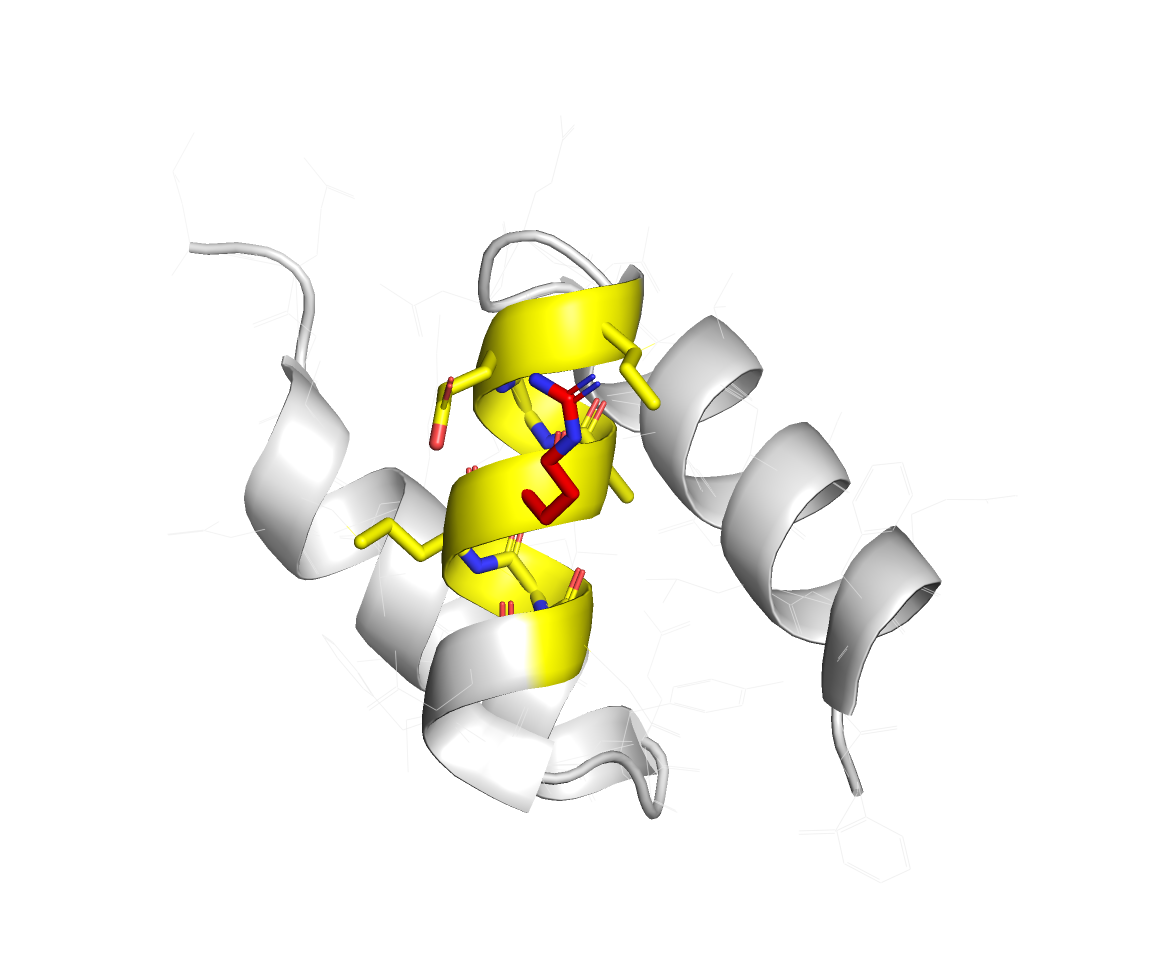 | 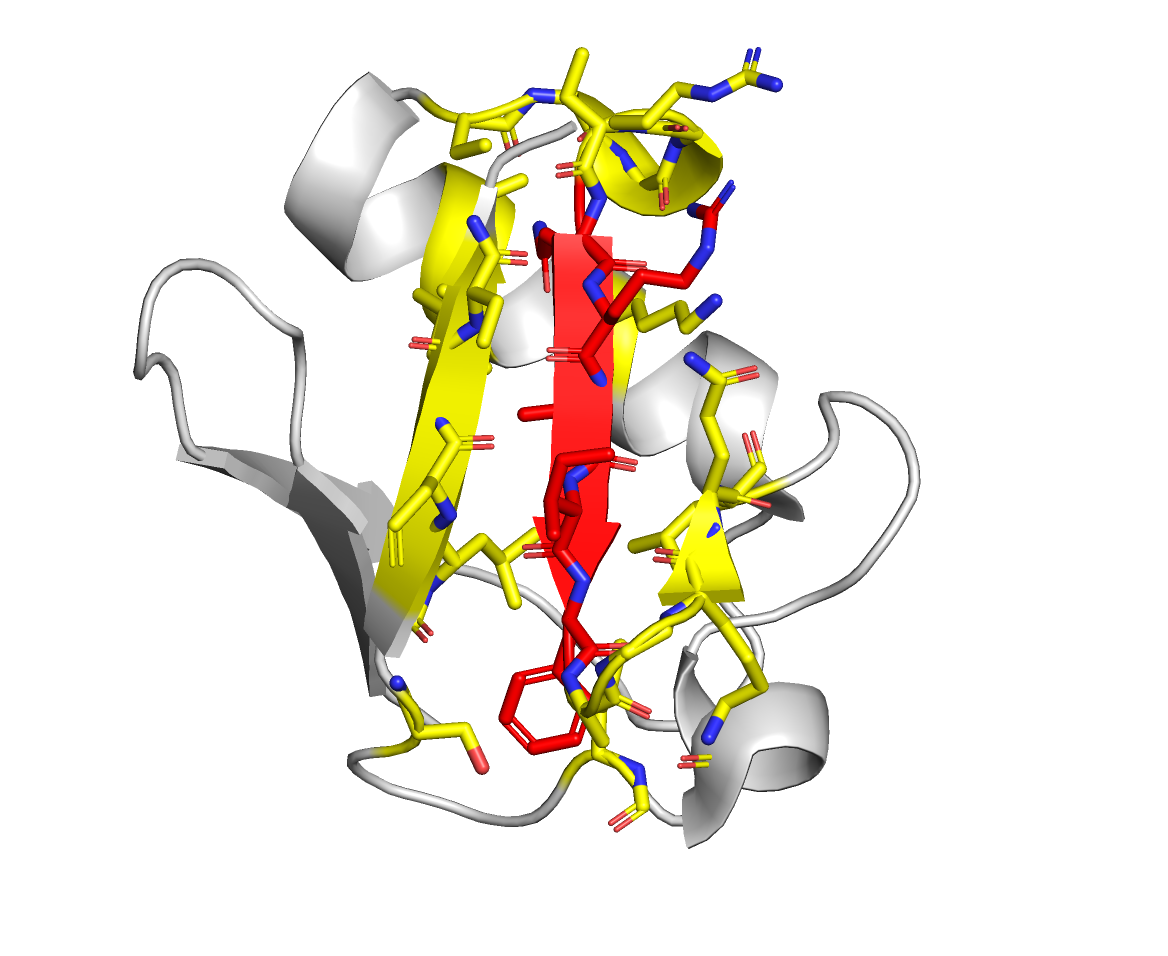 |
> Active residues are in red, and the passive residues are in yellow.