# cli-candlestick-chart
[](https://github.com/Julien-R44/cli-candlestick-chart/actions/workflows/rust.yml)
[](https://crates.io/crates/cli-candlestick-chart)
This library allows you to display candle charts directly in your terminal.
I did this project mainly to learn Rust, so the code may be not very good at some places.
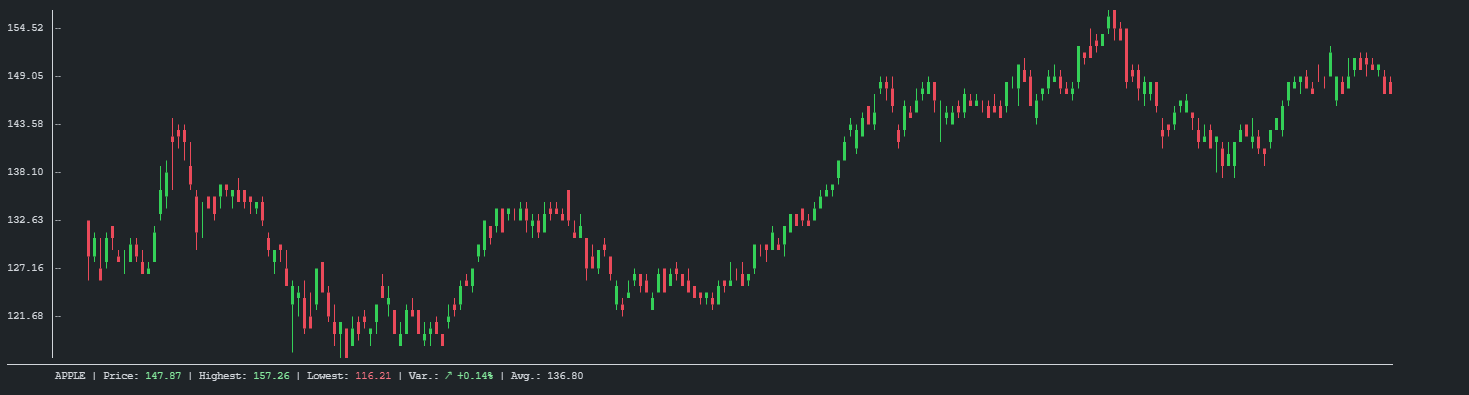
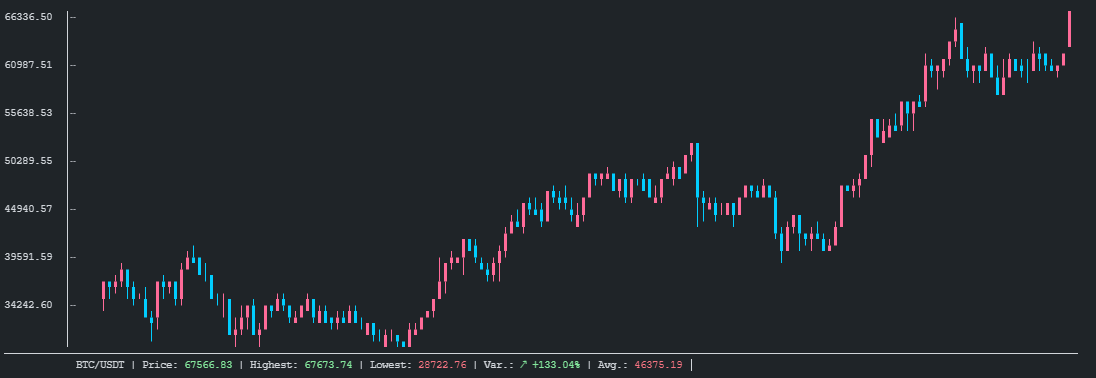
# Table of contents
* [Features](#features)
* [API Usage](#api-usage)
* [Binary Usage](#binary-usage)
* [Examples](#examples)
# Features
- Customizable
- Auto-fit to terminal size
- Shipped as binary for standalone usage
# API Usage
Add this to your `Cargo.toml`
```toml
[dependencies]
cli-candlestick-chart = "0.1"
```
```rust
use cli_candlestick_chart::{Candle, Chart};
fn main() {
// Add some candles
let candles: Vec<Candle> = vec![
Candle::new(133.520004, 133.610001, 126.760002, 129.410004),
Candle::new(128.889999, 131.740005, 128.429993, 131.009995),
Candle::new(127.720001, 131.050003, 126.379997, 126.599998),
Candle::new(128.360001, 131.630005, 127.860001, 130.919998),
Candle::new(132.429993, 132.630005, 130.229996, 132.050003),
];
// Create and display the chart
let mut chart = Chart::new(candles);
// Set the chart title
chart.set_name(String::from("BTC/USDT"));
// Set customs colors
chart.set_bear_color(1, 205, 254);
chart.set_bull_color(255, 107, 153);
chart.draw();
}
```
# Binary Usage
```
USAGE:
cli-candlestick-chart.exe [OPTIONS]
FLAGS:
-h, --help Prints help information
-V, --version Prints version information
OPTIONS:
--bear-color <BEAR_COLOR> Sets the descending candles color.
--bull-color <BULL_COLOR> Sets the ascending candles color.
--chart-name <CHART_NAME> Sets the chart name.
-f, --file <FILE> File to read candles from, if reading-mode is `*-file.`
-r, --reading-mode <READING_MODE> Choose your reading mode.
[possible values: stdin, csv-file, json-file]
```
# Examples
## Api
- [Basic example with CSV parsing](https://github.com/Julien-R44/cli-candlestick-chart/blob/main/examples/basic-with-csv-parsing.rs)
`cargo run --example basic-with-csv-parsing --features=serde`
- [Fetch candles from binance](https://github.com/Julien-R44/cli-candlestick-chart/blob/main/examples/fetch-from-binance.rs)
`cargo run --example fetch-from-binance --features=serde`
## Binary
- Read CSV from file :
```bash
./cli-candlestick-chart \
-r=csv-file \
-f=./examples/BTC-USD.csv \
--chart-name="My BTC Chart" \
--bear-color="#b967ff" \
--bull-color="ff6b99"
```
- Read from stdin :
```bash
echo '[
{
"open": 28994.009766,
"high": 29600.626953,
"low": 28803.585938,
"close": 29374.152344
},
{
"open": 29376.455078,
"high": 33155.117188,
"low": 29091.181641,
"close": 32127.267578
}
]' | ./cli-candlestick-chart -r=stdin \
--chart-name="My BTC Chart" \
--bear-color="#b967ff" \
--bull-color="ff6b99"
```
# Build