
cli-candlestick-chart


This library allows you to display candle charts directly in your terminal.
I did this project mainly to learn Rust, so the code may be not very good at some places.
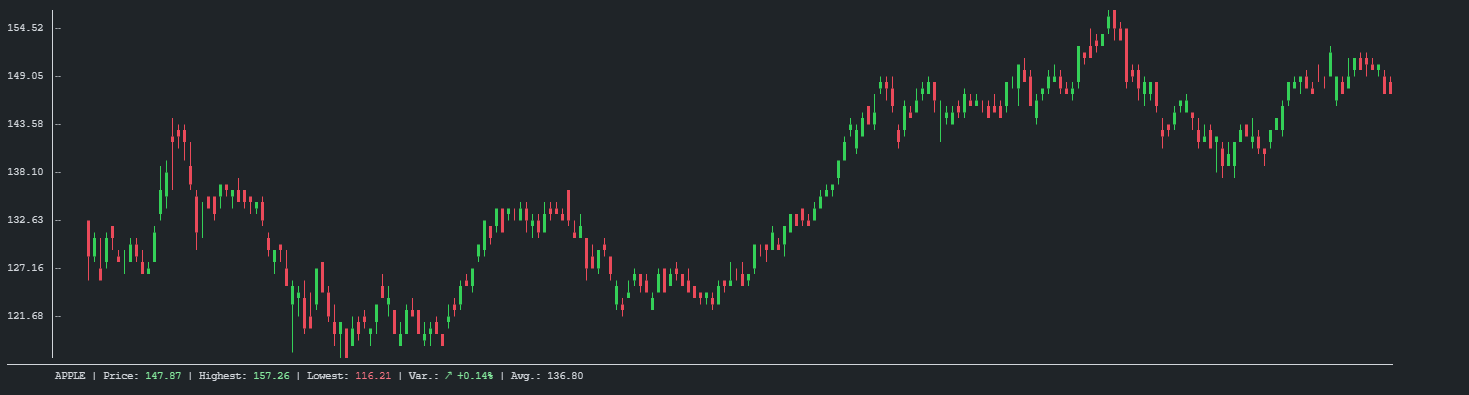
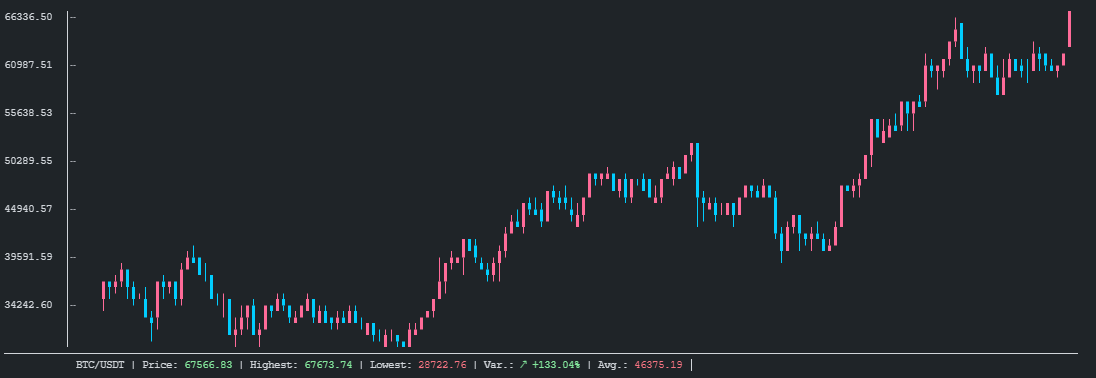
Table of contents
Features
- Customizable
- Auto-fit to terminal size
- Shipped as binary for standalone usage
API Usage
Add this to your Cargo.toml
[]
= "0.1"
use ;
Binary Usage
USAGE:
    cli-candlestick-chart.exe [OPTIONS]

FLAGS:
    -h, --help       Prints help information
    -V, --version    Prints version information

OPTIONS:
        --bear-color <BEAR_COLOR>        Sets the descending candles color.
        --bull-color <BULL_COLOR>        Sets the ascending candles color.
        --chart-name <CHART_NAME>        Sets the chart name.
    -f, --file <FILE>                    File to read candles from, if reading-mode is `*-file.`
    -r, --reading-mode <READING_MODE>    Choose your reading mode.
                                         [possible values: stdin, csv-file, json-file]
Examples
Api
-
Basic example with CSV parsing
cargo run --example basic-with-csv-parsing --features=serde -
cargo run --example fetch-from-binance --features=serde
Binary
- Read CSV from file :
-r=csv-file \
-f=./examples/BTC-USD.csv \
--chart-name="My BTC Chart" \
--bear-color="#b967ff" \
--bull-color="ff6b99"
- Read from stdin :
| --chart-name="My BTC Chart" \
--bear-color="#b967ff" \
--bull-color="ff6b99"