# Fancy Consoles
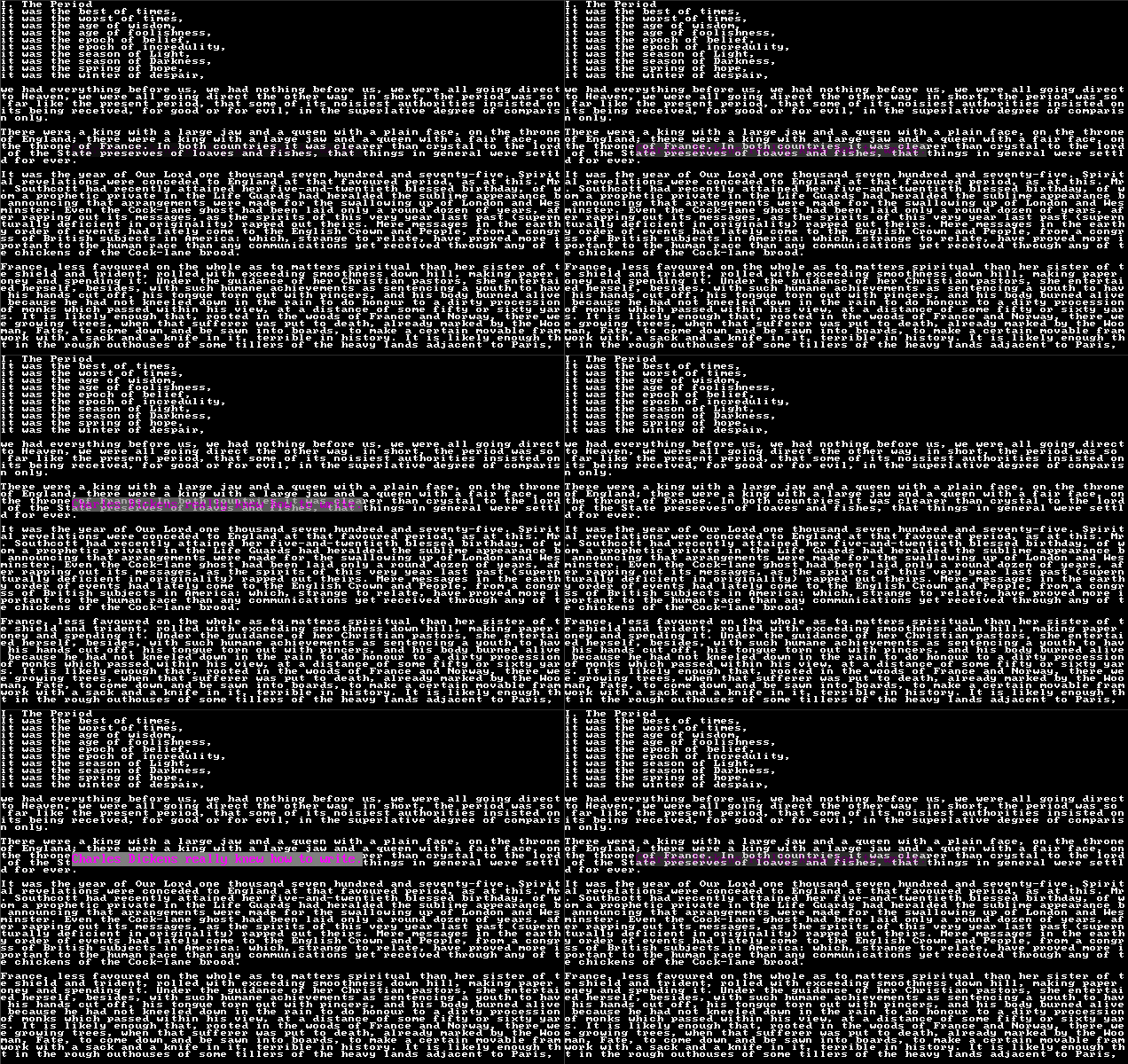
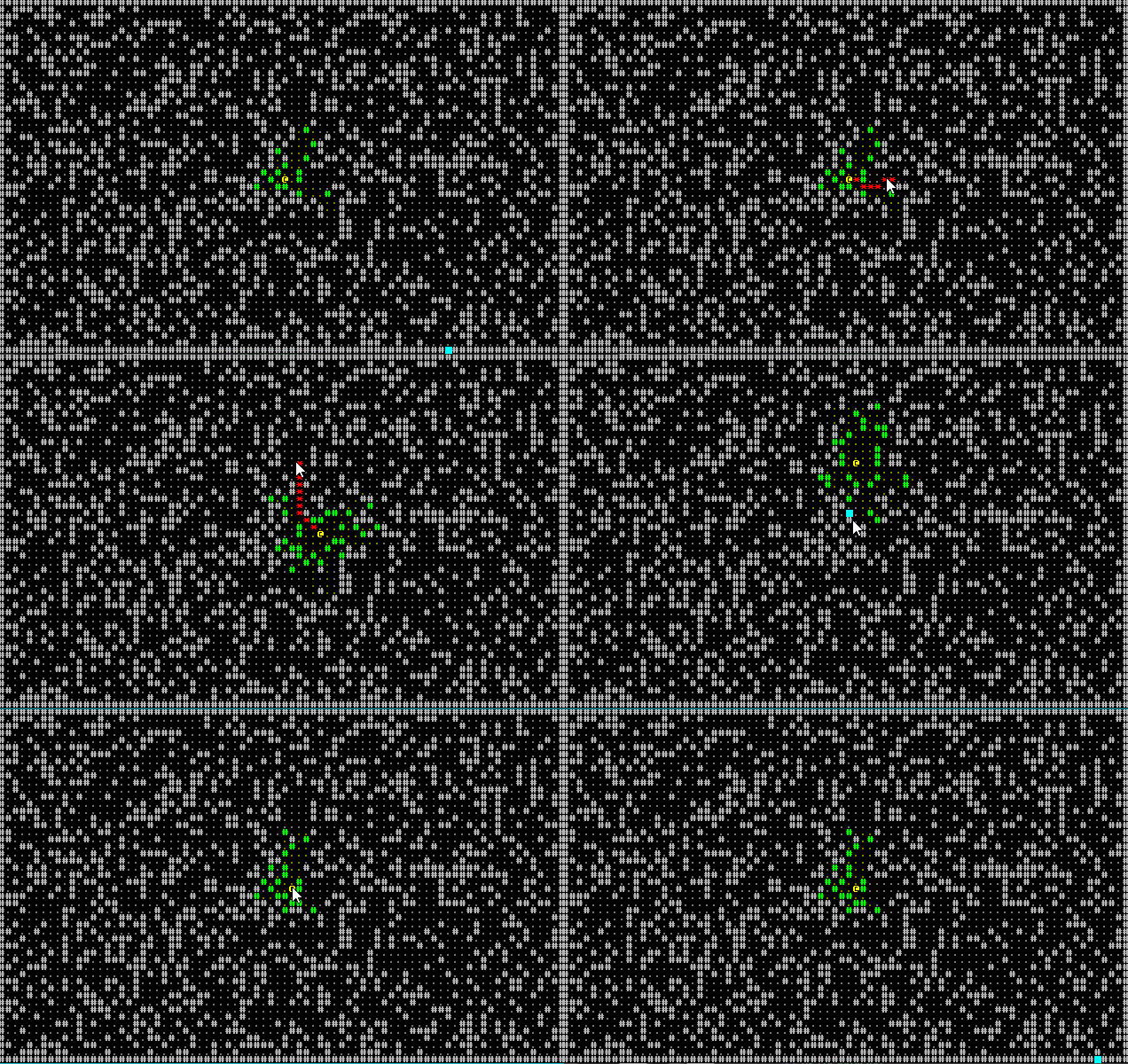
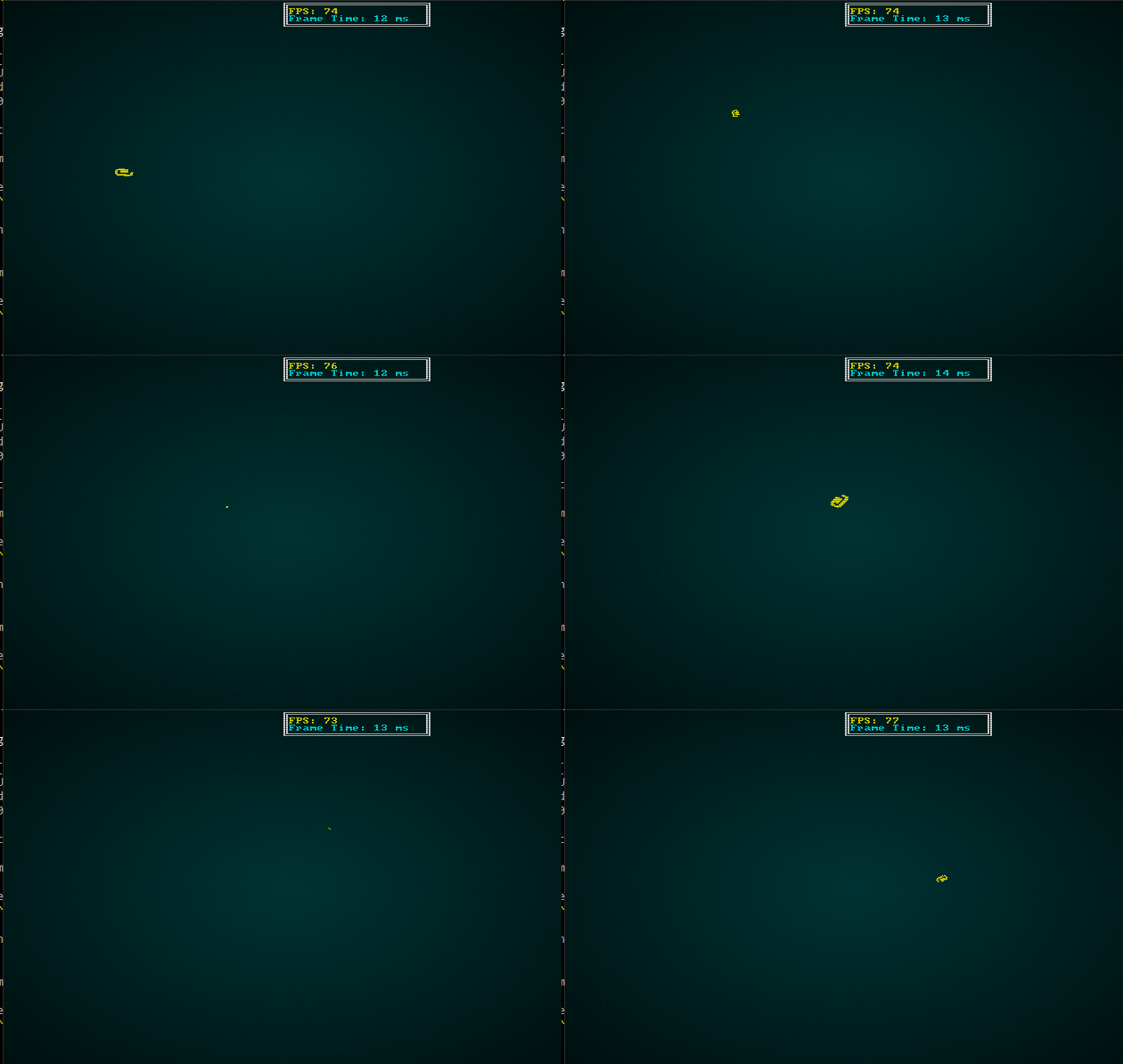
*Fancy consoles* serve as a bridge between a traditional gridded console, and sprite graphics. They were originally designed to make it easier to add smooth movement to a game: you can offset or rotate characters when they are rendered. Fancy consoles are like sparse consoles in that they store all of the characters to be rendered, and not a traditional grid. They even allow characters to be overlaid on top of one another.
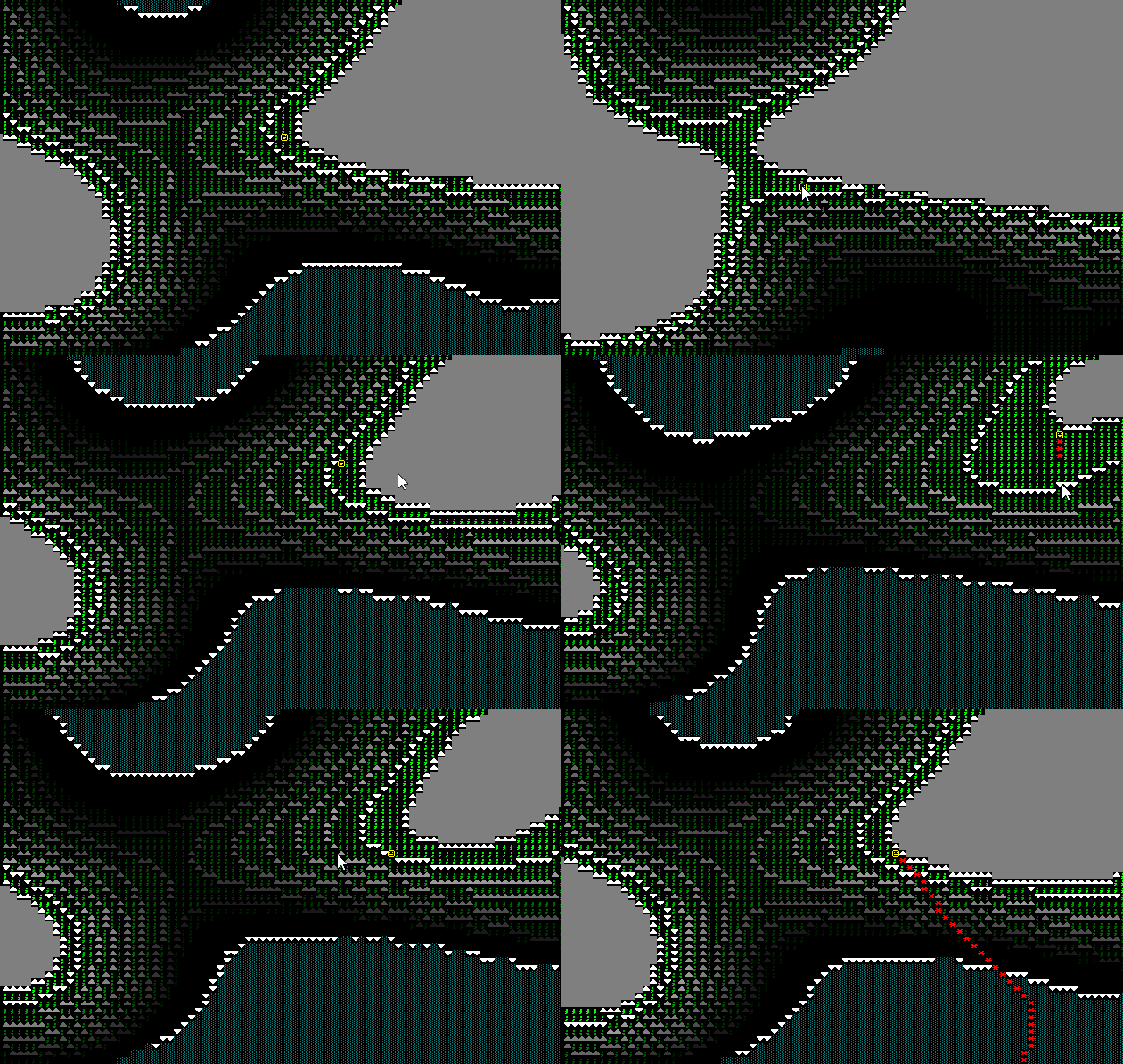
*Hands-on Rust* includes bonus content that uses a fancy console to provide a smooth-moving version of [Flappy Dragon](https://github.com/thebracket/HandsOnRust/tree/main/FirstGameFlappyAscii/flappy_bonus).

## Initializing a Fancy Console
Fancy consoles are another creation option in the `BTermBuilder` chain. The following example creates a single fancy console:
```rust
let mut context = BTermBuilder::simple80x50()
.with_fancy_console(80, 50, "terminal8x8.png")
.with_title("Bracket Terminal - Fancy Consoles")
.with_vsync(false)
.build()?;
```
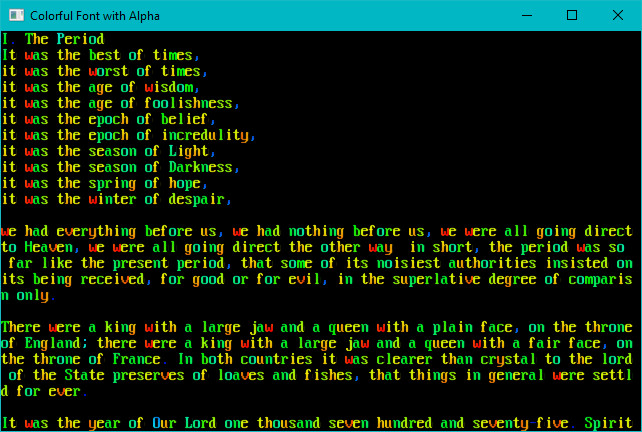
Just like other consoles, you may use whatever font and size options you require.
## Drawing to a Console
You clear a *fancy console* with the same `ctx.cls()` command as other consoles. You can also use the regular printing commands just like any other console. A new draw command is available to take advantage of the console's extended capabilities:
```rust
ctx.set_fancy(
Location (PointF),
z_order (i32),
rotation (Angle),
scale (PointF),
foreground (RGBA),
background (RGBA),
glyph
);
```
* Regular `print` commands take coordinates as integers. Fancy consoles accept *floating point* coordinates---represented by a `PointF` structure. The fractional part is used to offset the current location; `0.0` will render at the left or top, while `0.9` will render at the right or bottom. You can use this to implement smooth movement.
* `z_order` determines the order in which the glyphs are rendered.
* `rotation` takes an `Angle` type (either `Radians` or `Degrees`). If this is non-zero, the glyph will be rotated (around the center) by this amount.
* `scale` controls how large the character is. `1.0` will render at normal size. You can shrink it by going smaller, or expand it by going larger. Scaling occurs separately on the `x` and `y` axes---you need to specify both in the `PointF`.
* `fg` and `bg` are render colors.
* `glyph` is a character type, like other `set` commands.
There's also batched versions of this. You can use `batch.set_fancy` in the same way to render as part of a batch.
> The terminal source code includes an example called [flexible](https://github.com/amethyst/bracket-lib/blob/master/bracket-terminal/examples/flexible.rs) to demonstrate this in action.