Expand description
§Motion Canvas in Rust
A high-performance vector animation engine inspired by Motion Canvas, built on Vello and Typst.
[!IMPORTANT] Prototype Status: This project is a functional prototype and proof-of-concept. It is not a 1:1 implementation of the original Motion Canvas API or features.
§Links
§Installation
Add the library to your Cargo.toml. To enable all features (math, code blocks, images, export), use the full flag:
# Enable everything
cargo add motion-canvas-rs --features full

# Or pick only what you need (e.g., just math, SVGs, and audio)
cargo add motion-canvas-rs --features math,svg,audio§Features
| Feature | Description | Enables |
|---|---|---|
audio | Independent audio timeline and MP3 playback. | play!, AudioNode |
code | Syntax-highlighted code blocks via Syntect. | CodeNode |
export | Headless frame rendering and video generation. | project.export() |
image | Bitmap image support (WebP, JPEG, PNG). | ImageNode |
math | Typst-powered LaTeX math rendering. | MathNode |
physics | Simplified 2D physics engine integration via Rapier. | PhysicsNode, RigidBodyNode, StaticBodyNode |
svg | Vector graphics support via Vello SVG. | SvgNode |
full | Meta-feature that enables all of the above. | Everything |
§Supported Nodes
| Node | Description | Transform Properties |
|---|---|---|
AudioNode | Independent audio clip playback. | volume, crop |
CameraNode | Viewport transformation (pan, zoom, rotate). | position, rotation, zoom, centered |
Circle | Basic circle primitive. | position, rotation, scale, radius, anchor |
CodeNode | Syntax-highlighted code with transitions. | position, rotation, scale, code, anchor |
GroupNode | Hierarchical grouping of any nodes. | position, rotation, scale, children, anchor |
ImageNode | Bitmap image display (WebP, PNG, JPG). | position, rotation, scale, size, anchor |
Line | Simple line between two points. | position, rotation, scale, start, end, anchor |
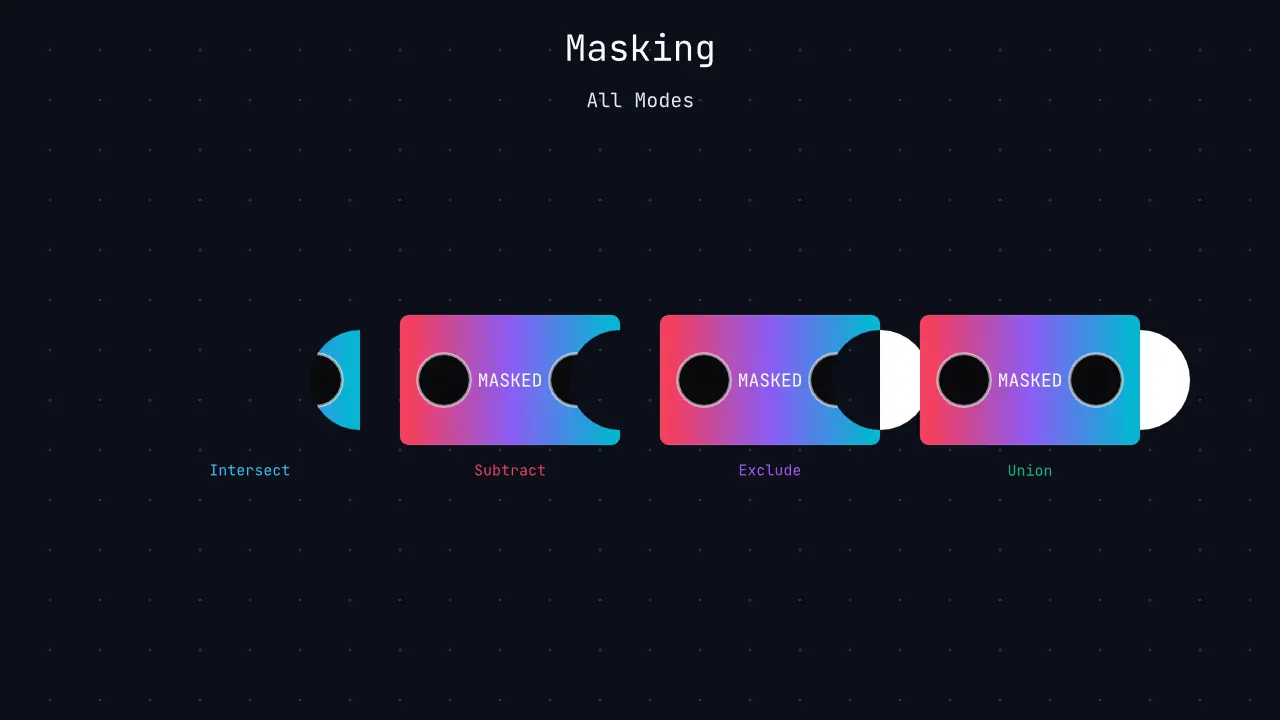
MaskNode | Dynamic vector stenciling and Boolean operations (Intersect, Subtract, Exclude, Union) container. | position, rotation, scale, opacity, mode, anchor |
MathNode | Typst-powered mathematical formulas. | position, rotation, scale, equation, anchor |
PathNode | Complex path sampling and animation. | position, rotation, scale, arc-length, anchor |
PhysicsNode | Container orchestrating a 2D physics simulation world. | opacity, gravity, is_moving_container |
Polygon | Regular and custom polygon shapes. | position, rotation, scale, points, anchor |
Rect | Rectangle with optional corner radius. | position, rotation, scale, size, radius, anchor |
RigidBodyNode | Dynamic physical body reacting to gravity, collisions, and forces. | position, rotation, shape, bounciness, friction, initial_velocity, initial_angular_velocity |
StaticBodyNode | Immovable physical body acting as boundaries or obstacles. | position, rotation, shape, bounciness, friction |
SvgNode | Vector SVG image display and animation. | position, rotation, scale, size, anchor |
TextNode | High-quality text rendering (skrifa). | position, rotation, scale, text, anchor |
§Project Structure
The engine is organized into the following structure:
examples/: Comprehensive demonstration scripts.src/assets/: Resource management (fonts, images, audio, palettes).src/core/: Pure logic layer (animations, easings, timeline, scene).src/elements/: High-level node hierarchy (shapes, media, containers).src/lib.rs: Library entry point and unified prelude.src/project.rs: CoreProjectconfiguration struct.src/runtime/: Side-effect-heavy runners (windowing, export, renderer).
§Quick Start
use motion_canvas_rs::prelude::*;
use std::time::Duration;

fn main() {
    // Project::default() uses default values (800x600, 60fps)
    let mut project = Project::default()
        .with_title("Quick Start")
        .with_background(Color::rgb8(0x1a, 0x1a, 0x1a))
        .close_on_finish();

    // Nodes support a builder pattern and Default traits
    let circle = Circle::default()
        .with_position(Vec2::new(400.0, 300.0))
        .with_radius(100.0)
        .with_fill(Color::RED);

    let text = TextNode::default()
        .with_position(Vec2::new(400.0, 150.0))
        .with_text("Hello Motion Canvas!")
        .with_font_size(48.0)
        .with_fill(Color::WHITE);

    project.scene.add(circle.clone());
    project.scene.add(text.clone());

    project.scene.video_timeline.add(all![
        circle.radius.to(100.0, Duration::from_secs(1)),
        text.position.to(Vec2::new(400.0, 400.0), Duration::from_secs(1)),
    ]);

    project.show().expect("Failed to render");
}§Running Examples
The project includes 26 examples that can be found in the examples directory.
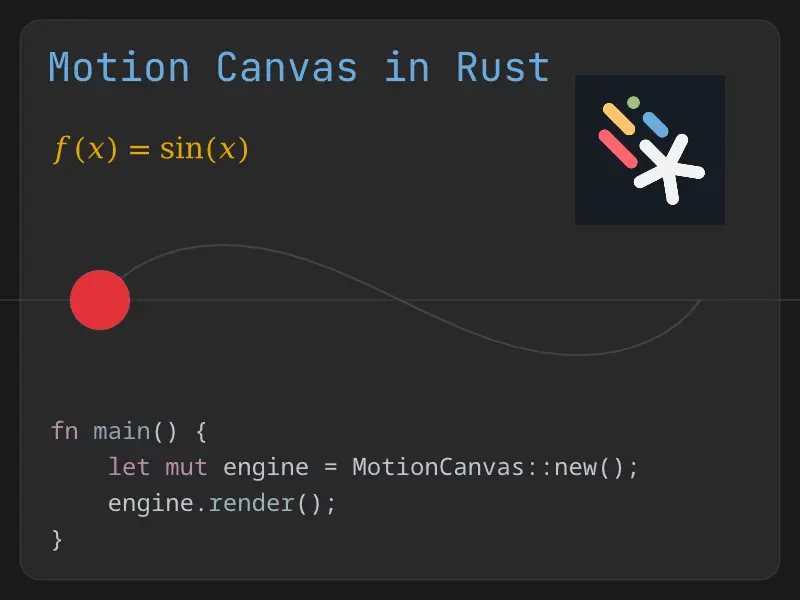
[ code ] Advanced Flow - Complex staggered and sequential animations.
cargo run --example advanced_flow --features=full| Preview |
|---|
 |
| Advanced Flow Video |
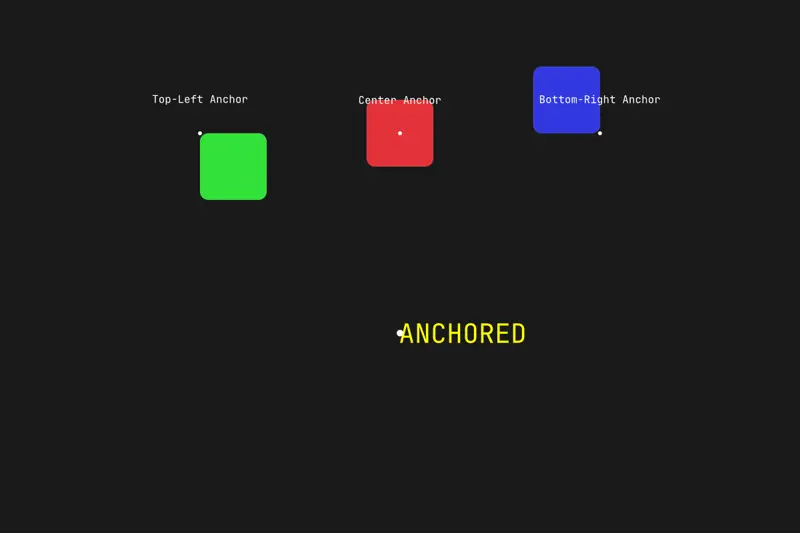
[ code ] Anchors - Reactive transformation origins for precise positioning.
cargo run --example anchors| Preview |
|---|
 |
| Anchors Video |
[ code ] Audio Demo - Independent audio and video timelines with cropping.
cargo run --example audio_demo --features audio| Preview |
|---|
 |
| Audio Demo Video |
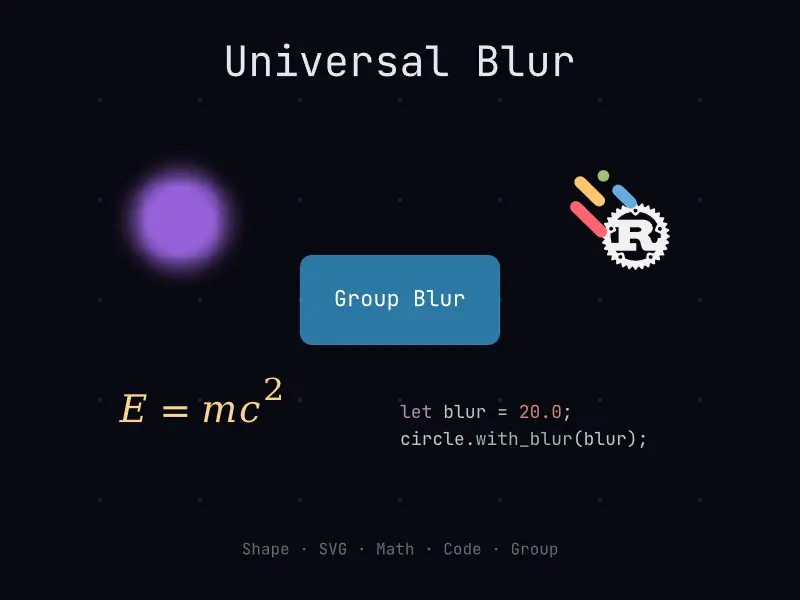
[ code ] Blur Demo - Box blur filter applied universally across node subtrees.
cargo run --example blur_demo| Preview |
|---|
 |
| Blur Demo Video |
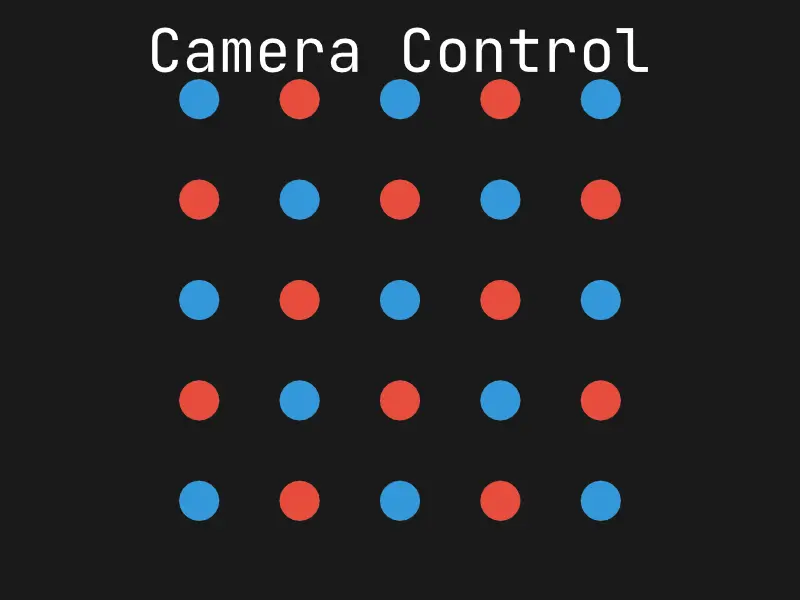
[ code ] Camera Control - Viewport-level panning, zooming, and rotation.
cargo run --example camera_demo| Preview |
|---|
 |
| Camera Demo Video |
[ code ] Code Advanced - Fine-grained selection and content manipulation.
cargo run --example code_advanced --features code| Preview |
|---|
 |
| Code Advanced Video |
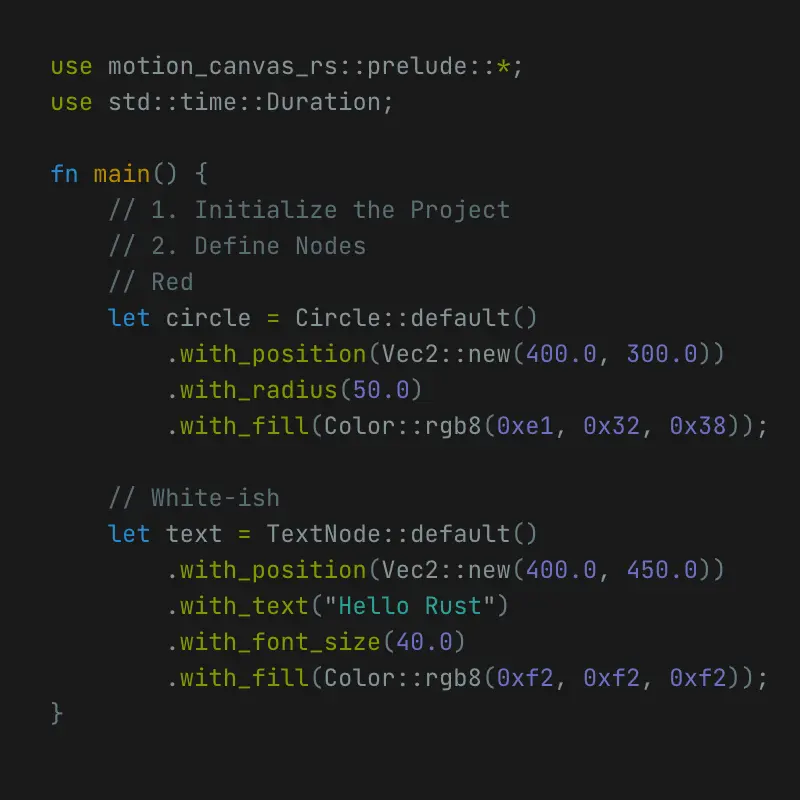
[ code ] Code Animation - "Magic Move" token-based code transitions.
cargo run --example code_animation --features code| Preview |
|---|
 |
| Code Animation Video |
[ code ] Color Interpolation - Smooth transitions between color spaces.
cargo run --example color_interpolation| Preview |
|---|
 |
| Color Interpolation Video |
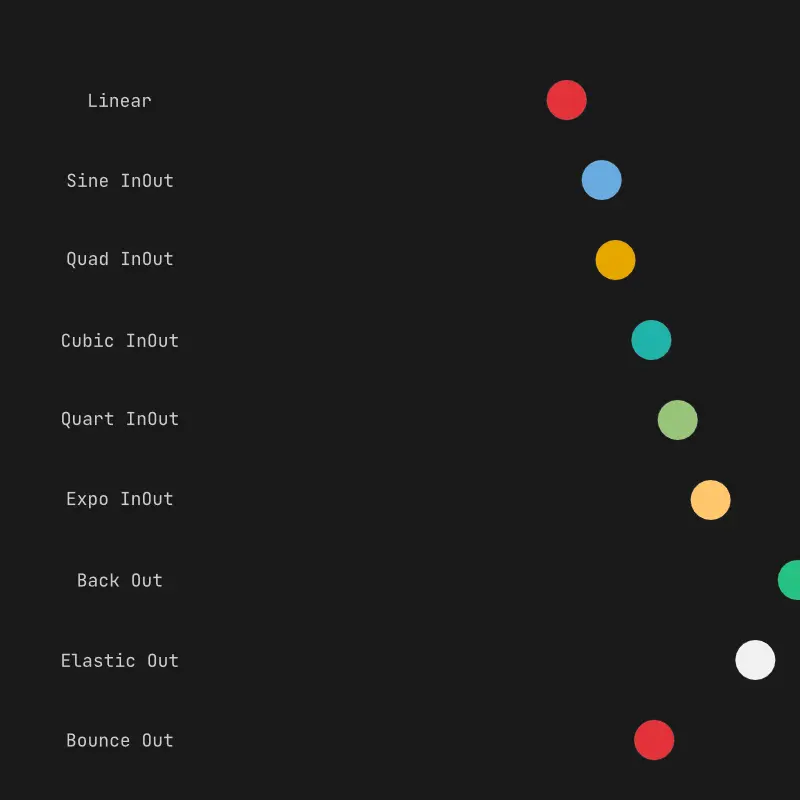
[ code ] Easing Scope - 100% parity easing library visualizer.
cargo run --example easing_scope| Preview |
|---|
 |
| Easing Scope Video |
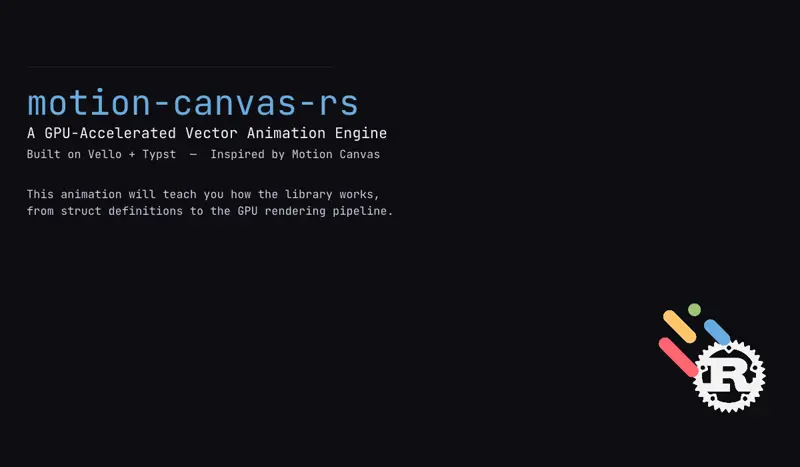
[ code ] Explainer - Showcasing the library and some of its features.
cargo run --example explainer --release --features full| Preview |
|---|
 |
| Explainer Video |
[ code ] Export - Video export with color and font-size animations.
cargo run --example export --features export| Preview |
|---|
 |
| Export Video |
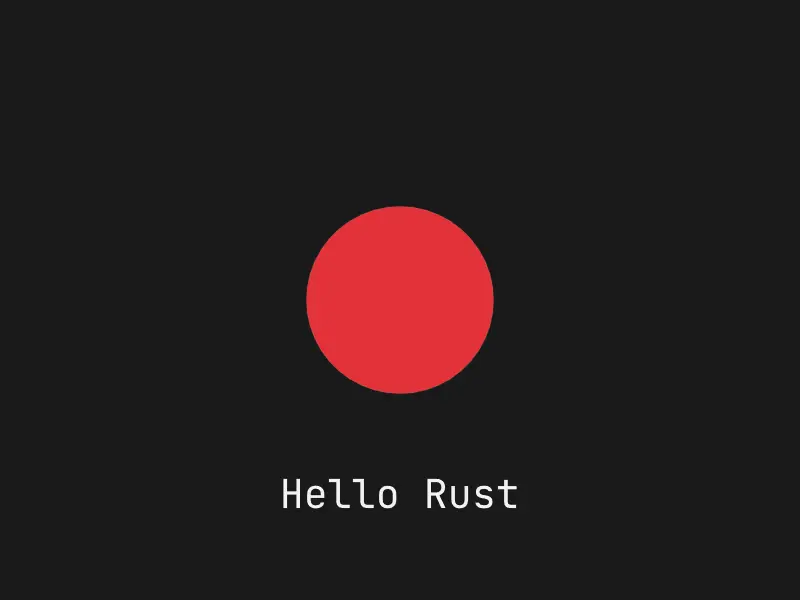
[ code ] Getting Started - Basic node creation and animation.
cargo run --example getting_started| Preview |
|---|
 |
| Getting Started Video |
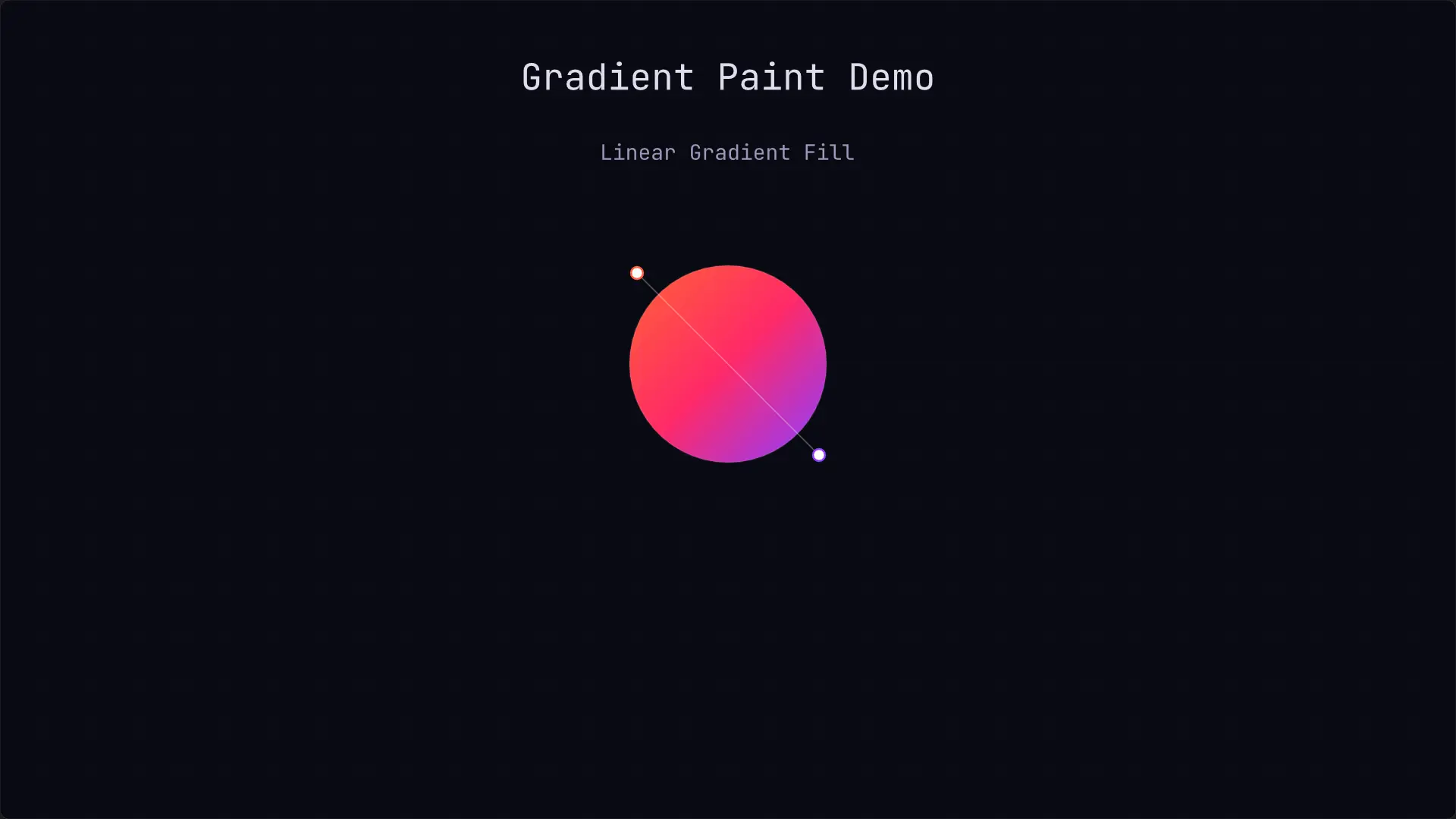
[ code ] Gradient Demo - Shapes, texts, fill and stroke gradients, and morph animations between solid and gradients using Vello.
cargo run --example gradient_demo --features math| Preview |
|---|
 |
| Gradient Demo Video |
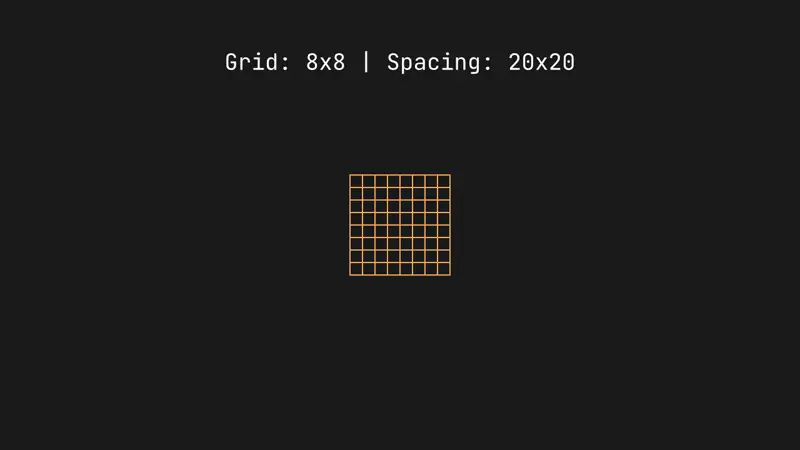
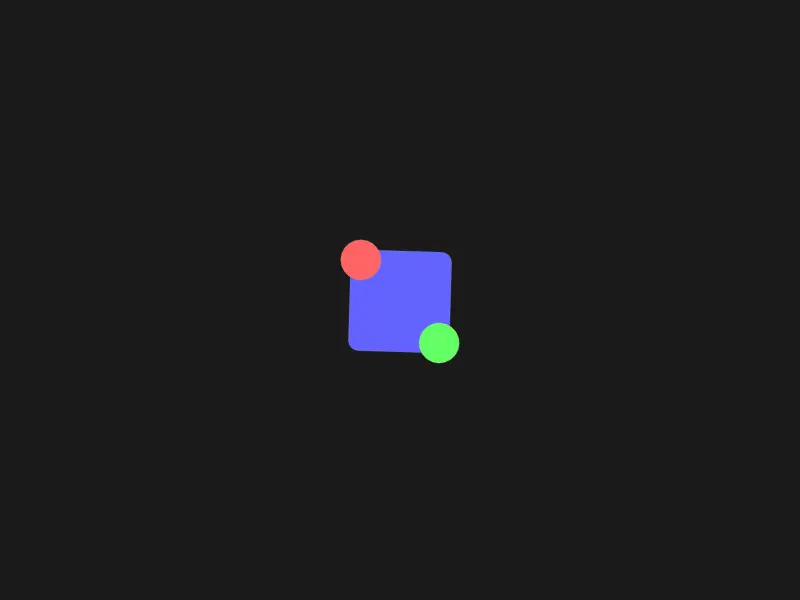
[ code ] Group Animation - Hierarchical transformations and inherited opacity.
cargo run --example group_animation| Preview |
|---|
 |
| Group Animation Video |
[ code ] Images - Bitmap image support and transformations.
cargo run --example images --features image,svg| Preview |
|---|
 |
| Images Video |
[ code ] Mask Demo - Vector masking and composition using Porter-Duff blend layers (Intersect, Subtract, Exclude, Union).
cargo run --example mask_demo| Preview |
|---|
 |
| Mask Demo Video |
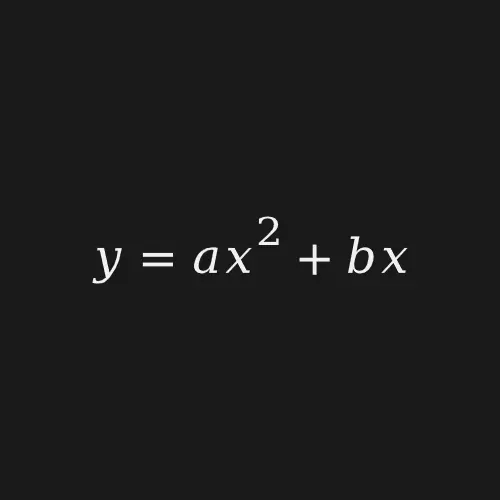
[ code ] Math Animation - Advanced mathematical transitions.
cargo run --example math_animation --features math| Preview |
|---|
 |
| Math Animation Video |
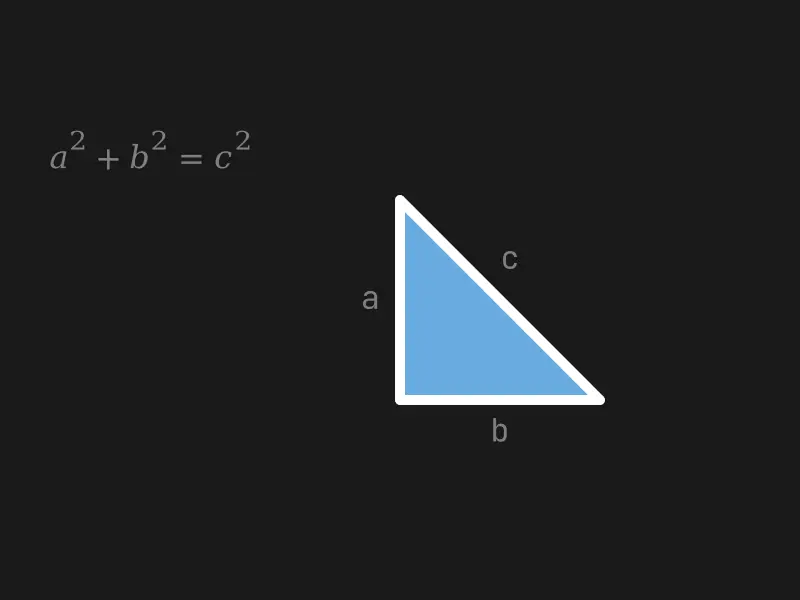
[ code ] Math & Code - Typst LaTeX and Syntax Highlighting.
cargo run --example math_code --features math,code| Preview |
|---|
 |
| Math Code Video |
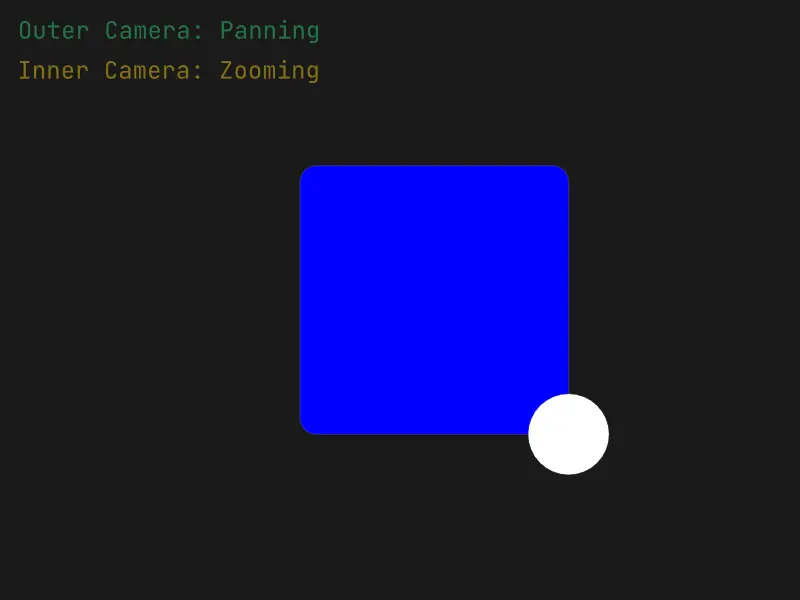
[ code ] Nested Cameras - Hierarchical viewport control and coordinate shifting.
cargo run --example nested_cameras| Preview |
|---|
 |
| Nested Cameras Video |
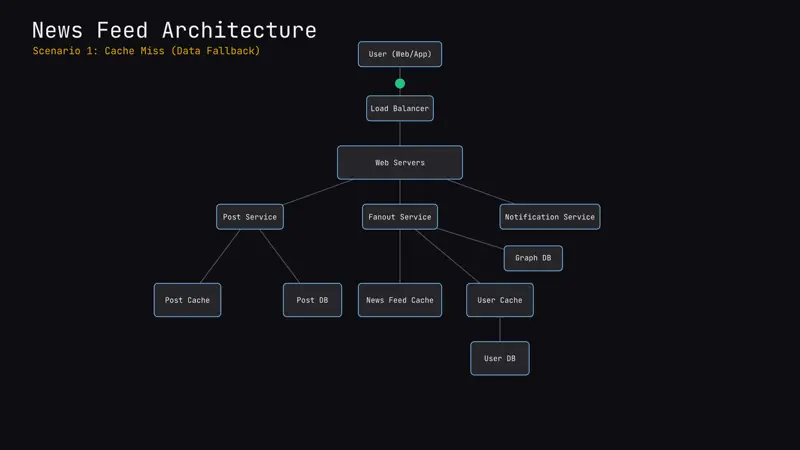
[ code ] News Feed - A simple architectural visualization of a news feed system.
Based on the “News Feed System” architecture from “System Design Interview: An Insider’s Guide” (Second Edition) by Alex Xu.
cargo run --example news_feed| Preview |
|---|
 |
| News Feed Video |
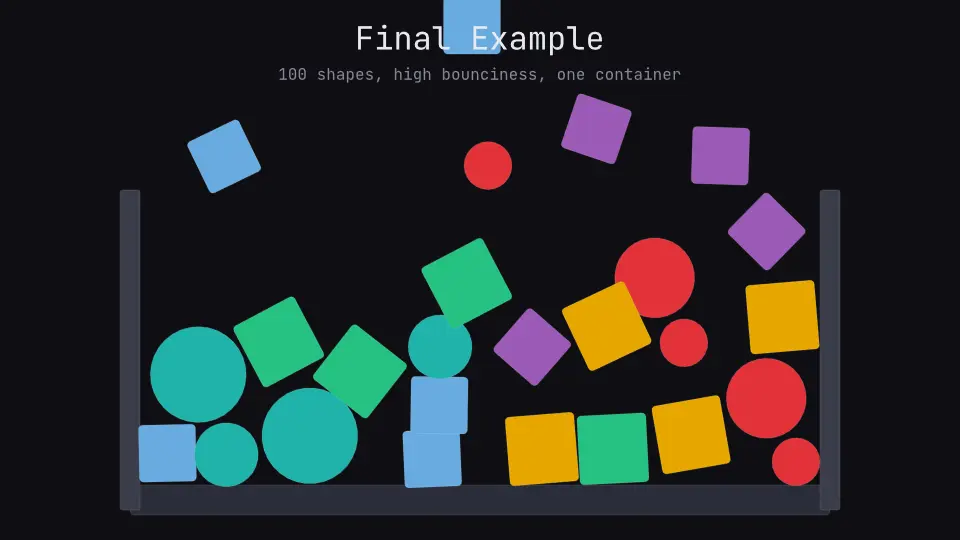
[ code ] Physics Simulation - 2D physics simulation using Rapier.
cargo run --example physics_demo --features physics| Preview |
|---|
 |
| Physics Simulation Video |
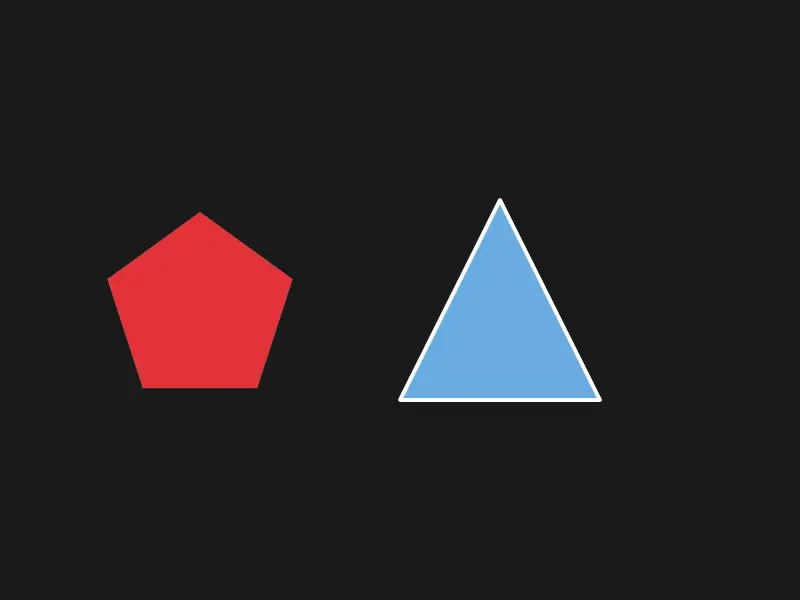
[ code ] Polygon - Regular and custom polygon primitives.
cargo run --example polygon| Preview |
|---|
 |
| Polygon Video |
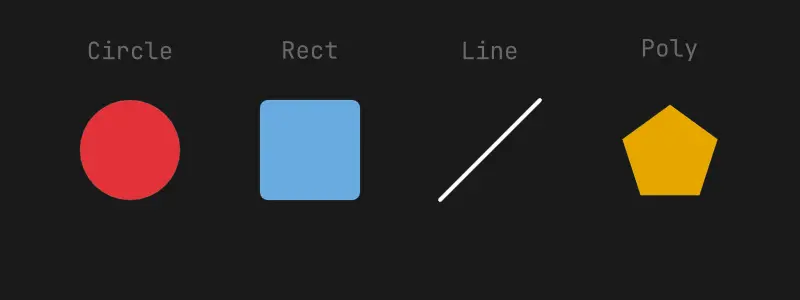
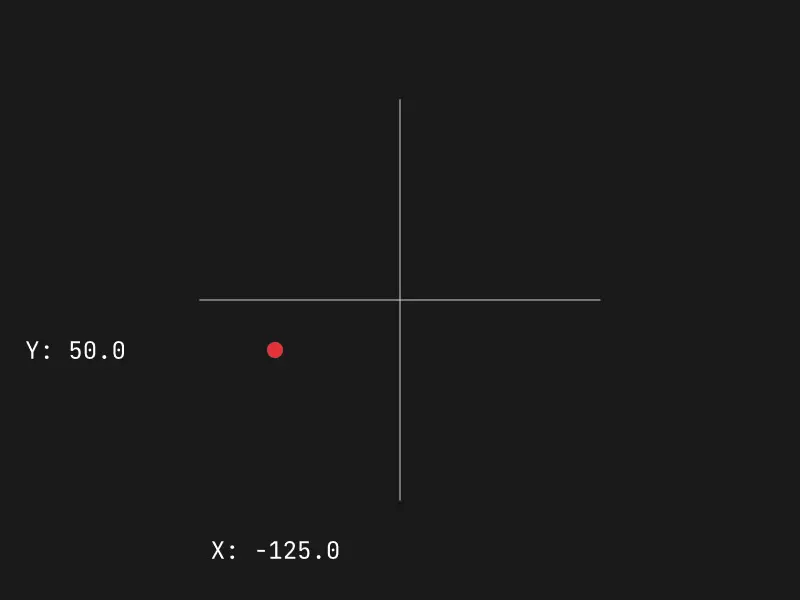
[ code ] Signals - Reactive signal linking and independent property animation.
cargo run --example signals| Preview |
|---|
 |
| Signals Video |
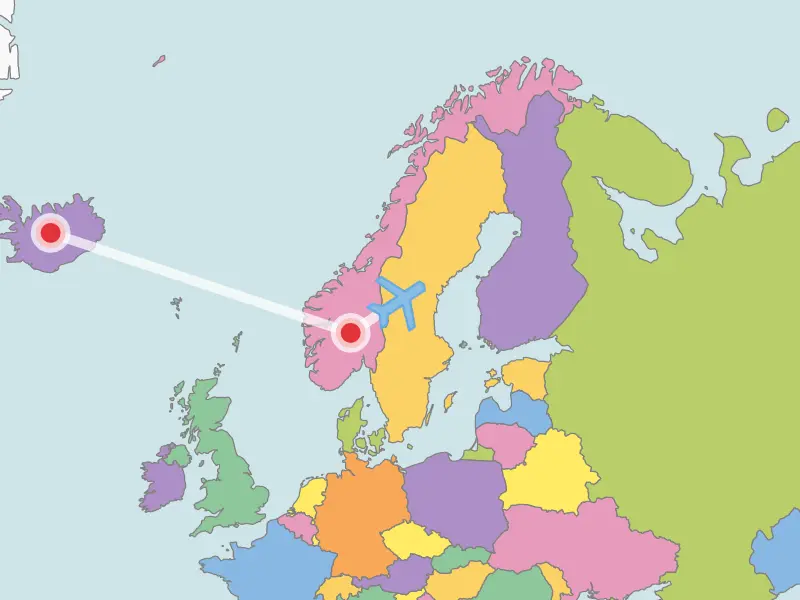
[ code ] World Map - Animated world tour with camera panning, cloud effects, and plane flight paths.
Map SVG sourced from vemaps.com.
cargo run --example world_map --features image,svg| Preview |
|---|
 |
| World Map Video |
§Requirements
- Rust 1.75+
- FFmpeg (optional, for direct video streaming)
- System fonts (Inter, Fira Code, etc. for specific examples)
§Credits
This project is heavily inspired by the original Motion Canvas by aarthificial.
Special thanks to:
- easings.net for the standardized easing function library.
- rapier.rs for the 2D physics engine powering our physics simulation in the
physics_demoexample (rapier2d). - shiki-magic-move for the inspiration behind the token-based code transition logic.
- vemaps.com for the world map SVG used in the
world_mapexample. - Alex Xu for the system design diagrams in “System Design Interview: An Insider’s Guide”, represented in the
news_feedexample.
Re-exports§
Modules§
- assets
- Asset management and resource loading.
- core
- Core animation engine logic.
- easings
- Easing functions (cubic_in, elastic_out, etc.)
- elements
- flows
- Animation flow controls and macros (all!, chain!, wait, etc.)
- nodes
- Re-export nodes for easier access
- prelude
- Common types for a quick start
- project
- runtime
- Runtime modules for rendering and interacting with animations.
Macros§
- all
- Runs multiple animations in parallel. The resulting animation finishes when the last child finishes.
- any
- Runs multiple animations in parallel. The resulting animation finishes when the first child finishes.
- audio_
wait - A specialized wait macro for audio-syncing.
- chain
- Runs multiple animations sequentially. Each animation starts as soon as the previous one finishes.
- delay
- Adds a pre-delay to an animation.
- linear_
gradient - Macro to create a linear gradient with N equidistant color stops.
- loop_
anim - Repeats an animation factory multiple times.
- play
- Triggers playback of an audio node.
- radial_
gradient - Macro to create a radial gradient with N equidistant color stops.
- sequence
- Runs multiple animations sequentially with a fixed stagger delay between starts.
- wait
- Creates a wait animation for a given number of seconds.
- with_
easing - Overrides the easing function for a set of animations running in parallel.
Structs§
- Color
- 32-bit RGBA color.
- Color
Stop - Offset and color of a transition point in a gradient.
- Gradient
- Definition of a gradient that transitions between two or more colors.
- Vec2
- Common mathematical types A 2-dimensional vector.
Enums§
- Extend
- Defines how a brush is extended when the content does not fill a shape.
- Gradient
Kind - Properties for the supported gradient types.
Type Aliases§
- Color
Stops - Collection of color stops.
- Result
- Custom Result type for the library