
Yuru






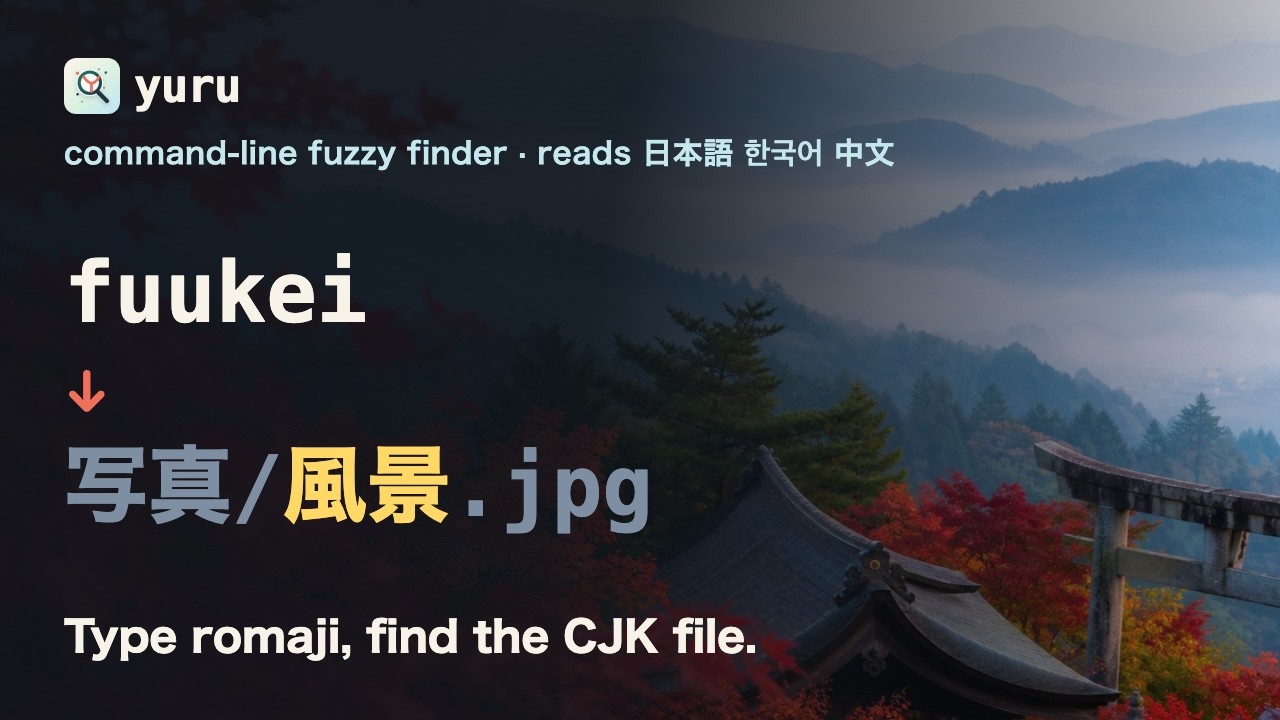
A command-line fuzzy finder that can find CJK text by how it sounds.
Type Latin letters, match Japanese, Korean, and Chinese:
If you use fzf, Yuru should feel familiar: the same key bindings, the same shell integration, and most of the same options.
The name is ゆるい - loose, relaxed. Your query can be a little loose and Yuru
still finds what you meant.
Demo
https://github.com/user-attachments/assets/37f9643f-0ed1-4cca-8a15-c4a8bd78cf34
Install
Installs into your home directory. No sudo.
macOS / Linux
|
Windows (PowerShell)
$script = Invoke-RestMethod https://raw.githubusercontent.com/Ameyanagi/yuru/v0.2.2/install.ps1
Invoke-Expression "& { $script } -All -Version v0.2.2"
Cargo
--all also sets up shell integration and asks a few setup questions - default
language, preview style, key bindings - writing your answers to
~/.config/yuru/config.toml. Press Enter to accept the defaults, or re-run the
questions any time with yuru configure.
Drop --all to install just the binary. Building from source needs a C compiler
for the Japanese dictionary; the released binaries do not.
For unattended installs, checksums, update, and uninstall, see install and uninstall.
Shell integration
Add to your shell config:
| # fish
Invoke-Expression ((yuru --powershell) -join "`n") # PowerShell
That gives you:
| Key | Does |
|---|---|
CTRL-T |
insert a file or directory path |
CTRL-R |
search command history |
ALT-C |
cd into a directory |
** then TAB |
fuzzy path completion |
Same bindings as fzf, so muscle memory carries over.
Usage
Pipe anything in:
|
The interface opens immediately and keeps filling while the input arrives, so it
works on large inputs. Use --sync to wait for all input first, like fzf.
Use --filter for non-interactive use, in scripts:
|
Matching CJK text
Pick a language with --lang, or set one as your default during install:
|
|
|
Korean also matches choseong initials (ㅎㄱ) and 2-set keyboard input
(gksrmf). Use --lang all for mixed lists, or --lang auto to pick a backend
from your locale and the input.
Not sure why something matched?
|
Something not working? Start with yuru doctor.
More detail in language matching.
fzf compatibility
Yuru accepts fzf's option surface, so existing shell bindings and
FZF_DEFAULT_OPTS keep working. Search and scripting options - --query,
--filter, --nth, --with-nth, --scheme, --expect, --select-1,
--print-query, --read0, --print0 and friends - are implemented.
--bind is partial, and unsupported actions warn rather than fail:
Full matrix, including preview and image support, in fzf compatibility.
Configuration
~/.config/yuru/config.toml, written for you by the guided install:
[]
= "auto" # plain | ja | ko | zh | all | auto
= "path" # default | path | history
= "smart" # smart | ignore | respect
[]
= "auto" # auto | none | any shell command
[]
= "all" # all | none | ctrl-t,ctrl-r,alt-c,completion
Every key, and how config interacts with FZF_DEFAULT_OPTS, is in
configuration.
Documentation
| Install and uninstall | unattended installs, checksums, updating, removal |
| Configuration | every option, and precedence rules |
| Language matching | what matches what, per language |
| fzf compatibility | option matrix, preview, known gaps |
| Troubleshooting | when something misbehaves |
| Architecture | indexing, search, and why it is fast |
| Performance | benchmark results |
Contributing
scripts/qa/ holds harnesses for questions the test suite cannot answer -
comparing output against a previous release, benchmarking against a baseline
binary, and driving the interface through a pty. See
scripts/qa/README.md.
CONTRIBUTING.md and SECURITY.md have the policies. Release notes are in CHANGELOG.md.
About this project
Yuru is built with heavy AI assistance. Direction, feature choices, language behavior, testing, and releases are decided and reviewed by the maintainer - the code is treated as a maintained open-source project, not unreviewed AI output.
License
MIT or Apache-2.0, at your option. See LICENSE-MIT and LICENSE-APACHE.