# Yuru
<p align="center">
<img src="https://raw.githubusercontent.com/Ameyanagi/yuru/main/docs/assets/yuru-icon.svg" alt="Yuru icon" width="128">
</p>
[](https://github.com/Ameyanagi/yuru/actions/workflows/ci.yml)
[](https://github.com/Ameyanagi/yuru/releases/latest)
[](https://crates.io/crates/yuru)
[](https://docs.rs/yuru)
[](#license)
[](Cargo.toml)
**A command-line fuzzy finder that can find CJK text by how it sounds.**
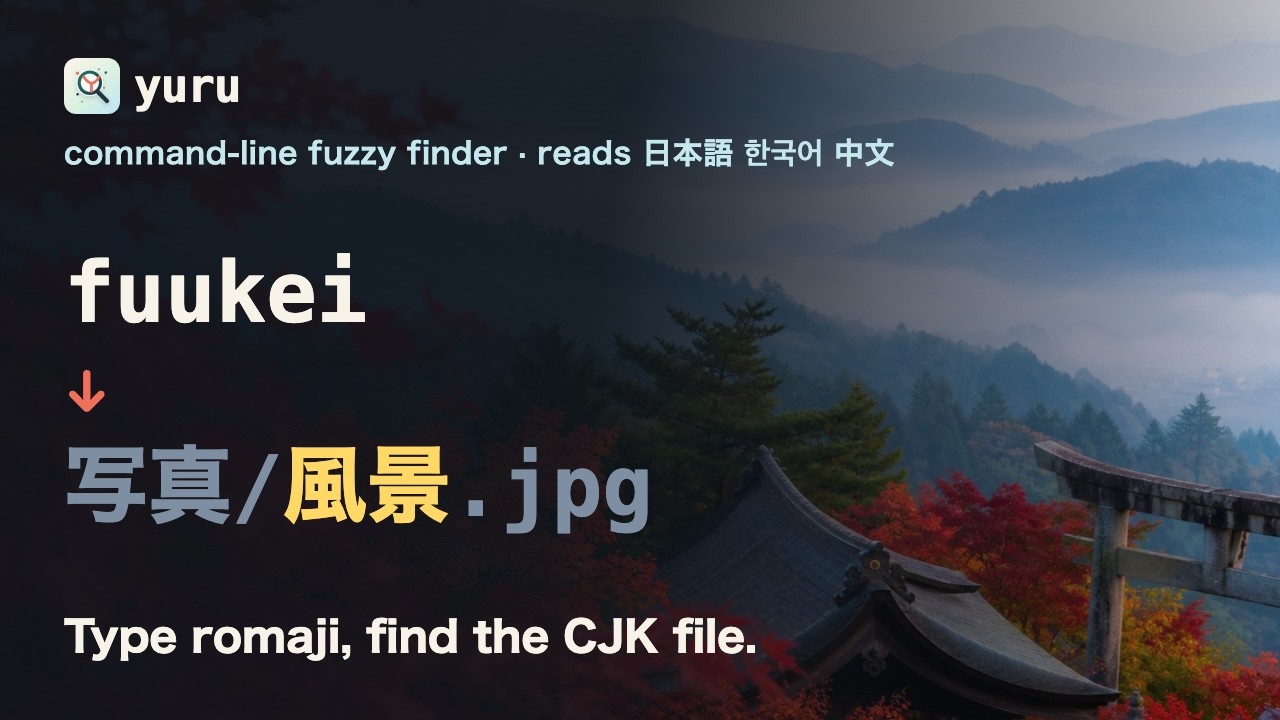
Type Latin letters, match Japanese, Korean, and Chinese:
```sh
yuru --lang zh --filter bjdx # finds 北京大学.txt (pinyin initials)
yuru --lang ja --filter kamera # finds カメラ.txt (romaji)
yuru --lang ko --filter hangeul # finds 한글.txt (romanized Hangul)
```
If you use fzf, Yuru should feel familiar: the same key bindings, the same shell
integration, and most of the same options.
The name is `ゆるい` - loose, relaxed. Your query can be a little loose and Yuru
still finds what you meant.
Localized: [日本語](docs/README.ja.md) · [中文](docs/README.zh.md) · [한국어](docs/README.ko.md)
## Demo
https://github.com/user-attachments/assets/37f9643f-0ed1-4cca-8a15-c4a8bd78cf34
[](https://youtu.be/_RyVr3VLULo)
Full-quality MP4 demos from the repository:
[English](https://github.com/Ameyanagi/yuru/blob/main/demo.mp4) ·
[中文](https://github.com/Ameyanagi/yuru/blob/main/demo-zh.mp4)
## Install
Installs into your home directory. No `sudo`.
**macOS / Linux**
```sh
**Windows (PowerShell)**
```powershell
$script = irm https://raw.githubusercontent.com/Ameyanagi/yuru/main/install.ps1
iex "& { $script } -All"
```
**Cargo**
```sh
cargo install yuru
```
`--all` also sets up shell integration and asks a few setup questions - default
language, preview style, key bindings - writing your answers to
`~/.config/yuru/config.toml`. Press Enter to accept the defaults, or re-run the
questions any time with `yuru configure`.
Drop `--all` to install just the binary. Building from source needs a C compiler
for the Japanese dictionary; the released binaries do not.
Both install the latest release; release-pinned commands for reproducible setups,
unattended installs, checksums, update, and uninstall are in
[install and uninstall](docs/install-uninstall.md).
## Shell integration
Add to your shell config:
```sh
eval "$(yuru --bash)" # bash
source <(yuru --zsh) # zsh
```powershell
Invoke-Expression ((yuru --powershell) -join "`n") # PowerShell
```
```bat
:: cmd.exe, via Clink (https://chrisant996.github.io/clink/), v1.2.46+
yuru --clink > "%LOCALAPPDATA%\clink\yuru.lua"
```
That gives you:
| `CTRL-T` | insert a file or directory path |
| `CTRL-R` | search command history |
| `ALT-C` | `cd` into a directory |
| `**` then `TAB` | fuzzy path completion |
Same bindings as fzf, so muscle memory carries over.
## Usage
Pipe anything in:
```sh
The interface opens immediately and keeps filling while the input arrives, so it
works on large inputs. Use `--sync` to wait for all input first, like fzf.
Use `--filter` for non-interactive use, in scripts:
```sh
printf "README.md\nsrc/lib.rs\n" | yuru --filter lib
```
### Matching CJK text
Pick a language with `--lang`, or set one as your default during install:
```sh
printf "北京大学.txt\nnotes.txt\n" | yuru --lang zh --filter bjdx
printf "カメラ.txt\n" | yuru --lang ja --filter kamera
printf "한글.txt\n" | yuru --lang ko --filter hangeul
```
Korean also matches choseong initials (`ㅎㄱ`) and 2-set keyboard input
(`gksrmf`). Use `--lang all` for mixed lists, or `--lang auto` to pick a backend
from your locale and the input.
Not sure why something matched?
```sh
printf "北京大学.txt\n" | yuru --lang zh --filter bjdx --explain
```
Something not working? Start with `yuru doctor`.
More detail in [language matching](docs/language-matching.md).
## fzf compatibility
Yuru accepts fzf's option surface, so existing shell bindings and
`FZF_DEFAULT_OPTS` keep working. Search and scripting options - `--query`,
`--filter`, `--nth`, `--with-nth`, `--scheme`, `--expect`, `--select-1`,
`--print-query`, `--read0`, `--print0` and friends - are implemented.
`--bind` is partial, and unsupported actions warn rather than fail:
```sh
yuru --fzf-compat warn # default
yuru --fzf-compat strict # fail instead
yuru --fzf-compat ignore # stay quiet
```
Full matrix, including preview and image support, in
[fzf compatibility](docs/fzf-compat.md).
## Configuration
`~/.config/yuru/config.toml`, written for you by the guided install:
```toml
[defaults]
case = "smart" # smart | ignore | respect
[preview]
[shell]
bindings = "all" # all | none | ctrl-t,ctrl-r,alt-c,completion
```
Every key, and how config interacts with `FZF_DEFAULT_OPTS`, is in
[configuration](docs/config.md).
## Documentation
| [Install and uninstall](docs/install-uninstall.md) | unattended installs, checksums, updating, removal |
| [Configuration](docs/config.md) | every option, and precedence rules |
| [Language matching](docs/language-matching.md) | what matches what, per language |
| [fzf compatibility](docs/fzf-compat.md) | option matrix, preview, known gaps |
| [Troubleshooting](docs/troubleshooting.md) | when something misbehaves |
| [Architecture](docs/internals.md) | indexing, search, and why it is fast |
| [Performance](docs/performance.md) | benchmark results |
## Contributing
```sh
./scripts/install-hooks # formatter, linter, tests, benches on commit
./scripts/check # run the same gate manually
```
`scripts/qa/` holds harnesses for questions the test suite cannot answer -
comparing output against a previous release, benchmarking against a baseline
binary, and driving the interface through a pty. See
[scripts/qa/README.md](scripts/qa/README.md).
[CONTRIBUTING.md](CONTRIBUTING.md) and [SECURITY.md](SECURITY.md) have the
policies. Release notes are in [CHANGELOG.md](CHANGELOG.md).
## About this project
Yuru is built with heavy AI assistance. Direction, feature choices, language
behavior, testing, and releases are decided and reviewed by the maintainer - the
code is treated as a maintained open-source project, not unreviewed AI output.
## License
MIT or Apache-2.0, at your option. See [LICENSE-MIT](LICENSE-MIT) and
[LICENSE-APACHE](LICENSE-APACHE).