# waveflow-img
[](https://crates.io/crates/waveflow-img)
[](https://docs.rs/waveflow-img)
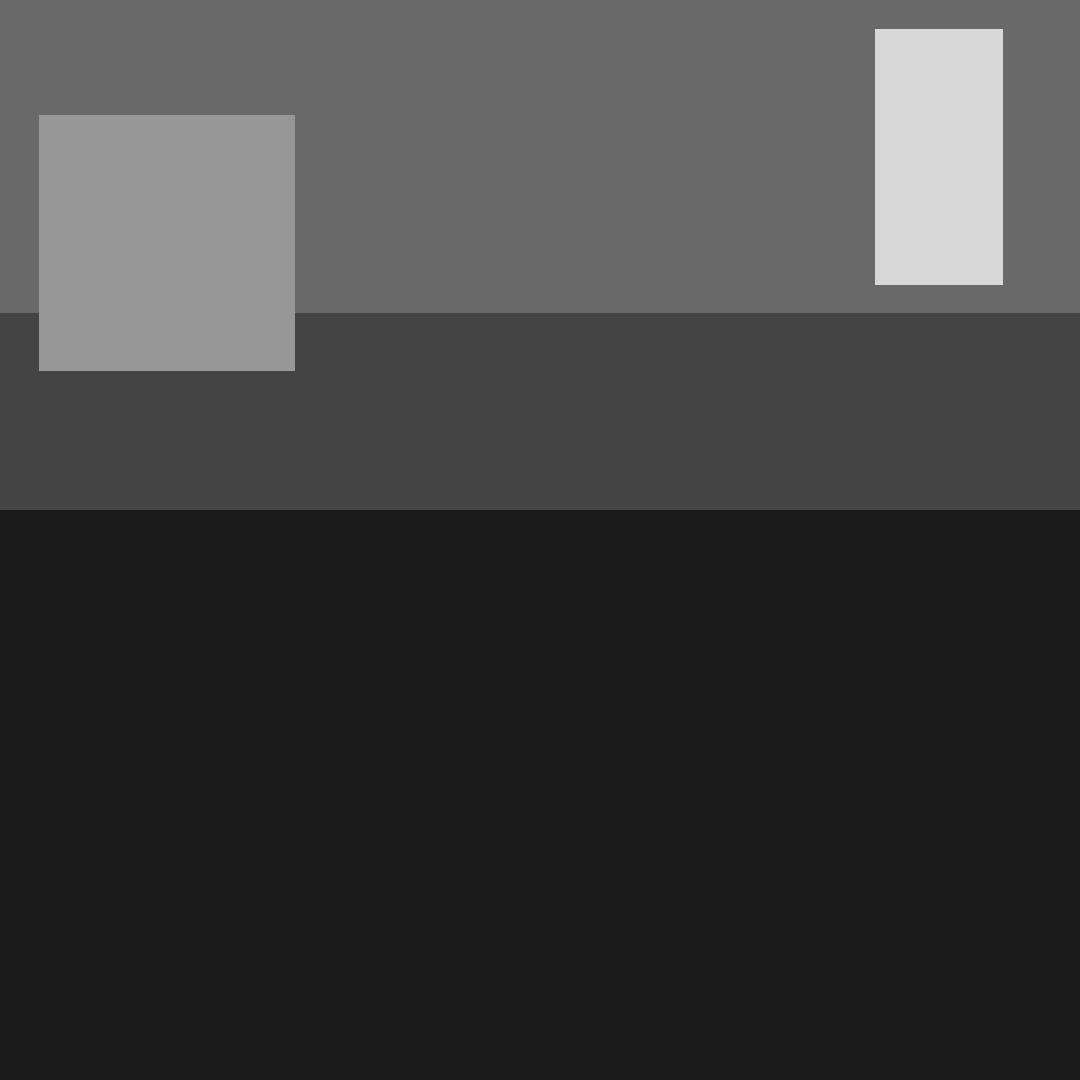
`waveflow-img` is a simple command-line tool that uses the **Wave Function Collapse (WFC)** algorithm to generate procedural image maps based on luminance constraints and directional adjacency rules.
Designed for 2D tilemaps/top-down views of 3D games, it processes an input image and emits a new WFC-generated image.
## ✨ Features
- Simple configuration via `.yaml`
- Automatically extracts directional adjacency rules from luminance
- Adjustable number of luminance levels
- Compatible with full-color input images (uses luminance)
- Easy to install and use via CLI
---
## 🚀 Installation
Install via [cargo](https://crates.io):
```bash
cargo install waveflow-img
```
---
## Usage
```bash
waveflow-img input.yaml output.png
```
> Type `waveflow-img --help` for help!
---
## Example YAML (input.yaml):
```yaml
input_image: "example.png"
output_width: 64
output_height: 64
tile_size: 1
luminance_levels: 5
adjacency: {} # Will be implemented soon, right now it gets extracted
```
---
## How It Works
- The image is converted to grayscale using ITU-R BT.709 luminance.
- Each pixel is assigned a discrete level (e.g. 1–5).
- Adjacency rules are extracted from neighboring pixels.
- Wave Function Collapse fills the output grid using these constraints.
- The result is converted back into a grayscale image for saving.
---
## License
Licensed under:
- Apache License 2.0
---
## Author
Made with Rust by [Neo Mannskär](https://github.com/neomannskar)
---
## Documentation
You can read the full API docs at [docs.rs/waveflow-img](https://docs.rs/waveflow-img)