#### install

`cargo install voidmap`

if you don't have cargo, an easy way to get and manage
it is [via rustup](https://www.rustup.rs/).

#### startup

`void`

this attempts to use `$HOME/.void.db` as a storage file.
if you'd like to specify a different storage file:

`void [/path/to/savefile]`


#### basic node creation
1. C-n # create new node (C-x means Ctrl+x)
1. type some text to populate it (empty nodes are automatically deleted when unselected)
1. Tab # create subnode
1. type some text to populate it
1. Enter # create sibling node
1. type text to populate it

#### auto-arrange mode and navigation
1. C-n # create another new node and add text
1. C-z # set the current view to auto-arrange (this is set per-view)
1. left/right arrow # jump between subtrees (it's a little clunky, right now, need to refine the search algorithm)

#### scopes
1. make a deep subtree by hitting tab and populating text on children nodes
1. select the middle of the deep subtree with arrows or the mouse
1. C-t # collapse subtree
1. C-w # drill-down view into the collapsed subtree
1. C-p # arrange new view in a non-overlapping way
1. C-q # pop-up to previous view

#### tasks
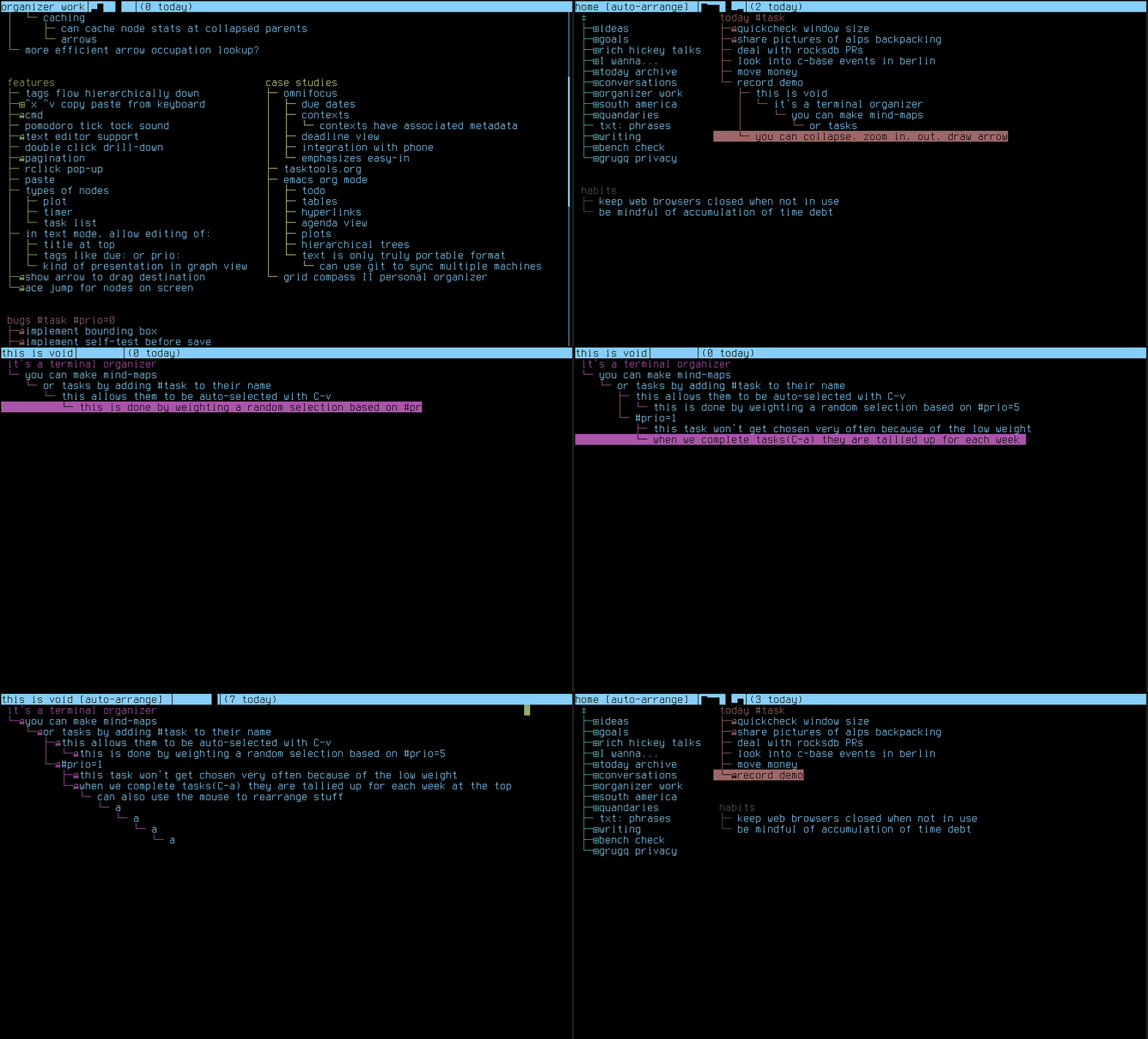
1. create a tree with a node that contains the text `#task`
1. give it several children, they are implicitly also tasks
1. give the children different priorities with `#prio=<n>` in their name
1. C-v # randomly select a subtask based on priority weights
1. C-a # mark the task as completed, the graph at the top will show the daily completed tasks for the last week
1. select a node that has some complete children, and some incomplete children
1. C-h # hide completed children

#### rearrangement
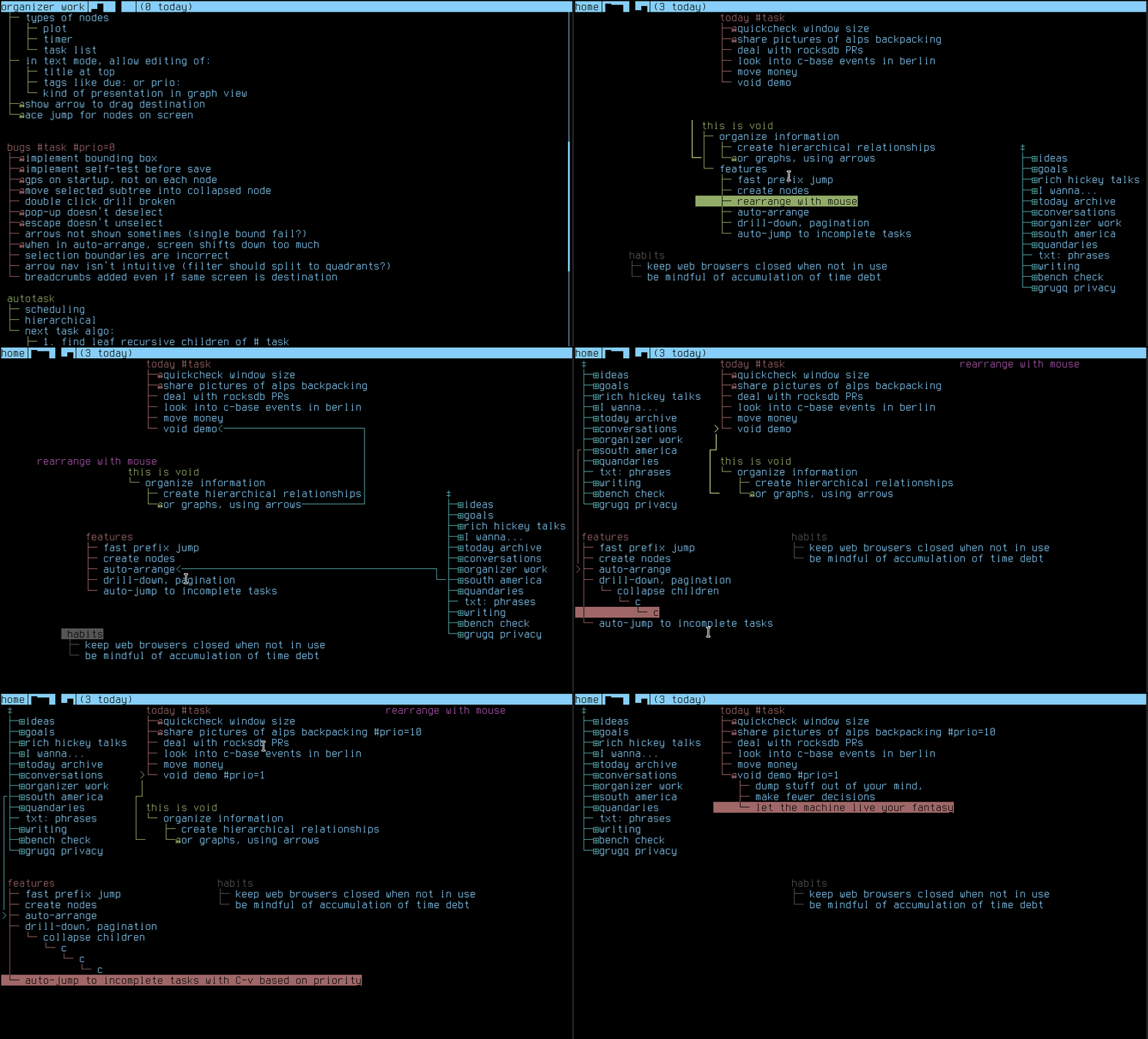
1. drag one subtree over another with the mouse
1. drag a child node away from any other nodes to detach it from its parent
1. drag it back to a new parent