
tui-widget-list: A versatile widget list for Ratatui




This crate provides a stateful ListView widget for Ratatui.
The associated ListState handles navigation.
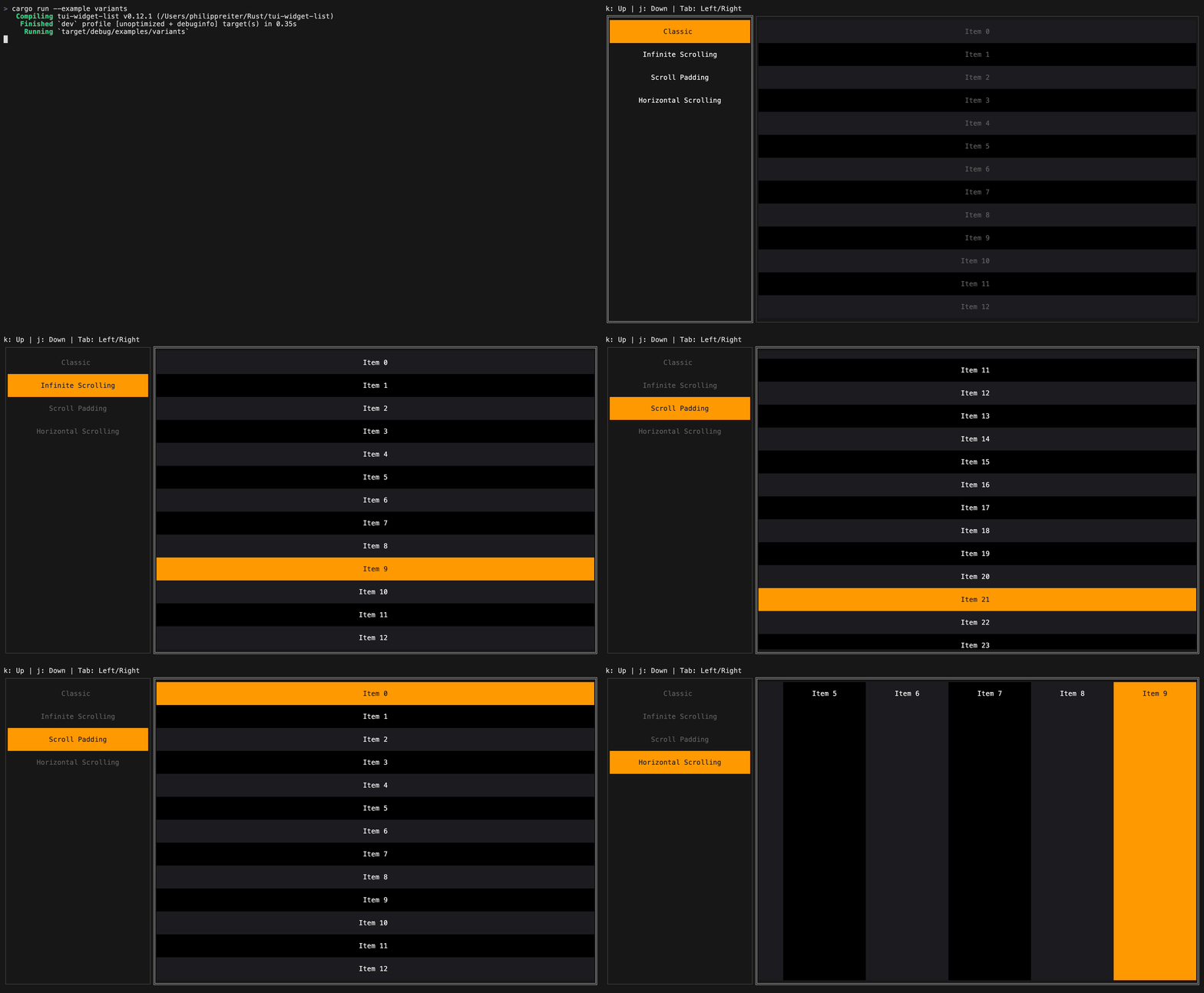
The list view supports both horizontal and vertical scrolling.
Configuration
ListView can be customized with the following options:
ListView::scroll_axis: Scroll vertically or horizontally.ListView::scroll_direction: Lay items out forward or in reverse.ListView::scroll_padding: Keep a number of items visible around the selected item while scrolling.ListView::infinite_scrolling: Wrap around when scrolling past the first or last item.ListView::style: Base style applied to the entire list.ListView::block: Optional surrounding block.ListView::scrollbar: Optional scrollbar overlay.
Example
use *;
use ;
let builder = new;
let mut state = default;
let list = new;
Mouse handling
Handle mouse clicks and scroll events using ListState::hit_test:
use Hit;
match read?
Documentation
For more examples see the examples directory. Full API documentation is available on docs.rs.
License: MIT