
TReq



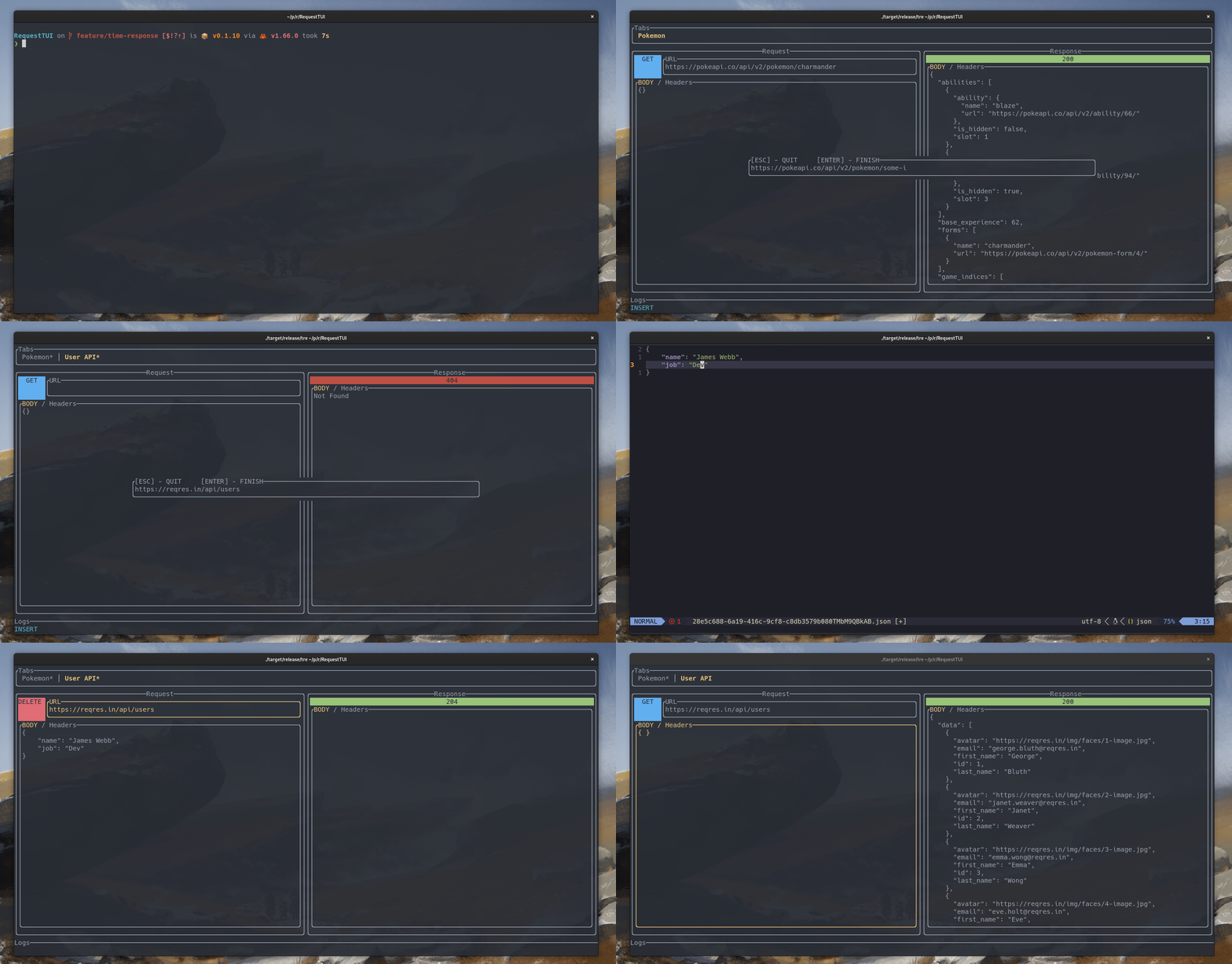
TReq is a extremely tiny and fast Http/API Rest Client in Terminal. It is inspired by software like Insominia, Postman and Neovim
It integrates with your favorite text editor, letting you edit the body of request as you prefer, and quickly get the response.
Installation
Recommended
In any Linux environment, it is possible to download TReq with the Crates.io repository. Using this method requires having Rust installed.
After Rust is installed, run this command to download and compile Treq:
This can to take a while, due to needing to compile the project and all of its dependencies.
Debian, Ubuntu, Linux Mint, PopOS, Zorin
It is possible to download a prebuild .deb file HERE. After downloading the .deb file, you can unpackage it with the command below.
Arch Linux, Manjaro
TReq is available in AUR Repository.
Or, if you use yay just run...
Setup
To make use of the full set of feature provided by TReq, theEDITOR environment variable needs to be set. TReq will use this variable when opening the text editor.
TReq doesn't have a built in way to edit a Body of Requests. It delegates this work to the text editor of your choice. It is recommend you use a terminal text editor like 'vim', 'neovim', 'nano', or even 'emacs' to edit these.
If you do not already have an EDITOR set (to check, type echo $EDITOR, into your terminal. The output is the editor that will be used by TReq), you can set up the EDITOR environment variable in a terminal session using the command below. However, after you close the terminal session (window) this configuration will be dropped.
# instead vim you can use 'code', 'nano', 'emacs', etc..
To set this up permanent it is necessary to edit your shell configuration. For example:
# for bash users
# for zsh users
# for fish users
However, it is quite commmon for this editor to already be set, but beware of non-terminal editors being set (like writer from LibreOffice Writer), because they will not work smoothly with TReq. It is recommended to use a terminal text editor like vi or nano.
However, TReq will work fine with some graphical editors, like VS Code or Atom. In these cases, when you hit the command to 'edit body', TReq will open the graphical editor up, and you will need to hit reload the file with 'r' in TReq ever time you make some change.