# Toad Documentation
Toad runs HTTP requests defined in a TOML collection file and reports the results. This directory has a guide for
each feature. For installation and a quick overview, see the [main README](../README.md).
New to toad? Start with [Getting Started](getting_started.md), a step-by-step tutorial that builds a collection
from a single request up to a CI smoke test.
## Guides
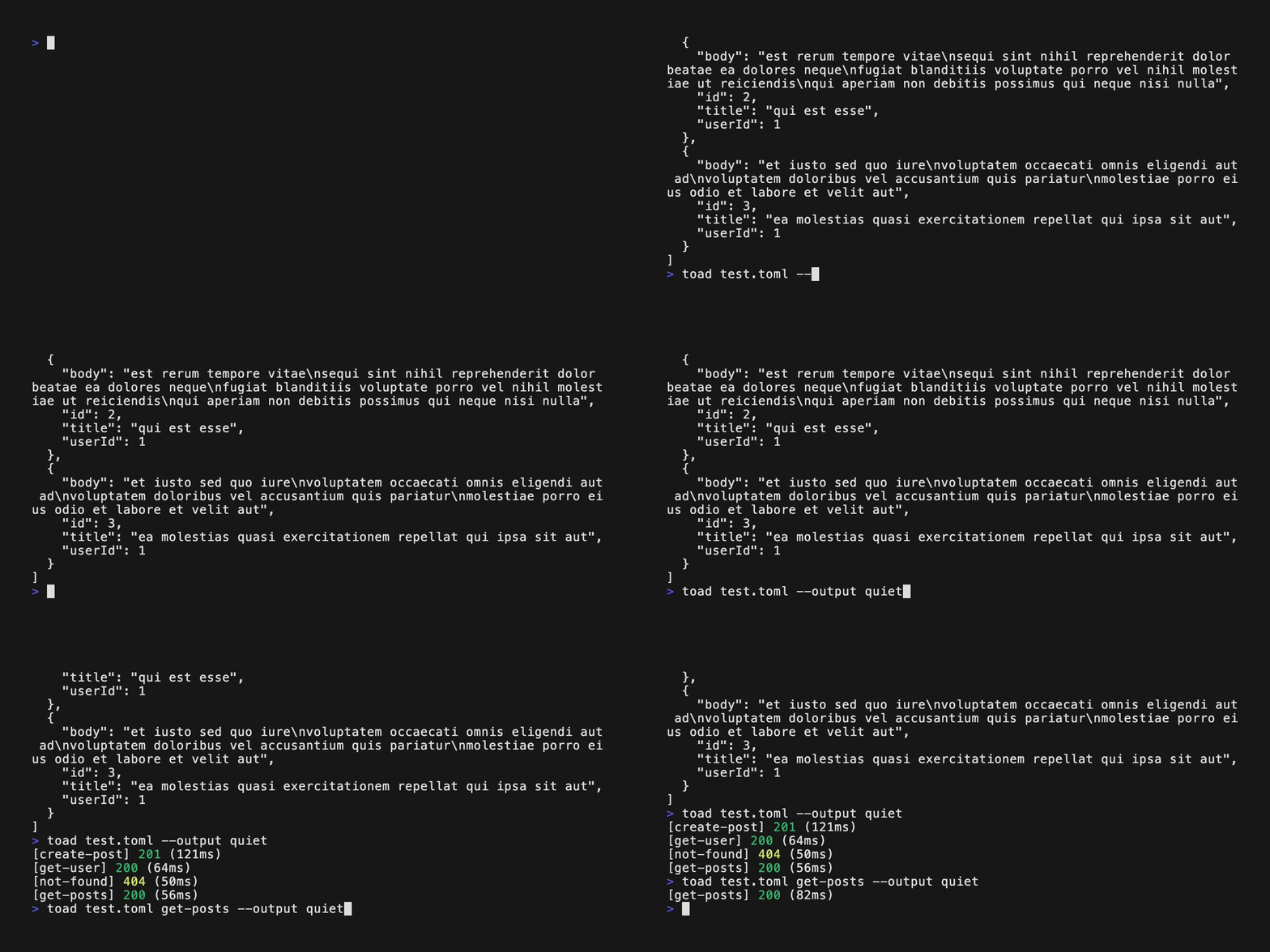
| [Output Format](output_format.md) | The output modes (`normal`, `quiet`, `silent`, `verbose`, `response-only`, `request-only`) and `TOAD_OUTPUT` |
| [Authentication](auth.md) | The `auth` shorthand for bearer and basic auth, and setting a default in `[config]` |
| [Custom CA](custom_ca.md) | Trusting an internal or corporate CA with a PEM, JKS, or PKCS12 file |
| [Variable Capture](variable_capture.md) | Capturing values from a response with JSONPath, headers, or status, using them in later requests, and sending literal `{{...}}` text |
| [Response Time Assertions](response_time.md) | Failing slow requests with `expect_max_ms`, and scaling limits with `--time-scale` |
| [Retry on Failure](retry.md) | Retrying failed requests with `retry`, and what counts as a failure |
## Command Line Options
| `-o, --output <MODE>` | `TOAD_OUTPUT` | [Output Format](output_format.md) |
| `-l, --list-requests` | | Lists the requests in the collection |
| `-p, --profile <NAME>` | | Merges a `[profiles.<NAME>]` table into `[vars]` |
| `--listen <PORT>` | | [Main README](../README.md#listen-mode) |
| `--output-file <FILE>` | | [Main README](../README.md#listen-mode) |
| `--use-custom-ca <FILE>` | | [Custom CA](custom_ca.md) |
| `--use-custom-ca-password <PW>` | `TOAD_CA_PASSWORD` | [Custom CA](custom_ca.md) |
| `--time-scale <FACTOR\|off>` | `TOAD_TIME_SCALE` | [Response Time Assertions](response_time.md) |
| `--retry <N\|off>` | `TOAD_RETRY` | [Retry on Failure](retry.md) |
| `-V, --version` | | Prints the version |
When an option can be set both ways, the command line flag wins over the environment variable.
## Collection Settings by Guide
Toad rejects any setting it doesn't recognize, in a request or in `[config]`, so a misspelled check fails loudly
instead of being skipped. Use TOML `#` comments for notes.
Settings in `[config]` apply to every request. A request can override them with its own value, or turn them off
with `ignore_config` (see [Ignoring Config Settings](variable_capture.md#ignoring-config-settings)).
| `auth` | `[config]`, request | [Authentication](auth.md) |
| `use_custom_ca` | `[config]` | [Custom CA](custom_ca.md) |
| `ignore_ssl` | `[config]` | [Custom CA](custom_ca.md) |
| `expect_max_ms` | `[config]`, request | [Response Time Assertions](response_time.md) |
| `retry`, `retry_delay_ms` | `[config]`, request | [Retry on Failure](retry.md) |
| `capture` | request | [Variable Capture](variable_capture.md) |
| `interpolate_body` | request | [Variable Capture](variable_capture.md#sending-literal-braces) |
| `ignore_config` | request | [Variable Capture](variable_capture.md#ignoring-config-settings) |
`method`, `url`, `headers`, `query`, `body`, `body_file`, `expect_status`, `timeout_secs`, `[vars]`, and
`[profiles]` are shown in the [main README](../README.md#quick-start).
## Other Files in This Directory
- [`tutorial.toml`](tutorial.toml): the finished collection from [Getting Started](getting_started.md).
- [`test.toml`](test.toml): a sample collection against the public JSONPlaceholder API.
- `toad.vhs` and `video.gif`: the [VHS](https://github.com/charmbracelet/vhs) script and the recording it produces
for the main README.