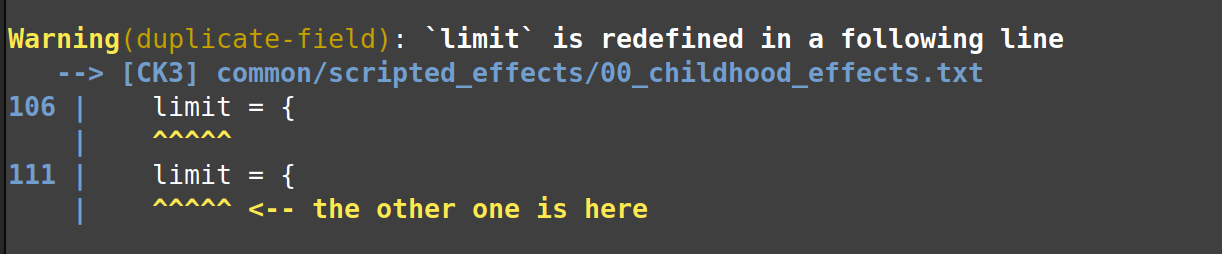
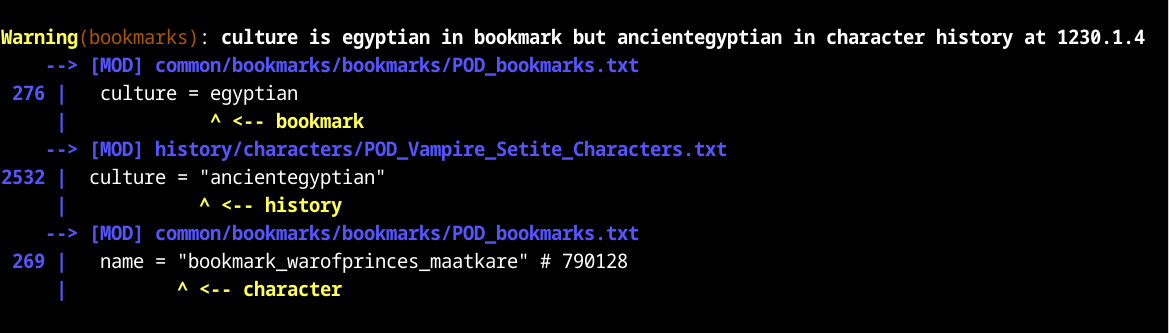
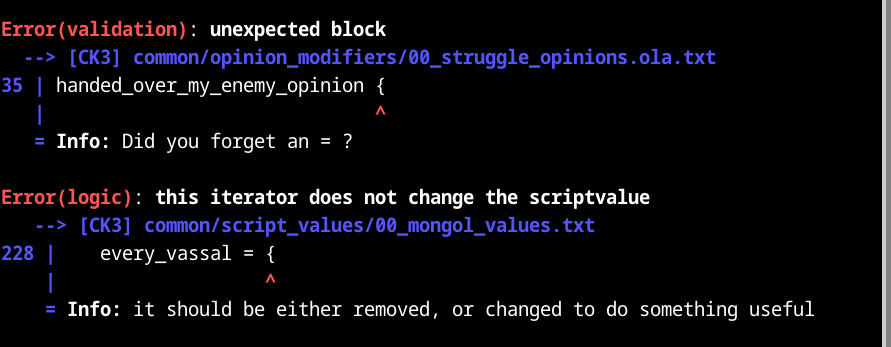
You can suppress tiger's messages about specific parts of your mod by leaving special comments in your mod files. This can be helpful if tiger is mistaken, or if you just don't want to deal with certain warnings.

### Basic use

To suppress all reports about a specific line, put the comment
```#tiger-ignore```
on the preceding line.

This directive applies to the next line that isn't a comment, and tells tiger not to generate any reports about that line.

### Specifying larger ranges

Use the comment
```#tiger-ignore(block)```
to tell tiger not to generate any reports about the following `{ ... }` enclosed block.

This directive applies to all the lines of the block that starts on the next line that isn't a comment.
It also covers the entire start and end lines of that block.

Use the comment
```#tiger-ignore(file)```
to tell tiger not to generate any reports about the file containing this comment.

Use the comment pairs ```#tiger-ignore(begin)``` and ```#tiger-ignore(end)```
to tell tiger not to generate any reports about the lines in between.

Begin and end directives can be nested, with each end directive closing the most recent still active begin directive.

### More specific suppression

If you don't want to suppress all reports, you can narrow it down to certain categories:

```#tiger-ignore(key=duplicate-item)```

Or narrow it down to reports containing specific text in their messages:

```#tiger-ignore(text="not defined in history")```

### Combining the above

If you want to specify multiple things between the parentheses, separate them by commas:

```#tiger-ignore(block, key=duplicate-item)```

```#tiger-ignore(file, key=missing-item, text="script value")```

If you specify both key and text, reports that match both of them are suppressed.

You can only specify one key and one text value. If you want to suppress multiple, do it with multiple `tiger-ignore` directives.

You can add key and text to begin directives but not to end directives.

## File types

The directives above will work in script files, gui files, and localization files.

Of course, block directives have no meaning in localization files.