
three-d
What is it?
A renderer written in Rust which enables out-of-the-box build to both desktop (Rust + OpenGL) and web (Rust to WebAssembly using wasm-bindgen + WebGL2 bindings provided by the web-sys crate). This means you can develop a 3D application on desktop and easily deploy it on web!
Examples
https://asny.github.io/three-d/

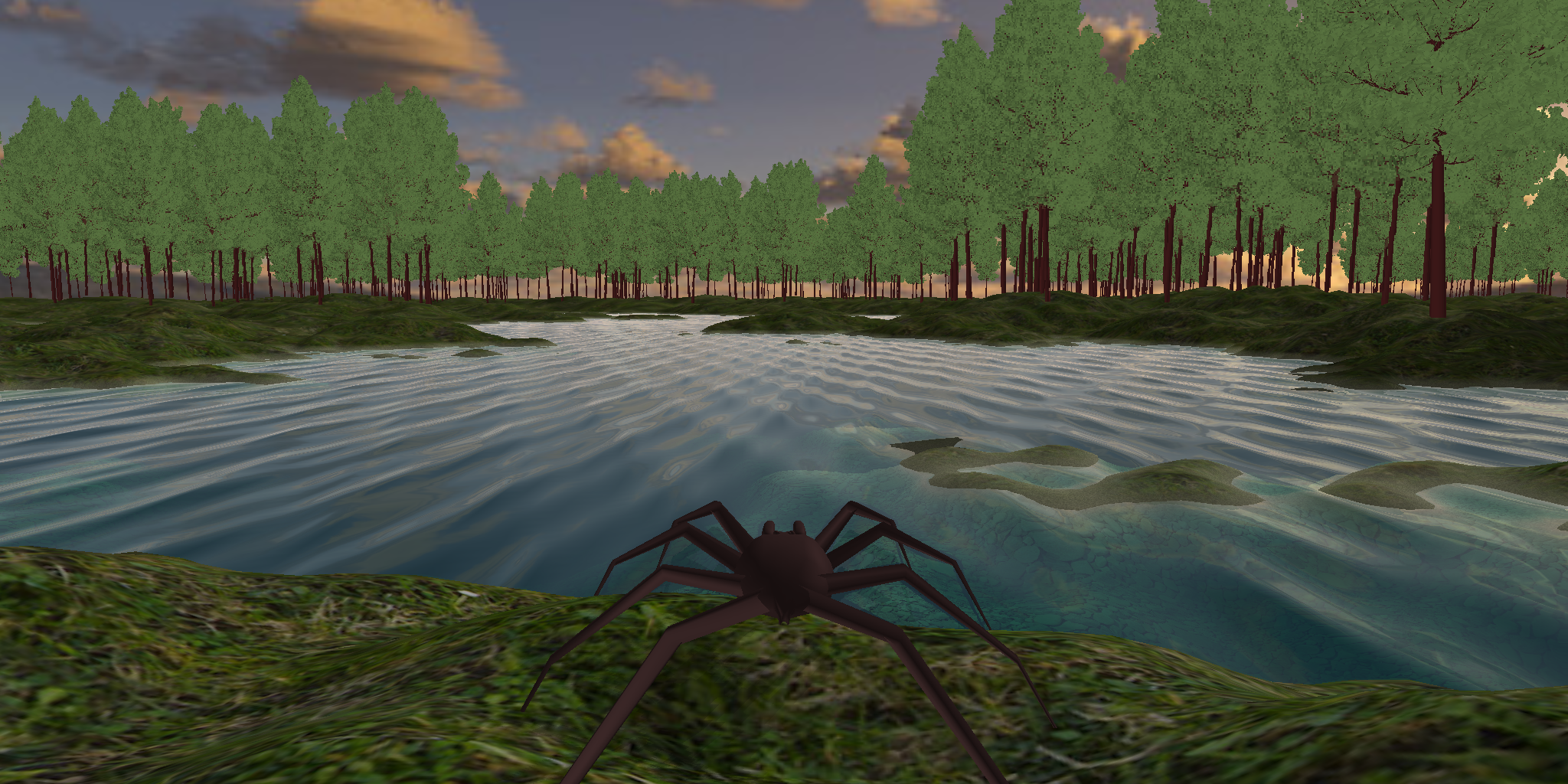
Main features
- Thin and low-level graphics abstraction layer which maps one-to-one with the OpenGL/WebGL2 graphics APIs.
- Modular abstractions of common graphics concepts such as buffer, texture, camera, program, rendertarget etc. It is always possible to combine with direct call to the OpenGL/WebGL2 graphics abstraction layer.
- Deferred renderer which supports rendering several types of 3D objects (triangle mesh, skybox, imposter etc.), multiple light types including shadows, and effects applied after rendering the scene (for example fog). Again, it is always possible to combine with lower-level functionality and it can be avoided altogether by enabling the "no-renderer" feature.
- Default windows for easy setup (currently glutin for cross-platform desktop and canvas for web). Can be avoided by disabling the "glutin-window" feature and "canvas" feature respectively.
Build
Desktop:
Build and run an example, in this case 'hello_world':
$ cargo run --example hello_world --release
Web:
Build and generate web output (webassembly, javascript and html files) into the pkg folder:
$ wasm-pack build examples/hello_world --target web --out-name web --out-dir ../pkg
Install a server that properly defines the application/wasm mime type for example:
$ npm install -g http-server
Start the server and go to http://localhost:8080 in a browser:
$ cd examples/
$ http-server
Desktop and Web:
Build and run an example on desktop and also generate web output (webassembly, javascript and html files) into the pkg folder:
$ ./examples/hello_world/run
The 3d format
three-d supports a custom format with the extension ".3d".
The advantages of the .3d format is that it is smaller in size than other open formats like obj and stl
and easier to read/write when you are using Rust or specifically the serde and bincode crates.
To create a .3d file, the easiest option is to create a CPUMesh:
use *;
If you want to load, create, combine or deform meshes and then save to ".3d" format, the tri-mesh crate is an option.
If you want to make your own reader/writer of the .3d format yourself, then take a look at the CPUMesh implementation.