1
2
3
4
5
6
7
8
9
10
11
12
13
14
15
16
17
18
19
20
21
22
23
24
25
26
27
28
29
30
31
32
33
34
35
36
37
38
39
40
41
42
43
44
45
46
47
48
49
50
51
52
53
54
55
56
57
58
59
60
61
62
63
64
65
66
67
68
69
70
71
72
73
74
75
76
77
78
79
80
81
82
83
84
85
86
87
88
89
90
91
92
93
94
95
96
97
98
99
100
101
102
103
104
105
106
107
108
109
110
111
112
113
114
115
116
117
118
119
120
121
122
123
124
125
126
127
128
129
130
131
132
133
134
135
136
137
138
139
140
141
142
143
144
145
146
147
148
149
150
151
152
153
154
155
156
157
158
159
160
161
162
163
164
165
166
167
168
169
170
171
172
173
174
175
176
177
178
179
180
181
182
//! Display images in your terminal, kind of
//!
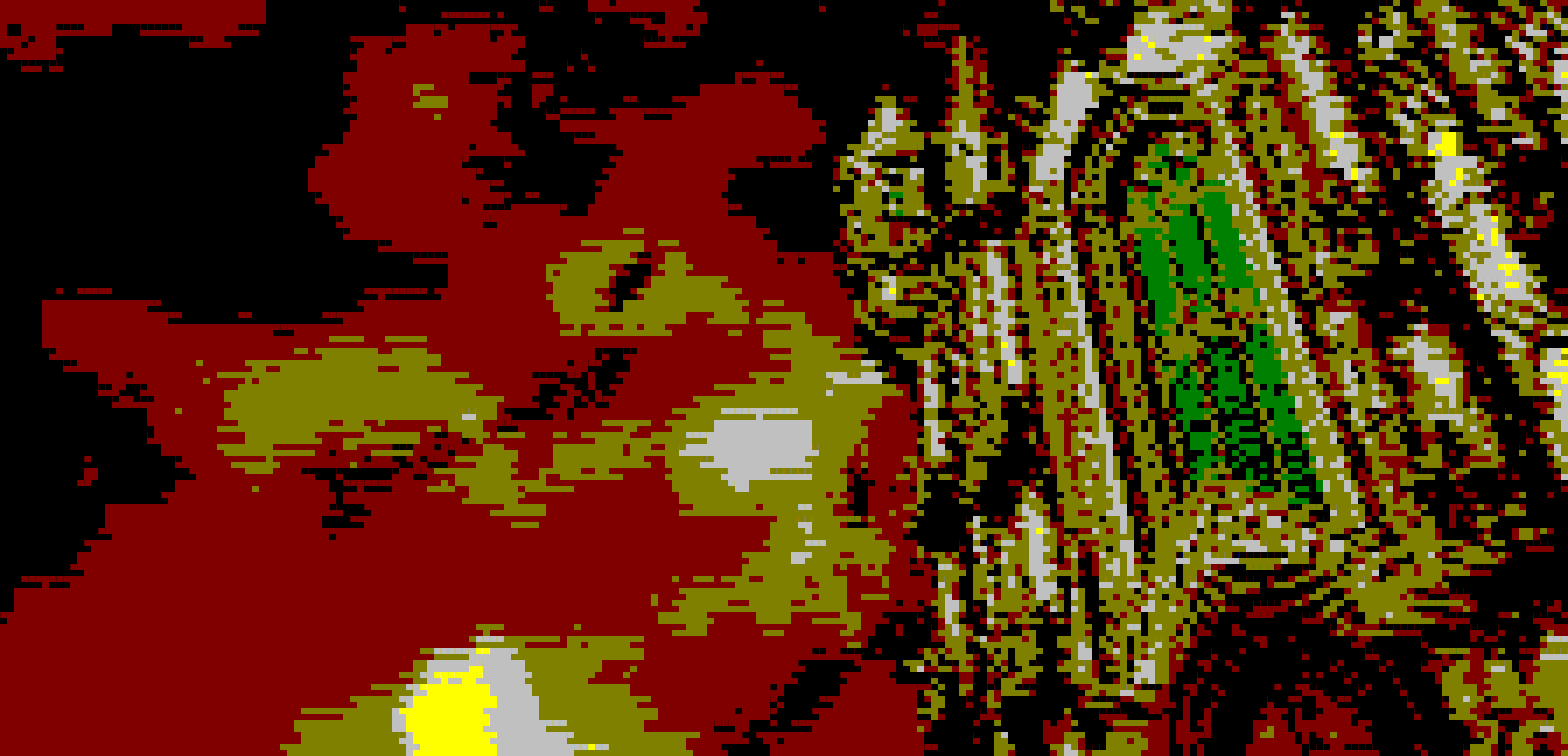
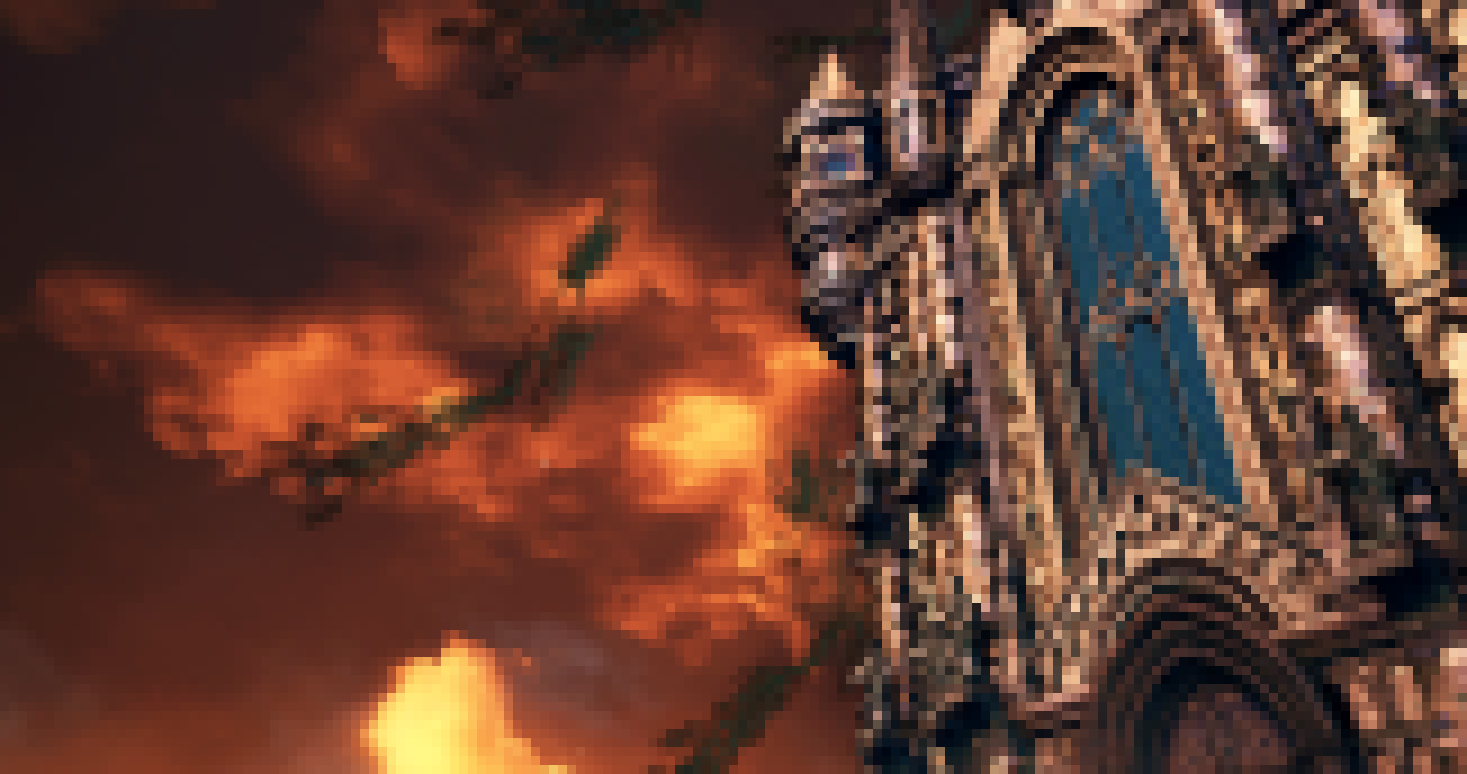
//! 
//! 
//! 
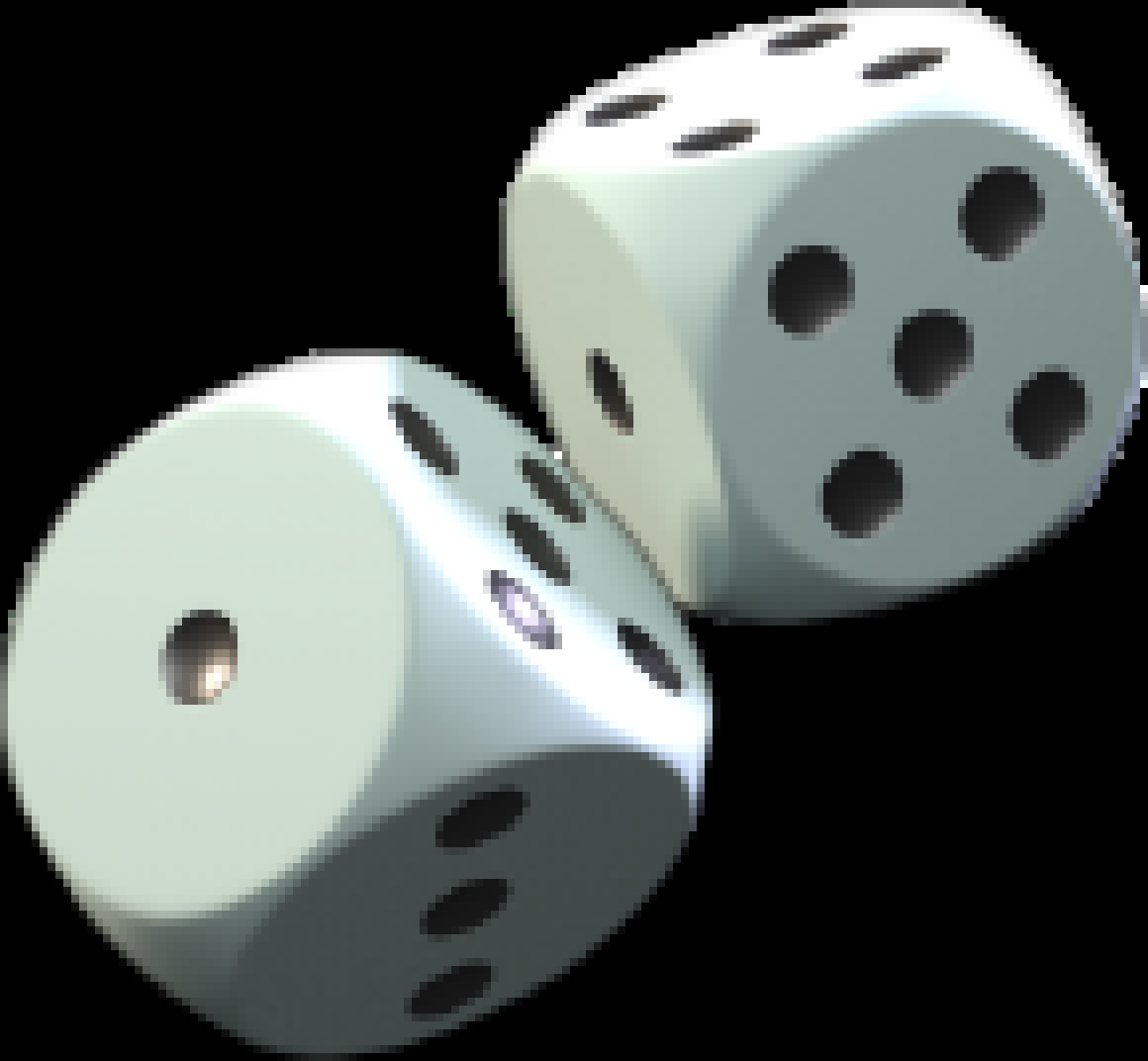
//! 
//!
//! # Special thanks
//!
//! To all who support further development on [Patreon](https://patreon.com/nabijaczleweli), in particular: //!
//!
//! * ThePhD
//!
//! # Library doc
//!
//! This library is used by `termimage` itself for all its function and is therefore contains all necessary functions.
//!
//! ## Data flow
//!
//! ```plaintext
//! Options::parse()
//! |> guess_format()
//! |> load_image()
//! |> image_resized_size()
//! |> resize_image()
//! |> write_[no_]ansi[_truecolor]()
//! ```
//!
//! ### Prose explanation
//!
//! First, get an `Options` instance, be it via a struct-literal or `Options::parse()`;
//! or don't and just create the individual arguments manually.
//!
//! Then, use `ops::load_image()`. If you know your image's format, great. If you don't, get it via `ops::guess_format()`.
//!
//! After that resize the image to an output-ready size provided by `ops::image_resized_size()` with `resize_image()`.
//! `ops::image_resized_size()` takes into consideration using two pixels per cell in the output functions,
//! so the size it returns is twice as tall as the terminal output size passed to it.
//!
//! Finally, call `ops::write_ansi()`/`ops::write_ansi_truecolor()`/`ops::write_no_ansi()` depending on your liking with the
//! resulting image.
//!
//! Or, if you want to display images manually, use `ops::create_colourtable()` to create an approximate colours table and
//! display it, for example, with `ncurses`.
//!
//! ### Example
//!
//! This is a complete example, from parsing the commandline to displaying the result.
//!
//! ```no_run
//! # extern crate termimage;
//! # extern crate image;
//! # use image::GenericImageView;
//! # use std::io::stdout;
//! # use termimage::*;
//! # fn main() {
//! # not_main();
//! # }
//! # fn not_main() -> Result<(), Error> {
//! let opts = Options::parse();
//!
//! let format = ops::guess_format(&opts.image)?;
//! let img = ops::load_image(&opts.image, format)?;
//!
//! let img_s = ops::image_resized_size(img.dimensions(), opts.size, opts.preserve_aspect);
//! let resized = ops::resize_image(&img, img_s);
//!
//! match opts.ansi_out {
//! Some(AnsiOutputFormat::Truecolor) => ops::write_ansi_truecolor(&mut stdout(), &resized),
//! Some(AnsiOutputFormat::SimpleWhite) =>
//! ops::write_ansi(&mut stdout(), &resized, &util::ANSI_COLOURS_WHITE_BG),
//! Some(AnsiOutputFormat::SimpleBlack) =>
//! ops::write_ansi(&mut stdout(), &resized, &util::ANSI_COLOURS_BLACK_BG),
//! None => ops::write_no_ansi(&resized),
//! }
//! # Ok(())
//! # }
//! ```
//!
//! # Executable manpage
//!
//! Exit values and possible errors:
//!
//! ```text
//! 1 - failed to guess the file's format
//! 2 - failed to open the image file
//! ```
//!
//! ## SYNOPSIS
//!
//! `termimage` [OPTIONS] <IMAGE>
//!
//! ## DESCRIPTION
//!
//! Show images in your terminal.
//!
//! The images are automatically downscaled to the terminal's size and their
//! colours are approximated to match the terminal's display colours.
//!
//! With ANSI output this means a 3-bit colour resolution, with WinAPI - 4-bit.
//!
//! With WinAPI output the output colours are acquired from the console itself,
//! with ANSI output a sane default is assumed.
//!
//! ## OPTIONS
//!
//! <IMAGE>
//!
//! ```text
//! Image to display, must end in a recognisable image format extension.
//! ```
//!
//! -s --size <size>
//!
//! ```text
//! Output image resolution.
//!
//! By default this is autodetected to match the output terminal's resolution,
//! but is required when outputting to a file.
//!
//! Format: NxM
//! ```
//!
//! -a --ansi <ANSI_type>
//!
//! ```text
//! Force ANSI output of the specified kind,
//!
//! The accepted values are "truecolor", "simple-black", and "simple-white",
//! truecolor is the default on non-Windows.
//!
//! Simple ANSI output uses 3-bit background colours for the specified background,
//! while truecolor supports the whole 24-bit pallette.
//! ```
//!
//! -f --force
//!
//! ```text
//! By default the image's aspect ratio will be preserved when downscaling,
//! use this option to override that behaviour.
//! ```
//!
//! ## EXAMPLES
//!
//! `termimage` [`-s` *NxM*] [`-f`] *assets/image.png*
//!
//! ```text
//! Display assets/image.png in the terminal using the default output type,
//! optionally not preserving the aspect ratio.
//! ```
//!
//! `termimage` [`-s` *NxM*] [`-f`] [`-a` *simple*] *assets/image.png*
//!
//! ```text
//! Display assets/image.png in the terminal using the simple ANSI output type,
//! optionally not preserving the aspect ratio.
//! ```
//!
//! (for f in $(find *image_dir* -type f); do `termimage -s` *NxM* [`-f`] [`-a` *ANSI_type*] $f; done) > *out_file*
//!
//! ```text
//! Print all images in image_dir to out_file.
//!
//! Note the --size option being specified, since it's required when outputting to a file.
//! ```
extern crate term_size;
extern crate winapi;
extern crate image;
extern crate clap;
pub use Error;
pub use ;