<div align="center">
<a href="https://github.com/calum/terminal_image_display">
<img src="https://raw.githubusercontent.com/calum/terminal_image_display/master/docs/screenshots/termage.png" alt="Termage" height="200" />
</a>
</div>
<h4 align="center">View images and gifs in your terminal! 🖼️🖥️</h4>
## Install
You can install using [Cargo](https://crates.io/)
```
cargo install termage
```
or you can clone the repo and build the binary
```
git clone https://github.com/calum/terminal_image_display
cd terminal_image_display
cargo run -- --image ferris.png
```
## Usage
```
$ termage --help
Termage 1.0.1
https://github.com/calum/terminal_image_display
Display any image in the terminal with Termage!
USAGE:
termage [OPTIONS]
FLAGS:
-h, --help Prints help information
-V, --version Prints version information
OPTIONS:
-g, --gif <FILE> Input animated gif filepath
-i, --image <FILE> Input image filepath
```
## Example output
```
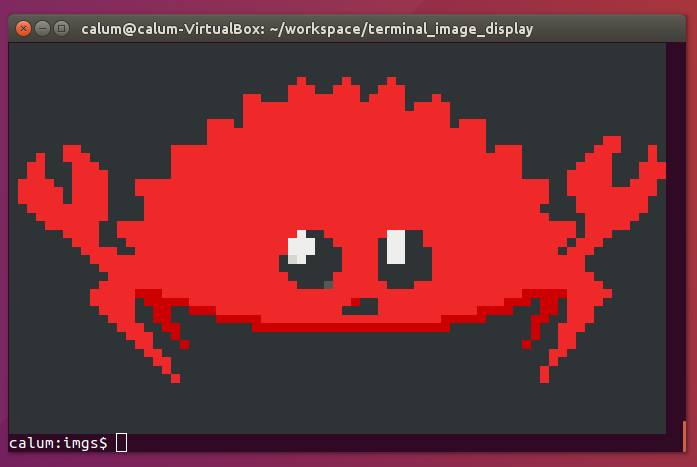
termage -i ferris.png
```
```
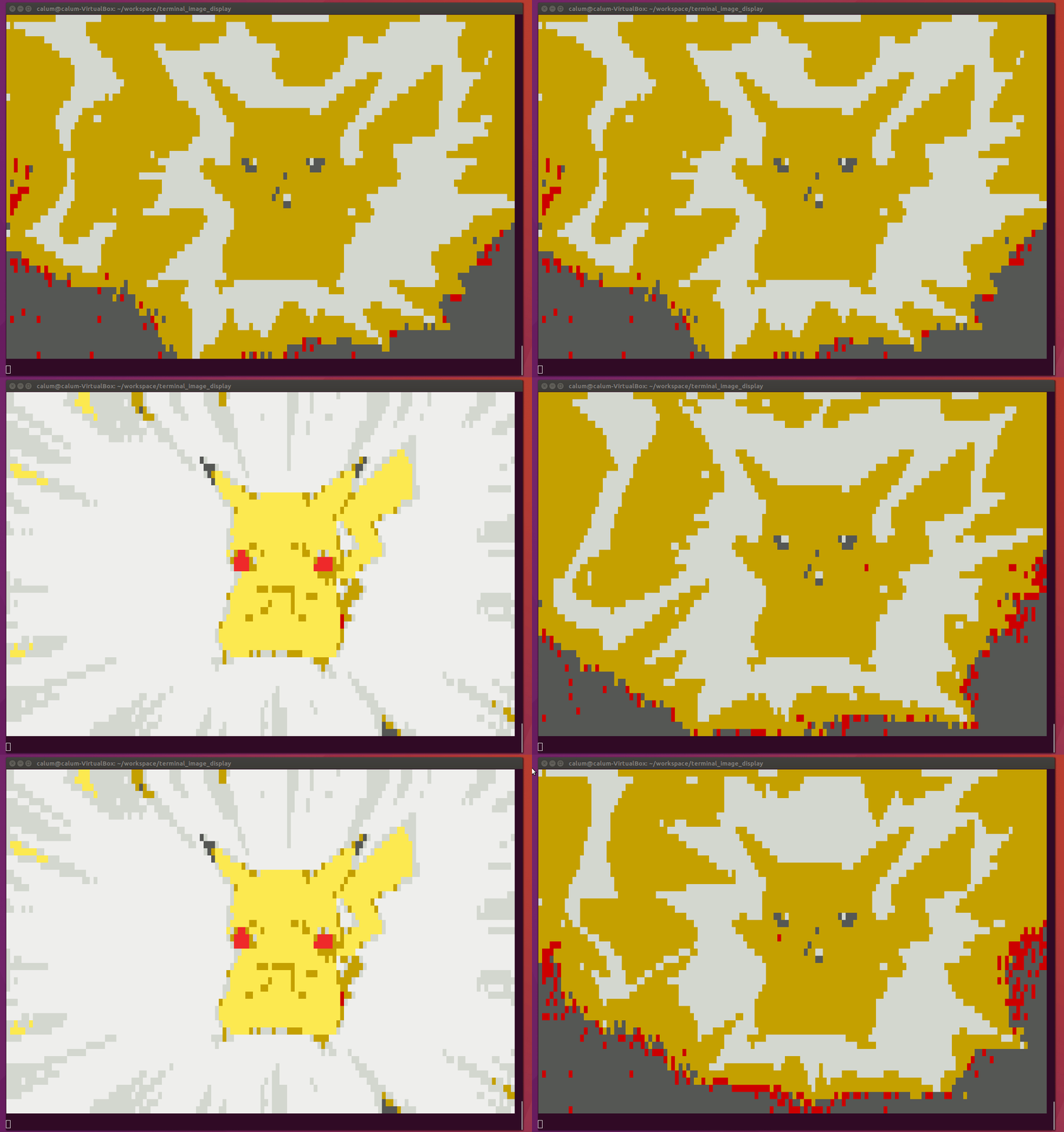
termage -g pika.gif
```
```
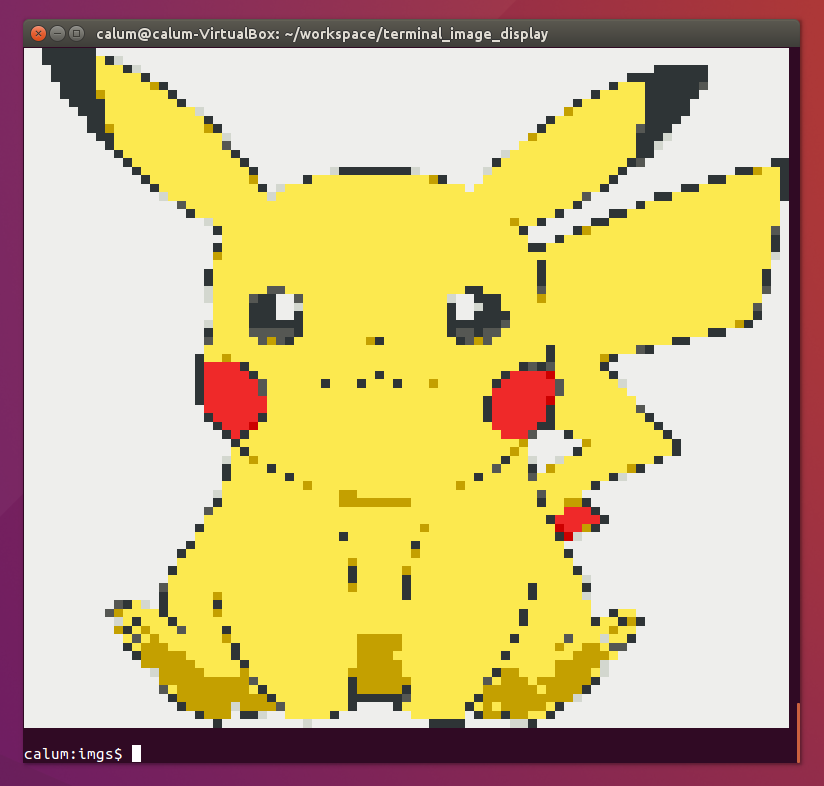
termage -i pika.png
```