1
2
3
4
5
6
7
8
9
10
11
12
13
14
15
16
17
18
19
20
21
22
23
24
25
26
27
28
29
30
31
32
33
34
35
36
37
38
39
40
41
42
43
44
45
46
47
48
49
//! # A cookbook full of wonderful things
//! ## The basics
//! Starting out simple, we can run just a few lines of code that will set up a rudimentary GUI.
//! ```rust, no_run
//! ```
//! This program draws on the default settings to produce a GUI that looks like this
//! 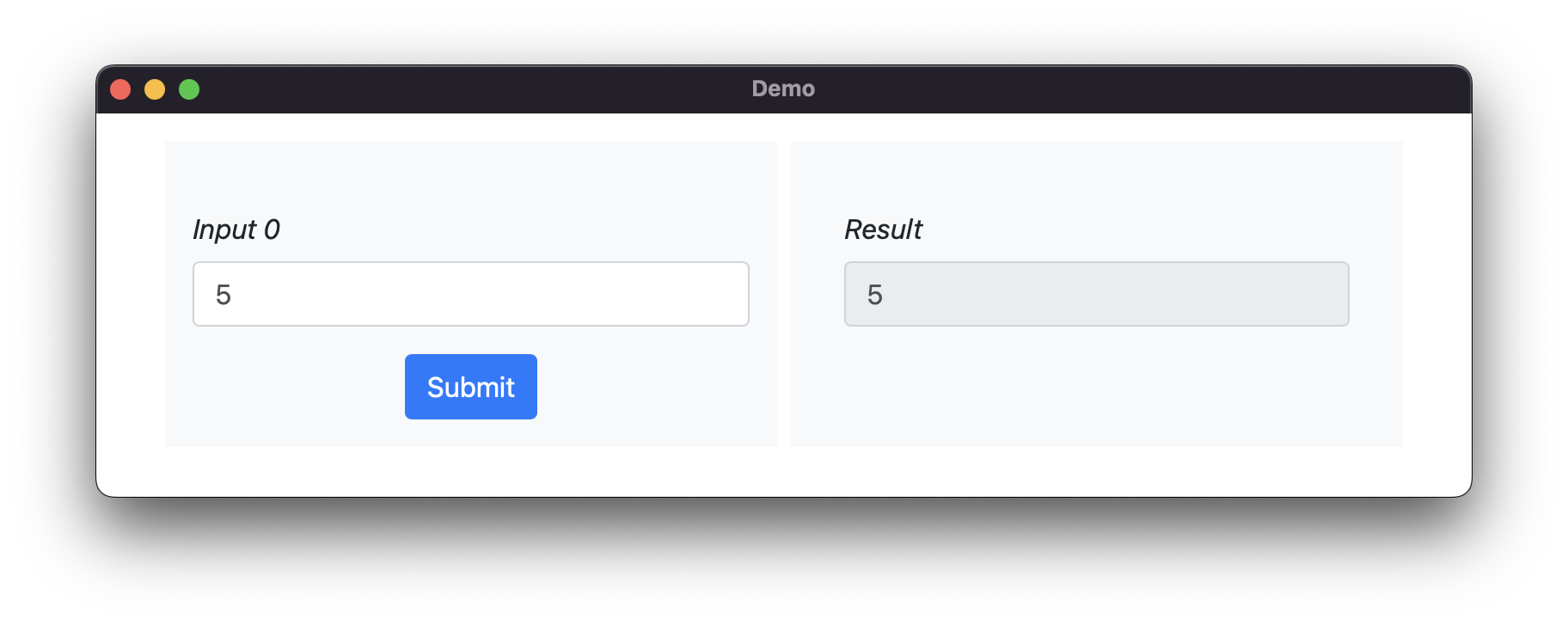
//! The default settings are designed to demonstrate some of the functionality of the
//! visual interface. There are inputs, there is an output, and there is a <kdb>Submit</kbd>
//! button that uses the inputs to compute an output.
//!
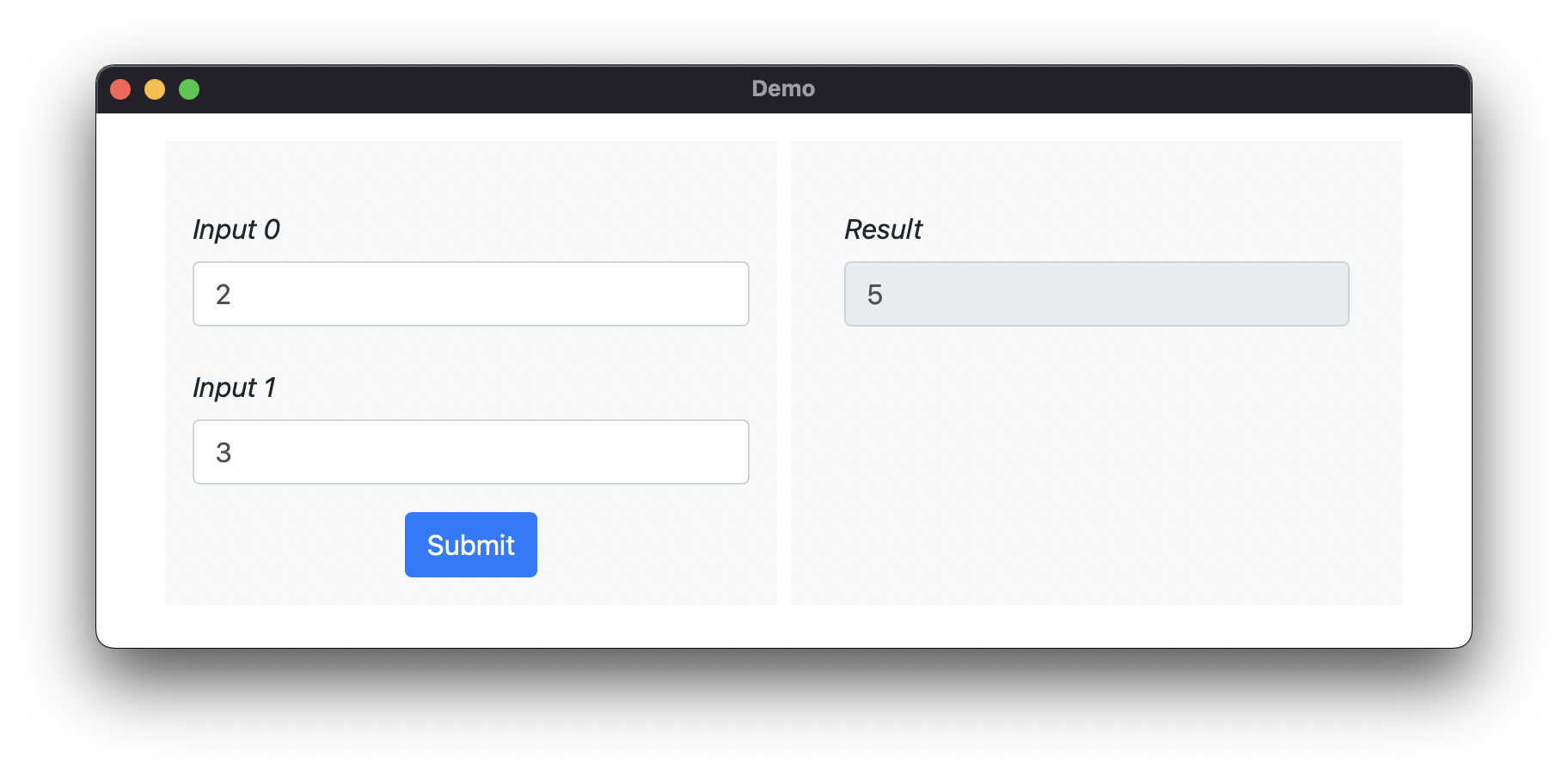
//! Let's build a simple calculator to add two numbers together. We will need to have two inputs,
//! and we will also need to define a function that sums those inputs together. Our code becomes
//! ```rust, no_run
//! use tease::{Input, Teaser};
//!
//! fn main() {
//! Teaser::default()
//! .with_inputs(vec![Input::default(); 2])
//! .with_function(move |x| x.iter().sum())
//! .run();
//! }
//! ```
//! This will make the GUI look as follows. And it works! We can add numbers together!
//! 
//!
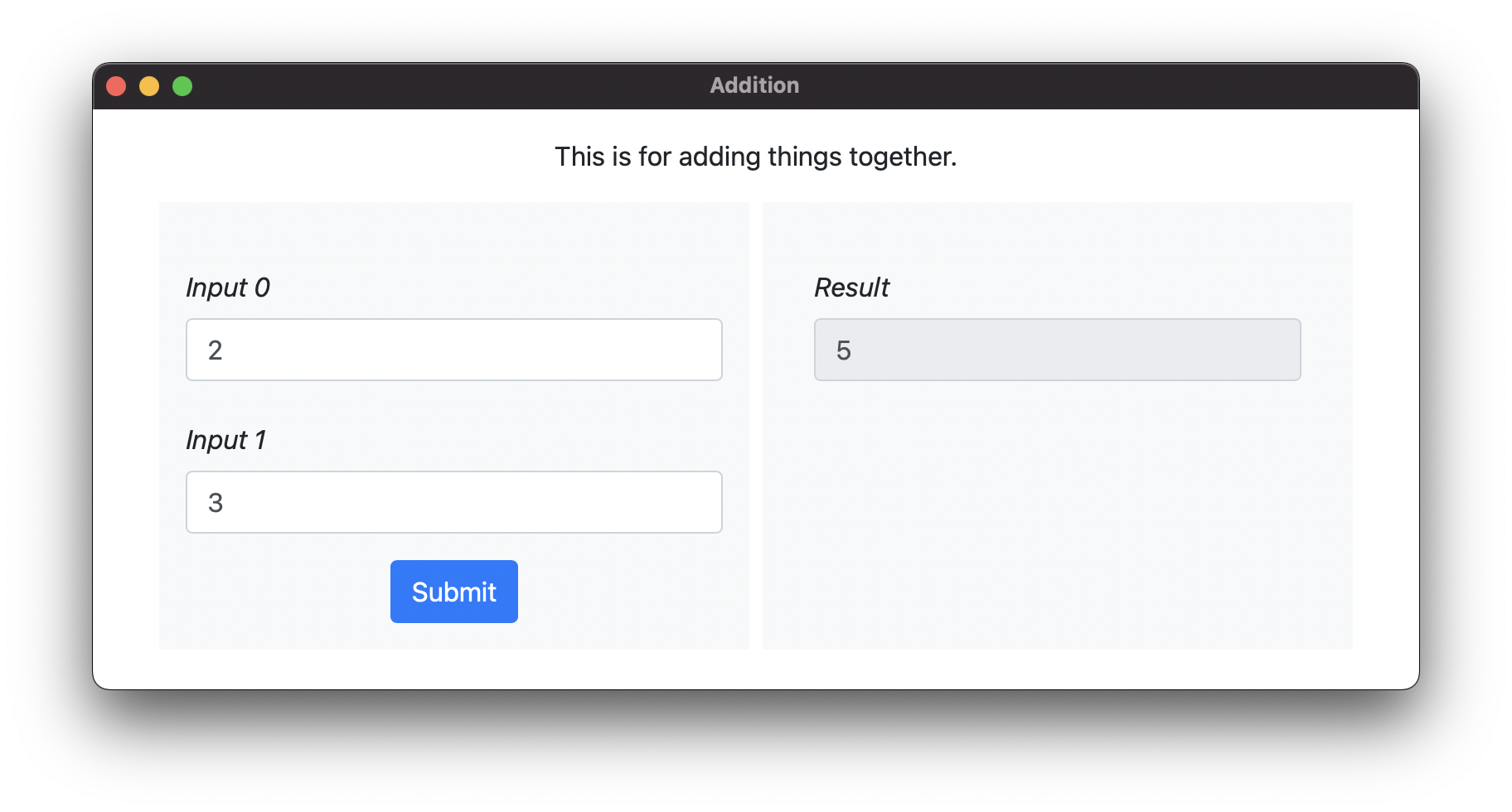
//! We can spruce this up a little bit by adding a descriptive header and a short description of
//! what the GUI does. Our code now becomes:
//! ```rust, no_run
//! ```
//! And when executed it creates this GUI:
//! 
//!
//! ## Input Types
//! `tease` provides a variety of different input types for flexible interface creation. These include
//! 1. Numbers
//! 2. Sliders
//! 3. Dropdowns
//! ## Fun with Closures
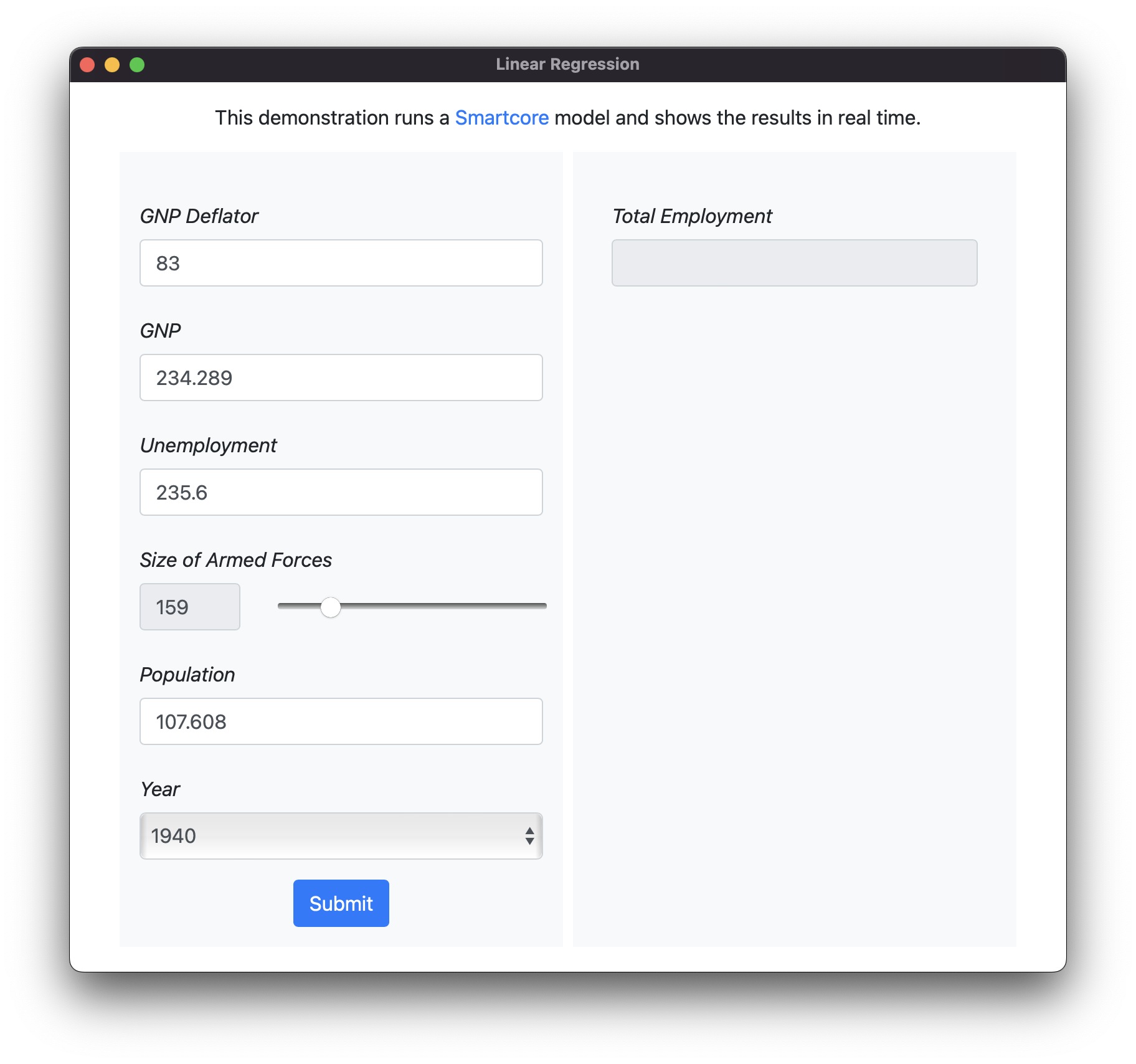
//! By now, you've probably realized something - anything that you can fit in a closure can be used
//! as the backend for a GUI. For instance, you can train a model in [SmartCore](https://smartcorelib.org/)
//! and then provide an interactive demo.
//!```rust, no_run
//! ```
//! 
//!