<!doctype html>
<html>
  <head>
    <meta charset="utf-8" />
    <title>inline_nested_flex_block</title>
    <link rel="stylesheet" href="../shared.css" />
  </head>
  <body style="width: 1200px; height: 630px">
    <div
      style="
        display: block;
        width: 800px;
        padding-top: 20px;
        padding-right: 20px;
        padding-bottom: 20px;
        padding-left: 20px;
        background-color: rgb(255, 255, 255);
        font-size: 20px;
        line-height: 40px;
      "
    >
      <span style="display: inline"
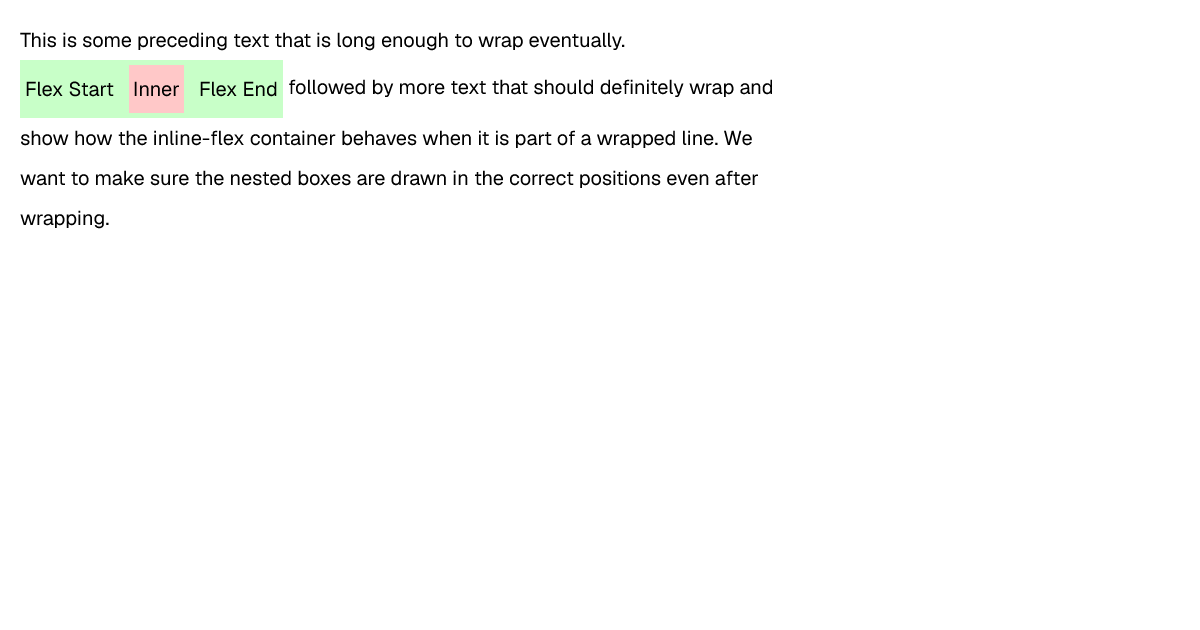
        >This is some preceding text that is long enough to wrap eventually.
      </span>
      <div
        style="
          display: inline-flex;
          background-color: rgb(200, 255, 200);
          padding-top: 5px;
          padding-right: 5px;
          padding-bottom: 5px;
          padding-left: 5px;
          align-items: center;
          vertical-align: middle;
        "
      >
        <span style="display: inline">Flex Start </span>
        <div
          style="
            display: inline-block;
            padding-top: 4px;
            padding-right: 4px;
            padding-bottom: 4px;
            padding-left: 4px;
            margin-top: 0px;
            margin-right: 10px;
            margin-bottom: 0px;
            margin-left: 10px;
            background-color: rgb(255, 200, 200);
          "
        >
          <span>Inner</span>
        </div>
        <span style="display: inline"> Flex End</span>
      </div>
      <span style="display: inline">
        followed by more text that should definitely wrap and show how the inline-flex container
        behaves when it is part of a wrapped line. We want to make sure the nested boxes are drawn
        in the correct positions even after wrapping.</span
      >
    </div>
  </body>
</html>