<!doctype html>
<html>
  <head>
    <meta charset="utf-8" />
    <title>inline_atomic_containers</title>
    <link rel="stylesheet" href="../shared.css" />
  </head>
  <body style="width: 1200px; height: 630px">
    <div
      style="
        display: flex;
        width: 100%;
        height: 100%;
        align-items: center;
        justify-content: center;
        background-color: rgb(255, 255, 255);
        text-wrap-mode: nowrap;
        white-space-collapse: preserve;
      "
    >
      <div
        style="
          display: block;
          font-size: 24px;
          border-top-width: 6px;
          border-right-width: 6px;
          border-bottom-width: 6px;
          border-left-width: 6px;
          border-top-style: solid;
          border-right-style: solid;
          border-bottom-style: solid;
          border-left-style: solid;
          border-top-color: rgb(40, 40, 40);
          border-right-color: rgb(40, 40, 40);
          border-bottom-color: rgb(40, 40, 40);
          border-left-color: rgb(40, 40, 40);
        "
      >
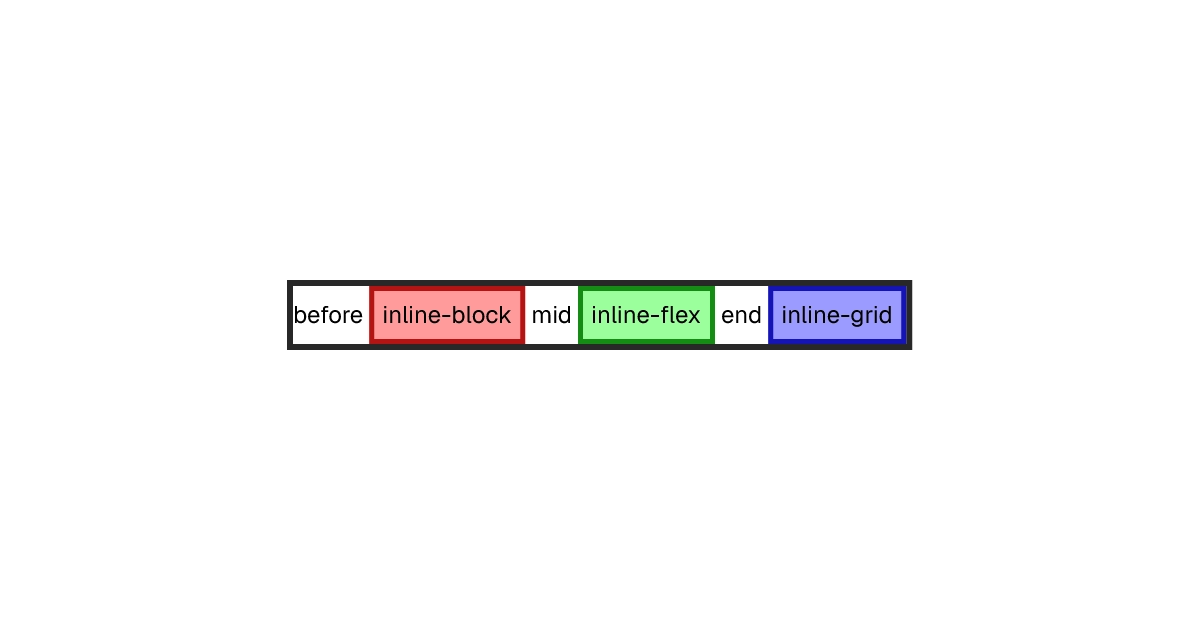
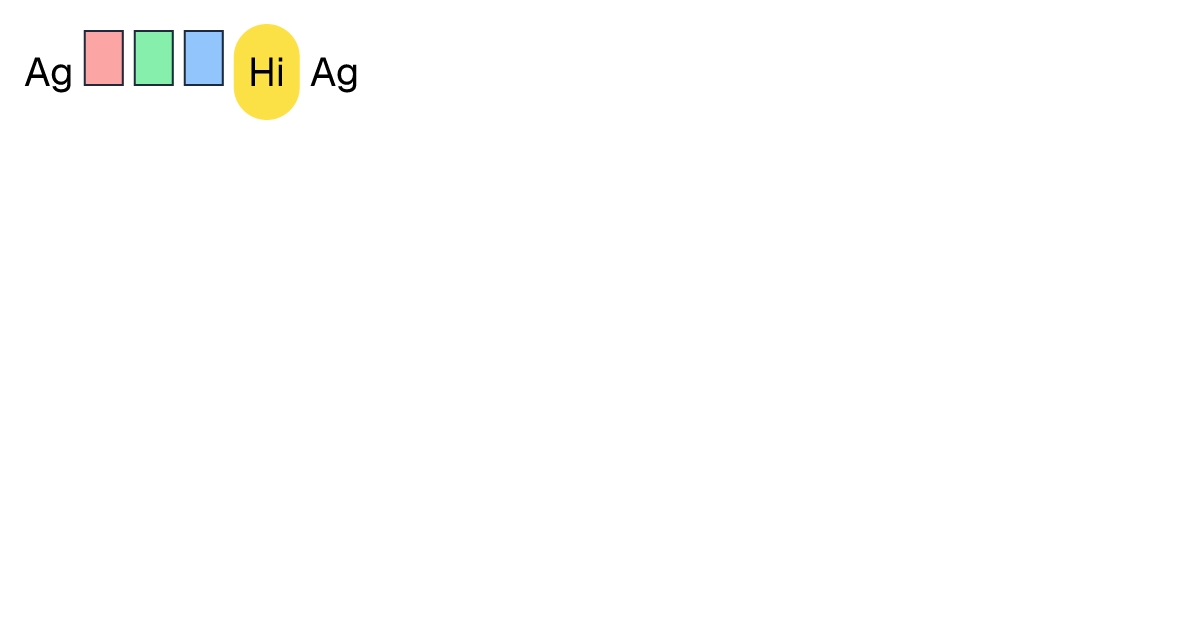
        <span style="display: inline">before </span>
        <div
          style="
            display: inline-block;
            padding-top: 8px;
            padding-right: 8px;
            padding-bottom: 8px;
            padding-left: 8px;
            background-color: rgba(255, 0, 0, 0.392157);
            border-top-width: 5px;
            border-right-width: 5px;
            border-bottom-width: 5px;
            border-left-width: 5px;
            border-top-style: solid;
            border-right-style: solid;
            border-bottom-style: solid;
            border-left-style: solid;
            border-top-color: rgb(180, 20, 20);
            border-right-color: rgb(180, 20, 20);
            border-bottom-color: rgb(180, 20, 20);
            border-left-color: rgb(180, 20, 20);
          "
        >
          <span>inline-block</span>
        </div>
        <span style="display: inline"> mid </span>
        <div
          style="
            display: inline-flex;
            padding-top: 8px;
            padding-right: 8px;
            padding-bottom: 8px;
            padding-left: 8px;
            background-color: rgba(0, 255, 0, 0.392157);
            border-top-width: 5px;
            border-right-width: 5px;
            border-bottom-width: 5px;
            border-left-width: 5px;
            border-top-style: solid;
            border-right-style: solid;
            border-bottom-style: solid;
            border-left-style: solid;
            border-top-color: rgb(20, 140, 20);
            border-right-color: rgb(20, 140, 20);
            border-bottom-color: rgb(20, 140, 20);
            border-left-color: rgb(20, 140, 20);
          "
        >
          <span>inline-flex</span>
        </div>
        <span style="display: inline"> end </span>
        <div
          style="
            display: inline-grid;
            padding-top: 8px;
            padding-right: 8px;
            padding-bottom: 8px;
            padding-left: 8px;
            background-color: rgba(0, 0, 255, 0.392157);
            border-top-width: 5px;
            border-right-width: 5px;
            border-bottom-width: 5px;
            border-left-width: 5px;
            border-top-style: solid;
            border-right-style: solid;
            border-bottom-style: solid;
            border-left-style: solid;
            border-top-color: rgb(20, 20, 180);
            border-right-color: rgb(20, 20, 180);
            border-bottom-color: rgb(20, 20, 180);
            border-left-color: rgb(20, 20, 180);
          "
        >
          <span>inline-grid</span>
        </div>
      </div>
    </div>
  </body>
</html>