## tachyonfx
tachyonfx is a [ratatui][ratatui] library for creating shader-like effects in terminal UIs.
This library provides a collection of effects that can be used to enhance the
visual appeal of terminal applications, offering capabilities such as color
transformations, animations, and complex effect combinations.

[ratatui]: https://ratatui.rs/
## Installation
Add tachyonfx to your `Cargo.toml`:
```toml
[dependencies]
tachyonfx = "0.1.0"
```
## Overview
### Effects
The library includes a variety of effects, categorized as follows:
#### Color Effects
- **fade_from:** Fades from the specified background and foreground colors
- **fade_from_fg:** Fades the foreground color from a specified color.
- **fade_to:** Fades to the specified background and foreground colors.
- **fade_to_fg:** Fades the foreground color to a specified color.
- **hsl_shift:** Changes the hue, saturation, and lightness of the foreground and background colors.
- **hsl_shift_fg:** Shifts the foreground color by the specified hue, saturation, and lightness over the specified duration.
- **term256_colors:** Downsamples to 256 color mode.
#### Text/Character Effects
- **coalesce:** The reverse of dissolve, coalesces text over the specified duration.
- **dissolve:** Dissolves the current text over the specified duration.
- **sweep_in:** Sweeps in from the specified color.
- **sweep_out:** Sweeps out to the specified color.
#### Timing and Control Effects
- **consume_tick:** Consumes a single tick.
- **never_complete:** Makes an effect run indefinitely.
- **ping_pong:** Plays the effect forwards and then backwards.
- **repeat:** Repeats an effect indefinitely or for a specified number of times or duration.
- **repeating:** Repeats the effect indefinitely.
- **sleep:** Pauses for a specified duration.
- **timed_never_complete:** Creates an effect that runs indefinitely but has an enforced duration.
- **with_duration:** Wraps an effect and enforces a duration on it.
#### Geometry Effects
- **translate:** Moves the effect area by a specified amount.
- **resize_area:** Resizes the area of the wrapped effect.
#### Combination Effects
- **parallel:** Runs effects in parallel, all at the same time. Reports completion once all effects have completed.
- **sequence:** Runs effects in sequence, one after the other. Reports completion once the last effect has completed.
### EffectTimer and Interpolations
The EffectTimer is used to control the duration and interpolation of effects. It
allows for precise timing and synchronization of visual effects within your application.
### Cell Selection and Area
Effects can be applied to specific cells in the terminal UI, allowing for targeted visual
modifications and animations.
```rust
// only apply to cells with `Light2` foreground color
fx::sweep_in(Direction::UpToDown, 15, Dark0, timer)
.with_cell_selection(CellFilter::FgColor(Light2.into()))
```
`CellFilter`s can be combined to form complex selection criteria.
```rust
// apply effect to cells on the outer border of the area
let margin = Margin::new(1, 1);
let border_text = CellFilter::AllOf(vec![
CellFilter::Outer(margin),
CellFilter::Text
]);
sequence(vec![
with_duration(duration, never_complete(fx::fade_to(Dark0, Dark0, 0))),
fx::fade_from(Dark0, Dark0, (320, QuadOut)),
]).with_cell_selection(border_text)
```
## Examples
### Example: `tweens`

```
cargo run --example=tweens
```
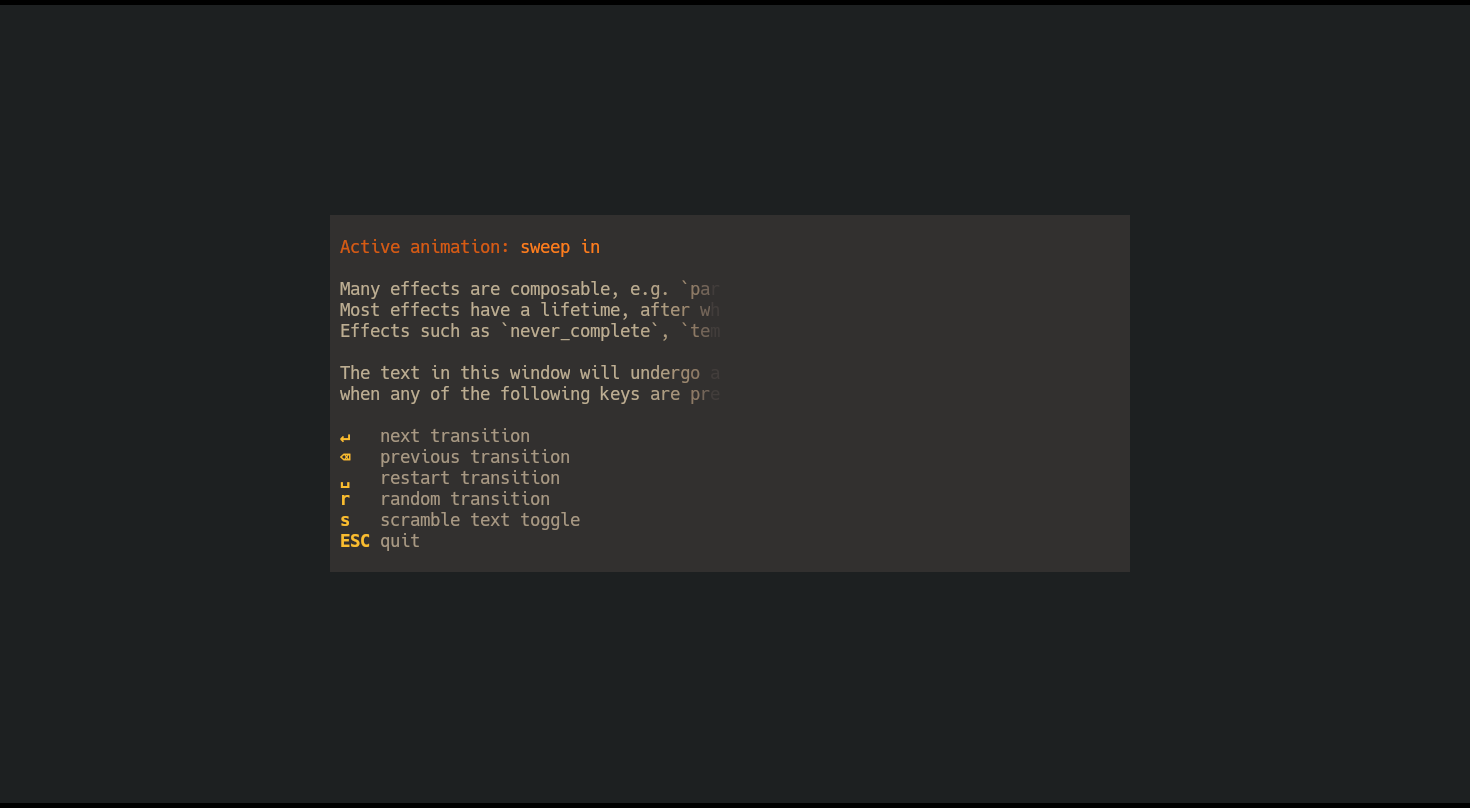
### Example: `basic-effects`
```
cargo run --example=basic-effects
```
### Example: `open-window`
```
cargo run --example=open-window
```