# Stacked Bar Chart
[](https://github.com/jlyonsmith/stacked_bar_chart/blob/main/coverage.json)
[](https://crates.io/crates/stacked_bar_chart)
[](https://docs.rs/stacked_bar_chart)
This is a stacked bar chart generator. You provide a [JSON5](https://json5.org/) file with data and it generates an SVG file. You can convert the SVG to PNG or other bitmap formats with the [resvg](https://crates.io/crates/resvg) tool.
Here is an example of the output:
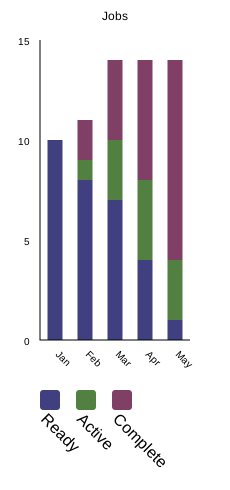
Install with `cargo install stacked_bar_chart`. Run with `stacked-bar-chart`.
Features of the tool include:
- Automatic scaling of the Y axis labels
- Automatic generation of the legend
- Automatic selection of bar colors to maximize contrast
- Uses SVG classes to enable easy changes to the generate graphs