
ssh-list-1.4.0 is not a library.
SSH-List
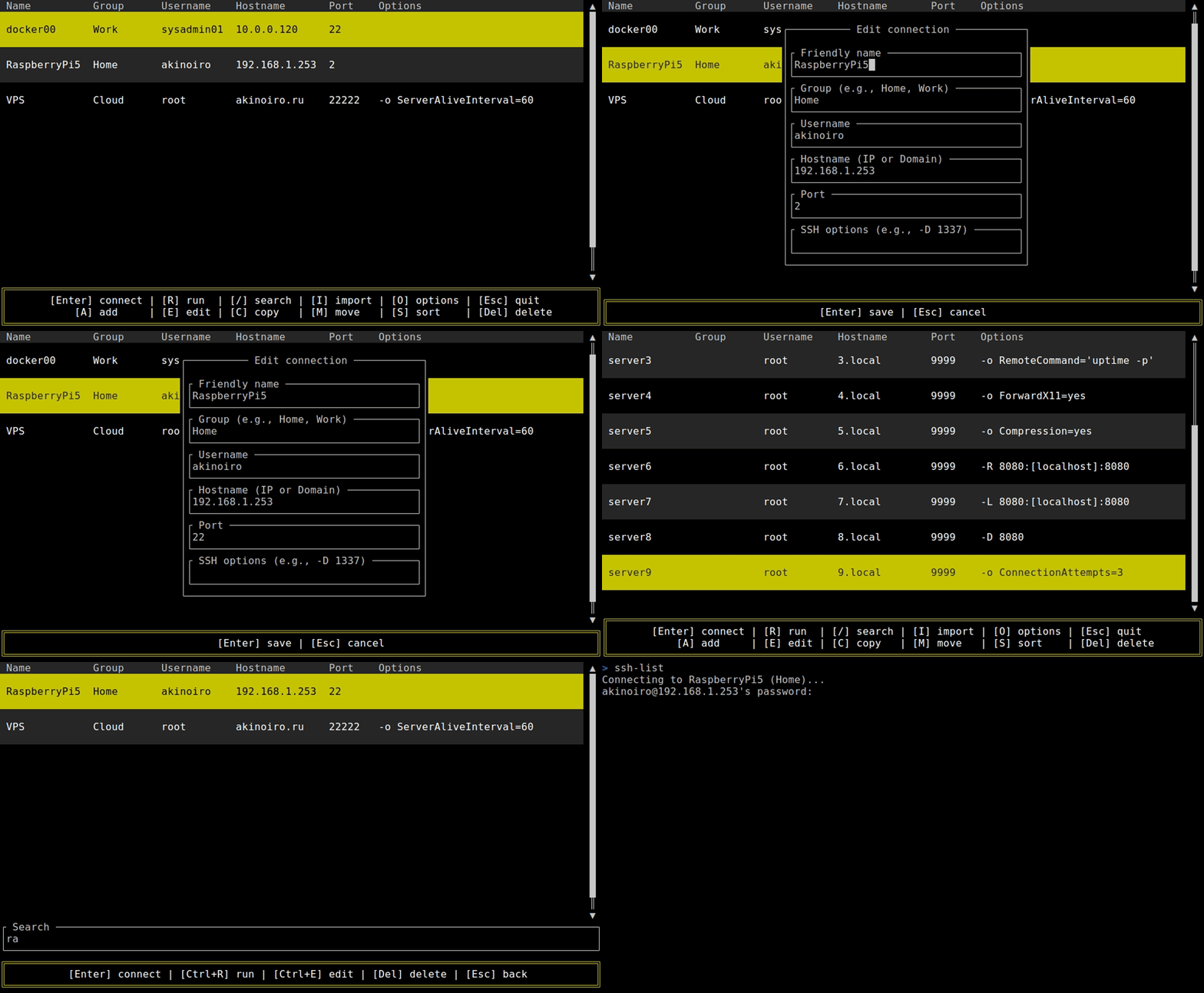
SSH connection manager with a TUI interface.
Key features:
- Add, edit, copy, and sort connections.
- Support for custom SSH options.
- Execute commands on remote hosts.
- Import hosts from ~/.ssh/config.
This application does not store passwords. For secure authentication, use SSH keys.
Prerequisites
You must have an OpenSSH client installed on your system.
Install from GitHub Release
Download the latest binary from the Releases page.
To run the ssh-list command from terminal:
Linux:
# Make the binary executable
chmod +x ssh-list
# Move it to a directory in your PATH
sudo mv ssh-list /usr/local/bin/
macOS:
# Grant permission to run the binary
xattr -d com.apple.quarantine ssh-list
# Make the binary executable
chmod +x ssh-list
# Move it to a directory in your PATH
sudo mv ssh-list /usr/local/bin/
Windows:
- Move
ssh-list.exeto aC:\Program Files\ssh-list. - Add folder's location to your system's
PATHenvironment variable.
Install from crates.io
cargo install ssh-list
Install from AUR (Arch Linux)
paru -S ssh-list
Install from PPA (Ubuntu, Linux Mint)
sudo add-apt-repository ppa:akinoiro/ssh-list
sudo apt update
sudo apt install ssh-list
Build from source
You will need Rust and Cargo installed.
git clone https://github.com/akinoiro/ssh-list
cd ssh-list
cargo build --release
The binary will be located at target/release/
Configuration file
On the first run, ssh-list will automatically create a configuration file to store your connections.
~/.ssh/ssh-list.json