# Spinners - 🛎 60+ Elegant terminal spinners for Rust
[](https://crates.io/crates/spinners) [](https://crates.io/crates/spinners) [](https://docs.rs/spinners/) [](https://crates.io/crates/spinners) [](https://join.slack.com/t/fgribreau/shared_invite/zt-edpjwt2t-Zh39mDUMNQ0QOr9qOj~jrg)
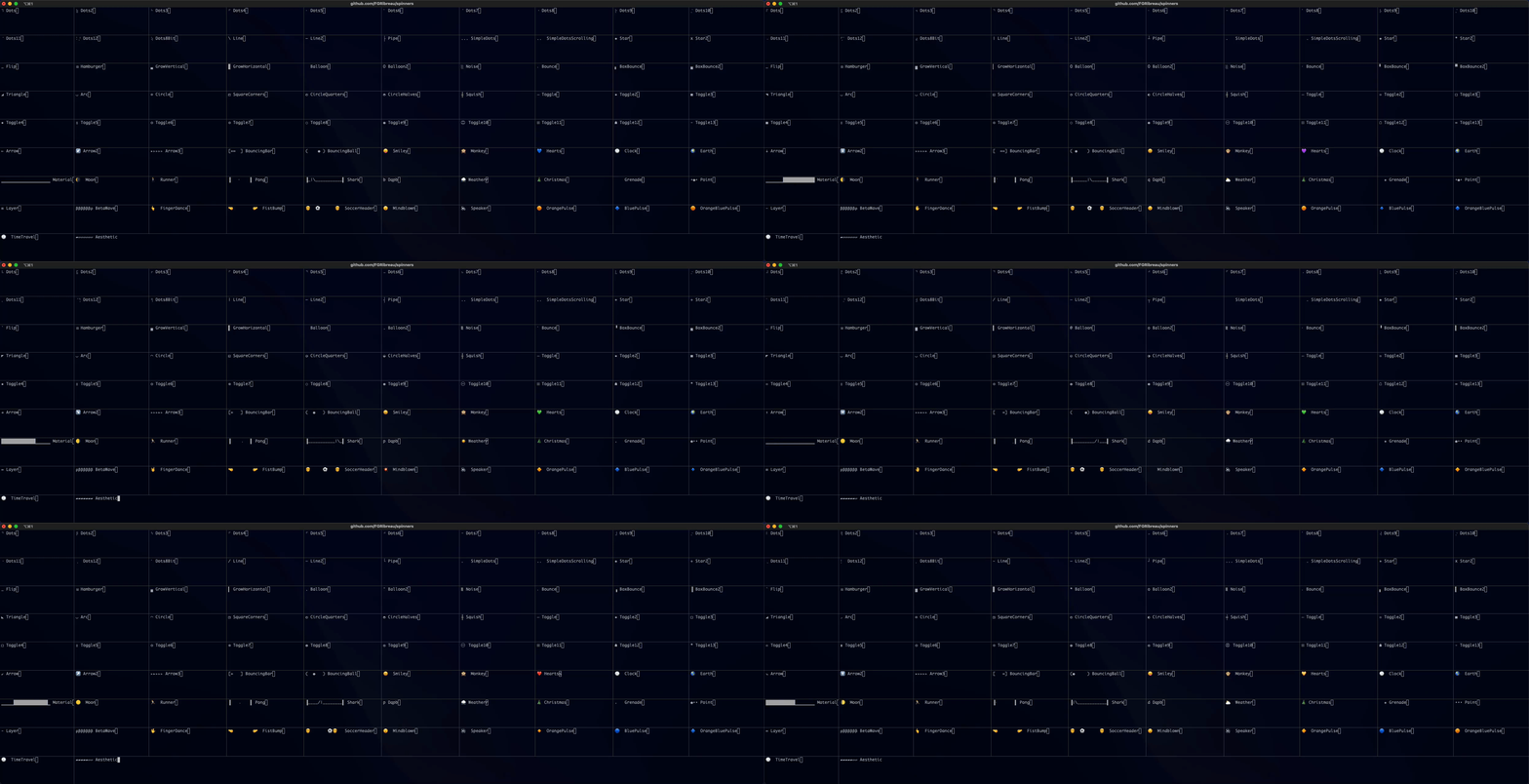
<p align="center"><img src="https://media.giphy.com/media/3oxHQyZfOJjlL3bhRK/giphy.gif"></p>
> ## ❤️ Shameless plug
> - [Open-Source **Webhook** as a Service](https://www.hook0.com/)
> - [**Charts, simple as a URL**. 1 url = 1 chart - Charts API](https://image-charts.com)
> - [Keycloak Identity and Access Management (IAM) as a Service](https://www.cloud-iam.com/)
> - [Automate your **RoamResearch** second brain](https://www.roam-bot.com)
> - [Blazing Fast Gitlab CI Runners (10x faster)](https://cloud-runner.com/)
## Install
See [Cargo page](https://crates.io/crates/spinners)
## Usage
```rust
use spinners::{Spinner, Spinners};
use std::thread::sleep;
use std::time::Duration;
fn main() {
let mut sp = Spinner::new(Spinners::Dots9, "Waiting for 3 seconds".into());
sleep(Duration::from_secs(3));
sp.stop();
}
```
- [List of available spinners](src/utils/spinner_names.rs)
- [Documentation](https://docs.rs/spinners/)
## Example
```shell
cargo run --example cycle
```
```shell
cargo run --example simple
```
## Feature flags
### `osc-progress`
Enables native terminal progress bar support via the [ConEmu OSC 9;4](https://conemu.github.io/en/AnsiEscapeCodes.html#ConEmu_specific_OSC) protocol. Terminals like Ghostty, Windows Terminal, iTerm2, Kitty, and WezTerm render these as GUI progress bars in the title/tab bar. Unsupported terminals silently ignore the sequences.
```toml
[dependencies]
spinners = { version = "4.1.0", features = ["osc-progress"] }
```
The progress bar is emitted as an indeterminate/pulsing indicator while the spinner is active, and cleared when the spinner is stopped or dropped. Sequences are only emitted when the output stream is a terminal, so piped output is unaffected.
**Signal handling caveat:** If the process is killed abruptly (e.g. `SIGINT` via Ctrl+C, `SIGKILL`), the `Drop` implementation may not run and the progress bar won't be cleared. Terminals like Ghostty mitigate this with a ~15-second auto-clear timeout, but for immediate cleanup, applications should install their own signal handler that stops the spinner (e.g. by dropping it or calling `.stop()`) before exiting.
## License
MIT © [François-Guillaume Ribreau](https://fgribreau.com), James Cordor