
sparcli



A lightweight, cross-platform toolkit for styled CLI output and
interactive input widgets in Rust. It renders directly to the terminal via
crossterm (no ratatui dependency) but
mirrors ratatui's familiar vocabulary (Style, Color, Span, Line,
Text), so the API feels at home if you already use ratatui.
sparcli is meant for small, lightweight CLI tools: a single accent color, muted
defaults, rounded borders, graceful NO_COLOR and non-terminal behavior. Heavy,
full-screen/retained TUIs are out of scope (that is what ratatui is for).
Highlights
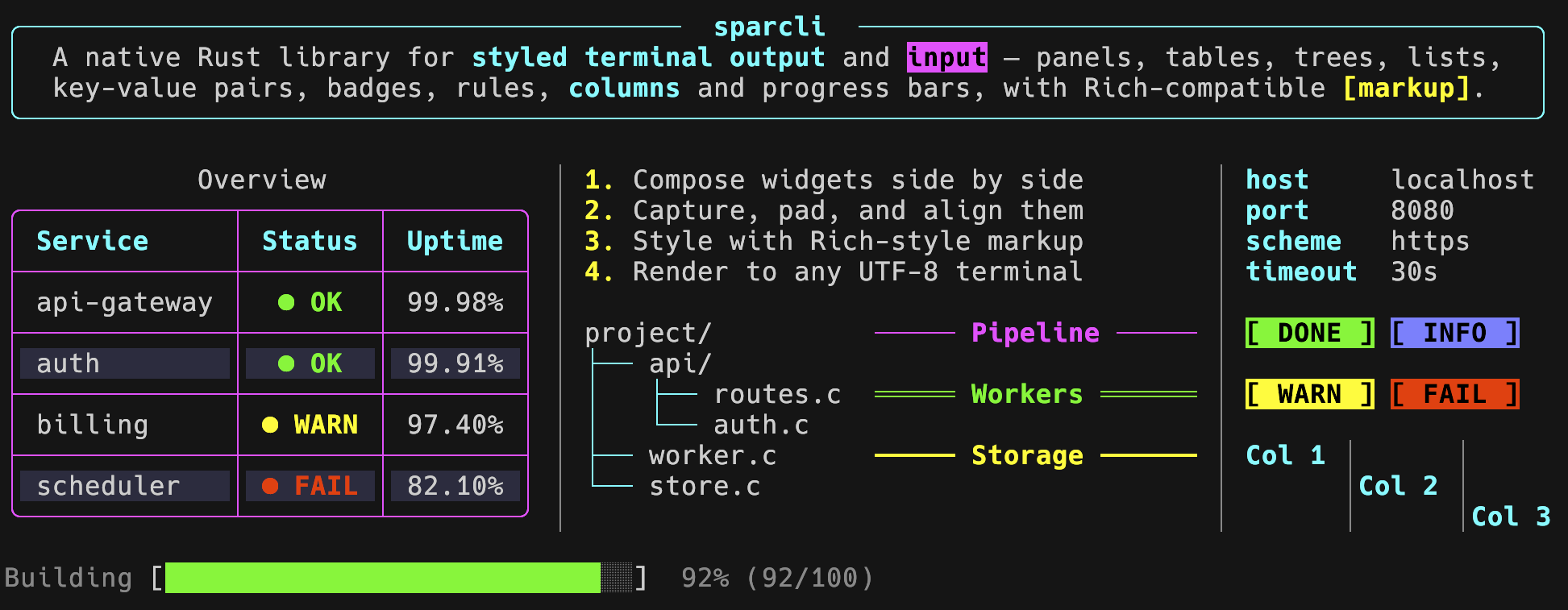
- Output: styled text, markup, tables (colspan, striping, wrap, titles),
panels, alerts, rules, lists, trees, key-value lists, badges, progress bars,
spinners, multi-progress, diffs, columns, live display, pager, and
composition helpers (
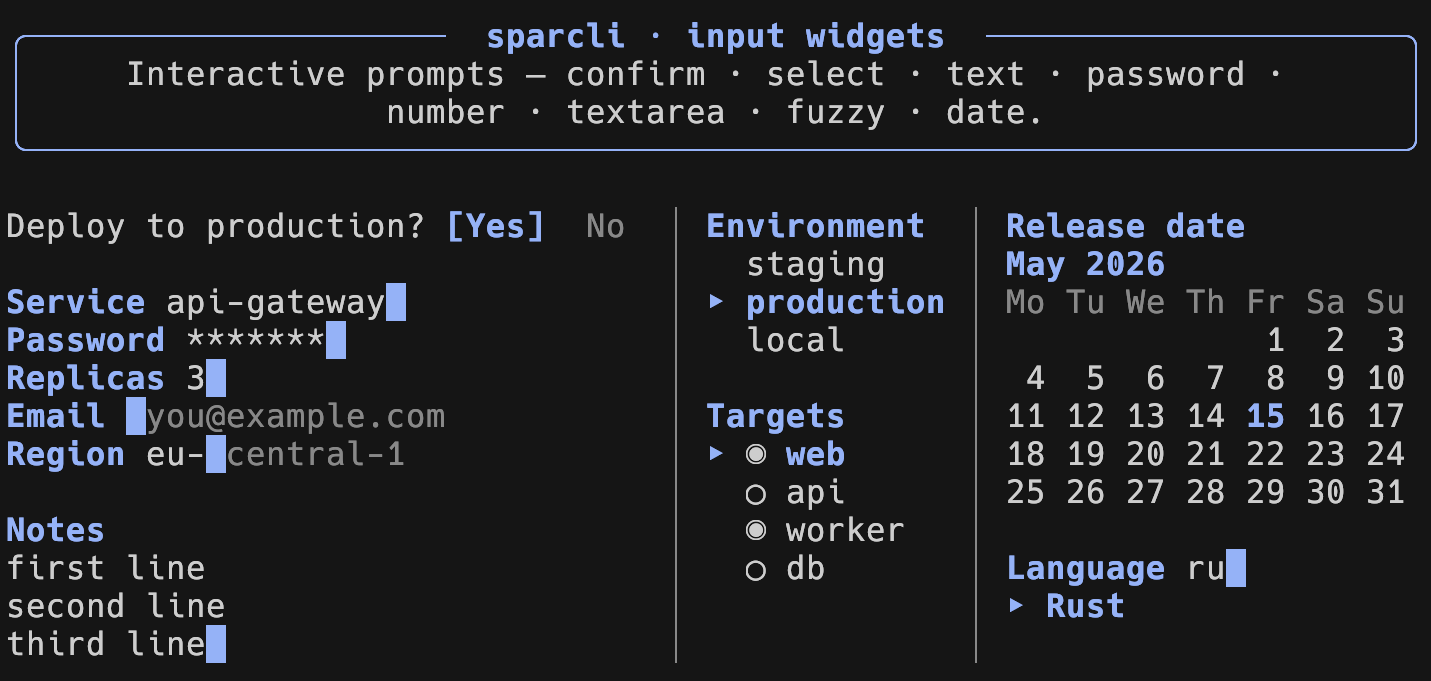
align,pad,vstack). - Input: confirm, text (validation, char filters, history, ghost autocomplete), password, number (with a calculator), textarea, single/multi select, an inline fuzzy select, and a calendar date picker.
- Unified theme for input and output, set once and overridable per call.
- Robust: no panics on input, RAII terminal restore,
Result-based errors.
Install
[]
= "0.2"
# Opt-in features (the base stays small):
# sparcli = { version = "0.2", features = ["markup", "fuzzy", "pager"] }
MSRV: Rust 1.88 (edition 2024).
| Feature | Adds |
|---|---|
markup |
[bold red]…[/] inline markup parsing |
fuzzy |
inline fuzzy-select (pulls in nucleo-matcher) |
pager |
paging via $PAGER / less / more |
full |
enables markup, fuzzy and pager |
From a local checkout or Git
To use an unpublished or local copy instead of the crates.io release, point Cargo at the source directory or repository:
[]
# Local path (absolute or relative to your Cargo.toml):
= { = "../sparcli" }
# Straight from Git:
# sparcli = { git = "https://github.com/cgroening/rs-sparcli", branch = "main" }
Output example
use *;
use ;
Every output widget implements Renderable: call .print() to write to stdout,
or .print_to(&mut writer) to capture output. When stdout is not a terminal (a
pipe, a file, or with NO_COLOR), no escape codes are emitted.
Input example
use non_empty;
use ;
Prompts return Outcome<T> (Submitted(value), Cancelled, or a fired
Shortcut(id)) and never panic. They require an interactive terminal; without
one they return SparcliError::NoTerminal.
Theming
use ;
let theme = Theme ;
set_theme;
The same theme drives both output widgets and input prompts.
Examples
Documentation
- docs.rs/sparcli – the complete API reference (rustdoc, built with all features).
DEVELOPMENT.md– building, testing and contributing.CHANGELOG.md– release notes.cargo doc --all-features --open– build the same reference locally.
License
MIT – see LICENSE.