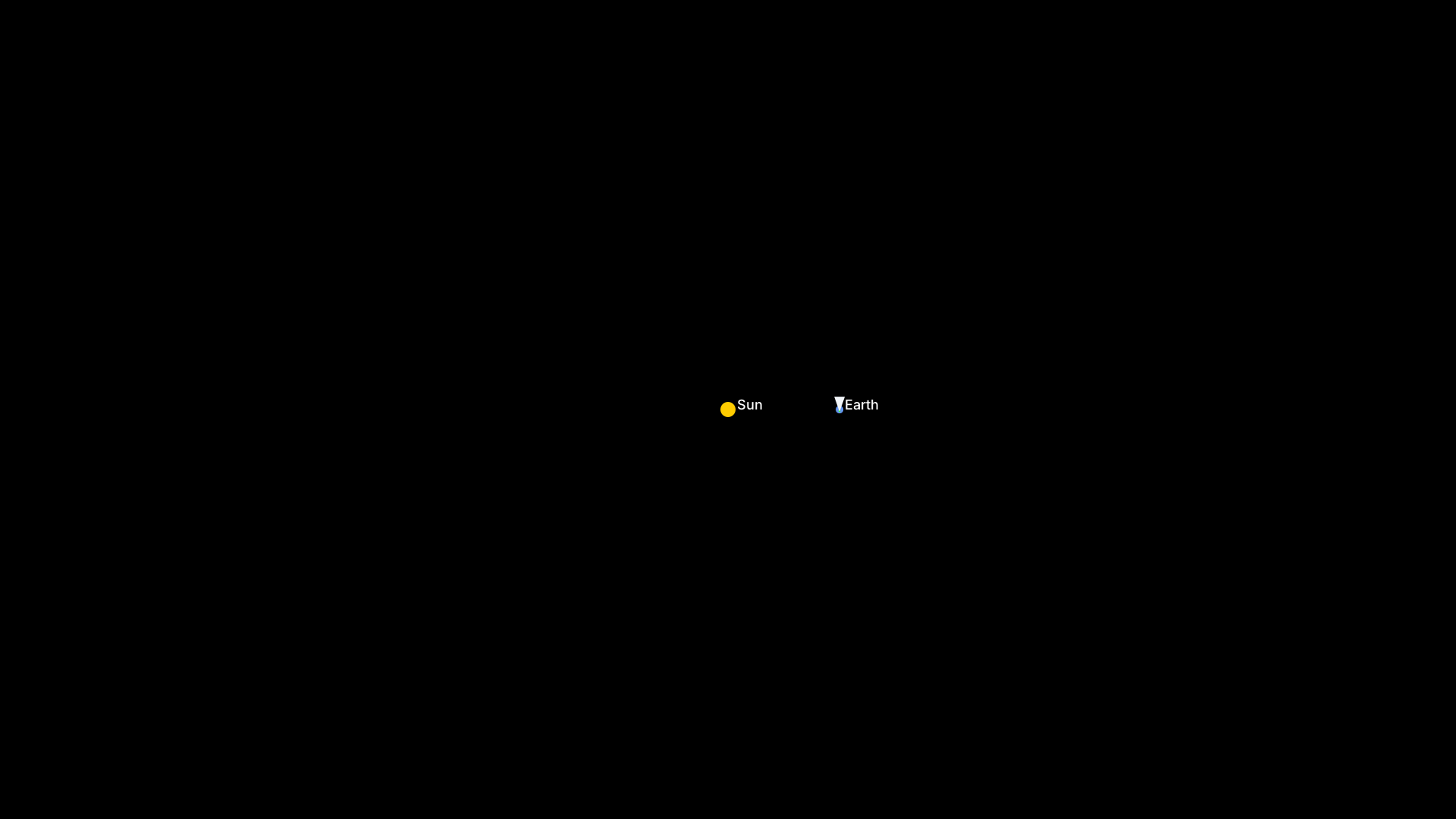
# Simular Orbit Demo - TUI Recording
# For LinkedIn sharing

# Configure output
Output demo/orbit-demo.mp4
Output demo/orbit-demo.gif

# Terminal settings for professional look
Set FontFamily "JetBrains Mono"
Set FontSize 14
Set Width 1280
Set Height 720
Set Theme "Catppuccin Mocha"
Set Padding 20
Set Framerate 30

# Title screen
Type "# Simular Orbit Demo - Toyota Way Principles"
Enter
Type "# Poka-Yoke | Jidoka | Heijunka | Mieruka"
Enter
Enter
Sleep 2s

# Show the command we're running
Type "cargo run --release --bin orbit-tui --features tui"
Sleep 500ms
Enter

# Wait for TUI to load
Sleep 3s

# Let simulation run for a bit to show orbital motion
Sleep 5s

# Pause to show Jidoka status
Type "p"
Sleep 2s

# Resume
Type "p"
Sleep 3s

# Increase time scale
Type "+"
Sleep 1s
Type "+"
Sleep 1s
Type "+"
Sleep 3s

# Let it run at higher speed
Sleep 5s

# Reset to normal
Type "-"
Sleep 500ms
Type "-"
Sleep 500ms
Type "-"
Sleep 2s

# Final view
Sleep 3s

# Quit
Type "q"
Sleep 1s