# Rich Text
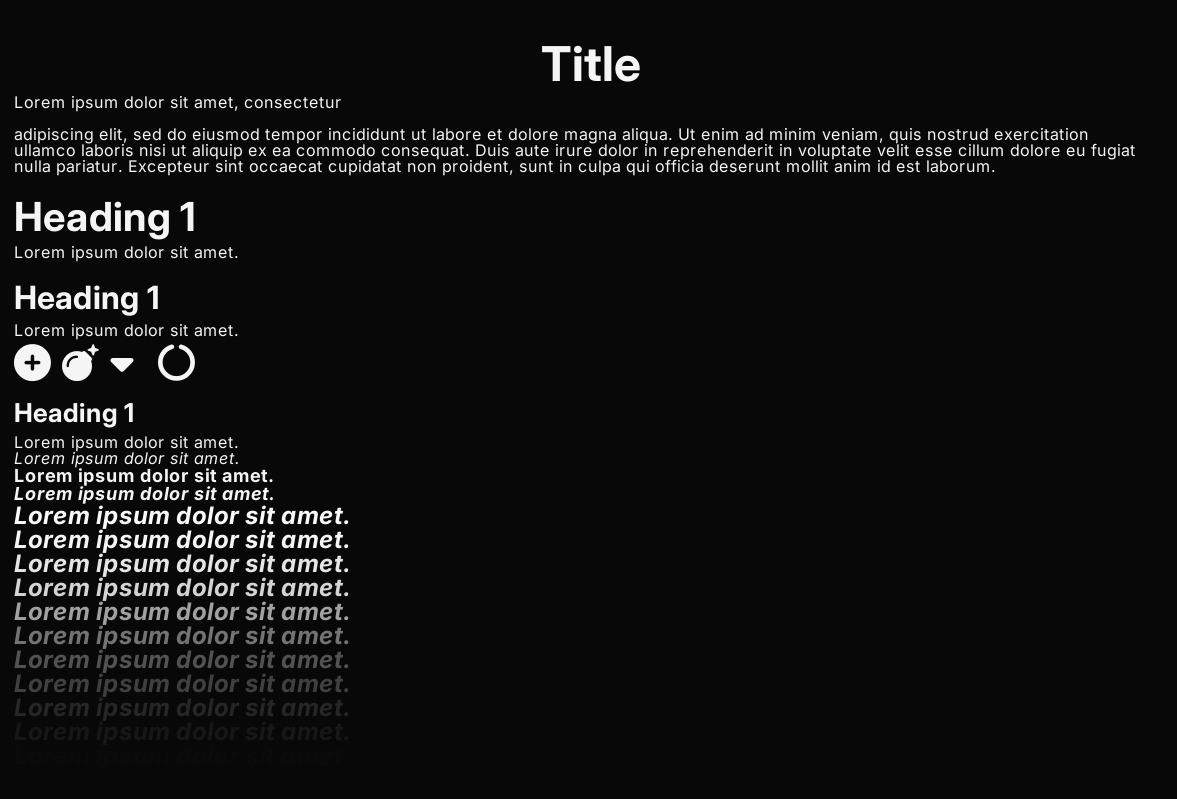
Rich text supports rendering multiple styles, colors, sizes, and formatting modes inside a single text object.
You can construct rich text manually from `RichTextBlocks`, or parse it from a lightweight HTML-like syntax using `rich_text(str)`.
Parsing performs tokenization + style tree construction, so avoid reparsing every frame. Parse once and reuse the resulting `RichText`.
Quotes around argument values are optional as long as the value does not
contain spaces (e.g. #abc).
```html
<font size=50>
This text is <font color=red3>red</font>,
and this text is <font color=blue3>blue</font>
<font color=#abc>
You <font size=30>may make your</font> text any
</font>
<font color="rgb 1.0 1.0 1.0">
color <hl color=slate9>you want</hl>
</font>
<font bold color="oklch 0.7 0.1184 119">
Check the docume
</font>
<font italic color=blue2>
ntation for
</font>
<b>rich_text()</b> for more.
<i>
Lorem <ol color=green5>ipsum dolor</ol>
<ul>sit amet consectetur</ul>
adipiscing elit.
</i>
<ul color=red5>
You <st>can</st> nest
<font color=red5 size=70 bold>styles</font>
<noul>inside</noul>
of eachother
</ul>
</font>
```
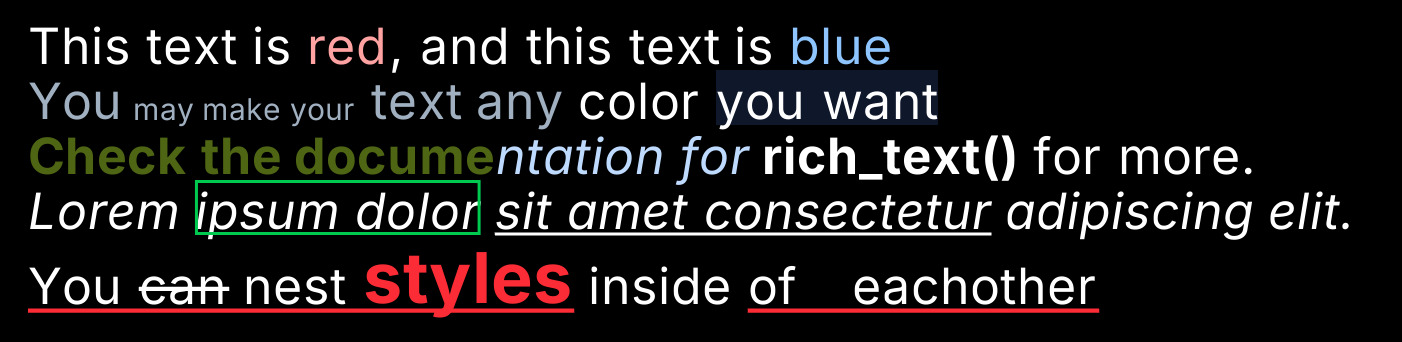
Rich text can be drawn with `.draw` or `.draw_world`, and the text will be
wrapped within the area provided, and printed to stdout (the terminal), with
most of the formatting applied.
| <b> <bold> <strong> | Makes the text inside of it | None |
| <i> <italic> <em> | Makes the text inside italic | None |
| <font> | More complex styling like font size | size, color, bold, italic, underline, strikethrough, outline highlight |
| <ul> <underline> | Specifies an underline for text inside | color |
| <st> <strikethrough> | Specifies strikethrough for text inside | color |
| <nost> <no-strikethrough> | Removes strikethrough for text inside | None |
| <hl> <highlight> <bg> | Specifies a background fill for the text inside | color |
| <nohl> <nobg> <no-highlight> | Removes highlight for text inside | None |
| <ol> <outline> | Specifies an outline around the text inside | color |
| <noul> <no-underline> | Removes underline for text inside | None |
Argument values can unquoted when the argument has no spaces.
```html
<font color=red5>
<font color="#abc">
<font color="rgb 1.0 1.0 1.0">
```
Rich text can also be printed to stdout with `.print_to_stdout()`, and will
retain most of the formatting in the terminal. If it looks weird, check if your
terminal supports true color.
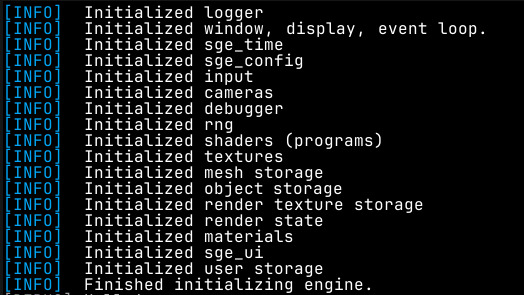
Rich text is used by the logging system.
---
See: [`/examples/rich_text.rs`](https://github.com/LilyRL/sge/blob/master/examples/rich_text.rs)
See: [`rich_text`](https://docs.rs/sge/latest/sge/prelude/text/fn.rich_text.html).