# 🔌 Sermonizer
[](https://github.com/systemscape/sermonizer/actions/workflows/ci.yml)
[](https://opensource.org/licenses/MIT)
[](https://www.rust-lang.org)
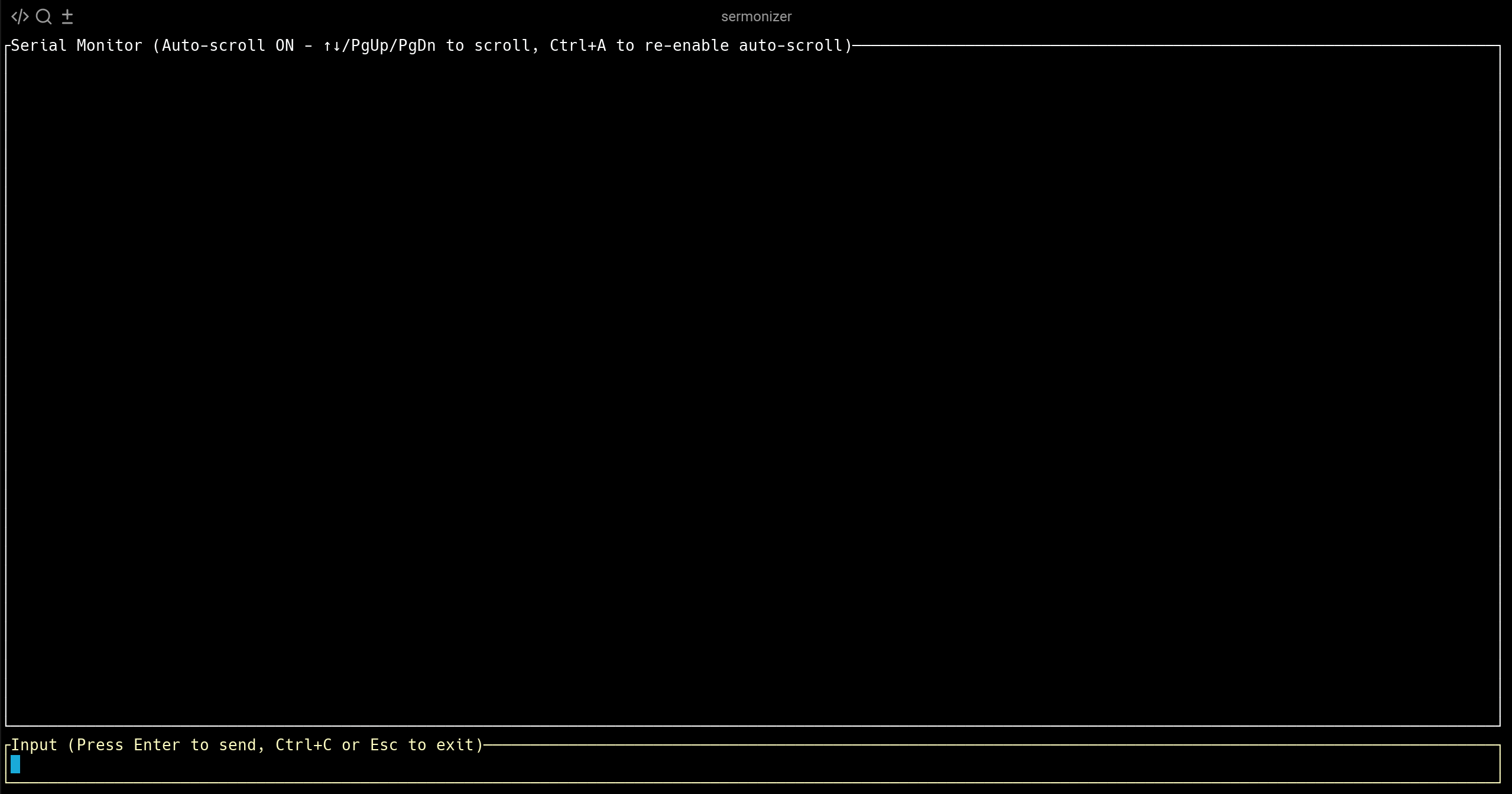
A simple, clean serial monitor with a clean terminal UI for embedded development.
Most terminal-based serial monitors are annoying to use - they have clunky interfaces and no sane defaults. We wanted something that could be quickly spun up to interact with embedded devices during firmware development without any hassle.
## Features
- **Smart auto-scroll**: Follows new data, easy to switch to manual scrolling
- **Auto-reconnect**: Keeps watching the port and resumes when the device comes back
- **Clean TUI**: Split view with input at bottom, output on top, status bar with connection state
- **Auto-detect ports**: Just run `sermonizer` and it finds your device
- **Sane defaults**: 115200 baud, 8 data bits, no parity, 1 stop bit
- **Hex mode**: View binary data as hex bytes
- **Logging**: Save RX/TX data with timestamps
- **Fast**: Built in Rust, handles high baud rates smoothly
## Quick Start
```bash
# Install from crates.io
cargo install sermonizer
# Install from source
git clone https://github.com/systemscape/sermonizer.git
cd sermonizer
cargo install --path .
# Or run locally
cargo run --release
# Connect to first available port
sermonizer
# Or specify port and baud
sermonizer --port /dev/ttyUSB0 --baud 115200
# Or with cargo run
cargo run --release -- --port /dev/ttyUSB0 --baud 115200
# List available ports
sermonizer --list
# Or with cargo run
cargo run --release -- --list
```
## Usage
```bash
sermonizer [OPTIONS]
Options:
-p, --port <PORT> Serial port path
-b, --baud <BAUD> Baud rate (default: 115200)
--line-ending <E> Line ending: none|nl|cr|crlf (default: nl)
--data-bits <N> Data bits: 5|6|7|8 (default: 8)
--parity <P> Parity: none|odd|even (default: none)
--stop-bits <N> Stop bits: 1|2 (default: 1)
--flow-control <F> Flow control: none|software|hardware (default: none)
--dtr <on|off> Set the DTR line after opening
--rts <on|off> Set the RTS line after opening
--hex Display data as hex
--log <FILE> Log received data
--tx-log <FILE> Log transmitted data
--log-ts Add timestamps to logs and display
--list List available ports
```
## Controls
- **Type and press Enter**: Send data to device
- **↑↓**: Browse send history
- **Shift+↑↓ / Page Up/Down**: Scroll through output
- **Home / End**: Jump to top / bottom (End resumes auto-scroll)
- **Ctrl+L**: Clear output
- **Ctrl+V, then a key**: Send that key as a raw control byte (e.g. Ctrl+V Ctrl+C sends 0x03)
- **Esc**: Clear input line
- **Ctrl+C / Ctrl+D**: Exit
## Why?
Perfect for:
- Arduino/ESP32 debugging
- Firmware development workflows
- Quick embedded device interaction
- Protocol testing and development
## License
MIT - see [LICENSE](LICENSE) file.