# SeaORM + Seaography Example
|  |
|  |
## Running the project
Specify a database url
```sh
export DATABASE_URL="sqlite://../bakery.db"
```
Then, run
```sh
cd graphql
cargo run
```
## Run some queries
### Find chocolate cakes and know where to buy them
```graphql
{
cake(filters: { name: { contains: "Chocolate" } }) {
nodes {
name
price
bakery {
name
}
}
}
}
```
### Find all cakes baked by Alice
```graphql
{
cake(having: { baker: { name: { eq: "Alice" } } }) {
nodes {
name
price
baker {
nodes {
name
}
}
}
}
}
```
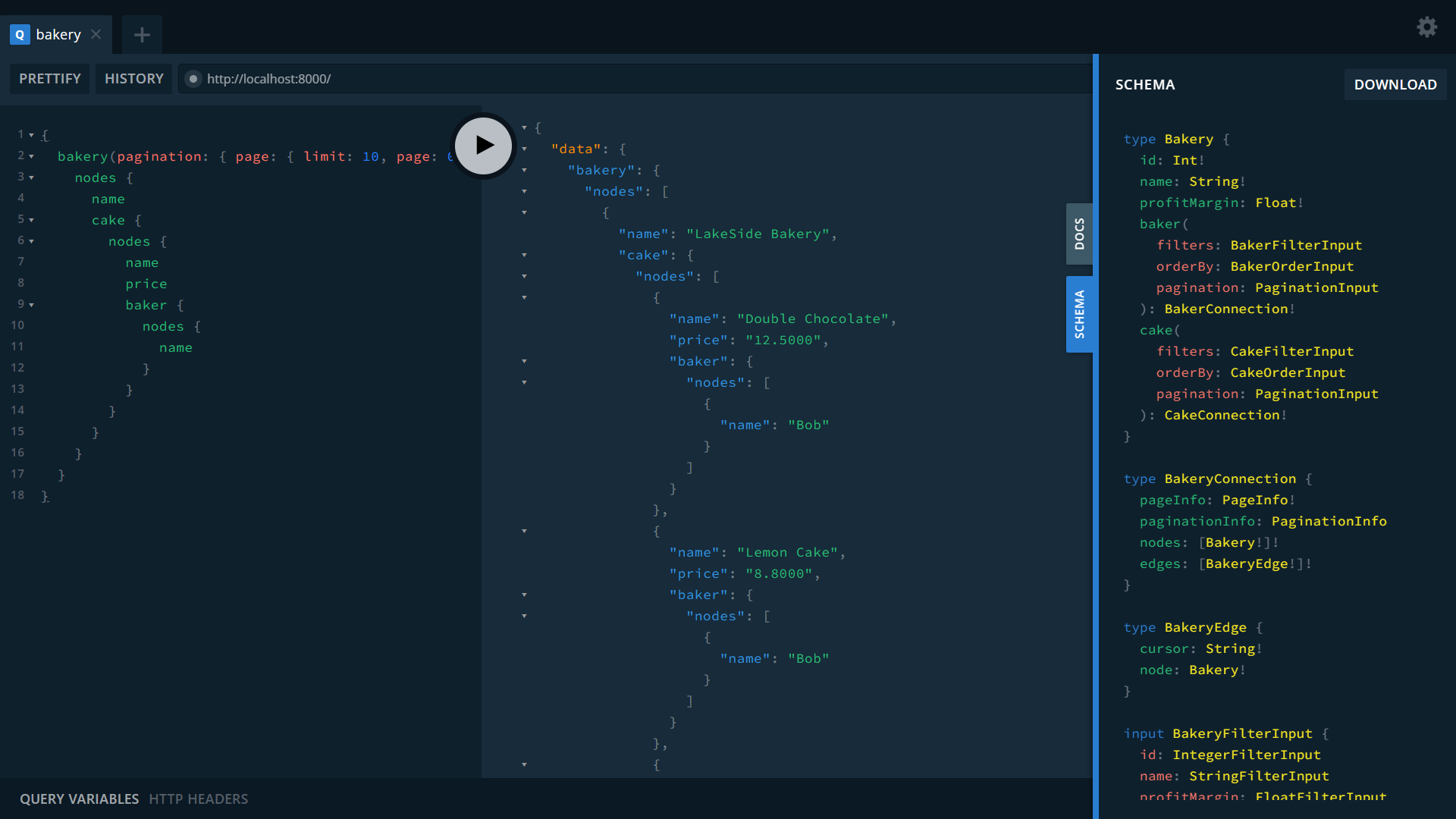
### Bakery -> Cake -> Baker
```graphql
{
bakery(pagination: { page: { limit: 10, page: 0 } }, orderBy: { name: ASC }) {
nodes {
name
cake {
nodes {
name
price
baker {
nodes {
name
}
}
}
}
}
}
}
```
## Starting from scratch
### Setup the Database
`cd` into `migration` folder and follow instructions there, but basically:
```sh
export DATABASE_URL="sqlite://../bakery.db?mode=rwc"
```
```sh
cd migration
cargo run
```
### Install Seaography
```sh
cargo install sea-orm-cli@^2.0.0-rc
cargo install seaography-cli@^2.0.0-rc
```
### Generate GraphQL project
```sh
rm -rf graphql # this entire folder is generated
mkdir graphql
cd graphql
sea-orm-cli generate entity --output-dir ./src/entities --entity-format dense --seaography
seaography-cli -o . -e ./src/entities --framework axum sea-orm-seaography-example
```
