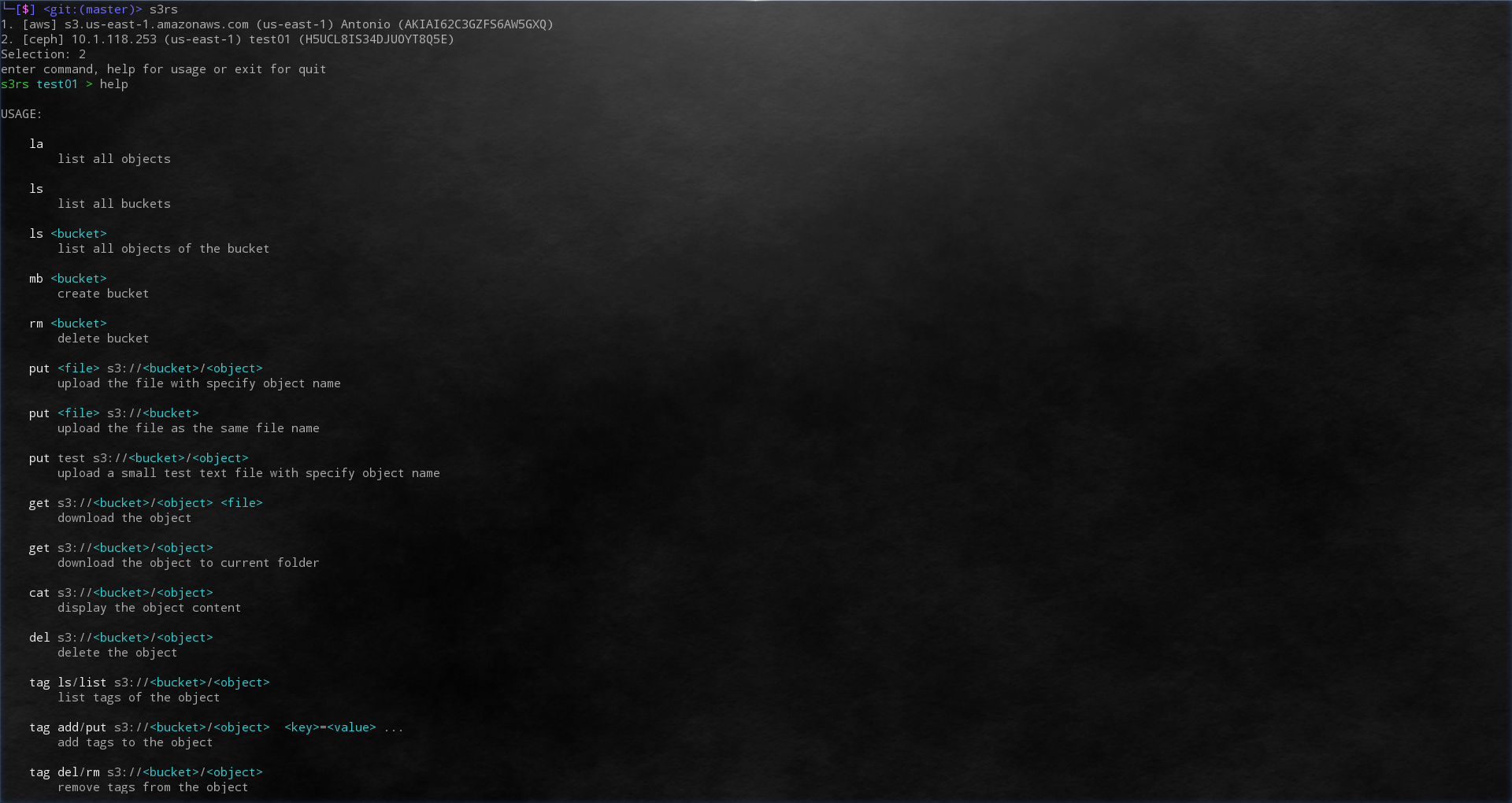
s3rs
---
[](https://travis-ci.com/yanganto/s3rs)
an **S3** **R**ich **S**upport client
- rust edition 2018
- multi config
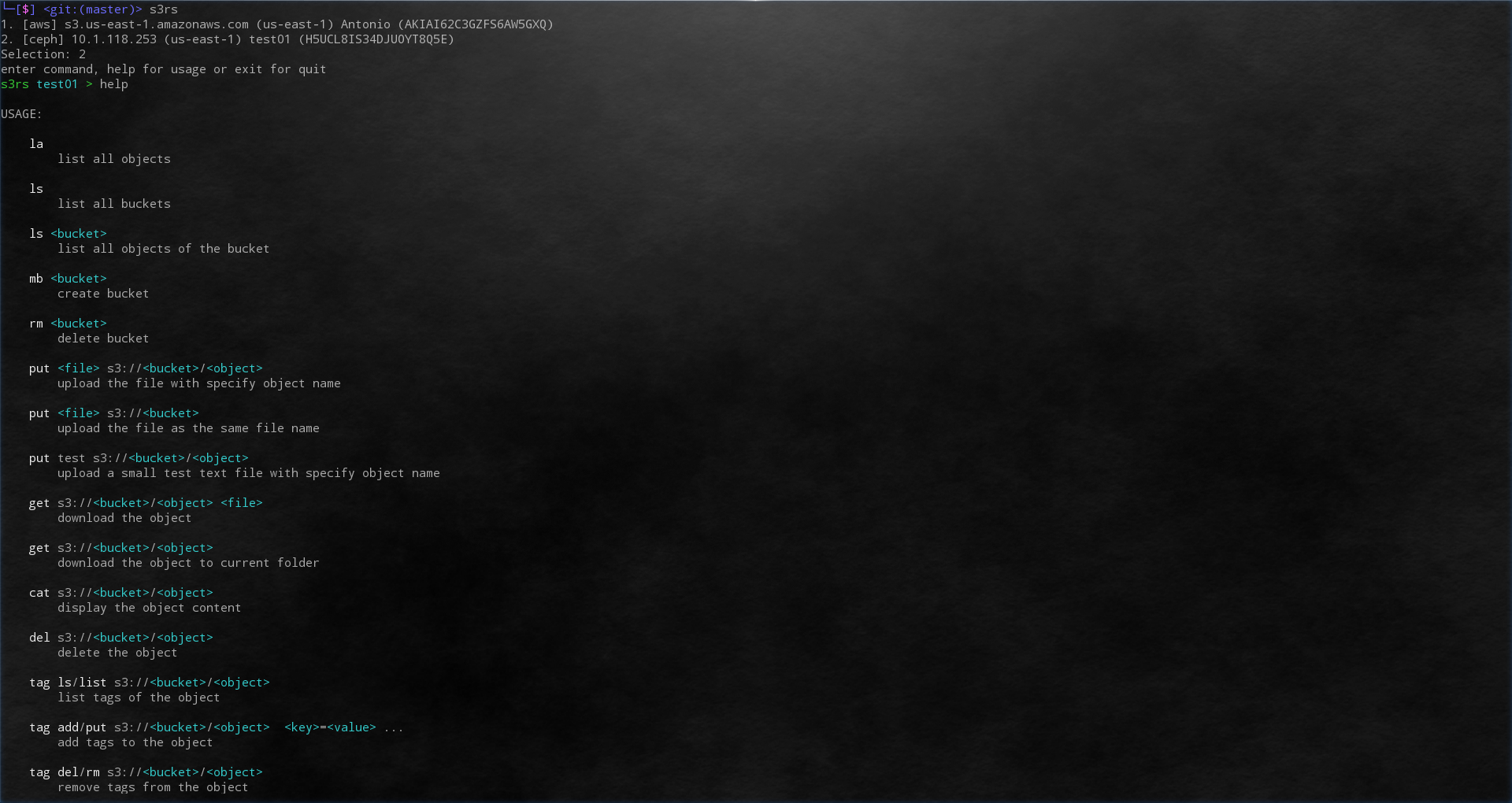
- interactive command line tool
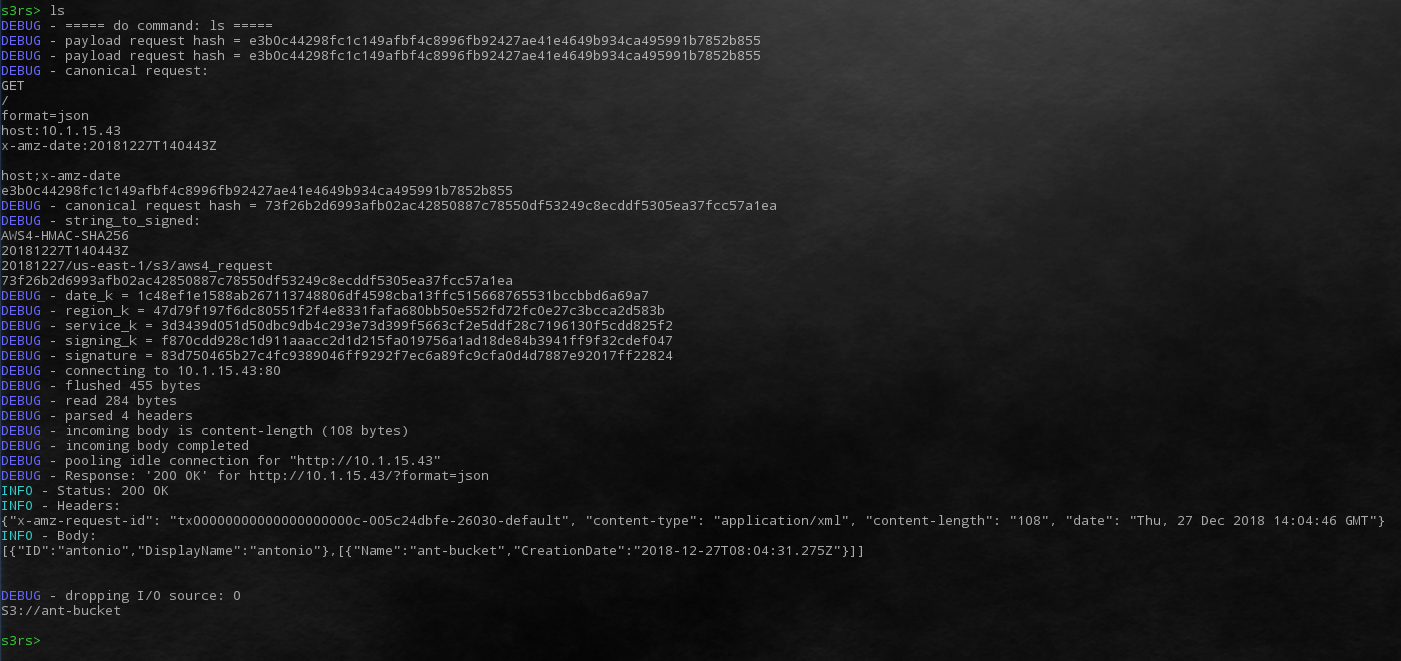
- easy to debug with http protocol
- AWS4, AWS2 support
- support http redirect for multi region of AWS S3
- support automatically multipart upload
current status:
| ls | list all buckets | O | O |
| ls _bucket_ | list objects in the bucket | O | O |
| ls s3://_bucket_ | list objects in the bucket | O | O |
| mb _bucket_ | create bucket | O | O |
| rb _bucket_ | delete bucket | O | O |
| put <file> s3://_bucket_/_object_ | upload the file | O | O |
| put <file> s3://_bucket_ | upload the file (file name as object name) | O | O |
| put test s3://_bucket_/_object_ | upload a test file sepcific object name | O | O |
| get s3://_bucket_/_object_ _file_ | download object | O | O |
| get s3://_bucket_/_object_ | download object in current folder | O | O |
| cat s3://_bucket_/_object_ | show the object content | O | O |
| del s3://_bucket_/_object_ | delete the object | O | O |
| tag list s3://_bucket_/_object_ | list tag(s) to the object | O | O |
| tag ls s3://_bucket_/_object_ | list tag(s) to the object | O | O |
| tag add s3://_bucket_/_object_ _key1_=_value1_ [_key2_=_value2_] ... | add tag(s) to the object | O | O |
| tag put s3://_bucket_/_object_ _key1_=_value1_ [_key2_=_value2_] ... | add tag(s) to the object | O | O |
| tag del s3://_bucket_/_object_ | remove tag(s) from the object | O | O |
| tag rm s3://_bucket_/_object_ | remove tag(s) from the object | O | O |
| /uri?query | give the orignal url | O | O |
| la | list all objects | O | O |
| info s3://_bucket_ | acl(ceph, aws), location(ceph, aws), versioning(ceph, aws), uploads(ceph), version(ceph) | O | O |
| usage s3://_bucket_ | show the bucket usage |
| s3\_type [ceph/aws/aws4/aws2] | change the api for different S3 providor |
| log [trace/debug/info/erro] | change the log level |
| | - Info : for Http header and body |
| | - debug: for auth signature hash info |
| | - trace: more detail about rust |
| logout | logout and reselect user |
| Ctrl + d | logout and reselect user |
| ceph | aws4 | json | path-style |
| aws | aws4 | xml | virtual-hosted–style |
# Install
Install rust tools rustup and cargo
- `curl https://sh.rustup.rs -sSf | sh`
Additional package for ubuntu
- `apt-get install libssl-dev`
It is easy to install s3rs via cargo as following command.
- `cargo install s3rs`
Set up the path for rust binnary
- `export PATH=$PATH:~/.cargo/bin`
The config file will auto setup when binary first time launch
- `s3rs`
edit the config file at ~/.s3rs.toml
- `vi ~/.s3rs.toml`
# Develop
Install rust tools rustup and cargo
- `curl https://sh.rustup.rs -sSf | sh`
- `git clone https://github.com/yanganto/s3rs.git`
- `cargo test`
- `cargo build`
- The excutable binary will in `./target/debug/s3rs`
# Demo
- A short demo [video](https://youtu.be/MtPYhJnbMfs)
- snapshot
[](https://youtu.be/MtPYhJnbMfs)
[](https://youtu.be/MtPYhJnbMfs)