use ruviz::prelude::*;
use std::fs;
fn main() -> std::result::Result<(), Box<dyn std::error::Error>> {
fs::create_dir_all("generated/bench")?;
println!("Creating high-contrast visual test with cosmic-text...");
let x_data = vec![1.0, 5.0];
let y_data = vec![1.0, 5.0];
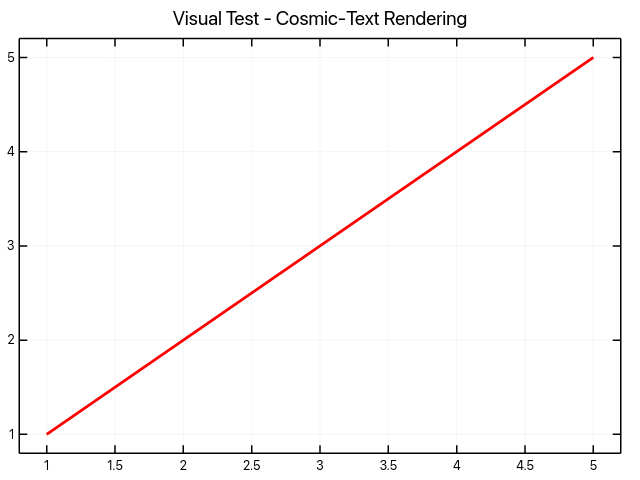
Plot::new()
.title("Visual Test - Cosmic-Text Rendering")
.line(&x_data, &y_data)
.color(Color::new(255, 0, 0)) .save("gallery/basic/simple_visual_test.png")?;
println!("✅ Created gallery/basic/simple_visual_test.png");
println!("📋 This plot should show:");
println!(" - Red line from bottom-left to top-right");
println!(" - Black axes with professional Roboto font");
println!(" - Gray grid lines");
println!(" - White background");
println!(" - High-quality text rendering with cosmic-text");
Plot::new()
.title("Cosmic-Text Typography Demo")
.size_px(400, 300)
.line(&vec![0.0], &vec![0.0]) .save("gallery/basic/simple_visual_test_typography.png")?;
println!(
"✅ Created gallery/basic/simple_visual_test_typography.png (shows professional text rendering)"
);
Ok(())
}