
RustySynth-ext




RustySynth-ext is a SoundFont MIDI synthesizer written in pure Rust, ported from MeltySynth. It is a fork of RustySynth that adds optional SoundFont3 (.sf3) support.
Differences from Upstream
The public API follows upstream, and the optimized renderer produces the same waveform bit for bit as the previous release; this fork adds:
- SoundFont3 support behind the
sf3feature, decoding the Ogg Vorbis samples with the pure-Rust Symphonia decoder in parallel on up to eight threads. - Faster rendering and loading. A voice is mixed into both channels in a single pass, and the hot loops of the oscillator, the biquad filter and the reverb keep their state in locals. Loading a font reserves its buffers once and streams the sample data instead of copying it through a temporary buffer.
- A programmatic MIDI API.
MidiMessageis public, andMidiFilecan be built from any iterator of(time, message)pairs withnew_with_eventsandextend_events, without an intermediateVec. - Hardened parsing. Malformed SoundFonts and MIDI files are reported as errors instead of panicking, aborting or hanging. See the changelog for the full list.
- Golden tests and a benchmark for the workspace: reference MIDI is rendered with a reference font and compared against snapshots, and the benchmark reports the CPU time of rendering and loading.
Features
- Suitable for both real-time and offline synthesis.
- Supports standard MIDI files with additional features including dynamic tempo changing.
- No dependencies other than the standard library.
- Optional SoundFont3 (
.sf3) support via thesf3cargo feature (uses the pure-Rust Symphonia Ogg Vorbis decoder, and decodes the samples in parallel).
Demo
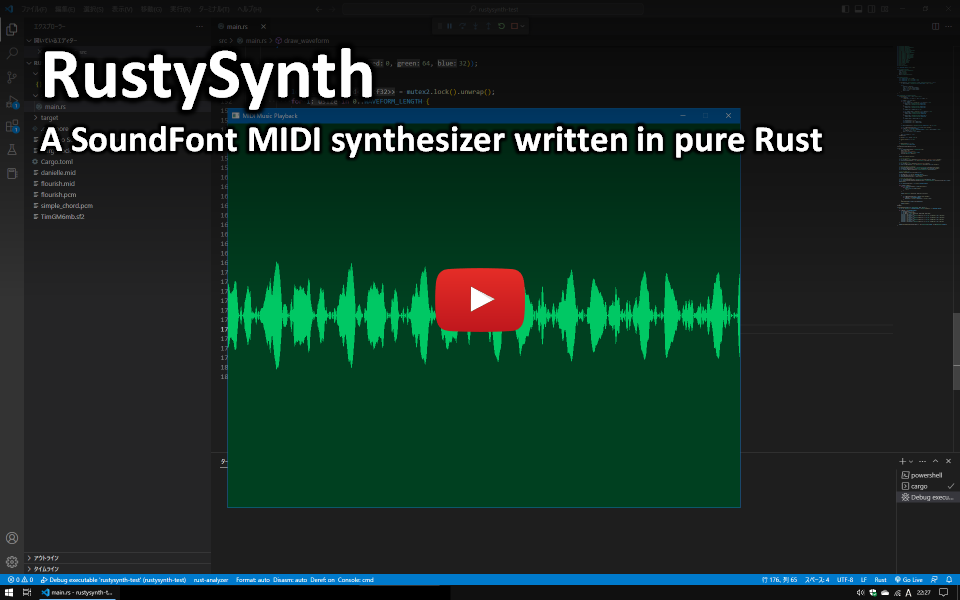
This is a demo video to show the synthesizer running on rust-sfml in real-time.
https://www.youtube.com/watch?v=o9rPTJIPmVk
Installation
RustySynth-ext is available on crates.io:
cargo add rustysynth-ext
To load SoundFont3 (.sf3) files, which store Ogg-Vorbis-compressed samples, enable the optional sf3 feature:
cargo add rustysynth-ext --features sf3
Examples
Here are some example codes.
[!NOTE] Each example omits the
usestatements. For full code, see the respective links.
An example code to synthesize a simple chord:
// Load the SoundFont.
let mut sf2 = open.unwrap;
let sound_font = new;
// Create the synthesizer.
let settings = new;
let mut synthesizer = new.unwrap;
// Play some notes (middle C, E, G).
synthesizer.note_on;
synthesizer.note_on;
synthesizer.note_on;
// The output buffer (3 seconds).
let sample_count = as usize;
let mut left: = vec!;
let mut right: = vec!;
// Render the waveform.
synthesizer.render;
Another example code to synthesize a MIDI file:
// Load the SoundFont.
let mut sf2 = open.unwrap;
let sound_font = new;
// Load the MIDI file.
let mut mid = open.unwrap;
let midi_file = new;
// Create the MIDI file sequencer.
let settings = new;
let synthesizer = new.unwrap;
let mut sequencer = new;
// Play the MIDI file.
sequencer.play;
// The output buffer.
let sample_count = as usize;
let mut left: = vec!;
let mut right: = vec!;
// Render the waveform.
sequencer.render;
Yet another example code to synthesize a MIDI file in real-time with the TinyAudio crate:
// Setup the audio output.
let params = OutputDeviceParameters ;
// Buffer for the audio output.
let mut left: = vec!;
let mut right: = vec!;
// Load the SoundFont.
let mut sf2 = open.unwrap;
let sound_font = new;
// Load the MIDI file.
let mut mid = open.unwrap;
let midi_file = new;
// Create the MIDI file sequencer.
let settings = new;
let synthesizer = new.unwrap;
let mut sequencer = new;
// Play the MIDI file.
sequencer.play;
// Start the audio output.
let _device = run_output_device
.unwrap;
// Wait for 10 seconds.
sleep;
Todo
- Wave synthesis
- SoundFont reader
- Waveform generator
- Envelope generator
- Low-pass filter
- Vibrato LFO
- Modulation LFO
- MIDI message processing
- Note on/off
- Bank selection
- Modulation
- Volume control
- Pan
- Expression
- Hold pedal
- Program change
- Pitch bend
- Tuning
- Effects
- Reverb
- Chorus
- Other things
- Standard MIDI file support
- MIDI file loop extension support
- Performance optimization
Development
This section applies to the repository checkout, not to the published crate. The workspace keeps its developer tasks in the xtask crate:
cargo xtask fetch-fonts        # download the test fonts into samples/
cargo xtask generate-goldens   # regenerate the golden data in rustysynth_test/
cargo xtask-bench              # benchmark rendering and SoundFont loading
cargo xtask-bench builds the benchmark in release mode and prints the process
CPU time of each case next to its wall clock. On a busy machine the wall clock
of a benchmark swings by well over 10%, while the CPU time of the same build is
reproducible to about 1%, so the CPU time is the number to compare against when
judging a change. It needs Linux for that; elsewhere only the wall clock is
shown. --reps <n> sets the number of runs per case, --font <path> picks a
font other than the default, and --dump <dir> writes the rendered waveform so
that two builds can be compared bit for bit with cmp.
License
RustySynth-ext is available under the MIT license. It is a fork of RustySynth, whose copyright notice is preserved in the license text.