Rusty Dialogs
=============
[](https://opensource.org/licenses/MIT)
[](https://crates.io/crates/rustydialogs)
[](https://docs.rs/rustydialogs)
[](https://github.com/CasualX/rustydialogs/actions/workflows/check.yml)
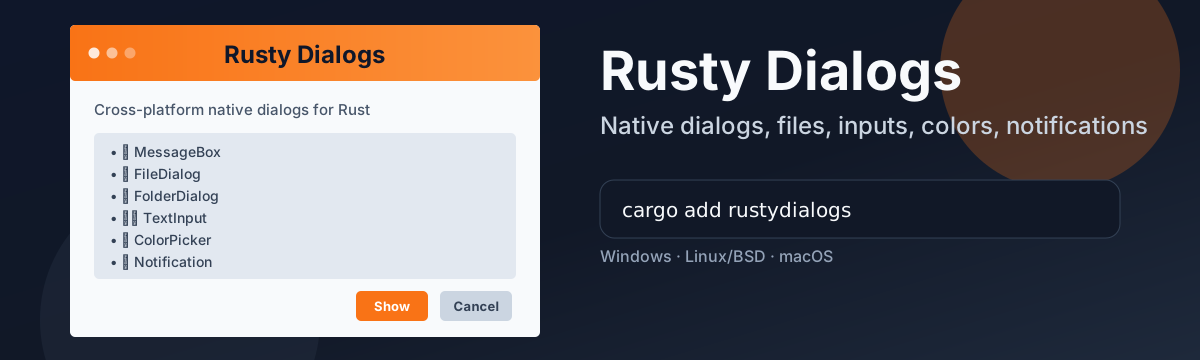
Rusty Dialogs is a Rust library that provides a simple and cross-platform way to display native dialog boxes and notifications.
Dialogs
-------
The library supports the following types of dialogs: [MessageBox](https://docs.rs/rustydialogs/latest/rustydialogs/struct.MessageBox.html), [FileDialog](https://docs.rs/rustydialogs/latest/rustydialogs/struct.FileDialog.html), [TextInput](https://docs.rs/rustydialogs/latest/rustydialogs/struct.TextInput.html), [ColorPicker](https://docs.rs/rustydialogs/latest/rustydialogs/struct.ColorPicker.html), and [Notification](https://docs.rs/rustydialogs/latest/rustydialogs/struct.Notification.html).
Platform Support
----------------
See [testreport.md](testreport.md) for details on supported dialog types and features per platform and backend.
### Windows
Win32-based legacy dialogs compatible with any COM apartment model.
By default, notifications use a tray icon with balloon tips.
Optional WinRT-Toast notifications are available on Windows 10 and later. (feature: `winrt-toast`)
### Linux & BSDs
By default, executable-based backends (`kdialog` and `zenity`) are used.
Optional GTK3 and GTK4 backends are available with libnotify-based notifications. (feature: `gtk3`, `gtk4`)
XDG desktop portal support is also available, but limited to file and folder dialogs. (feature: `xdg-portal`)
### macOS
By default, AppleScript-based dialogs are used.
Optional AppKit-based dialogs and notifications are also available. (feature: `appkit`)
Development
-----------
To check the code on all supported platforms, run the following command:
```bash
cargo check --examples
cargo check --examples --target=x86_64-pc-windows-gnu
cargo check --examples --target=x86_64-unknown-linux-gnu
cargo check --examples --target=aarch64-apple-darwin
```
To test the Windows implementation on Linux, you can use the `wine` compatibility layer:
```bash
cargo build --examples --target=x86_64-pc-windows-gnu
wine target/x86_64-pc-windows-gnu/debug/examples/message_box.exe
```
Testing
-------
Use the interactive test runner example:
```bash
cargo run --example tests
```
Run one dialog group directly:
```bash
cargo run --example tests -- m # MessageBox
cargo run --example tests -- o # OpenFileDialog
cargo run --example tests -- s # SaveFileDialog
cargo run --example tests -- f # FolderDialog
cargo run --example tests -- t # TextInput
cargo run --example tests -- c # ColorPicker
cargo run --example tests -- n # Notification
```
The runner is interactive and will:
- Show what to click for each step
- Ask for retry on failures
- Print environment info (`rustc -V`, `cargo -V`, OS, backend env)
### Windows
Run the full test suite with:
```bash
cargo run --example tests
cargo run --example tests --features winrt-toast -- n
```
### Linux & BSDs
Run the full test suite with different backends:
```bash
RUSTY_DIALOGS_BACKEND=gtk3 cargo run --example tests --features gtk3
RUSTY_DIALOGS_BACKEND=gtk4 cargo run --example tests --features gtk4
RUSTY_DIALOGS_BACKEND=xdg-portal cargo run --example tests --features xdg-portal
RUSTY_DIALOGS_BACKEND=kdialog cargo run --example tests
RUSTY_DIALOGS_BACKEND=zenity cargo run --example tests
```
Run the full Windows test suite under Wine with:
```bash
cargo build --examples --target=x86_64-pc-windows-gnu
wine target/x86_64-pc-windows-gnu/debug/examples/tests.exe
```
### macOS
Run the full test suite with backends:
```bash
cargo run --example tests
cargo run --example tests --features appkit
```
### Pull Request Template
Run at least one default run for your host OS, plus any backend/feature combinations touched by your PR, and attach the output/report in the PR.
License
-------
Licensed under [MIT License](https://opensource.org/licenses/MIT), see [license.txt](license.txt).
Inspired by [tinyfiledialogs](https://sourceforge.net/projects/tinyfiledialogs/) and [rfd](https://github.com/PolyMeilex/rfd).
### Contribution
Unless you explicitly state otherwise, any contribution intentionally submitted
for inclusion in the work by you, shall be licensed as above, without any additional terms or conditions.