# Rustline
[](https://crates.io/crates/rustline)
[](https://docs.rs/rustline)
[](https://github.com/matt-dunleavy/rustline/actions/workflows/ci.yml)
[](LICENSE)
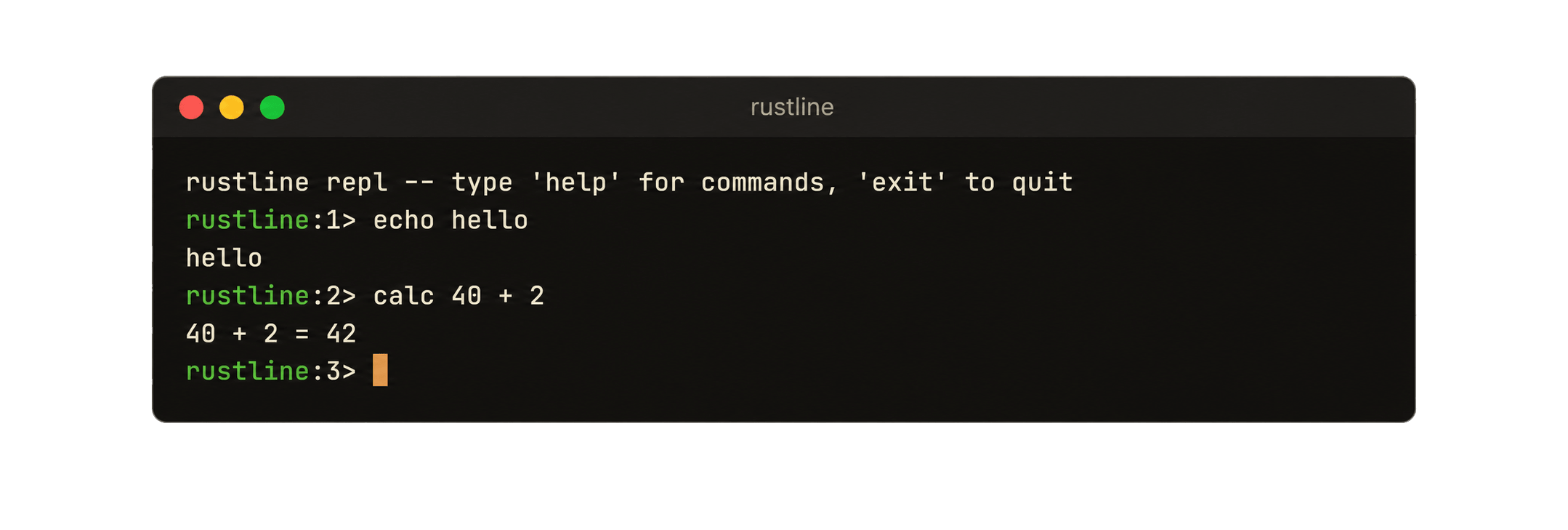
Rustline is a Unix line-editing library for Rust, ported from [bestline](https://github.com/jart/bestline), itself a fork of [linenoise](https://github.com/antirez/linenoise). It provides interactive, editable input for REPLs, shells, and other terminal applications through a small API centered on the `Rustline` type.
Editor state, including history, the kill ring, completion providers, and hints, is stored on each `Rustline` value rather than in file-scope global state. A process may therefore maintain multiple independent editors. The exception is signal handling: the `SIGWINCH` and `SIGCONT` flags are process-global, as signal dispositions must be, so two editors prompting on two threads at once would race for a resize. `Rustline` is not `Send`, and one prompt at a time is the usual shape of a terminal program, so this does not arise in practice.
Rustline is intentionally limited in scope. It does not implement vi mode, Windows support, configurable key maps, terminfo, ncurses, or a terminal capability database. Linux and macOS are tested in CI; BSD systems and illumos are expected to work.
## Features
- Emacs key bindings, including word, case, kill-ring, and mark commands.
- History with reverse incremental search and `0600` history files.
- Completion and hints through Rust traits.
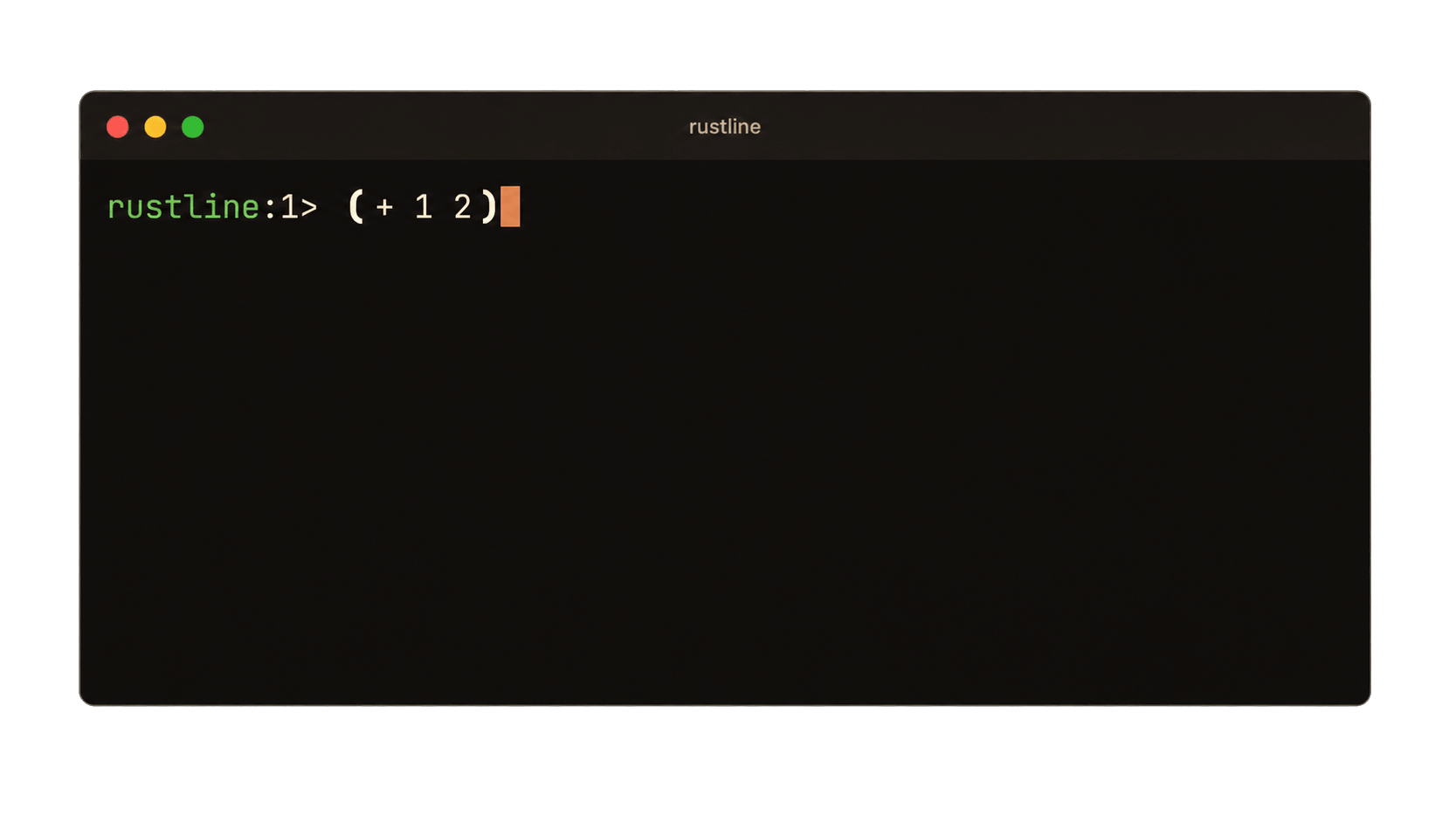
- Multiline input, either explicitly or while parentheses remain unbalanced.
- Bracketed paste, password masking, terminal resize handling, suspend, and resume.
- UTF-8 input with display-width handling for wide and zero-width characters.
- Correct wrapping at the right edge of the terminal.
- A limited subset of ANSI X3.64 escape sequences with no terminfo or ncurses dependency.
The crate currently uses `nix` for termios and signal operations, `unicode-width` for display widths, `thiserror` for error types, and `dirs` for home-directory discovery.
## Getting started
```toml
[dependencies]
rustline = "0.1"
```
Rustline requires Rust 1.85 or newer and uses the 2024 edition. The minimal API consists of constructing a `Rustline` value and calling `readline`.
```rust
use rustline::{Rustline, RustlineError};
fn main() -> rustline::Result<()> {
let mut rl = Rustline::new();
loop {
match rl.readline("> ") {
Ok(line) => {
rl.add_history_entry(&line);
println!("{line}");
}
Err(RustlineError::Interrupted) => continue,
Err(RustlineError::Eof) => break,
Err(e) => return Err(e),
}
}
Ok(())
}
```
Full API documentation is available at [docs.rs/rustline](https://docs.rs/rustline).
Three example programs are included with the crate: `basic`, `repl`, and `harness`.
## Examples
```bash
cargo build --examples # build all examples into target/debug/examples/
cargo build --example repl # build only repl
```
### `basic` — minimal example
```bash
cargo run --example basic
```
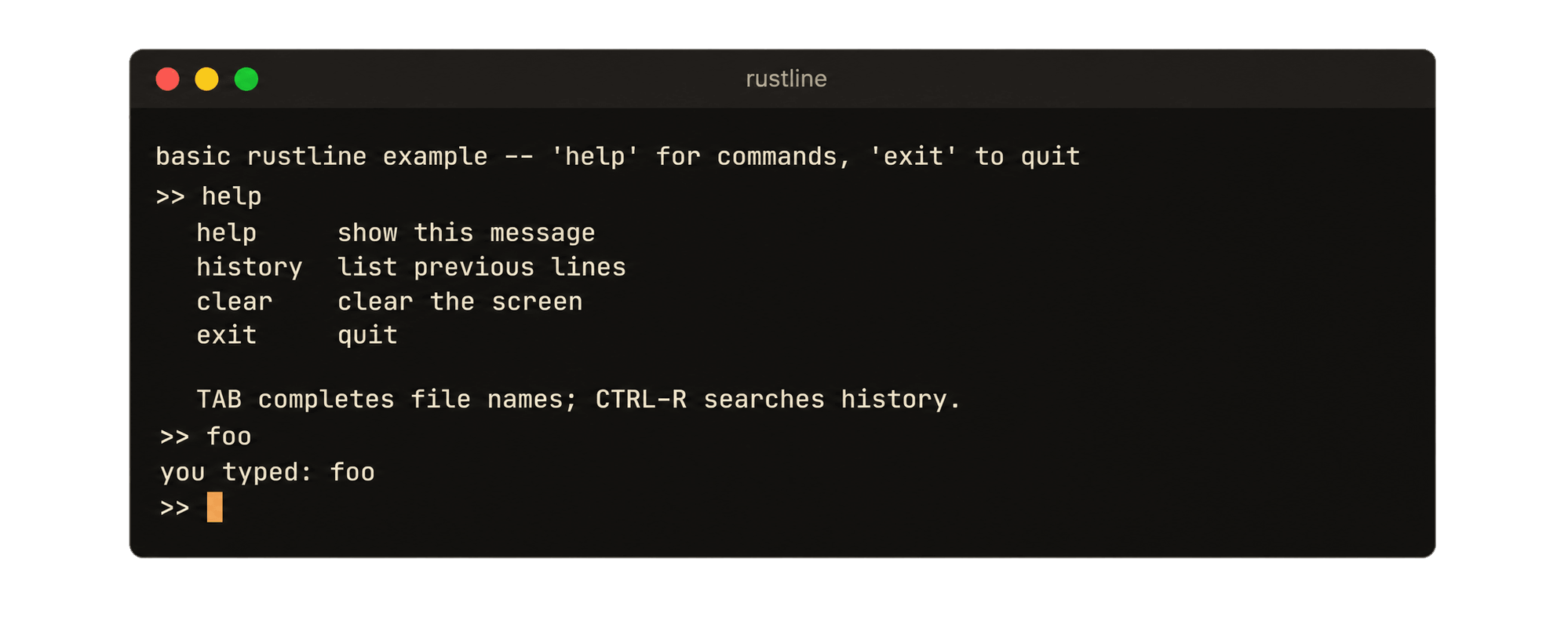
`basic` is a compact example containing a read loop, history, file-name completion, and handling for `Interrupted` and `Eof`. It implements `help`, `history`, `clear`, and `exit`, and echoes unrecognized input.
### `repl` — feature demonstration
```bash
cargo run --example repl # make run does the same
```
`repl` is a small shell with variables, aliases, a calculator, and directory commands. Its completer provides command names in the first word, `$ENVIRONMENT` variables throughout the line, and file names elsewhere. It also enables hints and `balance_pairs`. History is stored in `~/.rustline_history`.
| Input | Behavior |
| --- | --- |
| `c` then `TAB` | list five candidates in columns; press `TAB` again to cycle |
| `cl` then `TAB` | insert the single matching candidate |
| `hi` | display the remaining command text as a hint |
| `$HO` then `TAB` | complete against environment variables |
| `(a` then `ENTER` | open a continuation line until the parenthesis closes |
| `CTRL-J` | open a continuation line explicitly |
| `password` | enable mask mode |
| `unicode-test` | display wide glyphs, combining marks, and emoji |
| `CTRL-R` then text | perform reverse incremental history search |
| `config` | print the active `Config` and editor state |
| `help` | list commands and key bindings |
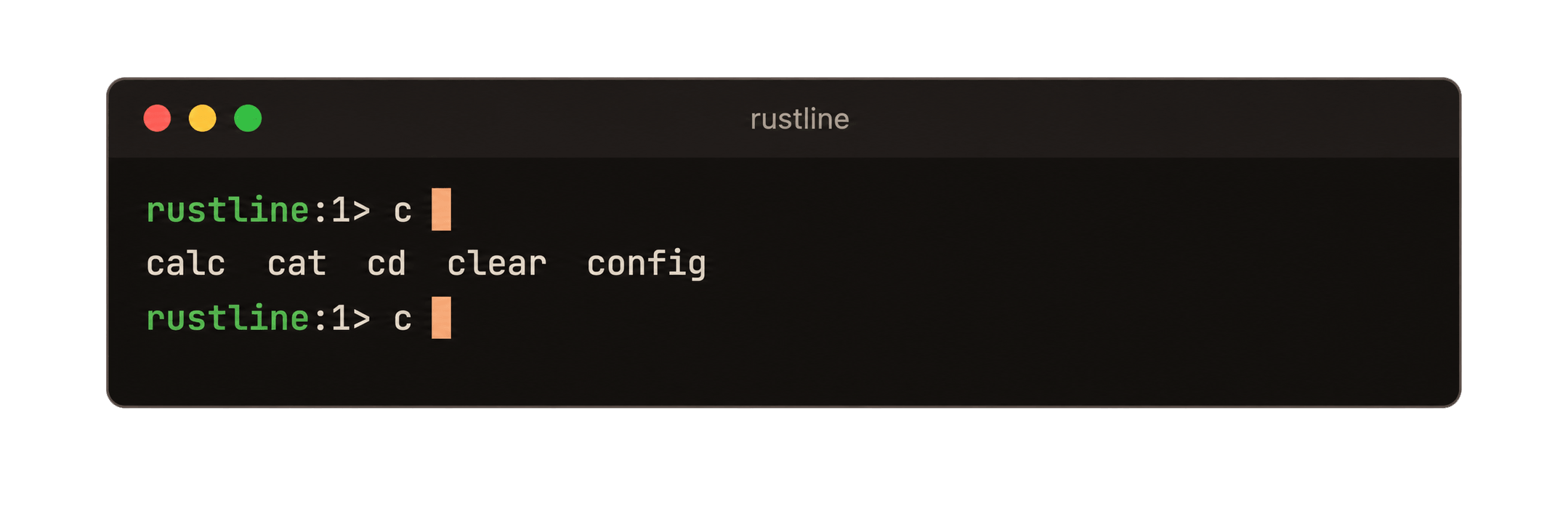
*`c` then `TAB`: the common prefix is already present, so the candidates are listed and the input line is redrawn beneath them.*
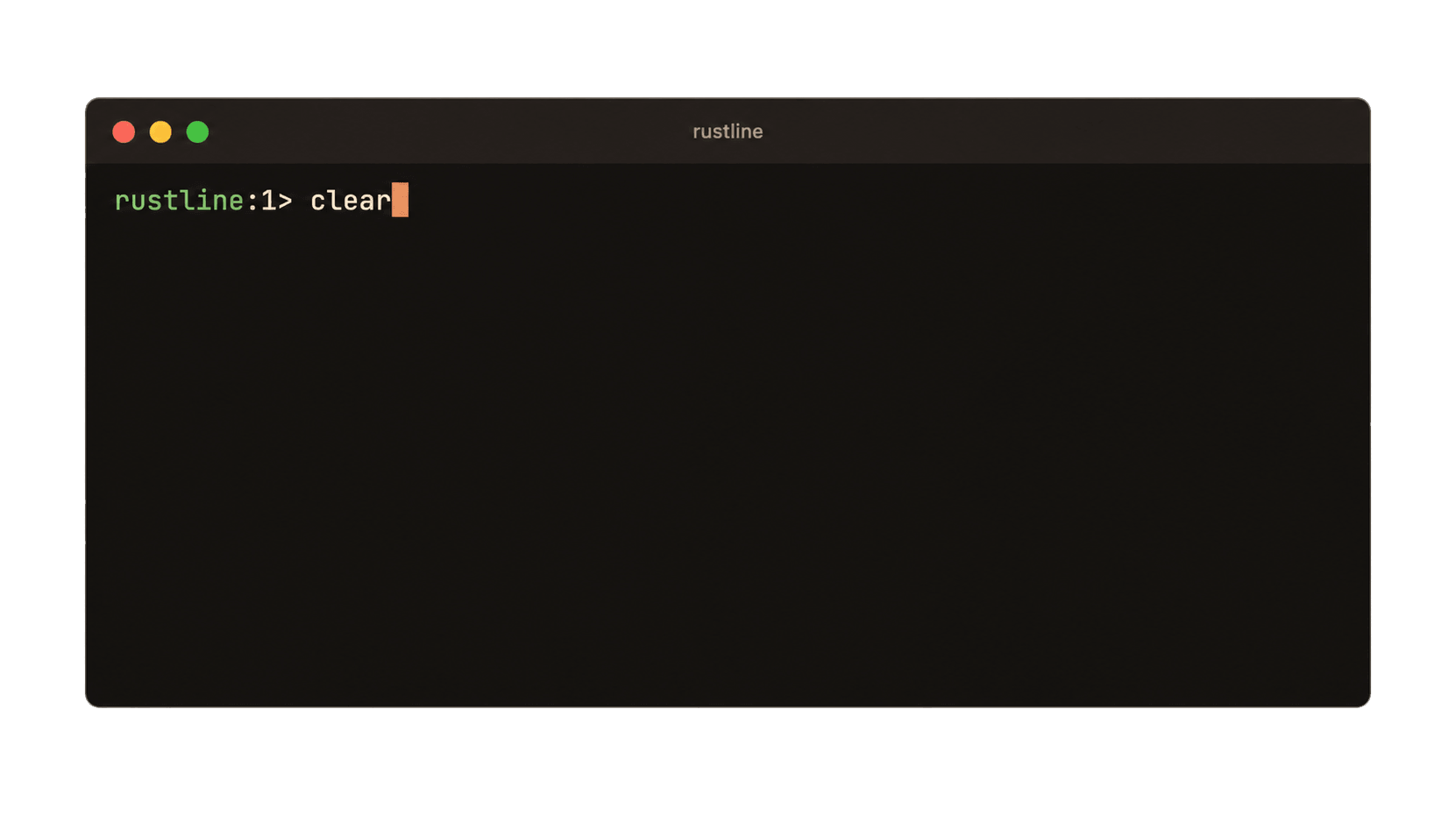
*`cl` then `TAB`: the single match is inserted without displaying a list.*
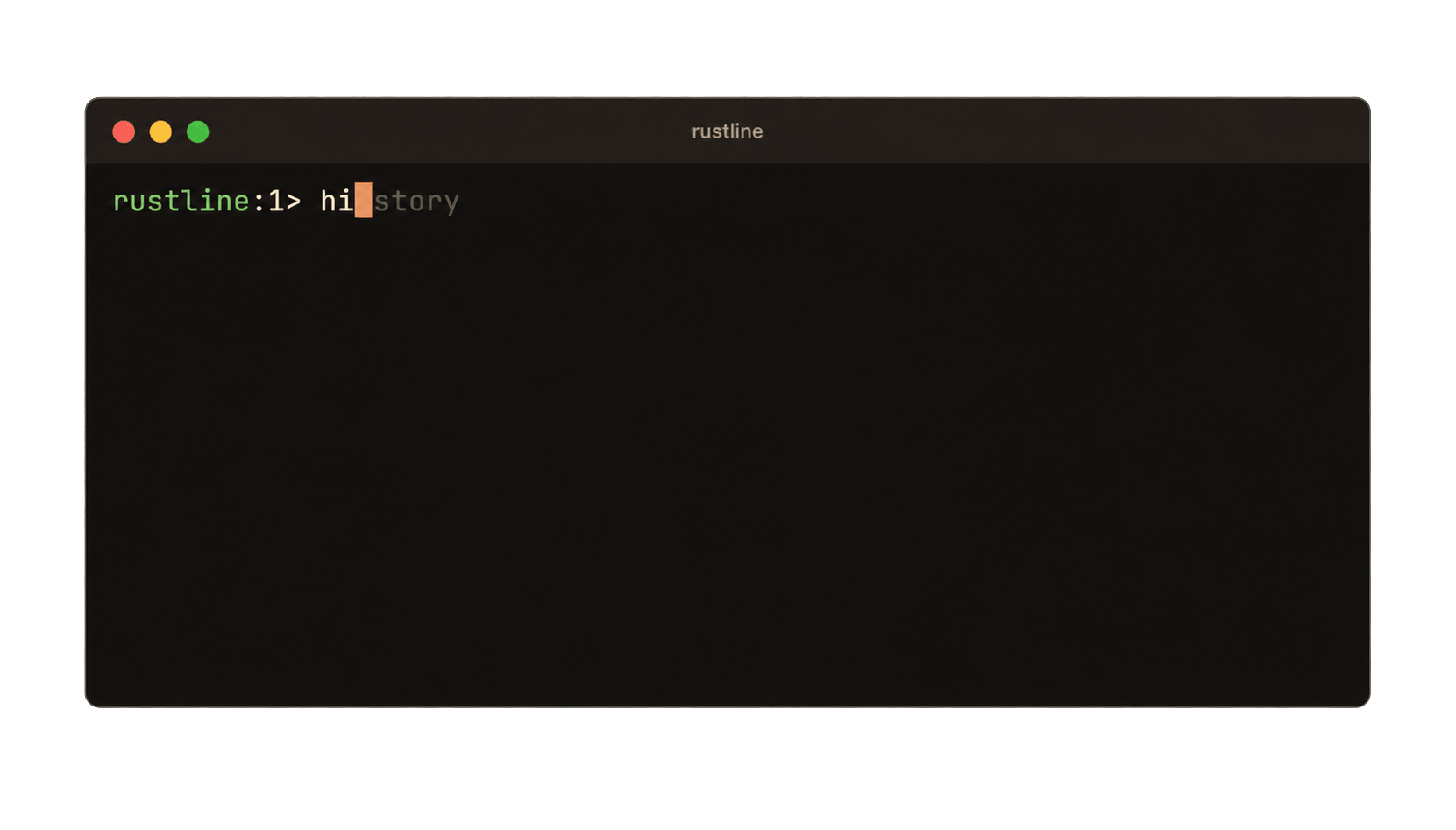
*`hi`: the hinter displays advisory text after the cursor without modifying the input buffer.*
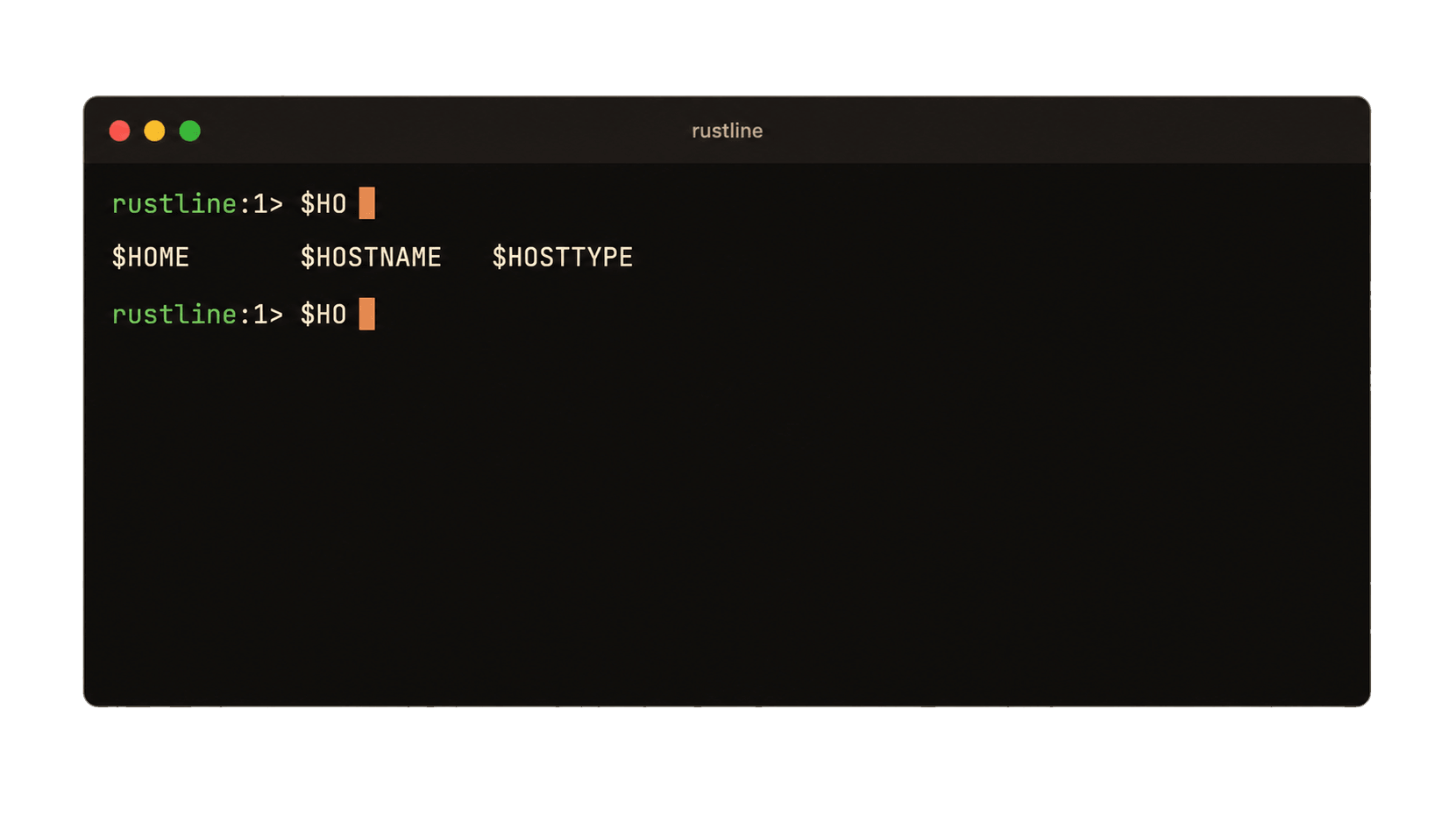
*`$HO` then `TAB`: completion against `$ENVIRONMENT` variables.*
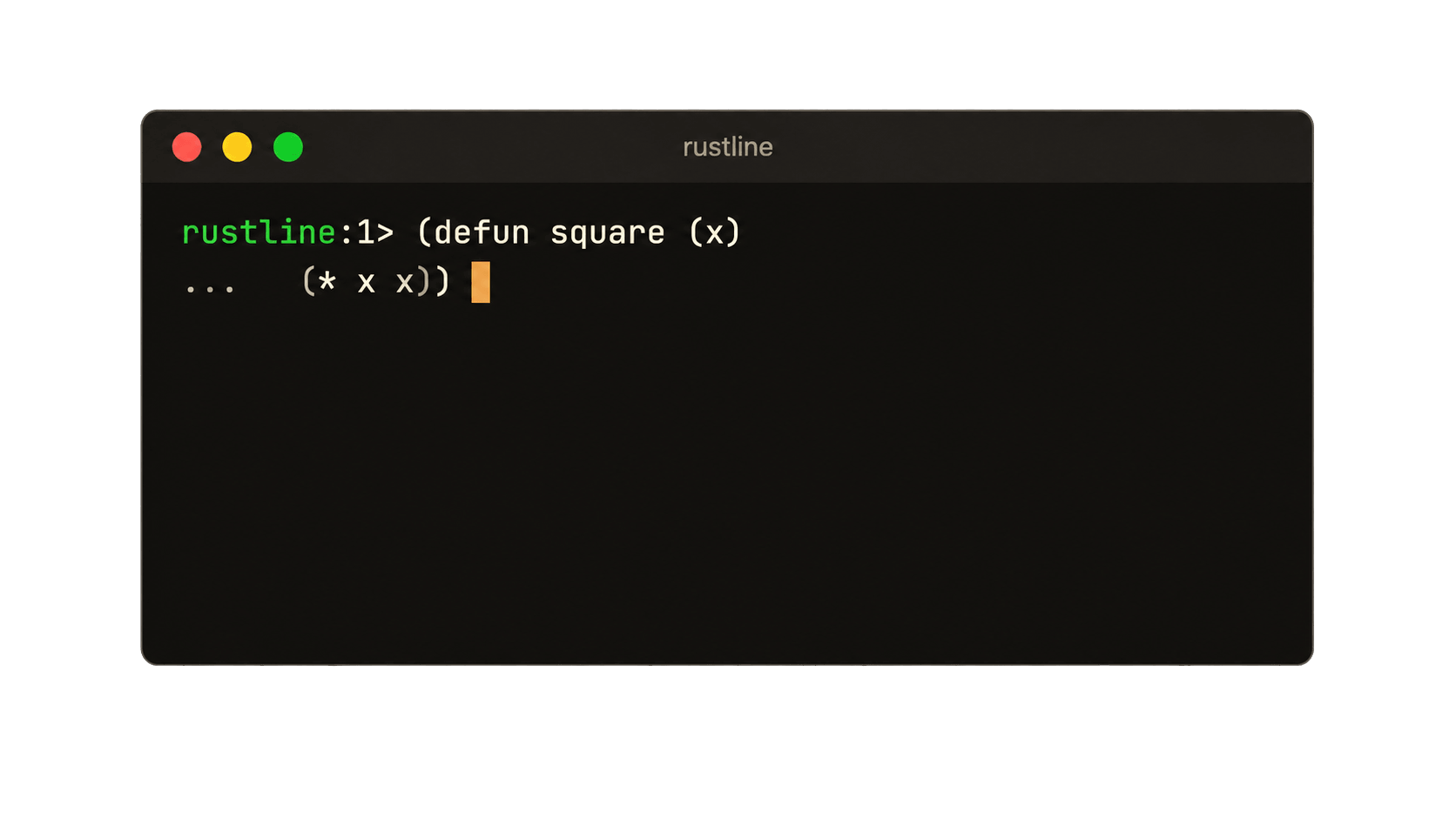
*`(a` then `ENTER`: with `balance_pairs` enabled, input continues while an opening `(` remains unmatched.*
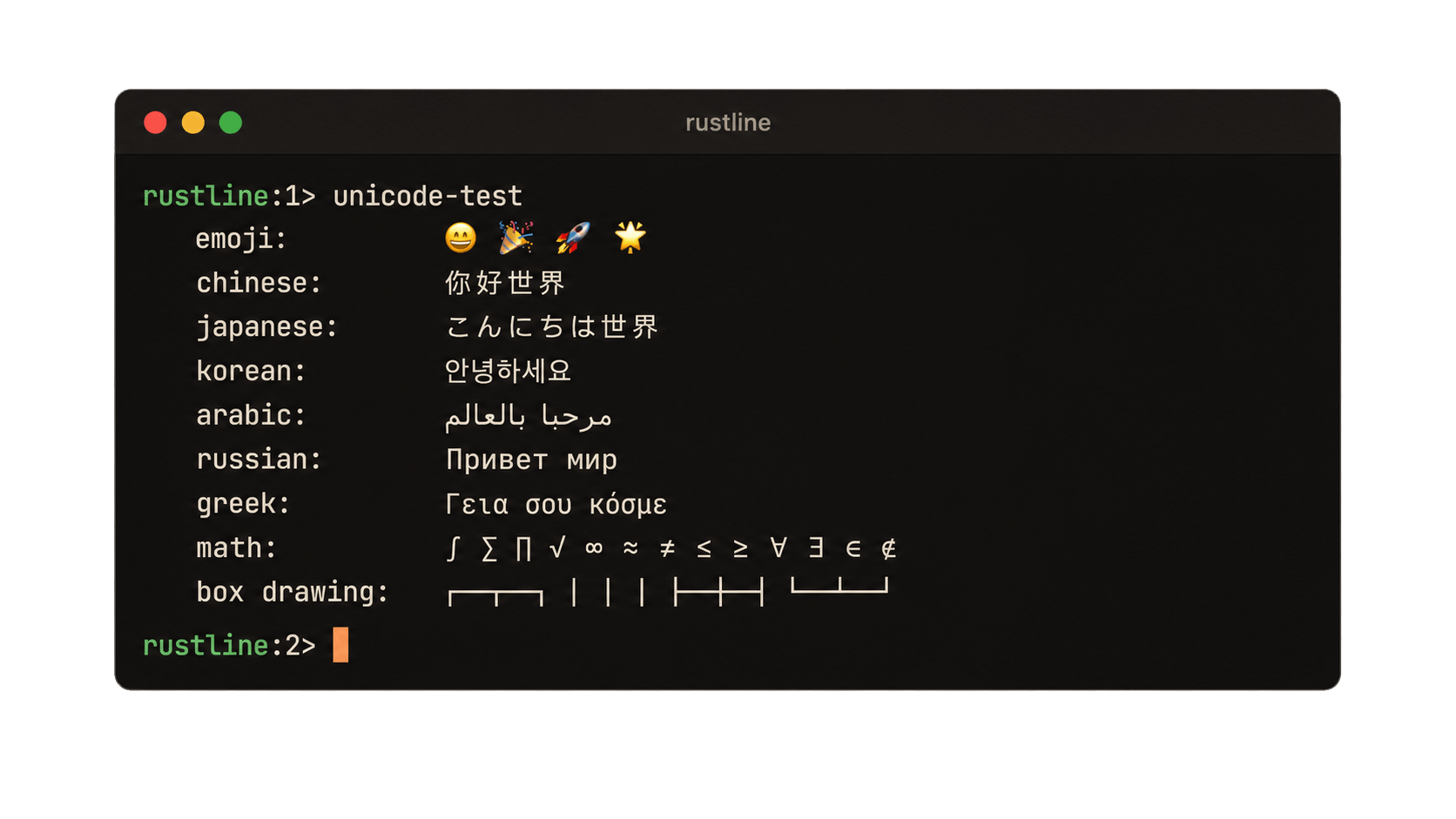
*`unicode-test`: CJK, Arabic, emoji, mathematical symbols, and box-drawing characters.*
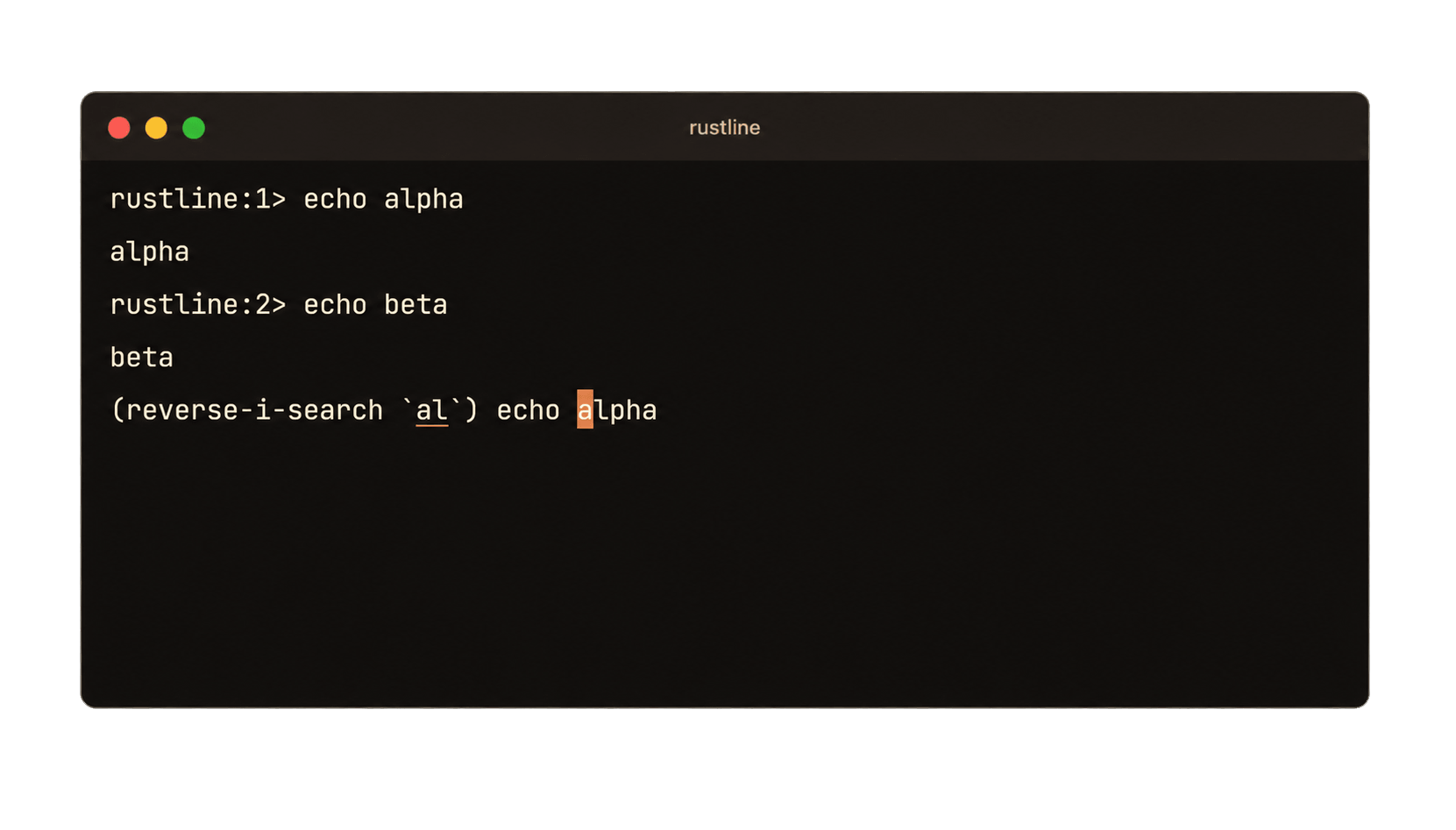
*`CTRL-R` then text: the search prompt replaces the normal prompt and the matching history entry is recalled into the buffer.*
### `harness` — test harness
`harness` is intended for automated pseudoterminal tests. It writes one escaped `Debug` result per line so entries containing embedded newlines do not split the report.
```text
@@LINE@@ "echo hi" @@INT@@ @@EOF@@
```
A single binary supports the test scenarios selected by flags including `--balance`, `--no-multiline`, `--hints`, `--commands`, `--files`, `--mask`, `--no-highlight`, `--upcase`, and `--prompt=…`.
It can also be run manually when diagnosing editor behavior:
```bash
cargo run --example harness -- --hints --commands
```
## API
### Reading a line
```rust
fn readline(&mut self, prompt: &str) -> Result<String>;
fn readline_with_init(&mut self, prompt: &str, init: &str) -> Result<String>;
fn readline_raw(&mut self, prompt: &str, init: &str, ifd: RawFd, ofd: RawFd) -> Result<String>;
```
`readline` displays the prompt and returns the entered line without its terminating newline. `readline_with_init` pre-fills the input buffer with editable text. `readline_raw` accepts explicit file descriptors for applications that communicate through a serial port, pseudoterminal, or descriptors other than standard input and output. The returned line is an owned `String`, with no fixed maximum line length imposed by Rustline.
The first two error variants represent normal control flow:
| Variant | Meaning |
| --- | --- |
| `RustlineError::Interrupted` | `CTRL-C`; discard the current line and return control to the caller. |
| `RustlineError::Eof` | `CTRL-D` on an empty line, or closed input. |
| `RustlineError::Io` / `Nix` / `Terminal` | Terminal or system-call failure. |
| `RustlineError::History` | History file could not be read or written. |
A `Rustline` value retains history, providers, and keys typed ahead between calls. Raw mode is enabled only for the duration of `readline` and is restored by an RAII guard on normal return, error, or panic unwind.
For a one-off prompt without retained editor state:
```rust
let answer = rustline::readline("continue? ")?;
let line = rustline::readline_with_history("sql> ", "myprog")?; // ~/.myprog_history
```
### Configuration
`Config` is a struct with defaults that can be overridden using struct update syntax. Using `..Default::default()` also preserves defaults for fields introduced in later releases:
```rust
use rustline::{Config, Rustline};
let mut rl = Rustline::with_config(Config {
history_max_size: 5000,
balance_pairs: true, // ENTER continues the line until ( ) balance
continuation_prompt: " | ".into(),
..Default::default()
});
```
| Field | Default | Effect |
| --- | --- | --- |
| `history_max_size` | `1024` | Entries retained; resizing keeps the newest. |
| `enable_hints` | `true` | Draw hints from the `HintProvider`. |
| `enable_completion` | `true` | `TAB` completes; otherwise it inserts a tab. |
| `enable_multiline` | `true` | Allow an entry to span several lines. |
| `enable_bracketed_paste` | `true` | Ask the terminal to bracket pasted text. |
| `balance_pairs` | `false` | `ENTER` continues the line while `(` is open. |
| `highlight_brackets` | `true` | Embolden the bracket matching the cursor. |
| `mask_mode` | `false` | Draw the line as asterisks. |
| `continuation_prompt` | `"... "` | Prompt for continuation lines. |
`rl.config()` returns the current configuration and `rl.set_config(..)` replaces it between reads.
### History
History is stored on the `Rustline` value rather than in global state:
```rust
rl.add_history_entry(&line); // skips empties and immediate duplicates
rl.load_history(&path)?; // a missing file is not an error
rl.save_history(&path)?; // written 0600 -- history may contain sensitive input
let entries = rl.history().iter(); // oldest first
```
Entries are added only when `add_history_entry` is called. `UP` and `DOWN` navigate history. Edits made to recalled entries are retained while navigating between entries. `CTRL-R` performs reverse incremental search and underlines the matching text; `CTRL-G` cancels the search and restores the original input line.

The history file stores one entry per line, so entries containing embedded newlines are read back as multiple entries. `rustline::history_path("myprog")` returns the conventional `~/.myprog_history` path, unless its argument already appears to be a path. `readline_with_history` reloads the history file immediately before saving so concurrent sessions can incorporate each other's entries rather than overwrite them.
### Multiline input
`CTRL-J` terminates the current physical line and opens a continuation line, allowing the returned `String` to contain embedded newlines.
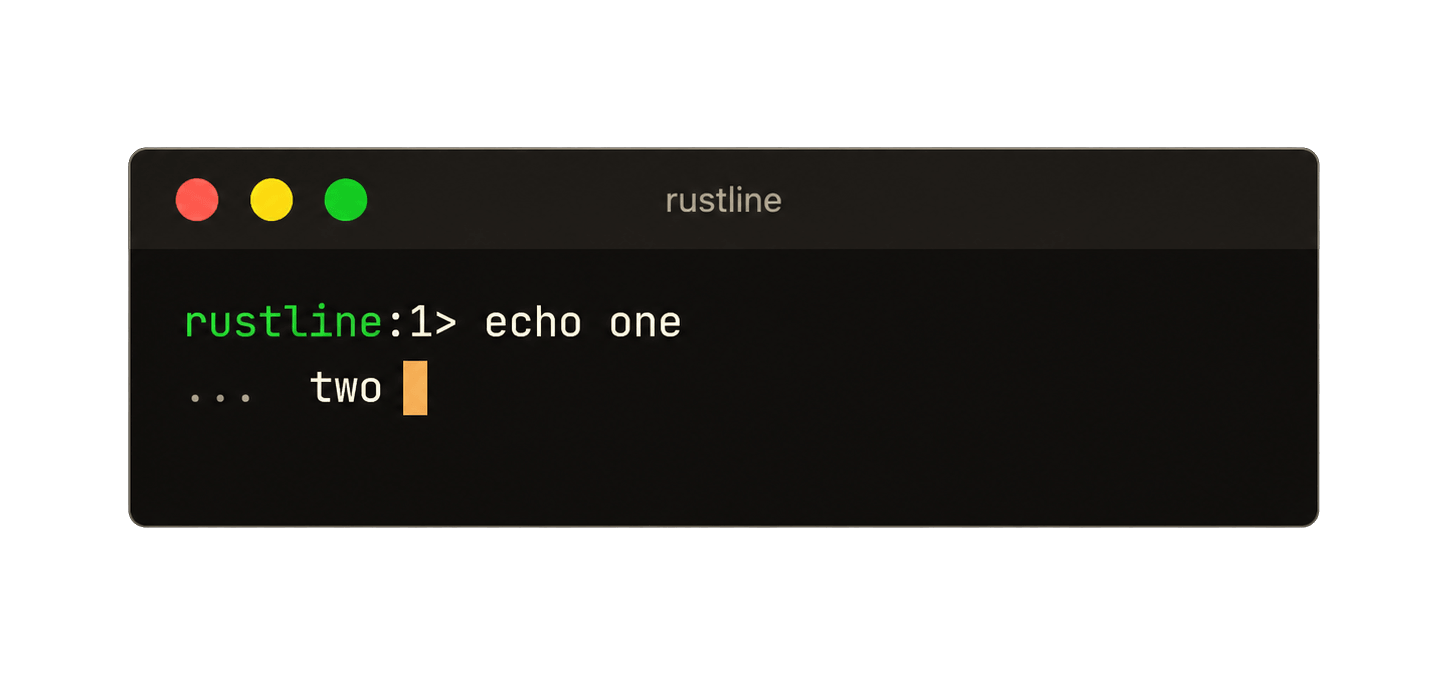
With `balance_pairs` enabled, `ENTER` opens a continuation line whenever an opening `(` remains unmatched:
```text
> (defun square (x)
... (* x x))
```

Continuation lines use `continuation_prompt`, and history recalls the complete multiline entry.
With `enable_multiline: false`, `CTRL-J` submits the line like `ENTER`, `balance_pairs` has no effect, and newlines in bracketed paste input are converted to spaces rather than submitted as separate commands.
### Mask mode
`read_password` masks the input while it is typed. It is a one-shot equivalent of the `mask_mode` configuration flag and does not add the value to history unless explicitly requested.
```text
> password
password: ********
read 8 characters
```
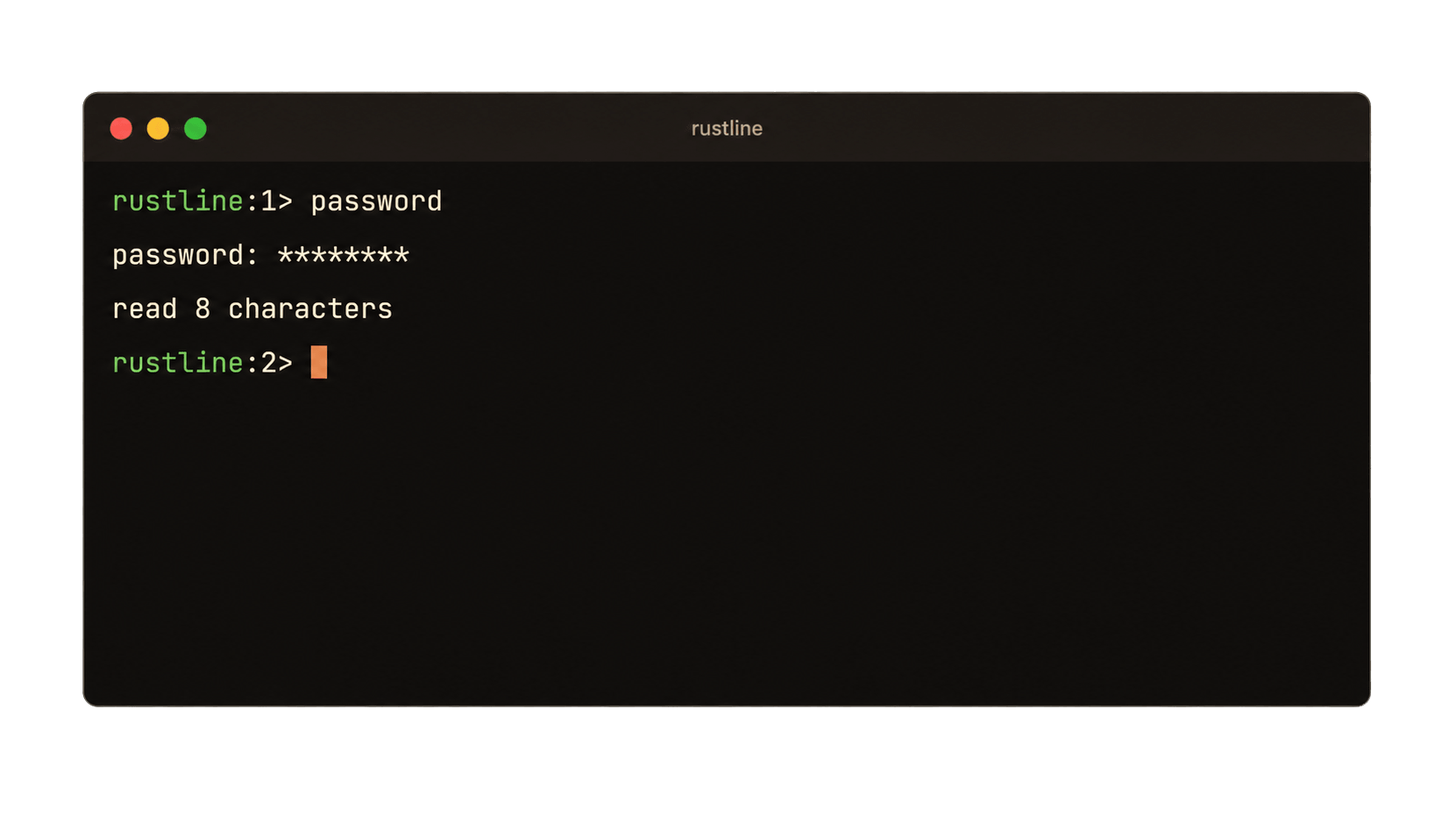
Hints and bracket highlighting are suppressed while mask mode is active.
### Completion
`TAB` invokes the configured `CompletionProvider`:
```rust
pub trait CompletionProvider {
fn complete(&self, line: &str, pos: usize) -> Completions;
}
```
A provider returns both the byte range to replace and its completion candidates:
```rust
use rustline::{Completions, CompletionProvider, word_start};
struct Colours;
impl CompletionProvider for Colours {
fn complete(&self, line: &str, pos: usize) -> Completions {
let start = word_start(line, pos);
let mut completions = Completions::new(start);
for colour in ["red", "green", "grey", "gold"] {
if colour.starts_with(&line[start..pos]) {
completions.add(colour);
}
}
completions
}
}
rl.set_completer(Box::new(Colours));
```
Each candidate replaces the complete `line[start..pos]` range rather than supplying only a suffix. Providers may therefore rewrite the existing input, including expanding `~`, normalizing case, or quoting paths containing spaces.
Completion behavior is as follows: a single candidate is inserted immediately; multiple candidates first extend the common prefix; a second `TAB` lists candidates in columns; subsequent presses cycle through them.

Two completion providers are included:
- `FileCompleter` completes paths and expands `~`.
- `CommandCompleter` completes from a fixed command list in the first word and delegates the remainder of the line to another provider.
```rust
rl.set_completer(Box::new(CommandCompleter::new(
["help", "history", "quit"],
FileCompleter::new(),
)));
```
`word_start` and `format_columns` are public utilities for providers that need Rustline's word-boundary and column-layout behavior.
### Hints
A hint is advisory text drawn after the cursor while the user types. It is not added to the input buffer and is not returned by `readline`. For example, a REPL can display `<name> <url>` after `git remote add`.

```rust
pub trait HintProvider {
fn hint(&self, line: &str, pos: usize) -> Option<Hint>;
}
```
Any closure with the same signature implements the trait:
```rust
rl.set_hinter(Box::new(|line: &str, _pos: usize| {
(line == "git remote add").then(|| rustline::Hint::new(" <name> <url>"))
}));
```
`Hint::new` uses dim grey. `Hint::styled(before, after)` accepts custom escape sequences that wrap the hint text. Hints are omitted rather than wrapped when insufficient columns remain on the current line.
### Bracketed paste
When bracketed paste is supported by the terminal, pasted input is delimited from normal keyboard input. Rustline treats embedded newlines as data rather than submission events: they remain newlines when multiline input is enabled and become spaces when it is disabled. Control characters in pasted text are inserted or ignored rather than dispatched as editor commands. A pasted `TAB`, for example, inserts a tab instead of triggering completion.
### Screen handling
```rust
rustline::clear_screen()?;
```
Use `clear_screen` for an application's `clear` command. It writes directly to the output descriptor instead of through buffered `std::io::stdout`, preventing a buffered escape sequence from appearing during a later redraw. `CTRL-L` is handled internally.
### Transliteration
`rl.set_xlat(..)` installs a function that is applied to each typed character. This can be used to implement input methods that map one keyboard layout to another script. `rl.clear_xlat()` removes the transliteration function.
## Key bindings
```text
CTRL-A / HOME start of line CTRL-T transpose chars
CTRL-E / END end of line ALT-T transpose words
CTRL-B / LEFT back one char ALT-U uppercase word
CTRL-F / RIGHT forward one char ALT-L lowercase word
ALT-B back one word ALT-C capitalize word
ALT-F forward one word ALT-\ squeeze whitespace
ALT-LEFT back one expr CTRL-K kill to end
ALT-RIGHT forward one expr CTRL-U kill to start
CTRL-P / UP previous history CTRL-W / ALT-H kill word backwards
CTRL-N / DOWN next history ALT-D kill word forwards
ALT-< oldest history CTRL-Y yank
ALT-> newest history ALT-Y rotate ring and yank
CTRL-R search history CTRL-SPACE set mark
CTRL-G cancel search CTRL-X CTRL-X go to mark
CTRL-H / BKSP backspace CTRL-L clear screen
CTRL-D delete, or EOF CTRL-C interrupt
TAB complete CTRL-Z suspend
ALT-SHIFT-B barf expression CTRL-\ quit
ALT-SHIFT-S slurp expression CTRL-S / CTRL-Q flow control
CTRL-J new line CTRL-Q escaped insert
```
`CTRL-Z` restores the terminal before suspending and re-enters raw mode after `SIGCONT`, preserving the editor state across job-control suspension.
## Differences from bestline
Rustline intentionally differs from bestline in several areas:
- **No global state, except for signals.** Bestline stores history, the kill ring, raw-mode state, and mode flags in file-scope statics. Rustline stores this state on each `Rustline` value, allowing multiple independent editors in one process. Signal dispositions cannot be per-value, so the `SIGWINCH` and `SIGCONT` flags remain process-global in both.
- **Completion providers use traits** and return a replacement range rather than a complete replacement line.
- **Raw mode uses an RAII guard.** Terminal state is restored on normal return and unwind. Bestline uses an `atexit` hook. Rustline also restores the `SIGWINCH` and `SIGCONT` handlers.
- **Control characters in bracketed paste are inserted or ignored rather than dispatched.** In bestline, pasted control characters pass through normal key dispatch, so a pasted tab can trigger completion.
- **Completion inserts the common prefix before listing and cycling candidates.** Bestline cycles immediately.
- **Unicode display width uses `unicode-width`** rather than a hand-maintained codepoint table.
## Limitations
The following bestline/linenoise features are not implemented:
- Linenoise's multiplexing API (`linenoiseEditFeed` and related functions) for applications that must monitor other descriptors while editing input.
- Windows support.
- vi editing mode.
## Upstream projects
- [bestline](https://github.com/jart/bestline) — Justin Tunney ([GitHub](https://github.com/jart), [X/Twitter](https://x.com/jartine))
- [linenoise](https://github.com/antirez/linenoise) — Salvatore Sanfilippo / antirez ([GitHub](https://github.com/antirez), [X/Twitter](https://x.com/antirez))
## License
BSD-2-Clause. See [`LICENSE`](LICENSE) for the full copyright chain through [bestline](https://github.com/jart/bestline) and [linenoise](https://github.com/antirez/linenoise).
### One last thing...
If this package helped you out or made things alittle easier, **please ⭐ it before you leave!** They won't send me the actual star, but it still means a lot!
**Follow me on Twitter: [@matthewdunleavy](https://x.com/matthewdunleavy)**