# Rust Warrior
[![Build Status][actions-badge]][actions]
[![Crates.io][crates-badge]][crates]
[![Docs.rs][docs-badge]][docs]
[actions-badge]: https://github.com/miller-time/rust-warrior/actions/workflows/rust.yml/badge.svg
[actions]: https://github.com/miller-time/rust-warrior/actions
[crates-badge]: https://img.shields.io/crates/v/rust-warrior
[crates]: https://crates.io/crates/rust-warrior
[docs-badge]: https://docs.rs/rust-warrior/badge.svg
[docs]: https://docs.rs/rust-warrior/
This game is inspired by [Ruby Warrior][ruby-warrior], which I played many
years ago.
> This is a game designed to teach the Ruby language and artificial
> intelligence in a fun, interactive way.
> You play as a warrior climbing a tall tower to reach the precious Ruby at the
> top level. On each floor you need to write a Ruby script to instruct the
> warrior to battle enemies, rescue captives, and reach the stairs. You have
> some idea of what each floor contains, but you never know for certain what
> will happen. You must give the Warrior enough artificial intelligence up-front
> to find his own way.
This project started as a direct port but because Rust is a compiled language
and has its famous ownership and borrowing rules, I've designed Rust Warrior
partly from scratch.
[ruby-warrior]: https://github.com/ryanb/ruby-warrior
## Set Up
Rust Warrior ships with two major components: a binary that generates a
new game directory, and a library which contains the main game engine.
To get started, install `rust-warrior`.
```sh
$ cargo install rust-warrior
```
Then run `rust-warrior` and follow the prompts to pick a player name and
set up all the necessary files in a new game directory.
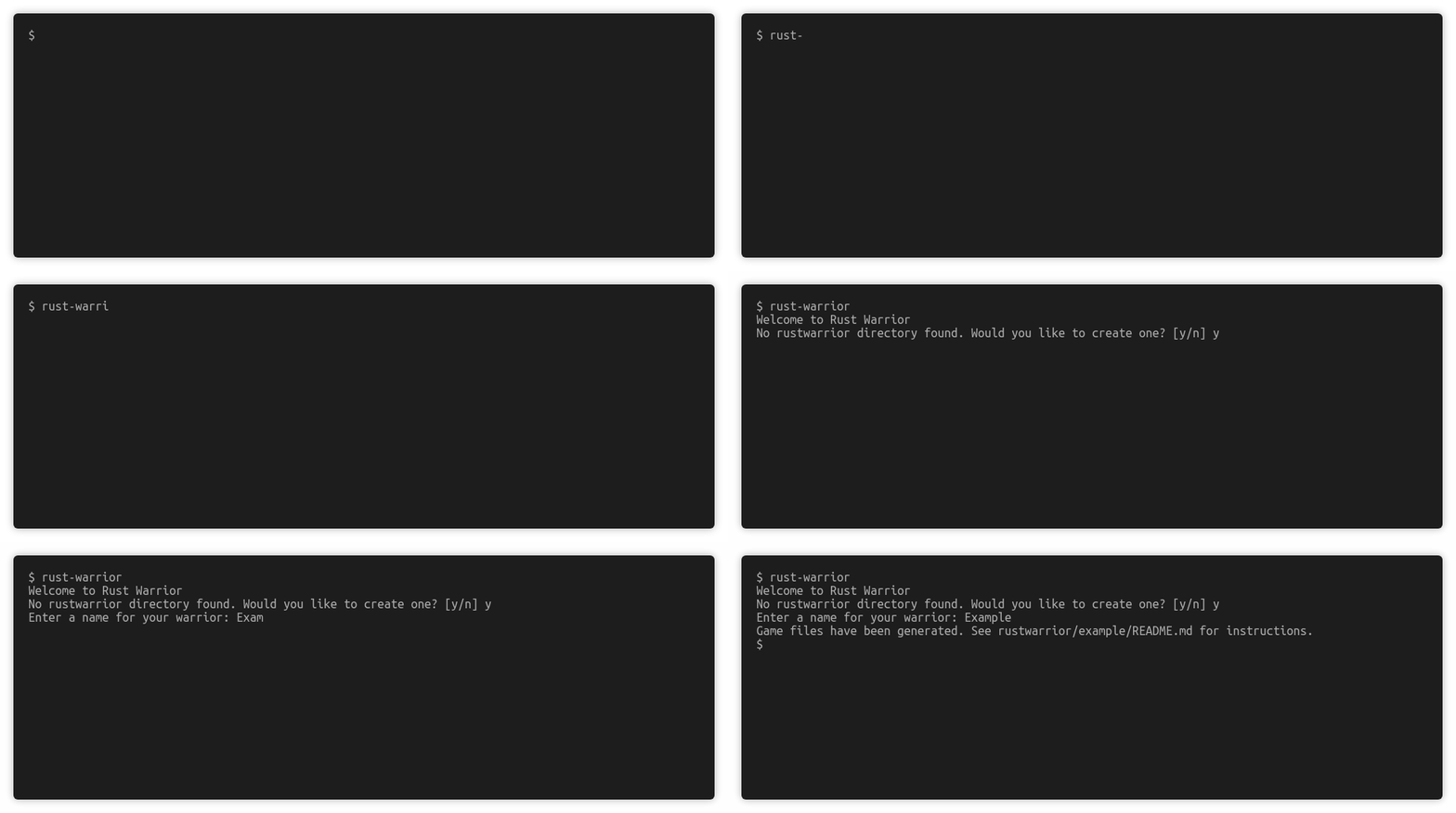
Then navigate to `rustwarrior/<name>` (the name you provided). You'll find
a `README.md` with instructions for level 1 and a `src/main.rs` with the
scaffolding for a Rust Warrior player project (with some `rust_warrior`
imports).
After reviewing the instructions, start playing level 1 by running the project:
```sh
$ cargo run
```
