# runex
> Turn runes into commands.
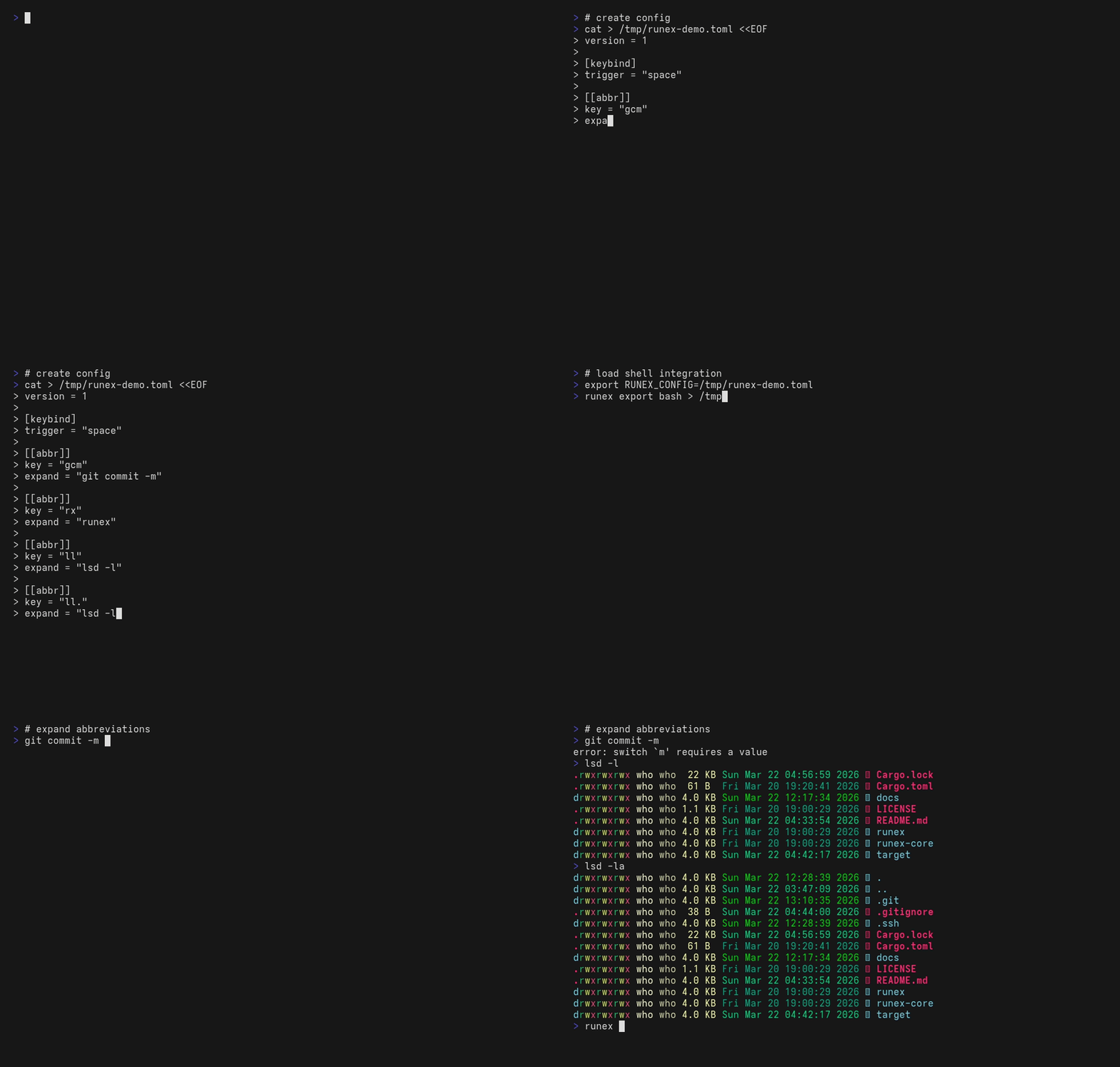
`runex` is a cross-shell abbreviation engine that expands short tokens into full commands in real time.
## Install
```bash
cargo install runex
```
If `runex` is not found after install, make sure Cargo's bin directory is on your `PATH`:
- Unix-like shells: `~/.cargo/bin`
- Windows: `%USERPROFILE%\.cargo\bin`
## Shells
- `bash`
- `zsh`
- `pwsh`
- `cmd` via Clink
- `nu` is currently experimental
## Setup
### bash
`~/.bashrc`:
```bash
eval "$(runex export bash)"
```
### zsh
`~/.zshrc`:
```zsh
eval "$(runex export zsh)"
```
### PowerShell
`$PROFILE`:
```powershell
Invoke-Expression ((& runex export pwsh) -join "`n")
```
### cmd (Clink)
`%LOCALAPPDATA%\clink\runex.lua`:
```cmd
runex export clink > %LOCALAPPDATA%\clink\runex.lua
```
## Config
```toml
version = 1
[keybind]
trigger = "space"
[[abbr]]
key = "gcm"
expand = "git commit -m"
[[abbr]]
key = "ll"
expand = "lsd -l"
```
`expand` is passed through as shell-native text. If you need literal `$` or other metacharacters, quote or escape them for the shell that will execute the command.
## Commands
```text
runex expand --token gcm
runex list
runex doctor
runex export bash
```
Generated shell scripts and your `config.toml` become part of your local shell environment. Only load files you trust.
Full documentation: <https://github.com/ShortArrow/runex>