1
2
3
4
5
6
7
8
9
10
11
12
13
14
15
16
17
18
19
20
21
22
23
24
25
26
27
28
29
30
31
32
33
34
35
36
37
38
39
40
41
42
43
44
45
46
47
48
49
50
51
52
53
54
55
56
57
58
59
60
61
62
63
64
65
66
67
68
69
70
71
72
73
74
75
76
77
78
79
80
81
82
83
84
85
86
87
88
89
90
91
92
93
94
95
96
97
98
99
100
101
102
103
104
105
106
107
108
109
110
111
112
113
114
115
116
117
118
119
120
121
122
123
124
125
126
127
128
129
130
131
132
133
134
135
136
137
//! # Scientific communication reflects on the scientist, and your figures should carry the same *rizzma* as your ideas.
//!
//! ## rizzma
//!
//! A single-crate Rust reimplementation of the good parts of matplotlib / pyplot,
//! with first-class WebAssembly support.
//!
//! Everything lives in one publishable crate. The former workspace crates are now
//! namespaced modules — [`figure`], [`pyplot`], [`axis`], [`artist`], [`mathtext`],
//! the backends ([`skia`], [`svg`], [`pdf`]), and [`mplot3d`] — so you can reach any
//! part of the API through a single dependency.
//!
//! ```
//! use rizzma::Figure;
//!
//! let mut fig = Figure::new(4.0, 3.0);
//! let ax = fig.add_axes(0.1, 0.1, 0.8, 0.8);
//! ax.plot(&[0.0, 1.0, 2.0], &[0.0, 1.0, 0.0]);
//! let png = fig.encode_png().expect("encode");
//! assert!(!png.is_empty());
//! ```
//!
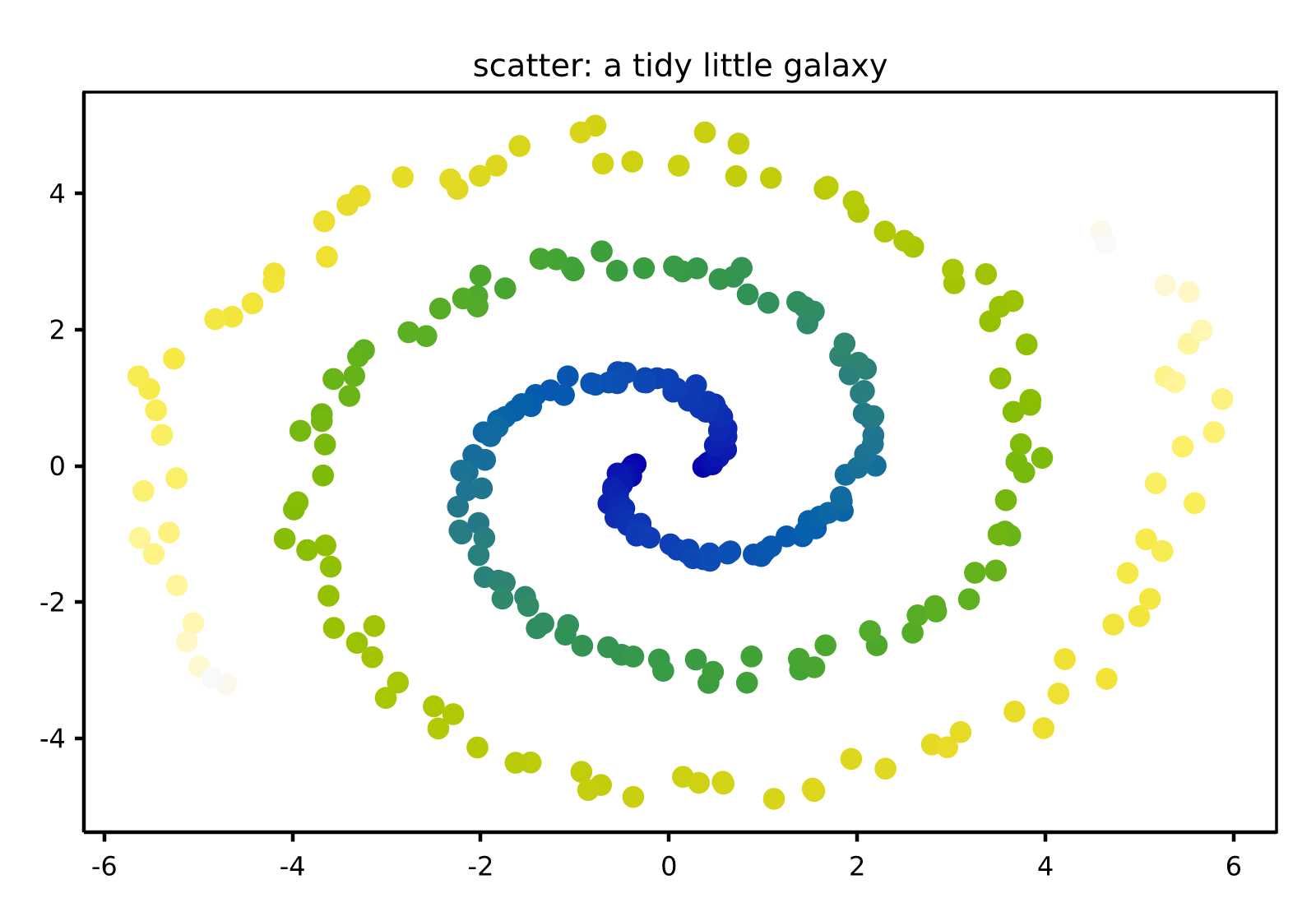
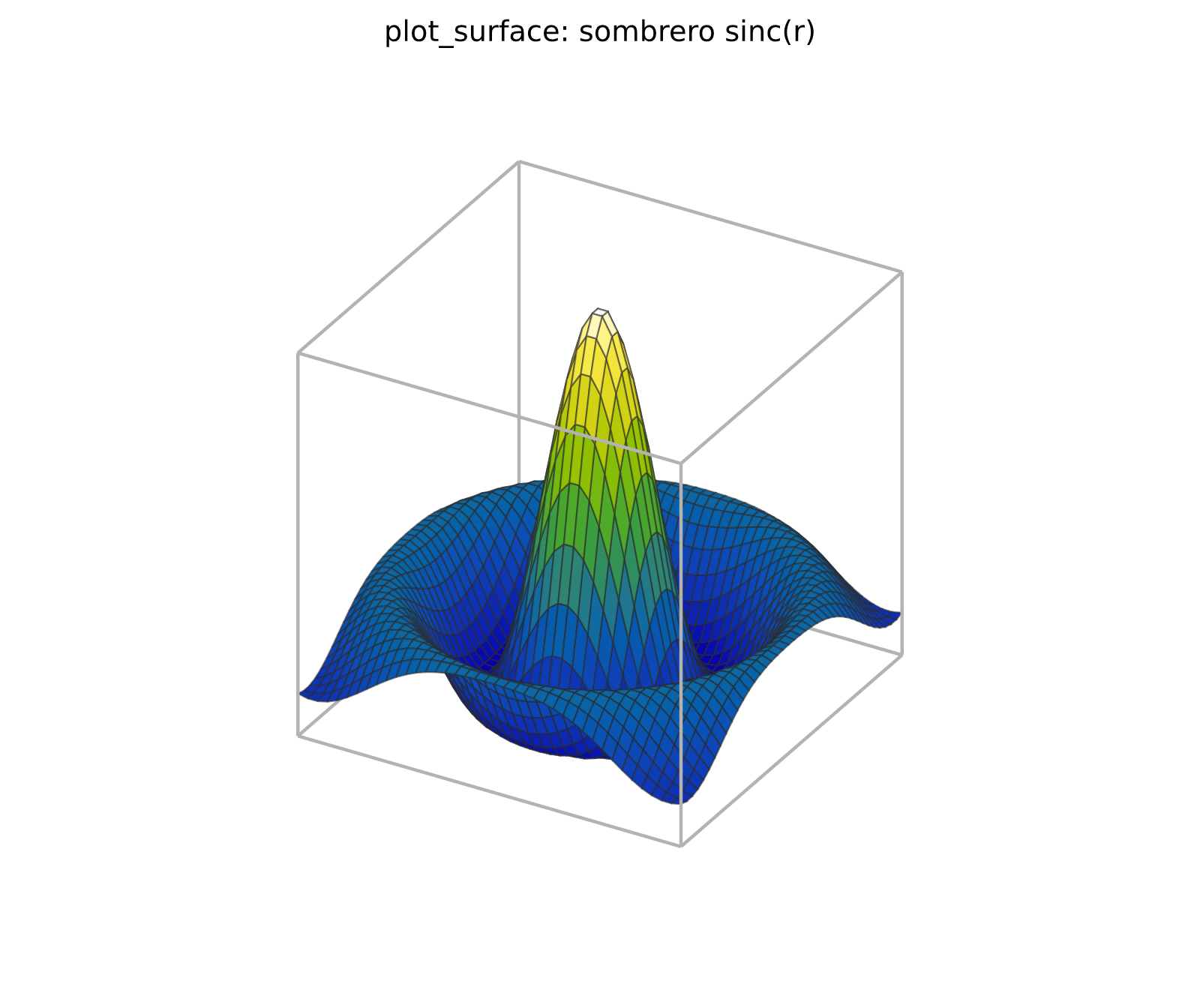
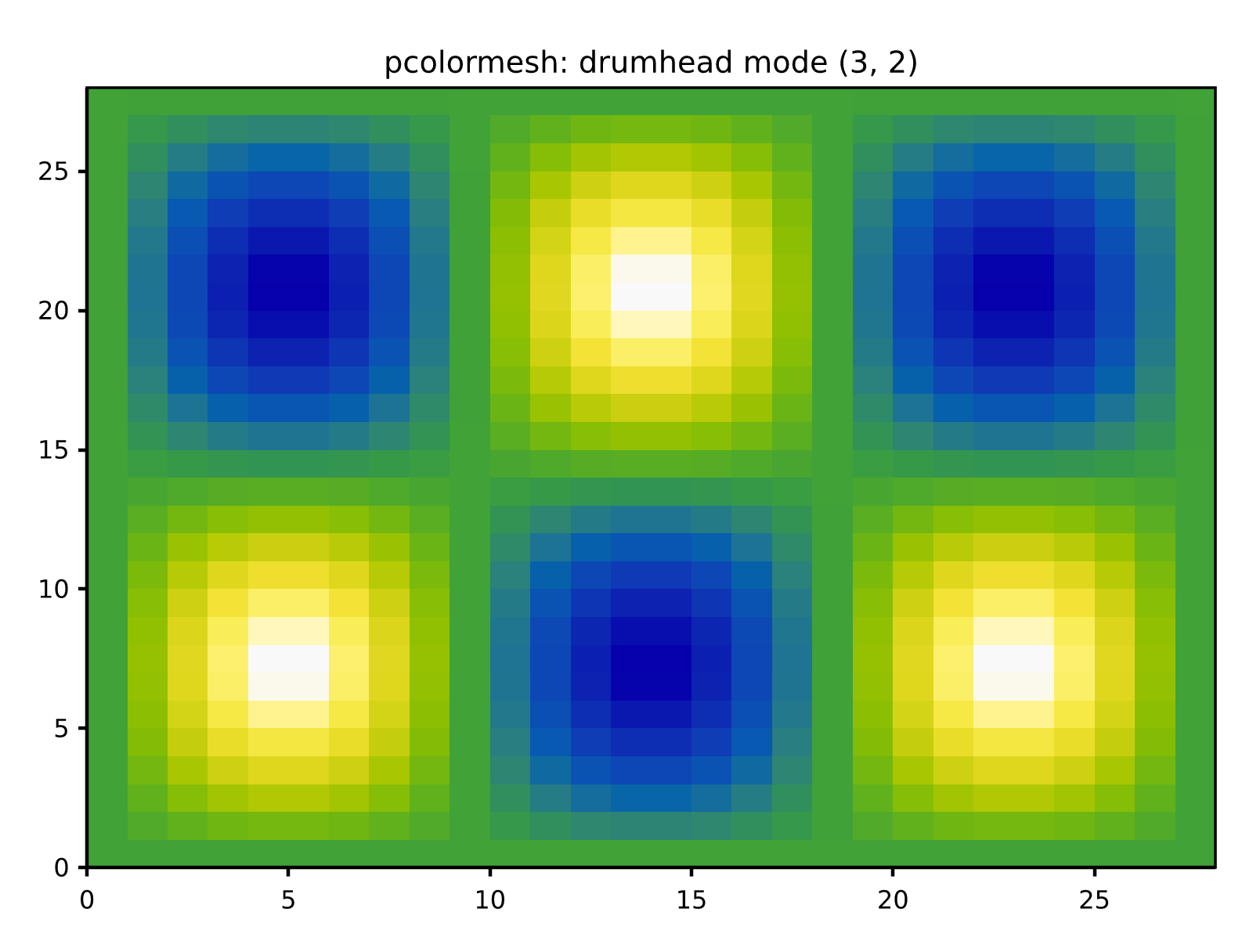
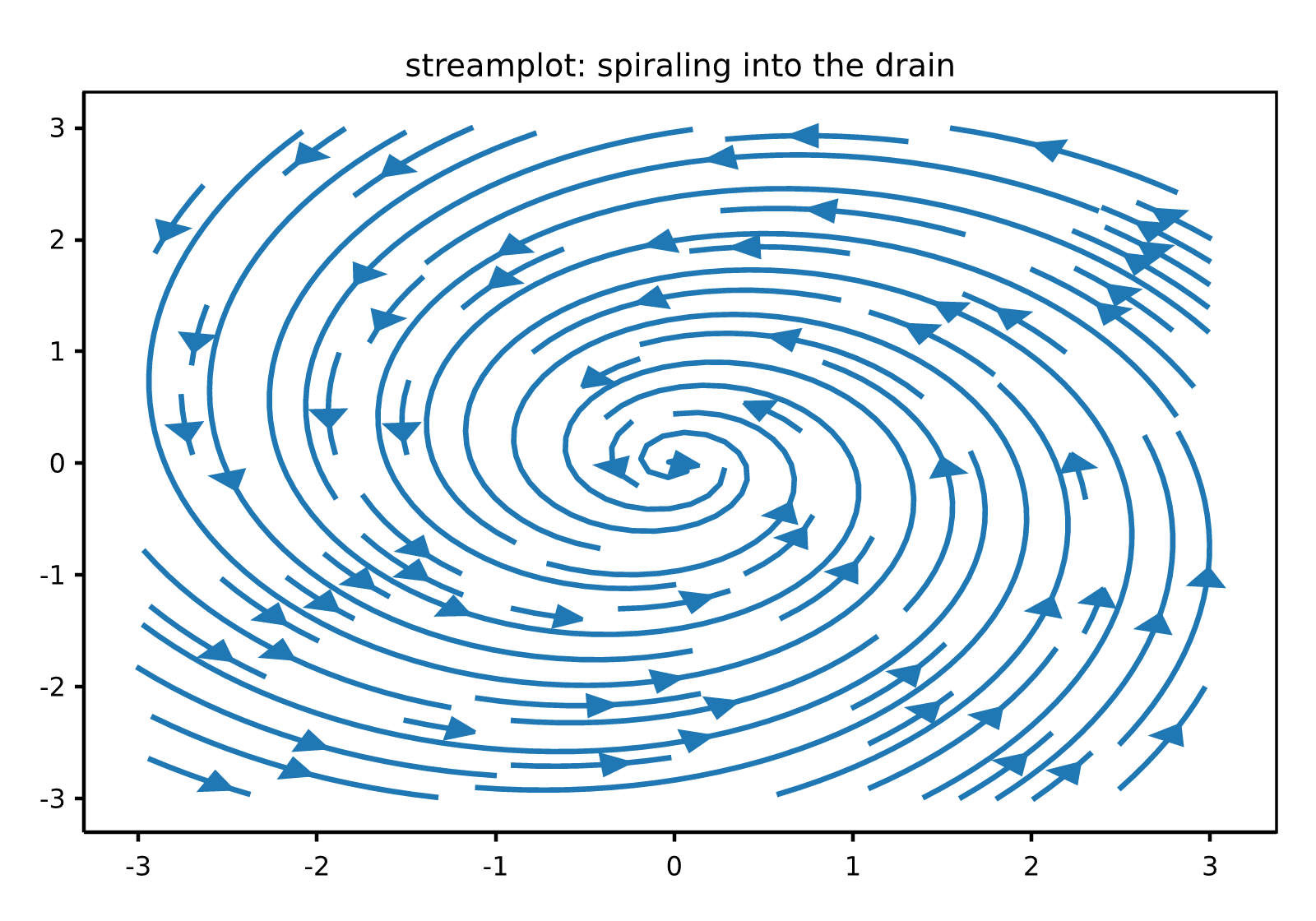
//! ## Live demos
//!
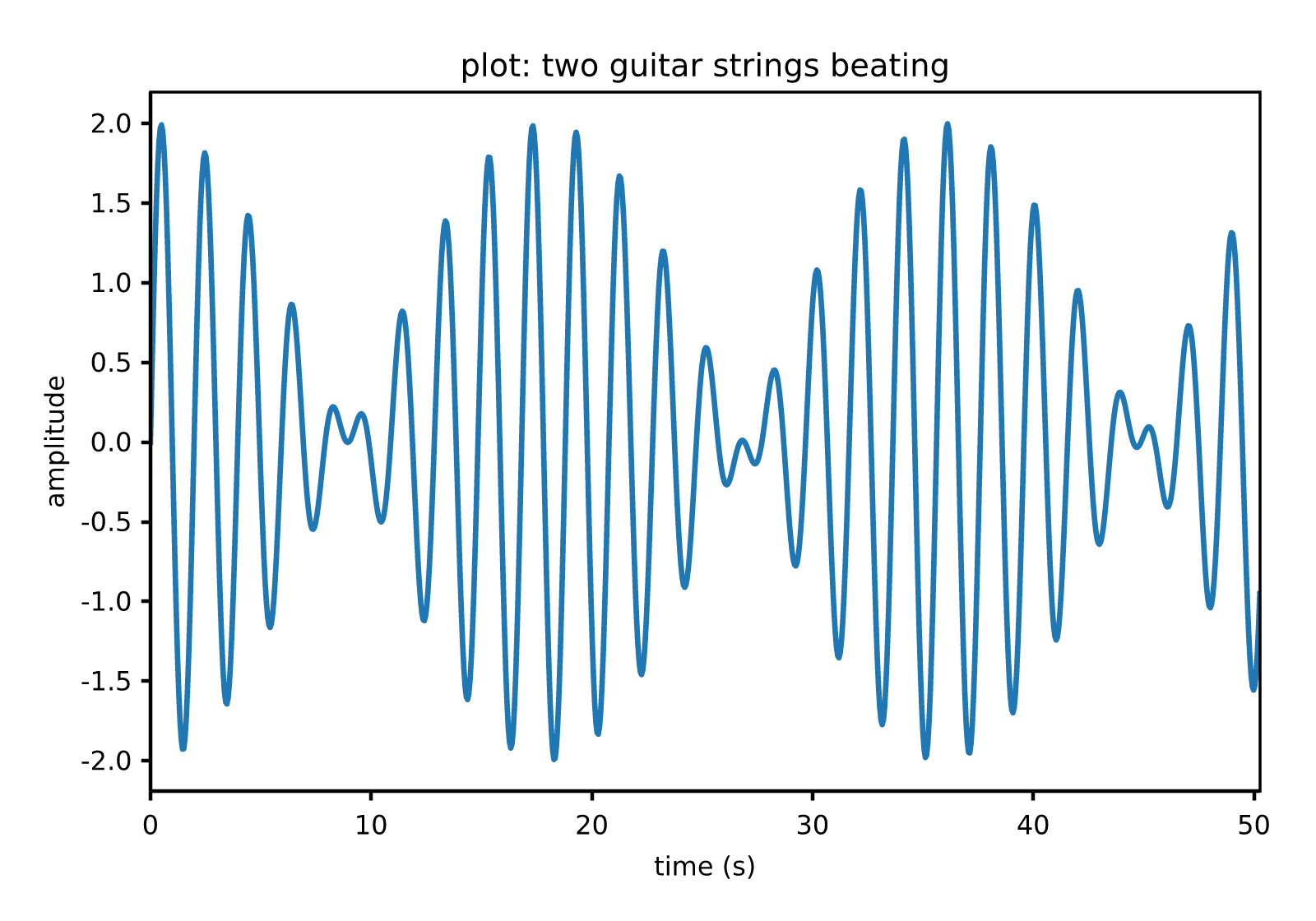
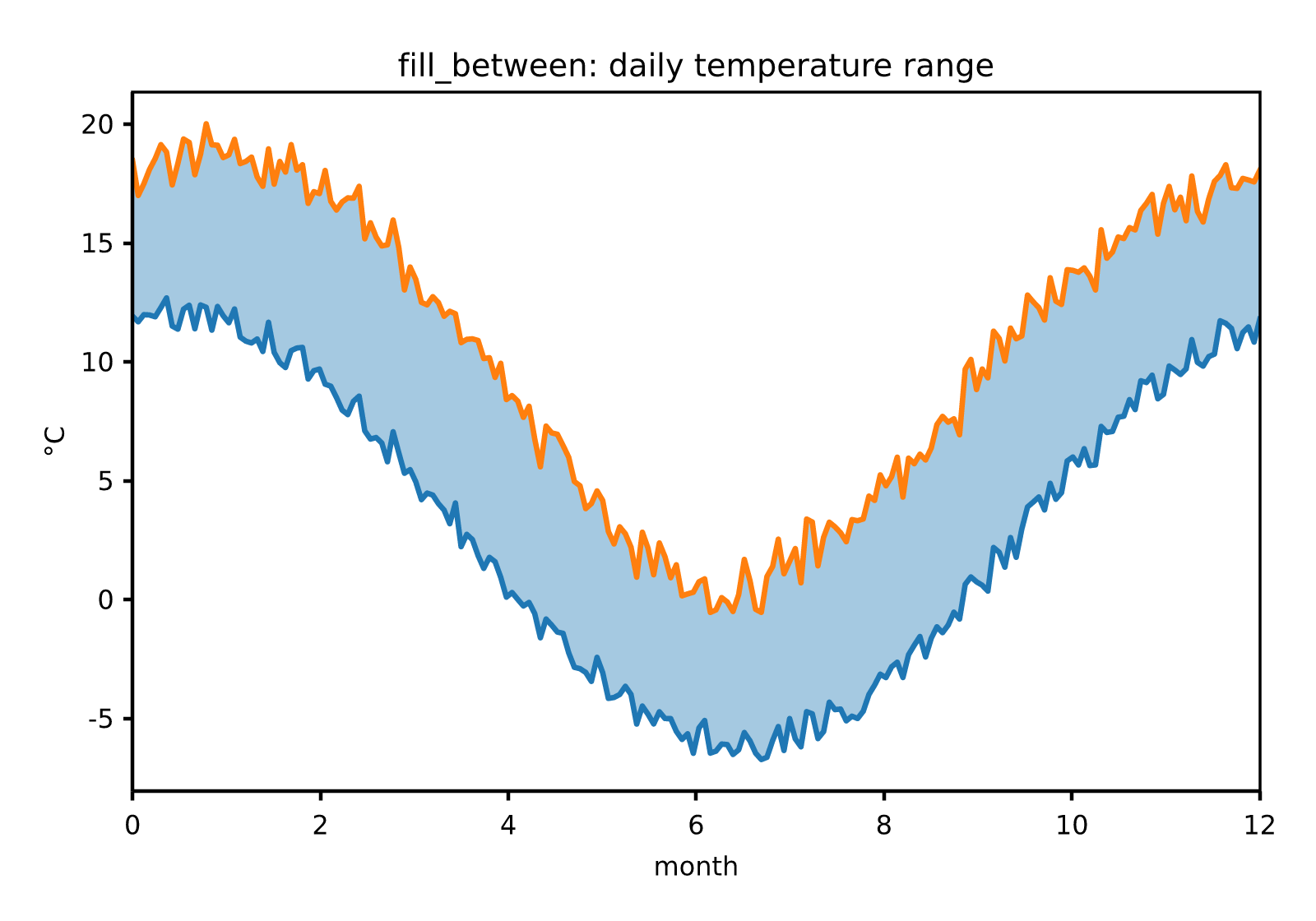
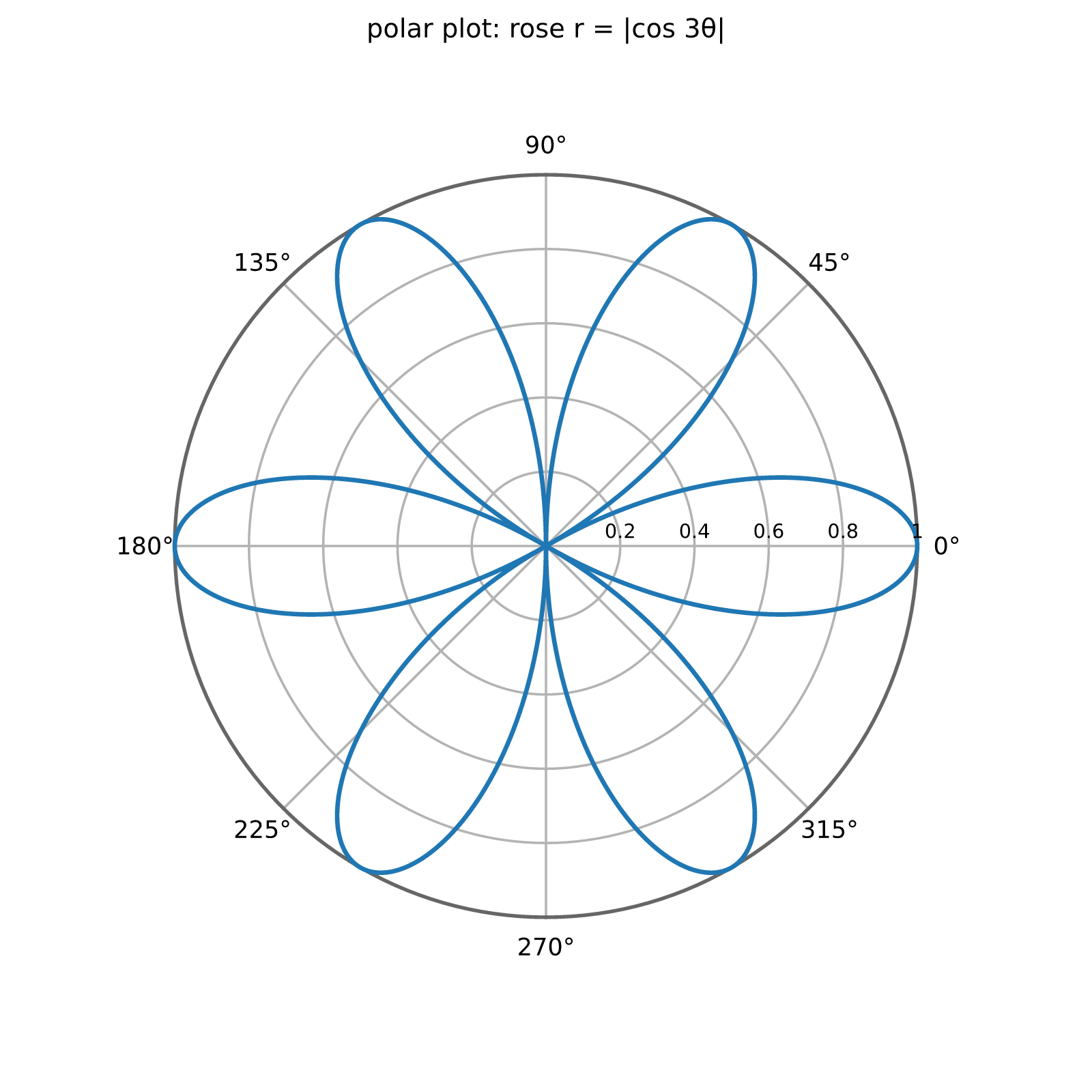
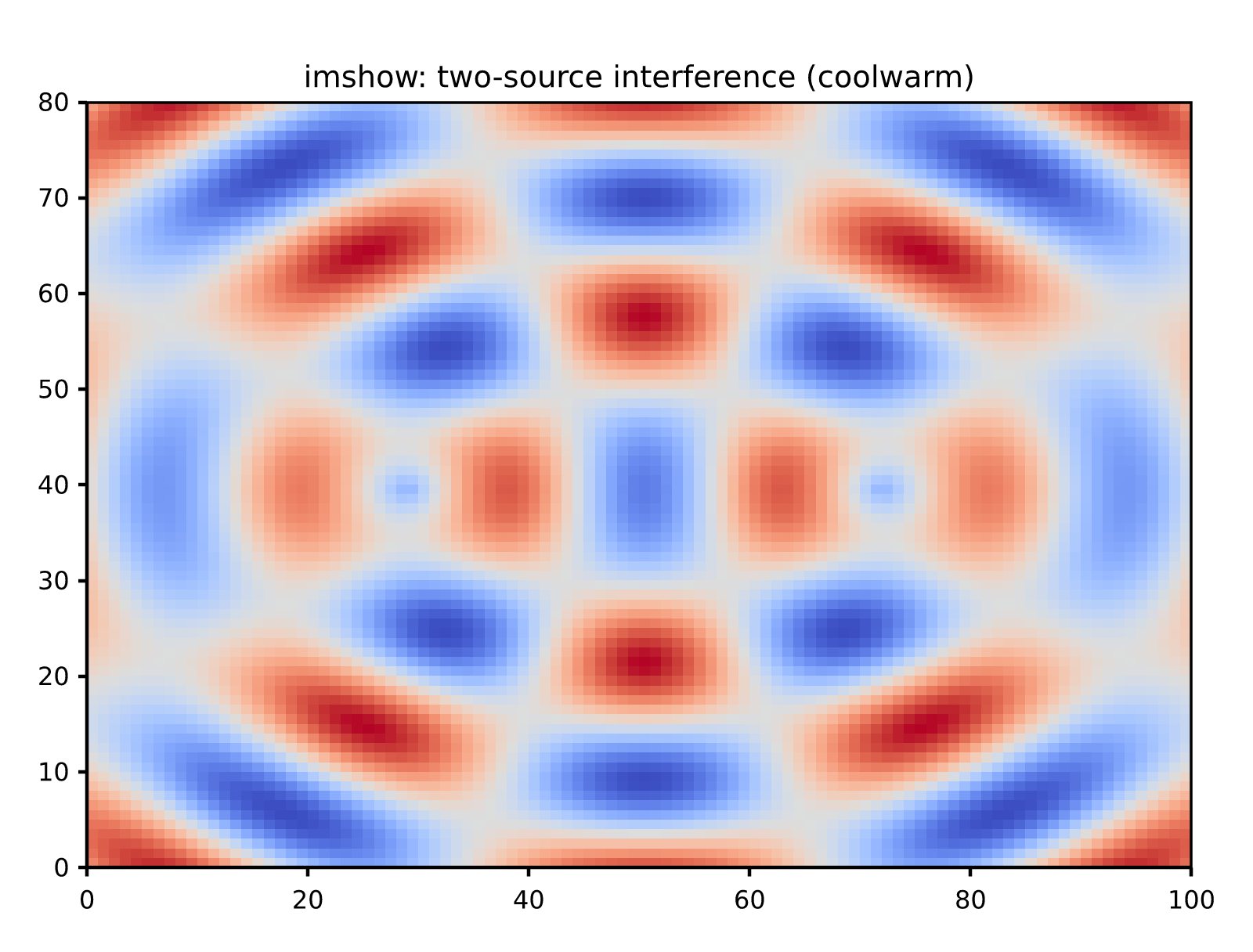
//! On docs.rs every cell below is a real canvas driven by this crate compiled
//! to WebAssembly — animated from Rust each frame, and interactive: wheel to
//! zoom at the cursor, drag to pan, double-click to reset. (Elsewhere the
//! cells fall back to static gallery images. More at
//! <https://orbitalcommons.github.io/rizzma/demo/>.)
//!
//! <div class="rizzma-live-grid">
//! <div class="rizzma-live" data-demo="beats">
//!
//! 
//!
//! </div>
//! <div class="rizzma-live" data-demo="interference">
//!
//! 
//!
//! </div>
//! <div class="rizzma-live" data-demo="rose">
//!
//! 
//!
//! </div>
//! <div class="rizzma-live" data-demo="spectro">
//!
//! 
//!
//! </div>
//! <div class="rizzma-live" data-demo="galaxy">
//!
//! 
//!
//! </div>
//! <div class="rizzma-live" data-demo="surface3d">
//!
//! 
//!
//! </div>
//! <div class="rizzma-live" data-demo="ripples">
//!
//! 
//!
//! </div>
//! <div class="rizzma-live" data-demo="lorenz">
//!
//! 
//!
//! </div>
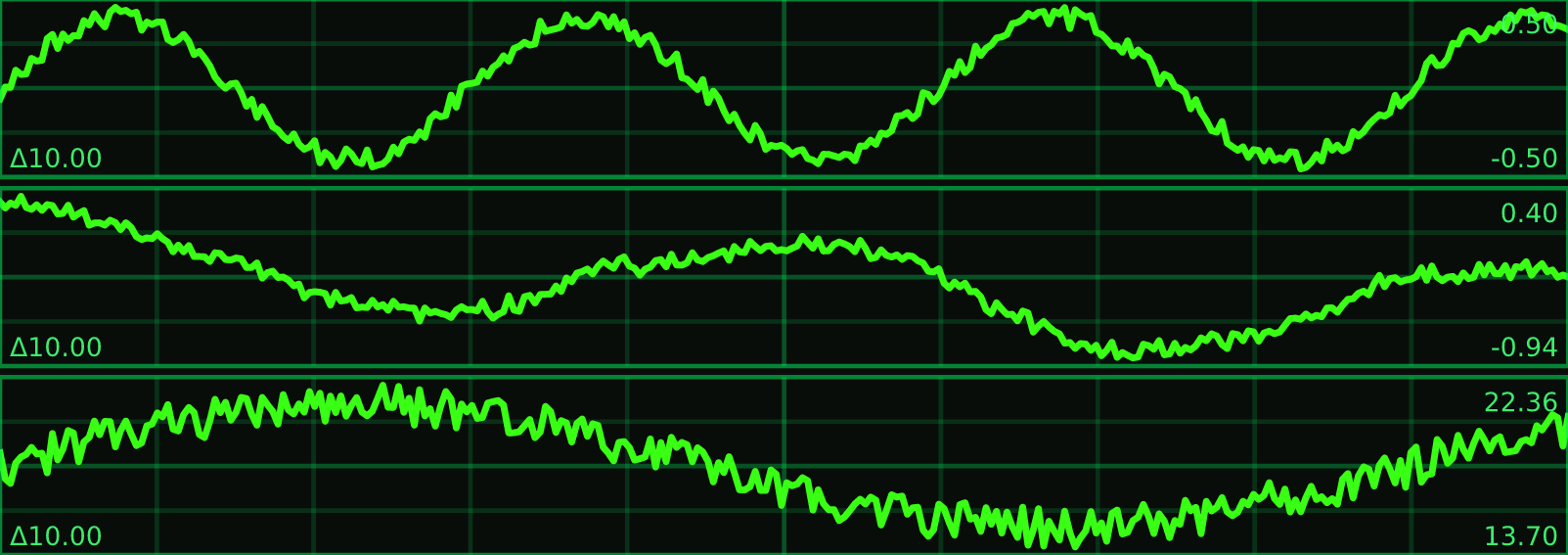
//! <div class="rizzma-live" data-demo="scope">
//!
//! 
//!
//! </div>
//! </div>
//!
//! ## Features
//!
//! The core plotting stack plus the SVG/PDF/raster backends are always compiled.
//! The optional leaf modules are enabled by default but can be turned off:
//!
//! - `plot3d` — the [`mplot3d`] 3D plotting module.
//! - `pyplot` — the stateful [`pyplot`] facade.
//! - `show` — the native-only [`show`] interactive browser viewer.
//! - `wasm` — the [`wasm`] browser bridge.
//!
//! Building with `--no-default-features` yields the core, figure, and all backends
//! without 3D, pyplot, or wasm.
//!
//! ## Colormaps
//!
//! The default colormap is `bgyw` (CET-L09), a perceptually uniform linear map
//! from Peter Kovesi's CET collection: its lightness rises at a constant rate,
//! so equal steps in your data read as equal steps of contrast on screen. The
//! full set of Kovesi maps featured in the paper ships with the crate,
//! organized by lightness profile — linear, diverging, rainbow, cyclic, and
//! isoluminant; see [`core::color::cmap`] for the taxonomy and when to reach
//! for each class. The classic vendor maps (`jet`, `hot`, `hsv`, `rainbow`)
//! hide and invent features, so they live behind the
//! [`core::color::misleading`] module and a `misleading:` name prefix — usable,
//! but never by accident.
//!
//! Reference: Peter Kovesi. *Good Colour Maps: How to Design Them.*
//! [arXiv:1509.03700 \[cs.GR\] 2015](https://arxiv.org/abs/1509.03700).
pub use ;
pub use ;
pub use PortableError;
/// The version of this crate, from `CARGO_PKG_VERSION`.
pub const VERSION: &str = env!;