# reView
## About
reView is a React-inspired library for didactic purposes written in Rust.
This project is inspired by a series of posts that explains how to build a React clone from scratch (https://github.com/pomber/didact). I liked the idea, so I tried to create a similar project using Rust.
In the process, I take inspiration for the component macro and the hook functionality from Yew (https://github.com/yewstack/yew).
> reView is not production-ready, and it's a WIP project so expect breaking changes between versions.
## Documentations
Read the [**reView Book**](https://malpenzibo.github.io/review)
Read the [**reView Docs**](https://docs.rs/review/latest/review/)
## Setup Environment
If you don't already have it installed, it's time to install Rust: <https://www.rust-lang.org/tools/install>.
The rest of this guide assumes a typical Rust installation that contains both `rustup` and Cargo.
To compile Rust to WASM, we need to have the `wasm32-unknown-unknown` target installed.
If you don't already have it, install it with the following command:
```bash
rustup target add wasm32-unknown-unknown
```
Now that it's time to install: [Trunk](https://trunkrs.dev/).
Simply run the following command to install it:
```bash
cargo install trunk wasm-bindgen-cli
```
## Start a new project
To create a project new project, you could use the standard template with `cargo generate`
Install [cargo-generate](https://github.com/cargo-generate/cargo-generate) by following their installation instructions, then run the following command:
```bash
cargo generate --git https://github.com/malpenzibo/review-template
```
That's it!! You're ready to go!!
## Simple counter
Now you can create your first application. Inside the project remove all the style from `index.scss`. Then open the `app.rs` file and change the app function with the following code:
```rust
#[component(App)]
pub fn app() -> VNode {
let (state, set_state) = use_state(0);
Div.with_children(children!(
format!("Current value {}", state),
Button
.with_child("Increase counter")
.with_event(OnClick, callback!(move || { set_state(*state + 1) }))
))
.into()
}
```
That's it, a simple button that increments a counter :D
## reView Example
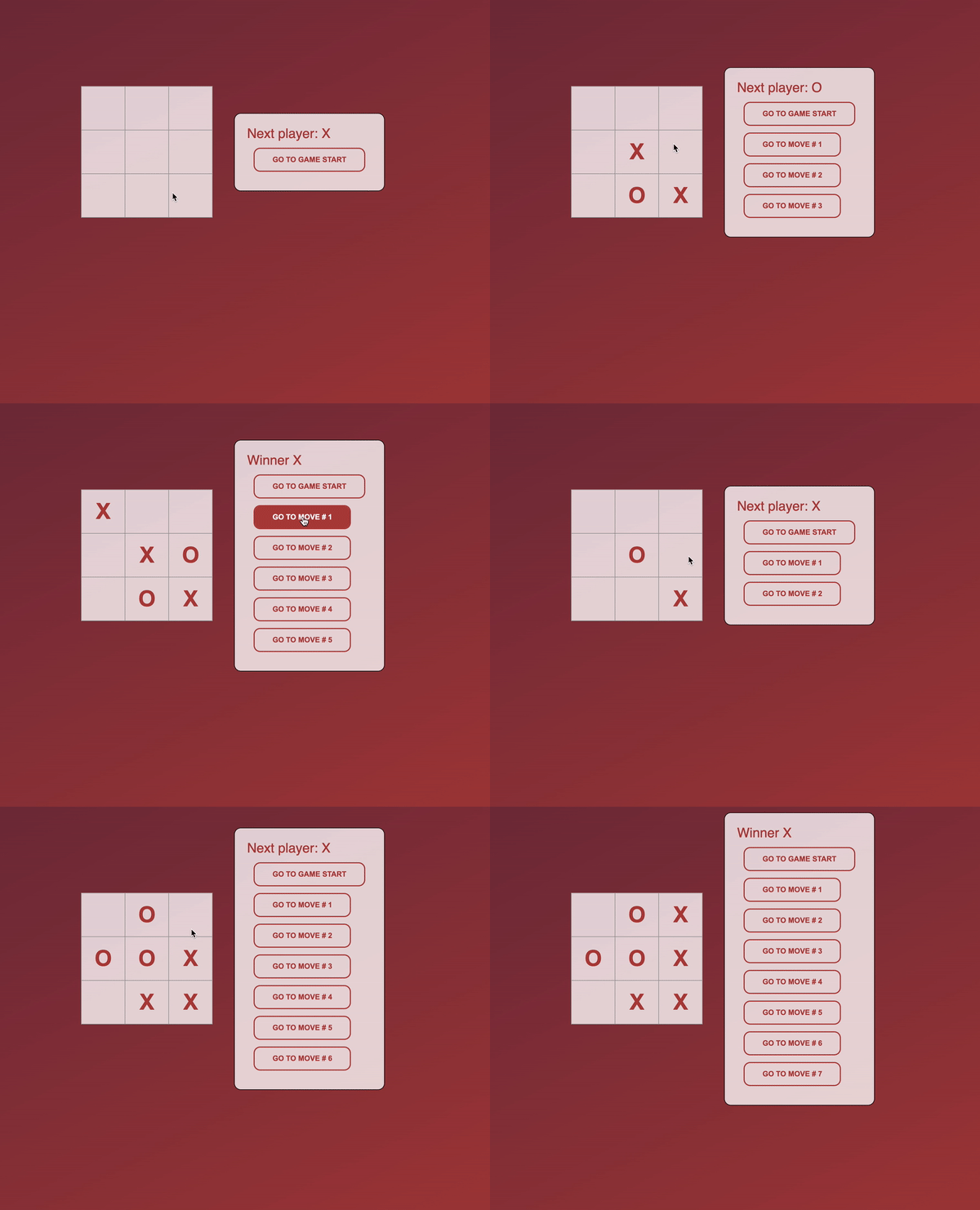
I implemented a simple Tic Tac Toe game like in the standard React tutorial https://reactjs.org/tutorial/tutorial.html
Play `reView Tic Tac Toe` here: https://malpenzibo.github.io/review/tictactoe