[](https://crates.io/crates/quickmd)
[](https://crates.io/crates/quickmd)
# QuickMD
This project is a simple tool that solves a simple problem: I'd like to preview markdown files as they'll show up on Github, so I don't have to push my READMEs before I can tell whether they're formatted well enough. It ends up looking like this:
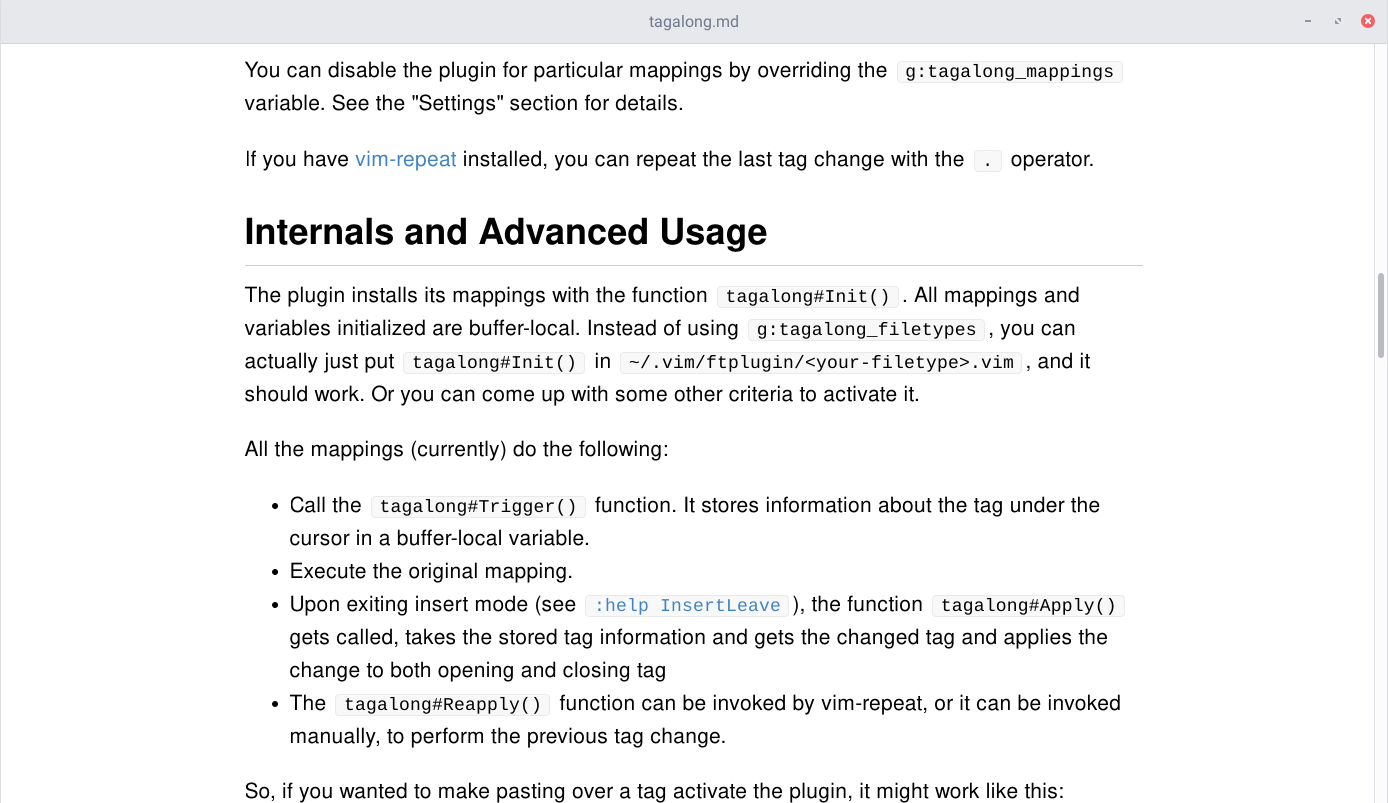
It's a Rust app that launches a GtkWebkit window that renders the compiled HTML of the given markdown file. It monitors this file for any changes and reloads. It uses a stylesheet that's literally copied off Github's markdown stylesheet.
_Note: I have no idea if I'm allowed to use Github's stylesheet. The relevant file is in res/style/github.css, and if I am told I shouldn't be using it I'll go ahead and scrub it from git history._
## Installation
You'll need to have Rust and the `cargo` tool. The easiest way to get that done is through [rustup.rs](https://rustup.rs/).
You'll also need the GTK+, GLib and webkit2gtk development files to be installed on your system. The Gtk-rs [requirements page](http://gtk-rs.org/docs/requirements.html) should be a good guide.
After that, you can build and install the app from `crates.io` using:
```
cargo install quickmd
```
Make sure that `~/.cargo/bin` is in your `PATH` so you can call the `quickmd` executable.
## Usage
Running the app is as simple as:
```
quickmd <markdown-file>
```
Pressing escape will close the window. Running it with `--help` should provide more info on the available options:
```
USAGE:
quickmd [FLAGS] <input-file.md>
FLAGS:
-d, --debug Activate debug logging
-h, --help Prints help information
-V, --version Prints version information
--no-watch Disables watching file for changes
ARGS:
<input-file.md> Markdown file to render
```
## Configuration
You can change the CSS of the preview HTML by writing CSS in one of these files:
- `~/.quickmd.css`
- `~/.config/quickmd.css`
The built-in CSS that is used is stored in [/res/style](./res/style).